Should You Share Your WhatsApp Number?
When is it safe to move the conversation off the app?
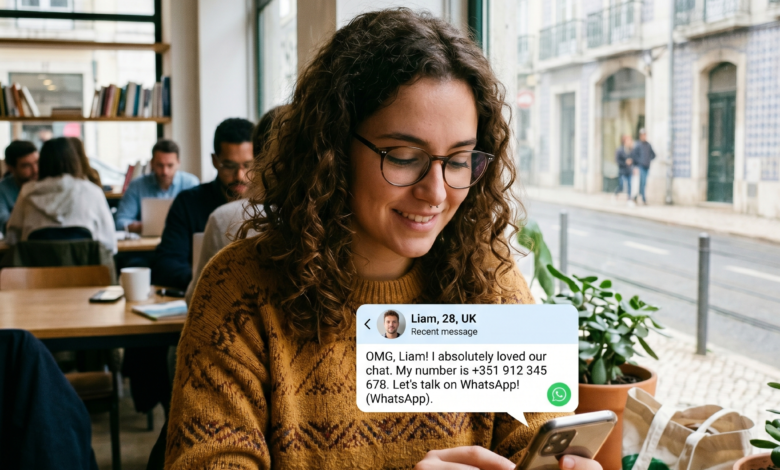
The transition from a dating app to a more personal messaging service is often seen as a milestone. You’ve moved past the initial small talk, and now you want a more fluid, real-time conversation. Usually, the first suggestion is: “Do you want to move to WhatsApp?”
While it seems like a natural progression, sharing your WhatsApp number is one of the most significant security decisions you will make during the online dating process. In 2026, your phone number is much more than just a way to call you—it is a digital key that can unlock vast amounts of your personal data.
Is it safe? When is the right time? And what are the hidden dangers? This ultimate guide explores the pros and cons of sharing your WhatsApp number and provides advanced safety protocols to protect your digital identity.
Why Your Phone Number is a Goldmine for Data Scrapers
For most people, a phone number feels temporary. But for “data brokers” and “doxxers,” your number is a unique identifier. Unlike a dating app profile, which can be somewhat anonymous, your WhatsApp number is often tied to your real-world identity.
The Reverse Phone Lookup Threat
In the United States and many international markets, specialized search engines allow anyone to perform a “reverse lookup.” By simply entering your phone number, a stranger can potentially find:
-
Your Full Name: Including middle names or aliases.
-
Your Current and Past Addresses: Mapping out exactly where you live.
-
Family Members: Information about your parents, siblings, or even children.
-
Social Media Profiles: Finding your private Facebook, LinkedIn, or Instagram accounts that you didn’t intend to share.
WhatsApp’s Profile Visibility
By default, anyone who has your number in their contacts can see your WhatsApp profile picture and your “About” section. If your profile picture is the same one you use on professional sites like LinkedIn, a match can easily find your place of work and professional history before you’ve even met for coffee.
The Scammer’s Playbook: Why They Want You Off-App Fast
One of the biggest “red flags” in online dating is a match who insists on moving to WhatsApp almost immediately. There is a strategic reason for this: Safety bypassing.
Escaping the Dating App’s Algorithm
Dating apps like Tinder, Bumble, and Hinge have advanced AI moderation. These algorithms scan for keywords associated with “romance scams,” “crypto-investment fraud,” or “harassment.” If a scammer stays on the app, they risk being banned quickly. By moving you to WhatsApp, they are taking you to an unmoderated environment where they can operate freely without the fear of being reported by a system.
Emotional Manipulation and “Love Bombing”
WhatsApp is more intimate. We use it for family, friends, and work. By entering that space, a scammer creates a false sense of closeness. They can send constant “good morning” texts, voice notes, and photos, accelerating the emotional bond to lower your defenses before they ask for money or sensitive information.
Technical Risks: WhatsApp Security vs. Dating App Safety
WhatsApp uses end-to-end encryption, which is great for privacy—but “privacy” is not the same as “safety.”
-
IP Leaks and Location Tracking: While rare, sophisticated hackers can sometimes use messaging links or media files to track your IP address once you are off the secure servers of a dating app.
-
Media Auto-Download Risks: If you have auto-download enabled, a malicious match could send “shame-ware” or malware hidden in images or videos that automatically save to your phone’s gallery.
-
The “Last Seen” Vulnerability: Sharing your WhatsApp means sharing your activity patterns. A match can see exactly when you are online, which can be used by “obsessive” personalities to monitor your sleep patterns or work habits.
When Is the Right Time to Share Your Number?
There is no “perfect” day, but there is a “perfect” stage of trust. You should only consider moving to WhatsApp if you have checked the following boxes:
-
The Video Call Test: Have you seen them on a live video call within the dating app? This proves they are who they say they are.
-
The “In-Person” Plan: Have you already agreed on a time and place to meet in public? The number should be for coordinating the meeting, not for weeks of “pre-dating” chatter.
-
Consistency: Does their story hold up? Scammers often lose track of their lies over a few days. If their history is consistent after 72 hours of chatting, the risk is lower.
Pro-Tip: If you feel pressured to move to WhatsApp, simply say: “I prefer to keep things on the app until we’ve met in person. It’s just a personal safety rule of mine!” A genuine person will respect that boundary.
Better Alternatives: Privacy-First Messaging Apps
If you want to move the conversation off the dating app but aren’t ready to hand over your primary phone number, consider these “middle-ground” options:
Google Voice or Burner Apps
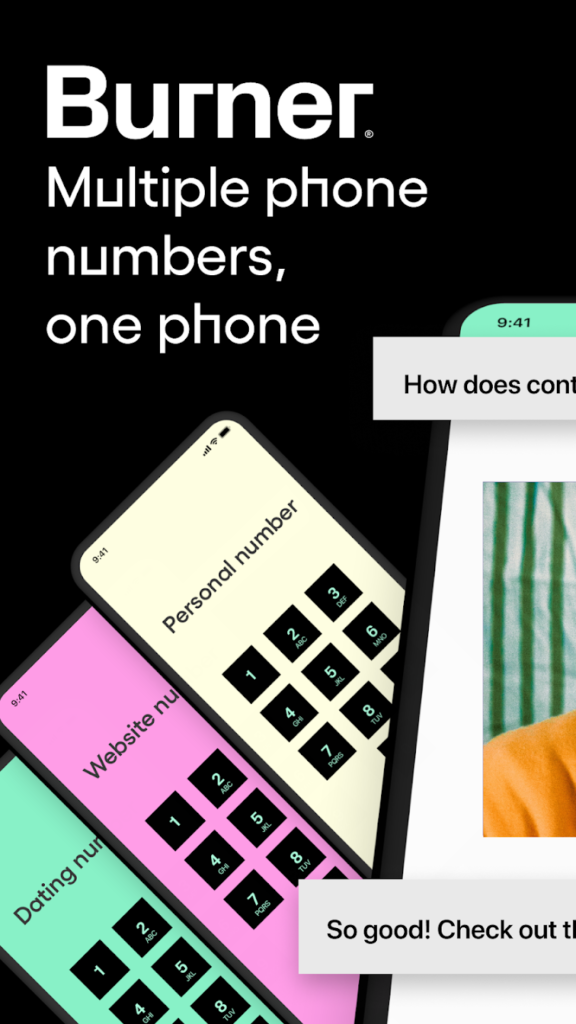
In the U.S., you can get a free Google Voice number. This gives you a secondary number that rings on your phone but isn’t tied to your primary identity or your home address. This is the gold standard for dating safety.
Telegram (Without Sharing Number)
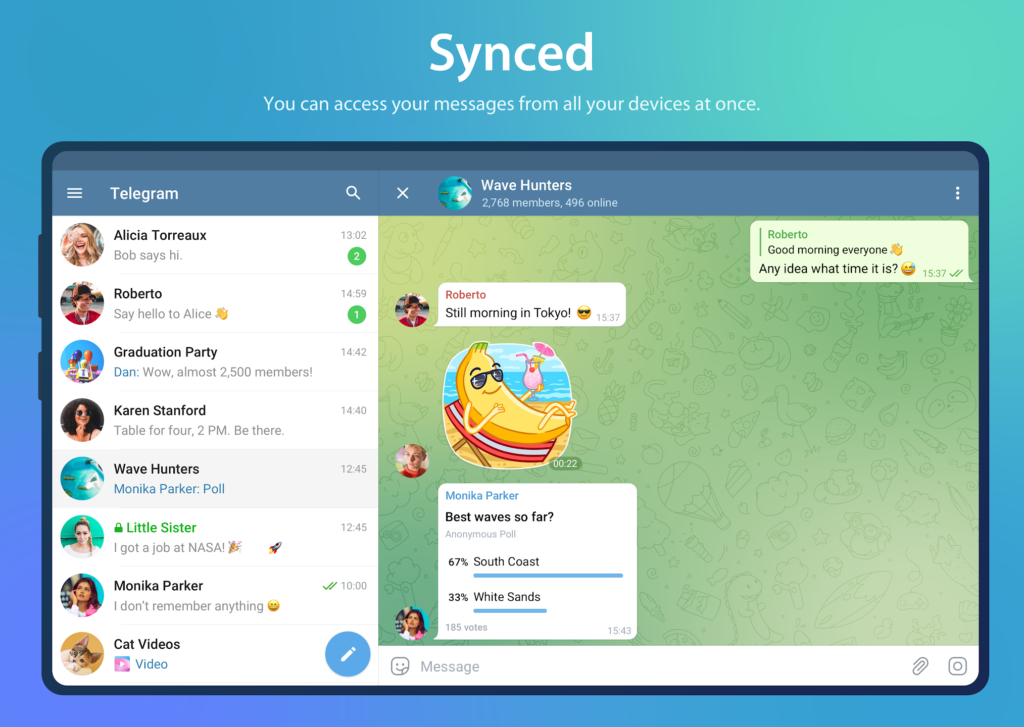
Telegram allows you to share a username (@YourName) without revealing your phone number. This keeps the conversation private while protecting your “digital key.”
Snapchat
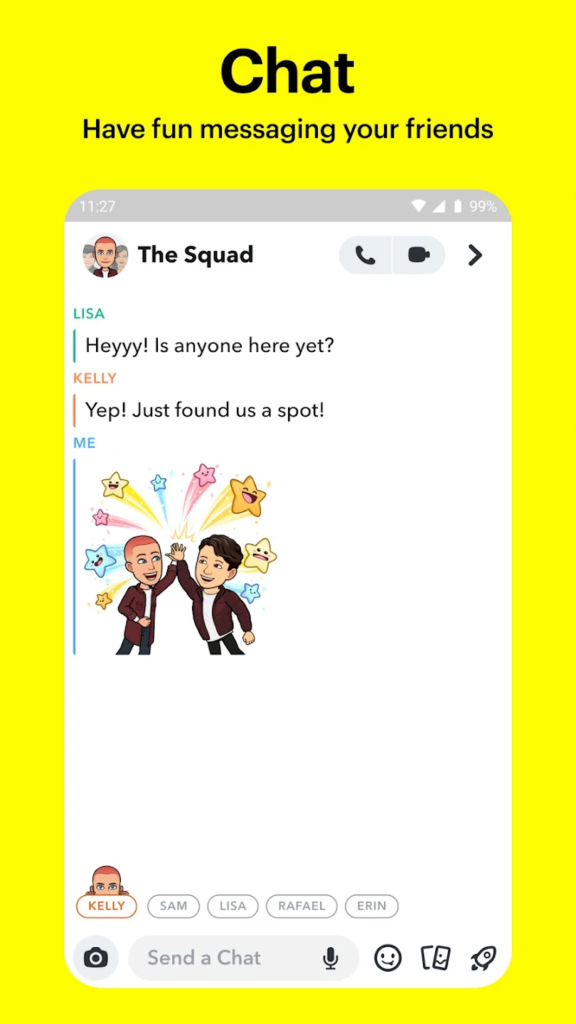
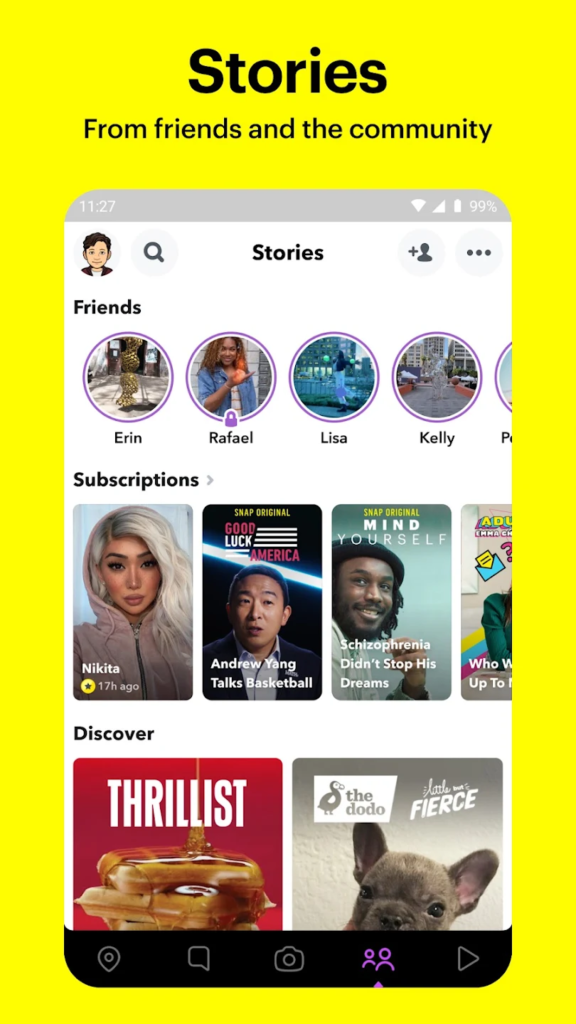
While often associated with casual dating, Snapchat’s “Snap Map” should be turned off. However, the app allows for easy blocking and doesn’t reveal your phone number or last name.
How to Sanitize Your WhatsApp Before Sharing Your Number
If you decide to share your WhatsApp number, you must optimize your privacy settings first. Do this before they add you:
-
Profile Photo: Set visibility to “My Contacts” only. This ensures the stranger can’t see your photo until you add them back.
-
About & Status: Set to “My Contacts” or “Nobody.”
-
Last Seen & Online: Set to “Nobody” to prevent monitoring.
-
Groups: Set to “My Contacts” to prevent them from adding you to random groups without your permission.
-
Disable Read Receipts: This reduces the pressure to reply immediately and keeps your boundaries firm.
Psychological Red Flags: The “WhatsApp Pressure”
Beyond the technical risks, there are behavioral red flags to watch out for once you are on WhatsApp:
-
The Instant Reply Expectation: Because WhatsApp is more “urgent,” some matches may get angry if you don’t reply within minutes. This is a sign of a controlling personality.
-
The “Late Night” Pivot: If a match only messages you on WhatsApp late at night, they may be looking for a dynamic you aren’t interested in.
-
The Photo Demand: WhatsApp makes it easy to share photos. If they constantly ask for “live” selfies or disappearing photos, they are testing your boundaries.
Identifying Romance Scams on WhatsApp
Romance scams (also known as “Pig Butchering” scams) almost always move to WhatsApp. Once there, the scammer will:
-
Mention a “Business Opportunity”: They claim to have a secret for crypto or forex trading.
-
Show Off Luxury: They send photos of expensive cars or meals to prove their “success.”
-
Ask for Help: Eventually, they will have a “financial emergency” or a “frozen account” and ask for a small favor.
Rule of Thumb: If someone you met on a dating app starts talking about money, investments, or crypto on WhatsApp, block them immediately.
How to Safely Back Out of WhatsApp
If you’ve moved to WhatsApp and things feel “off,” you don’t have to stay. You can:
-
Explain and Return: “Hey, I actually find WhatsApp a bit distracting. Let’s move back to [Dating App] for now!”
-
The Hard Block: If they are disrespectful or scary, use the Block and Report feature. Note: WhatsApp does not notify the person when you block them, but your messages will stop being delivered (one checkmark only).
-
Delete the Chat for Both: If you sent sensitive info, use the “Delete for Everyone” feature (within the time limit), though this is not a guarantee they haven’t screenshotted it.
Summary Checklist for Moving to WhatsApp
| Step | Action |
| Verify Identity | Conduct an in-app video call first. |
| Check Settings | Set Profile Photo and Last Seen to “My Contacts.” |
| Use a Buffer | Consider a Google Voice number instead of your real one. |
| No Money Talk | Immediately block anyone who mentions investments or loans. |
| Keep it Brief | If you haven’t met in 7 days, consider moving back to the app. |
Privacy is Power
In 2026, the most successful daters are those who understand that privacy is power. Sharing your WhatsApp number should be a reward for consistent, respectful behavior—not a requirement for a first conversation.
Protect your “digital home” the same way you protect your physical one. Keep the door locked until you are certain who is standing on the other side. By following these safety protocols, you can enjoy the intimacy of a WhatsApp chat without the anxiety of a security breach.
Stay safe, stay savvy, and happy dating!