2FA vs MFA: What’s the Difference and Which Should You Use?
Understand the key differences between 2FA and MFA
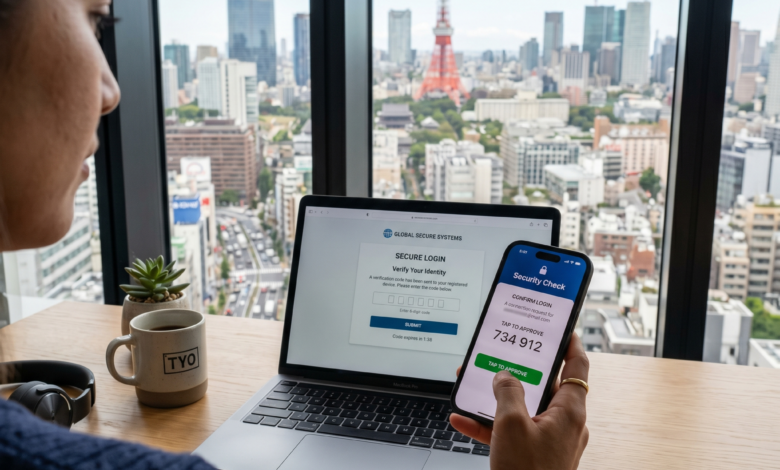
In an era where digital life is nearly inseparable from physical life, the security of our online accounts has become a paramount concern. We use the internet for everything: banking, social networking, healthcare, and remote work. Yet, as our reliance on digital platforms grows, so does the sophistication of cybercriminals.
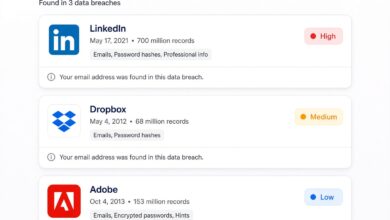
A simple password is no longer enough. According to recent cybersecurity reports, over 80% of data breaches involve weak or stolen credentials. This vulnerability has led to the widespread adoption of extra layers of security known as Two-Factor Authentication (2FA) and Multi-Factor Authentication (MFA).
While these terms are often used interchangeably, they are not exactly the same. Understanding the nuance between 2FA and MFA is crucial for anyone looking to protect their digital identity effectively. In this comprehensive guide, we will break down the mechanics, the differences, and help you decide which level of protection is right for your needs.
The Fundamental Concept of Digital Authentication
Before we dive into the comparison, we must understand what authentication actually is. In the digital world, authentication is the process of verifying that you are who you say you are. Traditionally, this was a “single-factor” process: you provided a username and a password.
Security experts categorize authentication methods into three main “factors”:
-
Knowledge Factor: Something you know (e.g., a password, a PIN, or the answer to a secret question).
-
Possession Factor: Something you have (e.g., a smartphone, a physical security key, or a smart card).
-
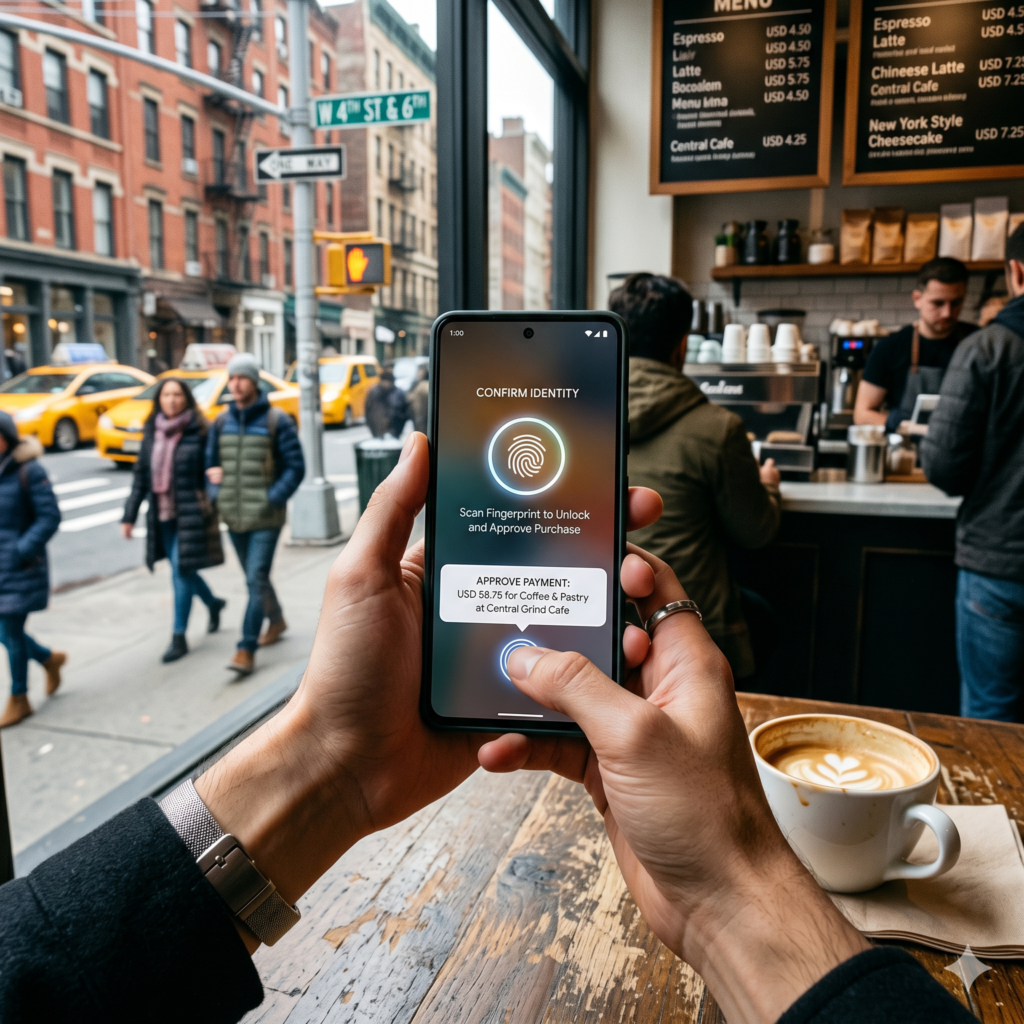
Inherence Factor: Something you are (e.g., a fingerprint, facial recognition, or iris scan).
What is Two-Factor Authentication (2FA)?
Two-Factor Authentication (2FA) is a security process that requires exactly two different forms of identification to access an account.
Most commonly, this involves your standard password (Knowledge) combined with a temporary code sent to your phone or generated by an app (Possession). By requiring two distinct factors, 2FA ensures that even if a hacker steals your password, they still cannot access your account without your physical device.
Common Examples of 2FA in Action
-
SMS Codes: You log into your bank, and they text you a six-digit code.
-
Authenticator Apps: You use Google Authenticator or Authy to generate a time-sensitive code.
-
Email Verification: After entering a password, you click a link sent to your registered email address.
What is Multi-Factor Authentication (MFA)?
Multi-Factor Authentication (MFA) is a broader security framework that requires two or more authentication factors. While all 2FA is technically a form of MFA, not all MFA is limited to just two factors.
MFA is often used in high-security environments, such as corporate networks or sensitive government databases. It can include the three primary factors mentioned earlier, but it often incorporates advanced “contextual” factors as well.
Advanced Contextual Factors in MFA
-
Location Factor: Verifying that the login attempt is coming from a known or expected geographic location (IP address filtering).
-
Time Factor: Restricting logins to specific hours of the day (e.g., a corporate employee only being able to log in during business hours).
-
Behavioral Factor: Using AI to analyze how a user types or moves their mouse to ensure it matches the authorized user’s patterns.
2FA vs MFA: Identifying the Key Differences
If 2FA and MFA both aim to provide extra security, why does the distinction matter? It boils down to depth and flexibility.
The Subset Rule
Think of it like this: Every 2FA is MFA, but not every MFA is 2FA.
2FA is a specific, rigid implementation of multi-factor security that stops at two checkpoints. MFA is an umbrella term that can scale up to three, four, or even five checkpoints depending on the level of risk involved.
Security vs. Convenience
The primary difference for the average user is the “friction” involved. 2FA is designed to be a balance between security and user experience. MFA is designed to prioritize security above all else, often requiring more steps but providing significantly higher protection against sophisticated attacks.
| Feature | Two-Factor Authentication (2FA) | Multi-Factor Authentication (MFA) |
| Number of Factors | Exactly Two | Two or More |
| Common Use Case | Personal Social Media, Consumer Apps | Corporate Networks, Financial Institutions |
| Complexity | Low to Moderate | Moderate to High |
| Security Level | Strong | Maximum |
Why Relying on Passwords Alone is a Recipe for Disaster
For decades, the password was the king of security. However, the rise of the “Dark Web” and massive database leaks has made passwords a weak link.
The Problem with Human Memory
Humans are notorious for choosing weak passwords. Phrases like “Password123” or “Soccer2024” are incredibly easy for automated “brute-force” programs to guess. Even if you choose a strong password, if you use it across multiple sites, a single breach at one minor retailer can expose your credentials for every other account you own.
The Rise of Phishing
Phishing is a tactic where hackers create fake login pages that look identical to real ones (like your bank or Gmail). When you type your password into the fake site, the hacker captures it in real-time. Without 2FA or MFA, the hacker now has full control of your account. With an extra factor enabled, they still can’t get in because they don’t have your physical phone or your fingerprint.
Deep Dive: The Different Types of Authentication Factors
To choose the right security for your site or personal life, you need to understand the pros and cons of the specific factors available.
1. Possession Factors (Something You Have)
-
SMS/Text Message: The most common form of 2FA. While convenient, it is vulnerable to “SIM Swapping,” where a hacker tricks your phone company into transferring your number to their device.
-
Hardware Tokens: Physical USB keys like YubiKey. These are considered the most secure because they are immune to remote digital attacks.
-
Software Tokens (Authenticator Apps): Apps that generate codes locally on your device. These are much safer than SMS because the code never travels over a cellular network.
2. Inherence Factors (Something You Are)
-
Biometrics: Fingerprints, FaceID, and Voice Recognition. These are highly convenient but raise privacy concerns for some users regarding where their biometric data is stored.
3. Knowledge Factors (Something You Know)
-
Security Questions: “What was the name of your first pet?” These are actually quite weak because the answers can often be found through social media research.
-
PINs: Short numeric codes used in conjunction with a card or password.
Adaptive MFA: The Smart Way to Protect Your Accounts
One of the most exciting developments in security is Adaptive MFA (also known as Risk-Based Authentication). This system doesn’t challenge the user every single time they log in; instead, it uses AI to assess the “risk” of the login attempt.
How Adaptive MFA Works
-
Low Risk: You log in from your home laptop, on your home Wi-Fi, at 10:00 AM. The system recognizes the pattern and only asks for your password.
-
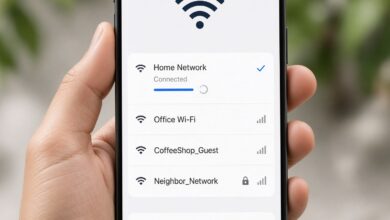
Medium Risk: You log in from a coffee shop you’ve visited before. The system asks for a quick fingerprint or SMS code.
-
High Risk: Someone tries to log into your account from a different country at 3:00 AM. The system blocks the attempt and requires three different factors of identification to proceed.
This approach provides high security when it’s needed most while keeping the user experience seamless for everyday activities.
Which Should You Use: 2FA or MFA?
The answer depends entirely on what you are protecting.
When 2FA is Enough
For most individuals and low-risk accounts, 2FA is perfectly sufficient.
If you are protecting your Instagram account, your personal Spotify, or a casual gaming account, having a strong password and an Authenticator App (2FA) will stop 99% of common attacks. It provides a massive jump in security without making your daily life too difficult.
When You Should Upgrade to MFA
If you are a business owner, a freelancer handling client data, or managing significant financial assets, you should use MFA.
For these scenarios, relying on just two factors might leave gaps. For example, a corporate employee should ideally use a password, a hardware key, and a location-based filter. This ensures that even if an employee’s phone is stolen, the hacker cannot log in from a different city or without the physical hardware key.
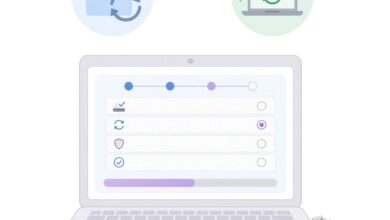
How to Implement Better Security Today: A Step-by-Step Guide
Regardless of whether you choose 2FA or MFA, the most important step is to turn it on. Many people leave these settings disabled because they fear the setup process is complicated. It isn’t.
Step 1: Secure Your Primary Email
Your email is the “key to the kingdom.” If a hacker gets into your email, they can reset the passwords for almost every other account you own.
-
Go to your Gmail, Outlook, or Yahoo security settings.
-
Enable 2FA (preferably using an app like Google Authenticator).
Step 2: Download a Reliable Authenticator App
Stop using SMS for security. Download Authy, Microsoft Authenticator, or Google Authenticator. These apps are free and work even if your phone doesn’t have a cellular signal.
Step 3: Invest in a Hardware Security Key
If you handle sensitive work data, buy a hardware key (like a YubiKey). You plug it into your USB port or tap it against your phone to verify your identity. It is nearly impossible for a remote hacker to bypass this.
Step 4: Audit Your Accounts
Use a password manager to see which of your accounts support 2FA/MFA and turn them on one by one. Start with your bank, then move to social media, then shopping sites.
Common Misconceptions About 2FA and MFA
“It takes too long to log in.”
While it adds a few seconds to the login process, consider the alternative. Recovering a hacked bank account or a stolen identity can take hundreds of hours and thousands of dollars. Five extra seconds is a small price to pay for peace of mind.
“If I lose my phone, I’m locked out forever.”
This is a common fear. Every reputable service provides Backup Codes when you set up 2FA/MFA. You should print these codes out and keep them in a safe place. Additionally, apps like Authy allow you to sync your codes across multiple devices (like a tablet or a second phone) so you always have a backup.
“Hacker can just bypass 2FA anyway.”
While no system is 100% unhackable, 2FA/MFA makes the “cost” of hacking you much higher. Most hackers look for easy targets. If you have 2FA enabled, they will likely move on to someone who doesn’t.
The Future of Authentication: Beyond the Password
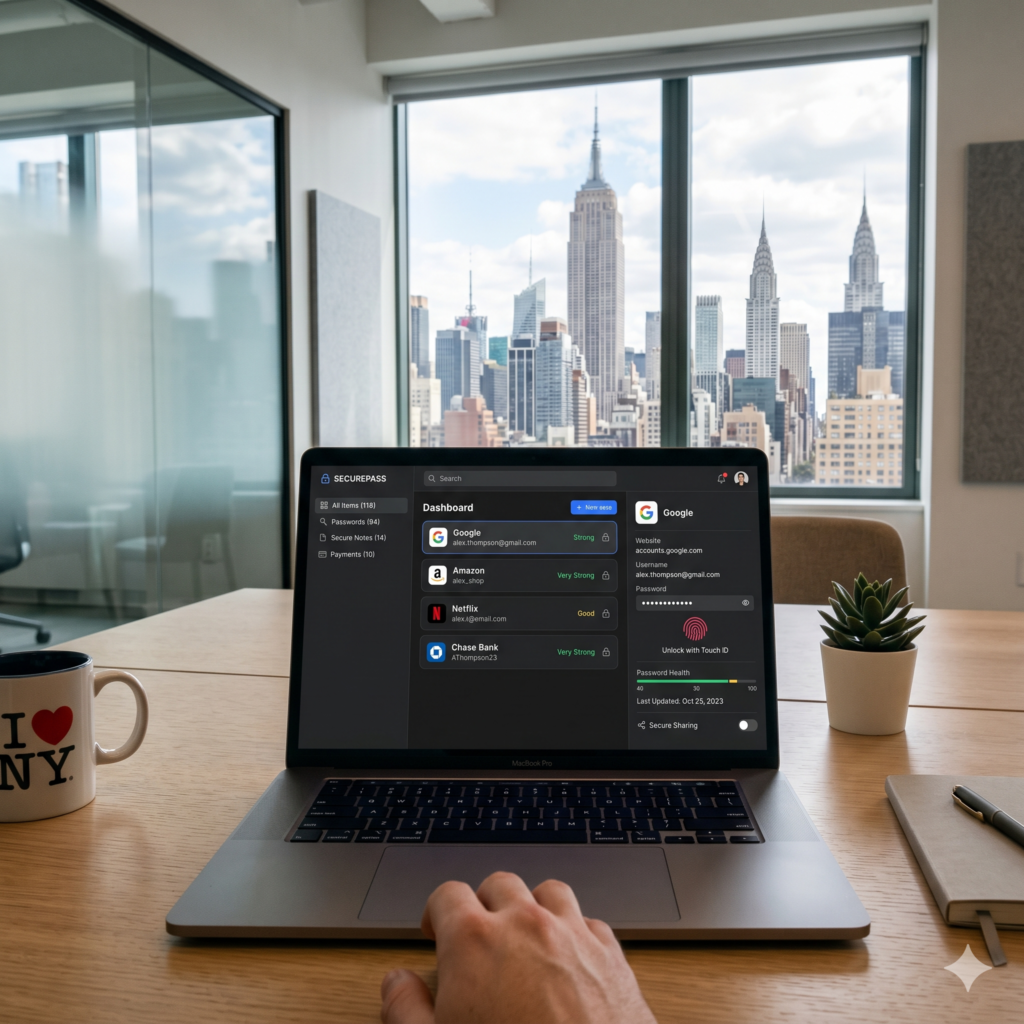
We are currently transitioning into a “passwordless” era. Technologies like Passkeys are the next evolution of MFA.
Passkeys use public-key cryptography to create a secure link between your device and a website. Instead of a password, your device creates a unique digital signature that only that specific website can verify. This eliminates the Knowledge Factor entirely, replacing it with a combination of Possession (your device) and Inherence (your biometrics).
As Passkeys become more common, the debate between 2FA and MFA may fade, as the “factors” become invisible to the user but stronger than ever behind the scenes.
Making the Choice for Your Digital Safety
In the battle of 2FA vs MFA, there is no loser. Both are lightyears ahead of simple password protection.
-
Choose 2FA if you want a fast, effective, and easy-to-use shield for your everyday personal accounts.
-
Choose MFA if you are protecting sensitive data, business accounts, or high-value assets where a breach would be catastrophic.
The digital world is beautiful but dangerous. By implementing these extra layers of security, you are not just protecting your data—you are protecting your digital legacy, your finances, and your privacy. Don’t wait until after a breach to take action. Enable 2FA or MFA on your most important accounts today.