Mobile Security Tips Everyone Should Know in 2026
A complete guide to keeping your smartphone safe and secure
In 2026, our smartphones are no longer just communication devices; they are the central nervous system of our professional, financial, and personal lives. We use them for everything from managing decentralized finance (DeFi) portfolios to unlocking our smart homes and accessing sensitive work databases. However, as the utility of mobile devices has increased, so has the sophistication of the threats against them.
Today’s cybercriminals aren’t just sending simple phishing emails; they are utilizing generative AI to create deepfake voice scams and “zero-click” exploits that require no user interaction to compromise a device. Staying safe in this environment requires more than just a strong password. It requires a comprehensive approach to mobile security that balances convenience with robust protection.
Whether you are an iPhone loyalist or an Android power user, these are the essential mobile security tips you must implement to stay ahead of the curve in 2026.
1. Implement Biometric Passkeys and Move Beyond Traditional Passwords
For decades, we’ve been told to use complex passwords with symbols and numbers. In 2026, the traditional password is considered a legacy vulnerability. Hackers can use AI-driven brute-force attacks to crack even complex passwords in minutes.
The Rise of Passkeys
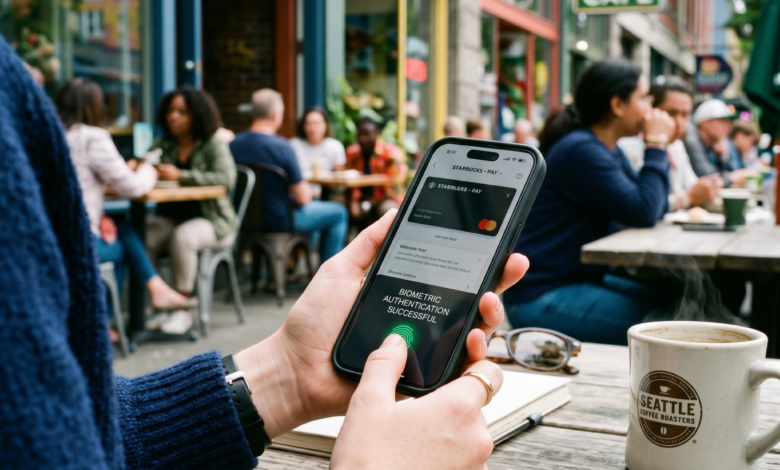
The industry has shifted toward Passkeys. A passkey is a digital credential tied to your device that uses biometrics (Face ID, Touch ID, or fingerprint sensors) to authenticate you.
-
Why they are safer: Passkeys are resistant to phishing. Since there is no “password” to type, a hacker cannot trick you into entering it on a fake website.
-
How to implement: Go to your Google, Apple, or Microsoft account settings and enable “Passkeys.” This ensures that even if your login email is leaked, no one can access your account without your physical device and your biometric signature.
2. Master the “Zero-Click” Defense: Keep Your OS Updated Automatically
One of the most terrifying threats in 2026 is the Zero-Click exploit. Unlike traditional malware that requires you to click a link or download a file, a zero-click attack can infect your phone simply by receiving a specifically crafted text message or image—even if you never open it.
The Importance of “Rapid Security Responses”
Apple and Google have introduced “Rapid Security Responses”—small, lightweight updates that patch critical vulnerabilities without requiring a full system reboot.
-
Action Item: Navigate to your Settings > General > Software Update (on iOS) or Settings > Security > System Update (on Android) and ensure that Automatic Updates and Security Responses are toggled ON.
-
The “Restart” Rule: Even if you aren’t updating, make it a habit to restart your phone at least once every 48 hours. This clears the device’s temporary memory and can disrupt non-persistent malware that hasn’t yet found a way to “stick” to your operating system.
3. Advanced App Permission Auditing: The “Less is More” Strategy
In 2026, apps have become incredibly “hungry” for data. An innocent-looking calculator app might be requesting access to your microphone, or a weather app might be tracking your location 24/7 to sell to data brokers.
Performing a Permission Purge
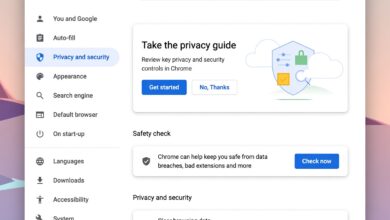
Go to your phone’s Privacy Manager and look for these specific red flags:
-
Microphone and Camera: Unless it’s a communication app, these should be disabled.
-
Local Network Access: Many apps request this to see what other devices are on your Wi-Fi (like your smart fridge or work laptop). Unless the app needs to cast video to your TV, disable this.
-
Approximate Location: As we’ve discussed in our Dating App Location Guide, always opt for “Approximate” instead of “Precise” location for apps that don’t need to know your exact street address.
4. Secure Your Communications with End-to-End Encryption (E2EE)
Standard SMS text messages are inherently insecure. They are unencrypted, meaning they can be intercepted by “Stingray” devices (cell site simulators) or read by your mobile carrier.
Choosing the Right Messaging Platform
In 2026, the standard for secure communication is End-to-End Encryption.
-
Signal: Remains the gold standard for privacy-conscious users due to its open-source protocol and minimal data collection.
-
WhatsApp: Offers E2EE for messages and calls, but be mindful of the metadata (who you talk to and when) which is shared with Meta.
-
iMessage and RCS: Both Apple and Android now support encrypted messaging between each other, but ensure your “Backup” settings are also encrypted. If your messages are encrypted on your phone but backed up unencrypted to the cloud, they are still vulnerable.
5. Beware of Public Charging Stations: The “Juice Jacking” Threat
“Juice Jacking” is a type of cyberattack where a charging port at an airport, hotel, or cafe is modified to steal data from your phone or install malware while it charges.
Protecting Your Hardware
In 2026, with the universal adoption of USB-C, the data transfer speeds are faster than ever, making it easier for a malicious port to drain your data in seconds.
-
The Solution: Always use your own power brick and plug it directly into an AC wall outlet.
-
The “USB Data Blocker”: If you must use a public USB port, use a “USB Data Blocker” (also known as a USB Condom). This is a small adapter that prevents the data pins from connecting while allowing the power pins to charge your device.
6. Use a Mobile VPN for Public Wi-Fi Hygiene
Public Wi-Fi is a playground for “Man-in-the-Middle” (MitM) attacks. A hacker can easily set up a fake Wi-Fi network named “Airport_Free_Wifi” and monitor every bit of unencrypted traffic that passes through it.
The Role of a Mobile VPN
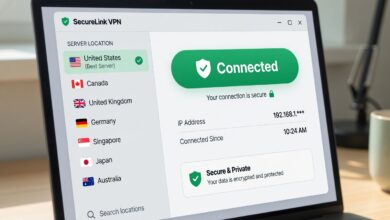
A Virtual Private Network (VPN) creates an encrypted tunnel between your phone and the internet.
-
Privacy: It masks your IP address, making it harder for websites to track your physical location.
-
Security: It encrypts your traffic, so even if a hacker intercepts your data on public Wi-Fi, they will only see a jumbled mess of encrypted code.
-
2026 Advice: Avoid “Free” VPNs. They often make money by selling your browsing history. Stick to reputable, paid services like Mullvad, IVPN, or ProtonVPN.
7. Protecting Your Digital Identity from Sim-Swapping
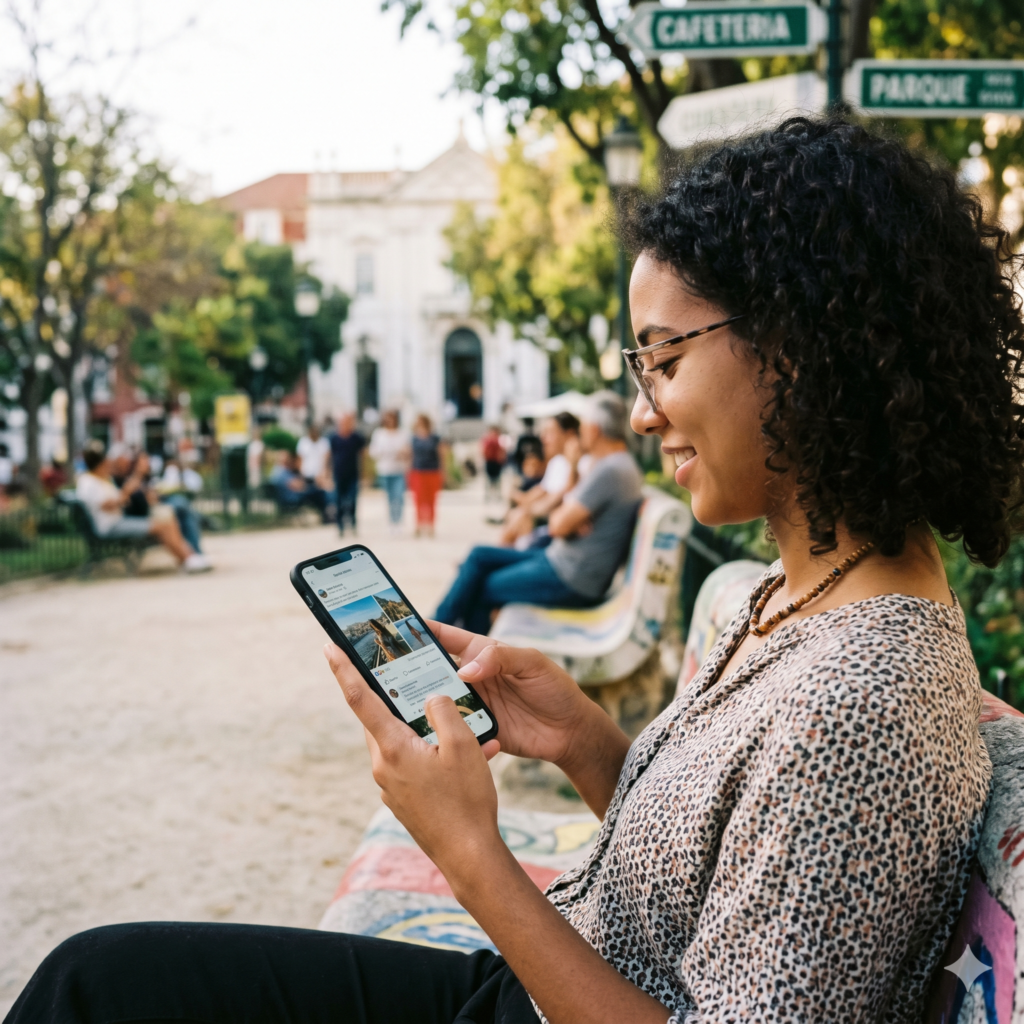
SIM-swapping is a form of identity theft where a criminal convinces your mobile carrier to transfer your phone number to a SIM card they control. Once they have your number, they can bypass SMS-based two-factor authentication (2FA) and take over your bank accounts and social media.
Hardening Your Mobile Account
-
Carrier PIN: Call your service provider and set a “Port-Out PIN” or “Account Transfer PIN.” This adds an extra layer of security that prevents anyone from moving your number without that code.
-
Switch to eSIM: eSIMs are harder to physically steal and can be locked with a PIN, making it much more difficult for a thief to swap your number to another device if your phone is stolen.
-
Avoid SMS 2FA: Whenever possible, use an authenticator app (like Google Authenticator or Raivo) or a hardware key (like a YubiKey) instead of receiving 2FA codes via text message.
8. Defending Against AI-Driven Phishing and Deepfakes
In 2026, phishing has evolved. You might receive a phone call that sounds exactly like your boss or a family member asking for an urgent wire transfer or a sensitive password. This is a Voice Deepfake.
How to Spot the Scam
-
The “Safe Word” Strategy: Establish a “safe word” or a specific question that only your family or close colleagues would know the answer to. If you receive an urgent request for money, ask for the safe word.
-
Trust but Verify: If you receive a suspicious text or call from a known contact, hang up and call them back on their known number. Don’t use the “Call Back” feature on the suspicious message.
-
Email Hyperlinks: Never click on a link in an email or text message that asks you to “verify your account.” Always go directly to the official website by typing the address into your browser.
9. Physical Security: Find My Device and Remote Wipe
Data security is irrelevant if someone can simply walk away with your physical phone. In 2026, mobile theft is often targeted at “snatching” phones while they are unlocked.
Setup for Success
-
Enable Find My: Ensure that Find My iPhone (Apple) or Find My Device (Android) is active. These tools allow you to track, lock, and remotely wipe your device if it is lost or stolen.
-
Stolen Device Protection (iOS): This feature requires Face ID or Touch ID for sensitive actions (like changing your Apple ID password) and adds a time delay if you are in an unfamiliar location.
-
Erase Data on Failed Passcode: You can set your phone to automatically wipe all data after 10 failed passcode attempts. Just make sure you have a current cloud backup!
The 2026 Mobile Security Checklist
| Threat | Security Measure |
| Phishing / Password Theft | Enable Passkeys and use Authenticator Apps. |
| Malware / Exploits | Enable Automatic Software Updates. |
| Data Scraping | Audit and minimize App Permissions. |
| Public Wi-Fi Hacking | Use a Paid VPN and avoid public USB ports. |
| SIM Swapping | Set a Carrier PIN and avoid SMS-based 2FA. |
| Physical Theft | Enable Remote Wipe and Stolen Device Protection. |
Staying Resilient in an Evolving Landscape
Mobile security in 2026 is not a “set it and forget it” task. It is a continuous process of staying informed and being mindful of how you interact with your device. By implementing these tips—shifting to passkeys, keeping your software updated, and being wary of sophisticated AI scams—you can protect your digital life from the vast majority of threats.
Your smartphone is your most personal tool. Treat it with the respect it deserves by securing it today.