Online Safety
Why Is My Phone Battery Suddenly Draining Faster? Could It Be Spyware?
Learn whether sudden battery drain can be a sign of spyware and what other factors may cause your phone battery to drain faster
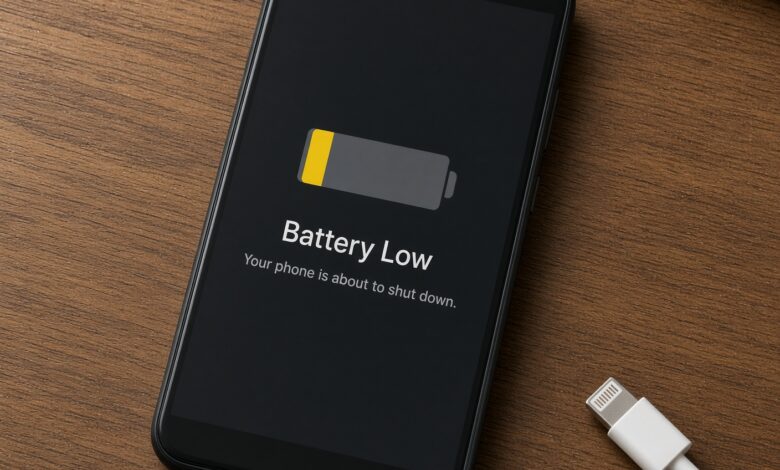
Have you ever picked up your smartphone in the middle of the afternoon, only to find the battery percentage plunging into the red zone despite barely using it? You haven’t been streaming movies, playing high-end 3D games, or scrolling through social media for hours, yet your phone feels noticeably warm to the touch, and the battery life is evaporating before your eyes.
When a phone’s battery life drops off a cliff overnight, it usually triggers an immediate wave of frustration. But shortly after that frustration sets in, a more alarming thought often creeps in: Could my phone be infected with spyware?
In an era where digital threats are becoming increasingly sophisticated, wondering if a malicious actor is secretly monitoring your device is a completely rational concern. Stalkerware and commercial spyware apps are designed to operate in total stealth, siphoning your personal data, tracking your GPS location, and recording your keystrokes while hiding deep within your operating system. Because these malicious programs are constantly running background tasks, data transmissions, and surveillance loops, they are notorious for putting a heavy strain on your phone’s processor and power supply.
However, before jumping to conclusions and assuming your device has been compromised by high-tech surveillance software, it is vital to understand that a sudden battery drain can be caused by dozens of everyday factors—ranging from degrading lithium-ion cells to rogue background applications.
This comprehensive guide will walk you through everything you need to know. We will explore the common, non-malicious reasons behind sudden battery loss, identify the unmistakable warning signs of hidden spyware, provide a step-by-step diagnostic checklist, and teach you how to secure your device effectively—all while keeping explanations clear and easy to understand for everyday mobile users.
Understanding Your Smartphone’s Power: Normal Wear vs. Suspous Drain

To determine whether your battery drain is a sign of a digital intrusion or simply a normal part of device aging, you first need to understand how a smartphone consumes power.
Every modern smartphone relies on a lithium-ion battery. These batteries have a finite lifespan, typically measured in charge cycles. As a phone ages—usually after 2 to 3 years of daily use—the chemical composition inside the battery degrades. This means the battery can no longer hold the same maximum charge it did when it was brand new. If your phone is a few years old and dies quickly, physical degradation is the most probable culprit.
Furthermore, software updates can drastically alter battery performance. When Apple or Google roll out major operating system upgrades, older phone models often struggle to process the new features. This leads to heavy background indexing and processing spikes that temporarily drain the battery faster than usual.
Beyond hardware aging and software updates, everyday apps are the most frequent offenders behind power loss. Social media giants like Facebook, Instagram, and TikTok, along with navigation apps like Google Maps and Waze, constantly ping servers, refresh feeds, and utilize location services. If an app gets stuck in a “coding loop” or experiences a bug, it can consume massive amounts of CPU power without you even realizing it, causing your phone to heat up and drain rapidly.
However, when these common factors are ruled out, the behavior of spyware mimics a severe software bug—except its intentions are malicious.
What Exactly Is Spyware and How Does It Impact Battery Life?
Spyware is a specialized type of malware specifically engineered to covertly monitor and record activity on a target device without the user’s knowledge or consent. Once installed, spyware runs invisibly in the background. Depending on its complexity, it can perform several high-energy tasks simultaneously:
-
Continuous GPS Tracking: Constantly polling the phone’s location hardware to transmit your real-time coordinates to a remote server.
-
Ambient Audio and Video Recording: Silently activating the microphone or cameras to record surroundings or phone calls.
-
Data Exfiltration: Regularly compressing and uploading extensive logs of text messages, call histories, browser searches, photos, and contact lists over cellular data or Wi-Fi.
-
Keylogging: Monitoring every tap on your virtual keyboard to capture passwords, banking credentials, and private messages.
Because these surveillance operations require constant processing power, internet connectivity, and hardware utilization (like GPS and microphone sensors), they act like a heavy anchor dragging down your phone’s performance. The physical result? Your battery drains at an accelerated rate, even when the screen is turned off and the phone is resting idle in your pocket or on your nightstand.
7 Critical Warning Signs That Separate Normal Battery Drain from Spyware Infection
A fast-draining battery on its own is not definitive proof of spyware. However, when rapid battery loss is paired with other anomalies, the probability of a security compromise increases significantly. Look out for these seven major red flags:
1. Unexplained Heating While Idle
If your phone is resting flat on a table, completely untouched and with the screen off, but feels warm or hot when you pick it up, something intensive is running in the background. Normal phones remain cool when idle. Continuous heat generation indicates that the processor is working hard—often processing data transmissions typical of hidden monitoring tools.
2. Spikes in Data Usage
Spyware cannot operate in a vacuum; it needs an active internet connection to ship your private data back to the attacker’s command-and-control server. Check your cellular data settings to see if a specific, unrecognized application or your system services are consuming an abnormal amount of gigabytes, especially when you are not actively browsing.
3. Sluggish Performance and Random Reboots
If your phone has suddenly become frustratingly laggy, freezes during basic tasks, or spontaneously restarts itself out of nowhere, it may be struggling under the resource weight of unauthorized background processes. Malicious software often conflicts with standard system operations, leading to instability.
4. Strange Text Messages or Weird Pop-Ups
Many commercial stalkerware installations or remote access trojans rely on silent configuration text messages containing cryptic strings of numbers, code, or web links. If you notice strange SMS messages that you never sent or received from unknown international numbers, or if you encounter persistent browser pop-ups and redirects, your device integrity may be compromised.
5. Unusual Screen Activations and Camera Indicators
Modern operating systems like iOS and Android feature privacy indicators—such as a small green or orange dot in the corner of the screen—that light up whenever an app accesses your camera or microphone. If you notice these indicators flashing when you aren’t using any apps, or if your screen turns on by itself without any notifications arriving, take immediate notice.
6. Difficulty Shutting Down or Restarting
Some advanced pieces of spyware are programmed to interfere with the normal shutdown sequence to prevent the user from killing the malicious process or allowing security updates to apply. If your phone repeatedly freezes, hangs, or refuses to power down completely when you hold the power button, treat this as a high-level security warning.
7. Unrecognized Apps in Your Settings Menu
Scroll through your complete application list in your phone’s settings (not just your home screen icons, as spyware is often hidden from the app drawer). Look for generic names, blank icons, or apps with strange titles that you do not remember downloading or installing.
Step-by-Step Diagnostic Checklist: How to Investigate Your Phone
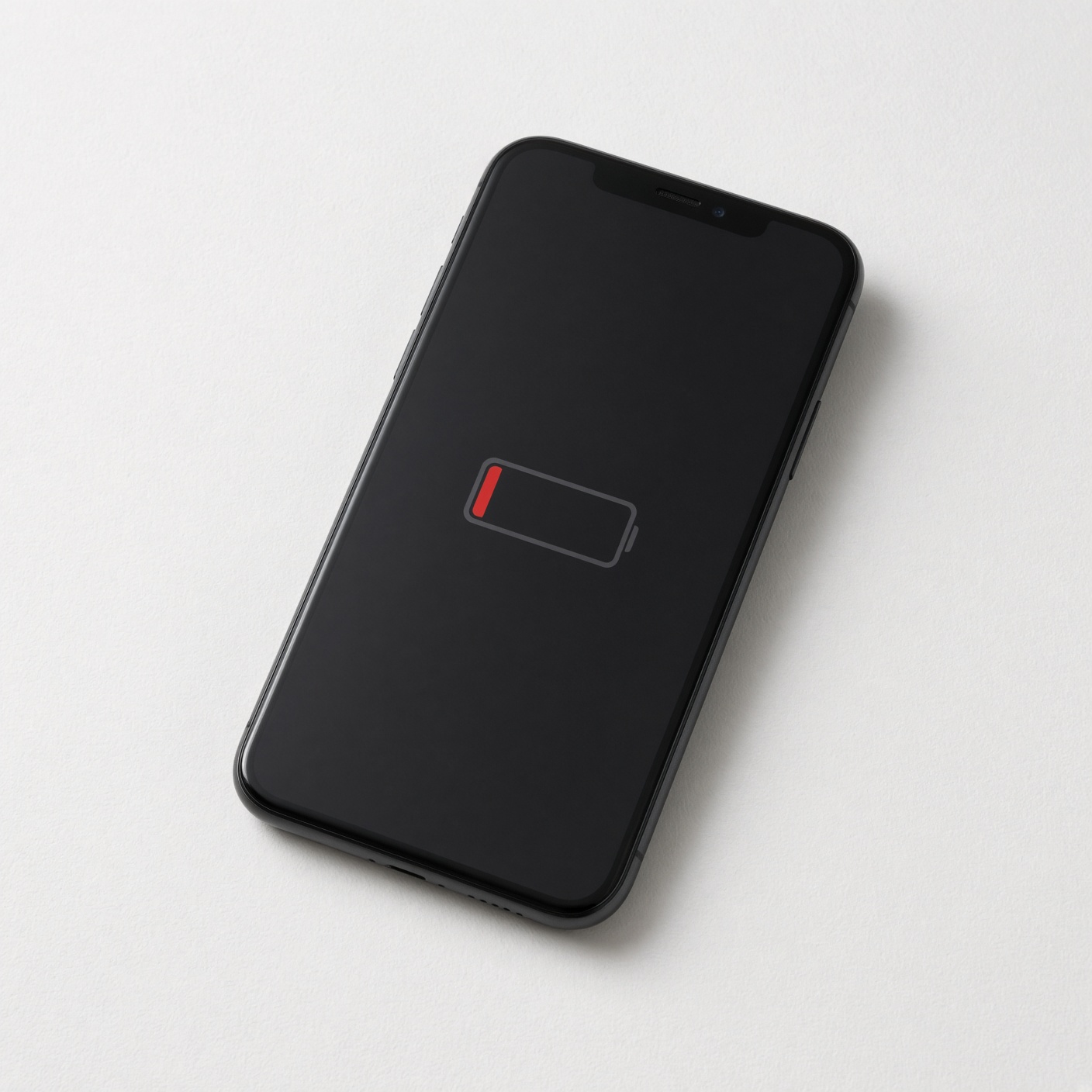
If you suspect that spyware is the root cause of your battery woes, do not panic. Follow this methodical, step-by-step diagnostic process to inspect your device:
Step 1: Check Battery Usage by App
-
On iPhone: Go to Settings > Battery. Scroll down to the battery usage section by app. Review which apps are consuming the highest percentage of your power over the last 24 hours and 10 days.
-
On Android: Go to Settings > Battery > Battery Usage. Look for apps that show disproportionately high power consumption relative to how much you actually use them.
Step 2: Audit App Permissions
Review which apps have access to your most sensitive hardware components:
-
Check permissions for Location Services, Microphone, Camera, and Contacts.
-
If a flashlight app, a simple calculator, or a basic game demands constant access to your GPS location or microphone, revoke those permissions immediately or uninstall the app.
Step 3: Inspect Installed Profiles (Crucial for iOS)
-
On iPhones, malicious surveillance tools are sometimes installed via configuration profiles rather than standard App Store downloads.
-
Go to Settings > General > VPN & Device Management. If you see any unfamiliar profiles listed that you did not explicitly install for work or school, remove them immediately.
Step 4: Run a Reputable Antivirus or Security Scan (Android)
-
Android users have more flexibility with file systems and sideloading, making them more vulnerable to unauthorized APK installations.
-
Download a trusted, reputable mobile security app from the official Google Play Store (such as Malwarebytes or Bitdefender) and run a full system scan to detect known adware, trojans, or stalkerware signatures.
How to Protect Your Device and Reclaim Your Battery Life
If your investigation confirms your fears, or if you simply want to bulletproof your smartphone against future intrusions, take these decisive actions to restore security and optimize power performance:
1. Delete Unfamiliar and Suspicious Apps
Immediately uninstall any applications you do not recognize, apps downloaded from unofficial third-party app stores, or utilities that behaved suspiciously in your battery usage logs.
2. Update Your Operating System
Always keep your phone updated to the latest version of iOS or Android. Software updates contain critical security patches that close the exact vulnerabilities exploit kits and spyware developers rely on to gain unauthorized entry.
3. Practice Good Digital Hygiene
-
Never click random links in unsolicited text messages or emails.
-
Avoid jailbreaking (iOS) or rooting (Android) your phone, as these processes strip away the built-in sandbox security layers designed by manufacturers to protect your operating system.
-
Use strong screen locks, biometric authentication (Face ID or fingerprint recognition), and never leave your unlocked phone unattended around people you do not completely trust.
4. Perform a Factory Reset (The Ultimate Nuclear Option)
If you have strong evidence that your device is infected with advanced spyware or stalkerware and standard troubleshooting fails, the most foolproof method to eradicate it is a complete factory data reset.
-
Important Note: Back up your essential photos, contacts, and irreplaceable files to a secure cloud or external drive, but do not restore full device backups blindly, as a backup containing corrupted or malicious system states could re-infect the phone. Cleanly reinstall your core apps from official app stores after wiping the device.
A sudden, unexplained drop in your smartphone battery life can certainly be alarming, and while it is easy to let your imagination run wild with thoughts of high-tech corporate or personal espionage, the reality is that everyday software bugs, rogue apps, and aging hardware are far more common culprits.
However, vigilance is your best line of defense in the digital world. By understanding how spyware operates, recognizing the key warning signs of device compromise, and following a disciplined diagnostic routine, you can quickly identify the root cause of your power drain. Whether it’s a simple app update bug or a serious security threat, taking proactive steps today will ensure your personal data remains private, your battery health stays optimized, and your digital peace of mind remains intact.