Online Safety
Can a WhatsApp Image Contain Malware?
Discover how malicious images and files can pose security risks on WhatsApp and what precautions to take
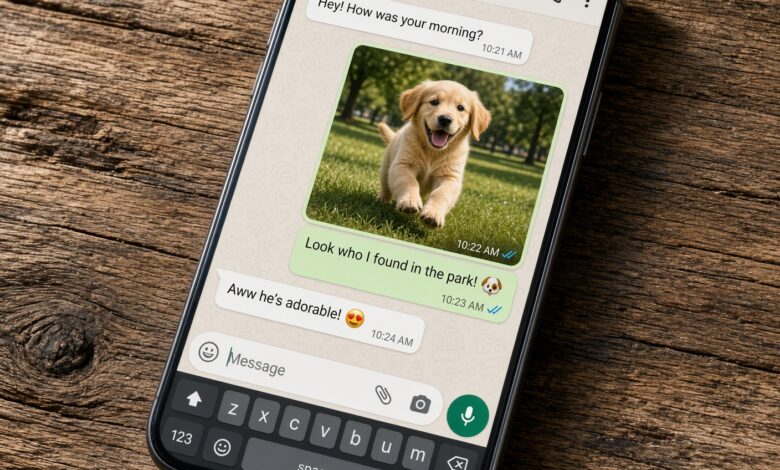
With over two billion active users globally, WhatsApp has become the primary communication channel for families, friends, and businesses. Because we use it so frequently to share everyday moments, most of us do not think twice about tapping to open a photo sent by a contact. But this everyday convenience raises a critical cybersecurity question: Can a WhatsApp image contain malware?
Understanding how malicious actors attempt to compromise devices through messaging apps is essential for keeping your personal data safe. Below is a comprehensive breakdown of how image files interact with your device, the real risks lurking behind chat attachments, and actionable steps you can take to protect your smartphone or computer.
Understanding How Image Files Work on Smartphones
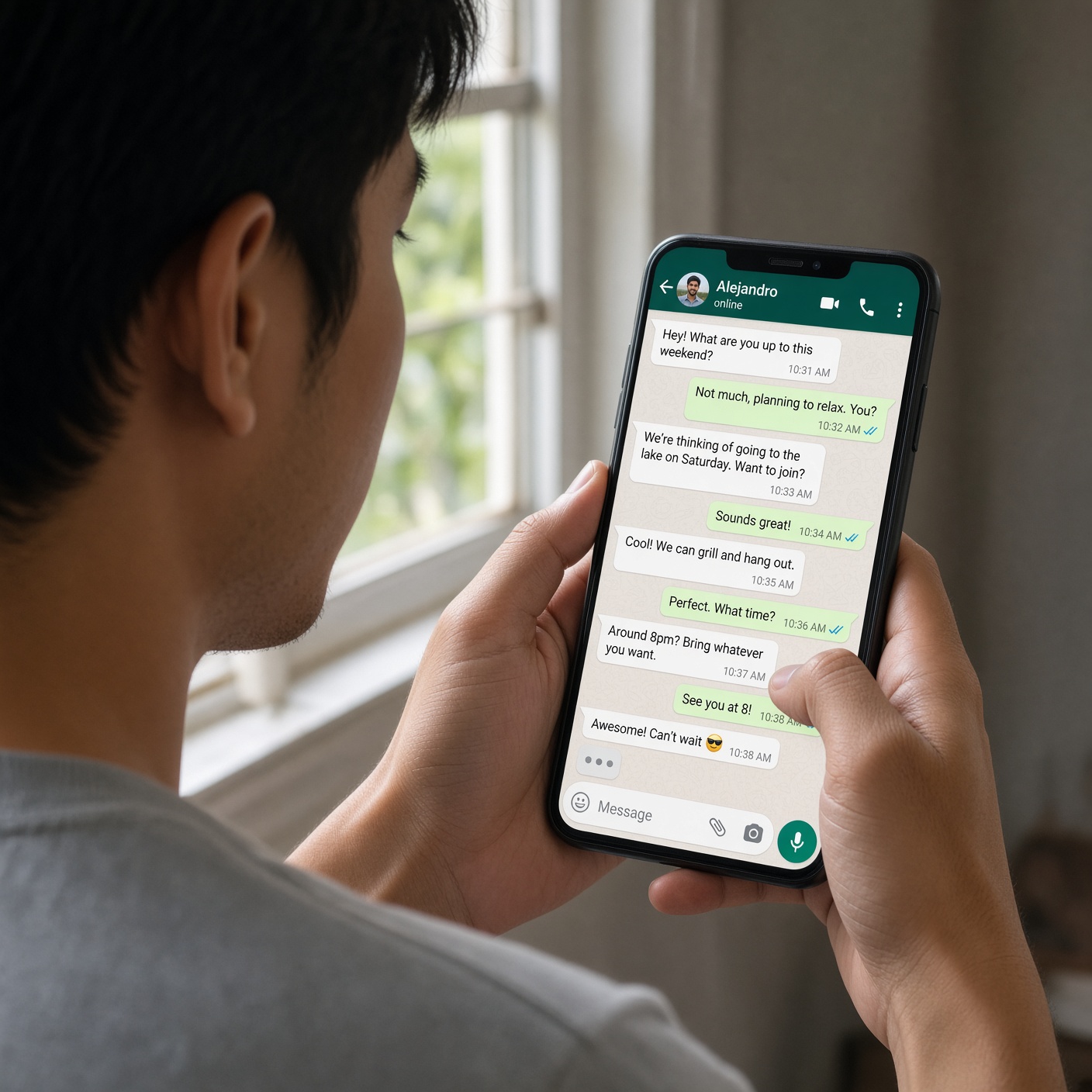
To understand whether an image can carry a virus, it helps to look at what an image file actually is. Standard image formats like JPEG, PNG, or HEIC are essentially grids of colored pixels accompanied by a set of data attributes, such as dimensions, color profiles, and creation dates.
Unlike program files (such as
.exe, .bat, or .vbs scripts), standard images are data files, not executable code. When your phone’s gallery app or WhatsApp opens an image, it reads the pixel data and renders the picture on your screen. By design, a standard image viewer interprets the file as graphics data rather than a set of instructions for your computer or phone’s operating system to run.On their own, legitimate, uncorrupted image files cannot execute code or infect your device. However, cybercriminals rarely rely on straightforward methods; instead, they exploit human psychology, deceptive file extensions, and rare software vulnerabilities to bypass these natural barriers.
The Core Threat: Extension Spoofing and Disguised Files
When security experts report that someone received malware via WhatsApp, the threat is almost never a pure image file. Instead, attackers use file extension spoofing to trick users into thinking a dangerous file is a harmless photo.
For instance, an attacker might rename a malicious script or executable program to something like
party_photo.jpg.exe or use hidden null bytes (.jpg\x00.exe) so that only party_photo.jpg appears on your chat screen. When you tap the file, expecting a snapshot from a weekend gathering, your operating system executes the hidden program instead of opening an image viewer.This technique relies entirely on social engineering and user interaction. If a file arrives via WhatsApp chat as a document or an archive rather than loading directly inline within your chat preview as a compressed thumbnail, exercise extreme caution.
Historical Context: Software Vulnerabilities and Zero-Click Exploits
While everyday scams rely on tricking you with fake extensions, advanced threats historically involved zero-day or software vulnerabilities. Over the years, security researchers have discovered rare flaws in how messaging applications parse media files.
-
Buffer Overflow Vulnerabilities: In past incidents (such as historical flaws involving crafted media files), security bugs allowed specially engineered multimedia files to trigger memory corruption errors when processed by the app.
-
Remote Code Execution (RCE): These complex vulnerabilities could theoretically allow an attacker to execute arbitrary code simply by processing a corrupted file.
However, tech companies patch these critical vulnerabilities rapidly through regular software updates. This is why keeping your WhatsApp application and your smartphone’s operating system updated to the latest version is one of the most powerful defenses against sophisticated cyberattacks.
Automatic Downloads vs. Manual Opening: What Keeps You Safe?
WhatsApp includes built-in settings that dictate how media files are handled on your device. By default, many configurations allow photos to download automatically to your device’s storage to save you time.
-
Automatic Photo Saving: Simply having a malicious image file downloaded to your phone’s storage folder via automated background sync generally does not execute the code or infect the device, provided the file remains passive data.
-
The Danger of Execution: Risk increases exponentially when a user manually interacts with a deceptive attachment, grants permissions, or opens a file that bypasses standard operating system safety warnings.
To maximize your protection, navigate to your WhatsApp settings, locate Storage and Data, and review your Media Auto-Download preferences. Restricting auto-downloads for documents, videos, and unverified files gives you an extra layer of visual screening before anything touches your active system storage.
Best Practices to Secure Your WhatsApp Account and Devices

Protecting yourself from malicious payloads delivered through messaging platforms requires a combination of healthy skepticism and proper digital hygiene. Implement these core security habits today:
-
Never Open Unexpected Files: If a contact sends a file format that looks unusual—such as an application (
.apk), script (.vbs,.js), or compressed archive (.zip)—verify with the sender through an alternative channel before opening it. -
Enable Two-Step Verification: Secure your WhatsApp account with a robust PIN code. This prevents attackers from hijacking your account and using your trusted identity to spread malware to your friends and family.
-
Turn On Automatic App Updates: Ensure that WhatsApp and your smartphone’s operating system update automatically through the Apple App Store or Google Play Store to patch known vulnerabilities instantly.
-
Be Wary of Urgent Messages: Scammers often create a false sense of urgency (“Look at this embarrassing photo of you! Open immediately!”) to bypass your critical thinking. Stop, think, and verify before you tap.
Staying Safe in a Connected World
So, can a WhatsApp image contain malware? A legitimate, standard image file cannot magically infect your device on its own. The real danger stems from disguised malicious executables masquerading as images, rare software parsing bugs, and social engineering tricks designed to make you lower your guard.
By maintaining updated software, questioning unexpected attachments, and understanding how file extensions work, you can enjoy seamless messaging while keeping your digital environment secure.