How to Secure Smart Home Devices
Learn the essential steps to protect your smart home devices from cyber threats
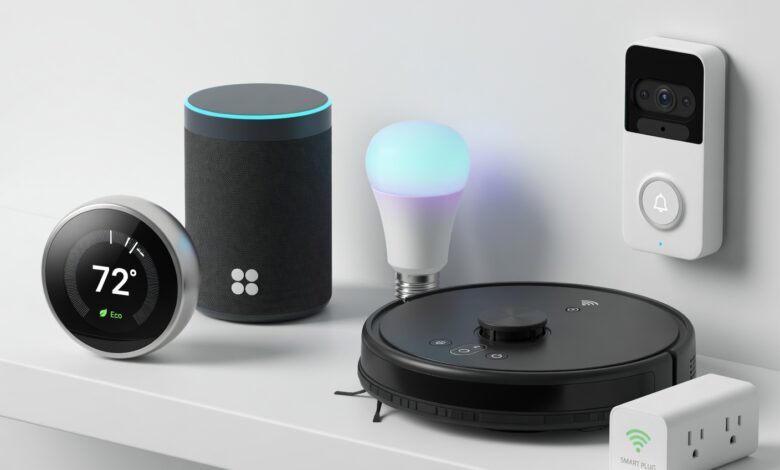
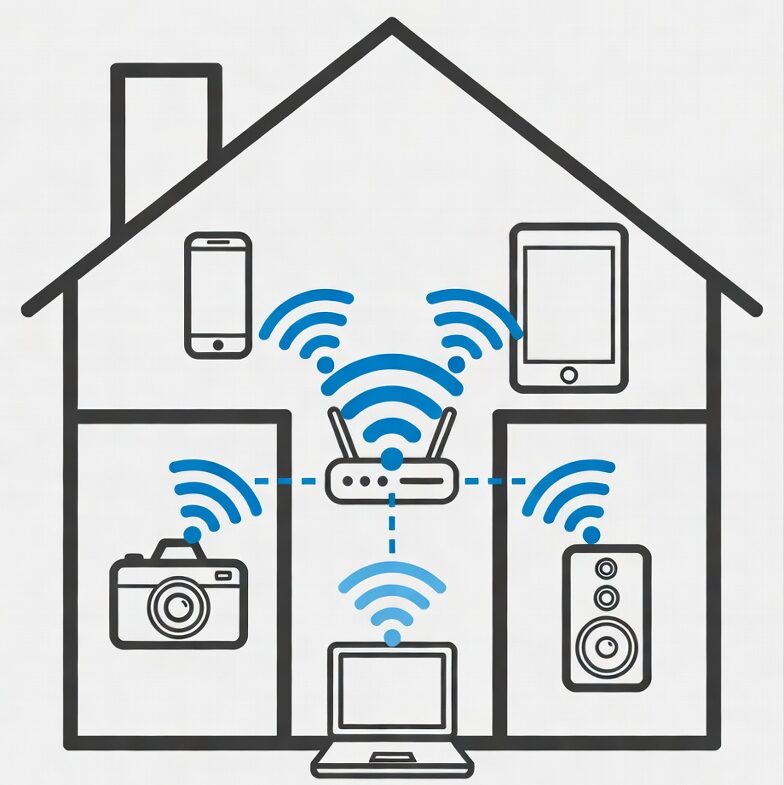
In the modern era, our homes have become smarter than ever. From intelligent thermostats that learn our temperature preferences to security cameras that keep watch while we are away, the Internet of Things (IoT) has undeniably improved our quality of life. However, this convenience comes with a significant caveat: the more devices you connect to the internet, the larger the “attack surface” becomes for malicious actors.
Securing your smart home is no longer an optional luxury—it is a fundamental necessity for protecting your privacy and financial security. This guide will walk you through, step-by-step, how to harden your smart home against potential threats, ensuring your sanctuary remains secure.
Understanding the Risks: Why Smart Home Security Matters

Many people operate under the false assumption that they are “too small” to be targeted by hackers. The reality is that most cyberattacks on home networks are automated. Bots scan the internet constantly, looking for vulnerable devices with weak passwords or outdated firmware.
When a device in your home is compromised, it can lead to several negative outcomes:
-
Privacy Invasion: Unauthorized access to security cameras or smart speakers.
-
Data Theft: Interception of personal information, including Wi-Fi passwords or linked credit card data.
-
Botnet Recruitment: Your device being used as a pawn in a larger cyberattack against other entities.
-
Physical Security Risks: Manipulation of smart locks or garage door openers.
By taking a proactive stance, you can mitigate these risks effectively.
1. The Foundation: Securing Your Wi-Fi Router
Your router is the gatekeeper of your digital home. If the gate is left wide open, the security of your individual devices matters very little.
Change Default Administrative Credentials
Every router comes with a default username and password (often something generic like “admin/admin”). Attackers have databases filled with these defaults. As soon as you unbox a router, change these credentials to a complex, unique password stored in a secure manager.
Implement WPA3 Encryption
If your hardware supports it, ensure your Wi-Fi is using WPA3 encryption. If your older devices are incompatible, WPA2-AES is the next best standard. Avoid older protocols like WEP or WPA, as they are trivially easy to crack.
Create a Guest Network for IoT Devices
This is perhaps the most effective strategy for the average user. Most modern routers allow you to create a “Guest Network.” Move all your smart bulbs, plugs, and sensors to this network. This isolates them from your primary computers, phones, and NAS drives where your sensitive financial and personal data resides. If a lightbulb is hacked, the attacker won’t be able to jump to your laptop.
2. Advanced Password Hygiene and Multi-Factor Authentication (MFA)
“123456” or “password” are not just bad passwords—they are invitations to chaos.
The Power of Unique, Complex Passwords
Never reuse passwords across different platforms. If your smart camera login is the same as your email password, a single breach in one service compromises your entire digital life. Use a reputable Password Manager (such as Bitwarden or 1Password) to generate and store long, randomized strings for every device account.
The Non-Negotiable: Multi-Factor Authentication
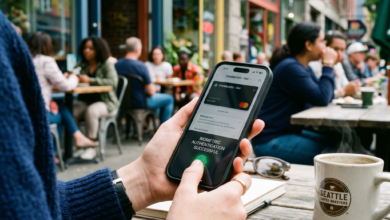
If a smart home device or the app controlling it offers Multi-Factor Authentication (MFA) or Two-Factor Authentication (2FA), enable it immediately. Even if a hacker discovers your password, they will still be blocked by the second layer of security—usually a code sent to your phone or generated by an authenticator app.
3. Firmware Management: Keeping Your Devices Updated
Manufacturers occasionally discover security holes in their products. When they do, they release “firmware updates” to patch these vulnerabilities.
Enable Automatic Updates
Most smart devices have a setting in their app to “Enable Auto-Update.” Turn this on. Neglecting updates leaves your device running on “day one” software, which is the most vulnerable version of that product.
End-of-Life Considerations
Be aware that smart devices do not last forever. When a manufacturer stops providing security updates for a product, it is considered “End-of-Life” (EOL). If your smart thermostat hasn’t seen an update in three years, it is time to retire it. An insecure device on your network is a liability that outweighs the cost of a replacement.
4. Privacy Settings and Data Collection
Many IoT devices collect telemetry data by default. While this is often used for “improving user experience,” it is also a privacy concern.
Review App Permissions
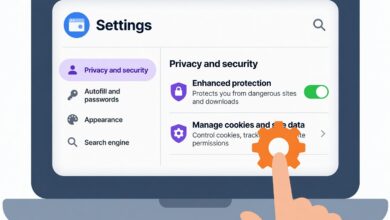
Check the permissions granted to your smart home apps. Does a lightbulb app really need access to your contacts or your precise GPS location? Probably not. Deny unnecessary permissions in your phone’s privacy settings.
Disable Unnecessary Features
Features like “remote access” from outside the home are convenient, but if you don’t use them, disable them. Many cameras have “Cloud Storage” features that send your footage to remote servers. If you are privacy-conscious, look for devices that offer local storage (SD card or NVR) so your video footage never leaves your physical property.
5. Physical Security and Digital Intrusion
Physical access is the ultimate administrative access.
Secure Your Devices Physically
If a smart camera is mounted on an exterior wall, ensure it is not easily accessible for someone to rip off the wall and potentially factory reset or steal the SD card. Similarly, if you have a smart hub, keep it in a discreet, secure location rather than in plain sight near a window.
Use Dedicated Secure Smart Hubs
If you have a large number of devices, using a reputable, centralized hub (like Home Assistant, Hubitat, or established ecosystems like Apple HomeKit) can provide better security than having dozens of individual devices communicating directly with random cloud servers. These hubs often offer better control over how your data is routed.
6. The Role of Network Monitoring
For those who want to take their security to the next level, network monitoring is the key.
Utilize Intrusion Detection Systems (IDS)
Tools like Firewalla or Pi-hole can act as a shield for your network. A Pi-hole, for example, can block ads and telemetry trackers at the DNS level, preventing your smart devices from “phoning home” to suspicious servers or advertising networks.
Regularly Audit Your Devices
Periodically check your router’s “Device List.” Do you see a device you don’t recognize? Is there an unknown “Unknown-Device” connected to your Wi-Fi? If you see something you didn’t authorize, disconnect it and change your Wi-Fi password immediately.
7. Choosing the Right Smart Hardware
Security begins at the point of purchase.
-
Avoid “No-Name” Brands: Extremely cheap smart devices on discount marketplaces are often poorly coded and have no support infrastructure to release security patches. Stick to reputable brands that have a track record of supporting their products.
-
Check the Privacy Policy: Read the simplified summary of the manufacturer’s privacy policy. Are they selling your data? Do they have a clear path for security researchers to report vulnerabilities (a “Bug Bounty” program)?
Troubleshooting Common Security Concerns
If you feel overwhelmed, start small. Security is a process, not a destination. You do not need to implement every single tip in this article overnight.
Q: “I have too many devices to manage. Is it really worth it?”
A: Yes. It takes about an hour to set up a secure network properly. That hour is a small investment compared to the time and cost involved in recovering from identity theft or a privacy breach.
Q: “What if my device doesn’t support 2FA?”
A: If a device is critical (like a smart lock or security camera) and does not support 2FA, consider replacing it with a more secure alternative. For less critical devices (like a smart lightbulb), make sure it is relegated to your isolated “Guest Network” so that it cannot reach your personal devices.
Staying Vigilant

The smart home is an incredible convenience, but it requires a “security-first” mindset. By isolating your IoT devices on a guest network, using a password manager, keeping firmware updated, and disabling unnecessary cloud features, you can enjoy the benefits of a modern home without compromising your safety.
Remember: The goal is not to live in fear of technology, but to master it. By taking these steps, you are effectively closing the digital doors that hackers are looking to kick in. Stay updated, stay secure, and enjoy the peace of mind that comes with a protected smart home.