How Safe Is Incognito Mode, Really?
Understand what Incognito Mode really hides and what it doesn't protect you from

In an era where digital footprints are tracked, sold, and analyzed, it’s no surprise that many of us lean on “Incognito Mode” as a quick-fix solution for online privacy. Whether you call it Incognito (Chrome), Private Browsing (Firefox), or InPrivate (Edge), the promise seems simple: browse the web without leaving a trace.
But is it actually making you anonymous? The short answer is: no.
While Incognito mode serves a very specific, useful purpose, there is a dangerous gap between what people think it does and what it actually achieves. If you are relying on it to keep your browsing habits hidden from your employer, your ISP, or government entities, you are likely operating under a false sense of security.
In this guide, we will break down exactly what Incognito mode does, where its limits lie, and how you can take real control of your digital privacy.
What Does Incognito Mode Actually Do?
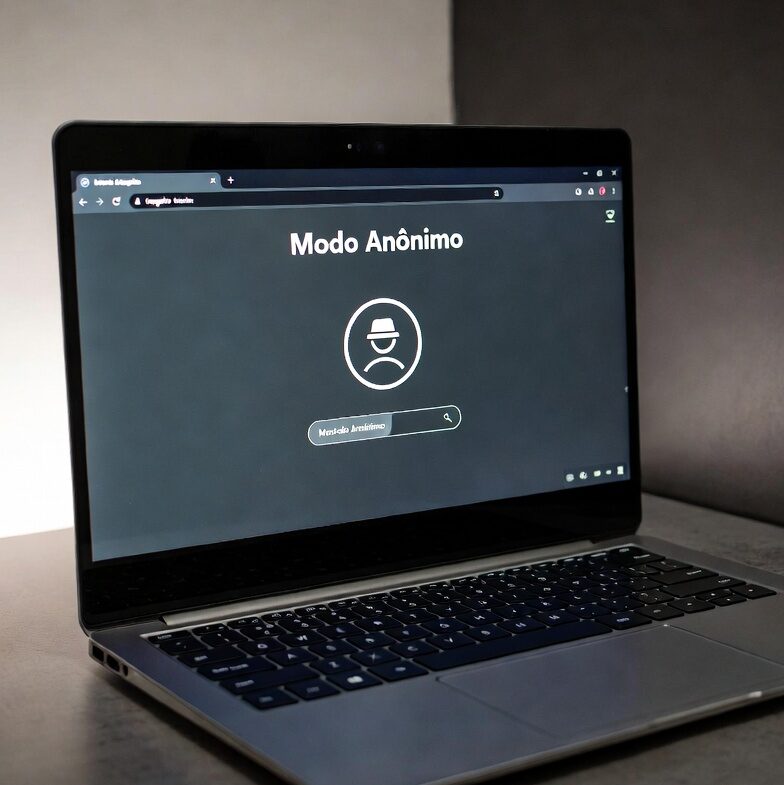
To understand the limitations, we first have to understand the function. When you open a private browsing window, your browser essentially creates a “sandbox” for that session.
The primary goal of this feature is local privacy. It prevents the browser from saving data on the device you are currently using. Specifically, when you close your private windows, the browser wipes:
-
Browsing History: The list of websites you visited won’t show up in your “History” menu.
-
Cookies and Site Data: Temporary files that remember your preferences or keep you logged into sites are cleared.
-
Form Data: Any information you typed into text boxes—like your name, address, or search queries—won’t be saved for autocomplete in future sessions.
This is incredibly useful for specific scenarios: using a shared computer, logging into a secondary email account without signing out of your primary one, or researching a sensitive topic without having those searches clutter your history. However, that is where the protection ends.
The Biggest Myths About Private Browsing
Many internet users mistakenly believe that Private Browsing provides a “cloak of invisibility.” This misconception is dangerous because it leads to careless browsing habits. Let’s dispel the three biggest myths.
Myth 1: “My ISP Can’t See What I’m Doing”
This is perhaps the most common misunderstanding. Your Internet Service Provider (ISP)—the company you pay for internet access—is the gateway for all your data. Because your traffic must pass through their servers to reach the internet, they can see exactly which domains you are visiting, regardless of whether you are in a private window or not. Incognito mode only deletes history on your computer, not on the ISP’s network logs.
Myth 2: “I’m Anonymous from Websites and Advertisers”
Even in Incognito mode, you are not a ghost. Websites you visit can still see your IP address, which reveals your general location. Furthermore, if you log into any service—like Google, Facebook, or Amazon—the privacy “sandbox” is effectively bypassed. Once you are authenticated, those services can track your activity perfectly, tying every click and query directly to your user profile.
Myth 3: “My Employer or School Can’t Track Me”
If you are using a work or school network, the IT department has multiple ways to monitor your traffic. From firewalls and proxy servers to DNS logging, organizations often have visibility into the sites their users visit. Opening an Incognito window does absolutely nothing to hide your activity from these enterprise-level monitoring tools.
How Tracking Works (Even When You’re “Private”)
If Incognito mode is just a “local eraser,” how are you still being tracked? Modern web tracking is sophisticated and goes far beyond the simple cookies that Incognito mode deletes.
1. Browser Fingerprinting
This is a technique used by websites to identify your device based on unique characteristics. By combining factors like your screen resolution, installed fonts, time zone, operating system, and browser version, websites can create a “fingerprint” of your device. This fingerprint is often as unique as a biological one, allowing advertisers to track you across different websites even if you’ve cleared your cookies.
2. IP Address Logging
Every device connected to the internet has an IP address. Think of it as your digital return address. When you visit a website, that site needs your IP address to send information back to you. Websites log these addresses, and because your IP is often tied to your household or workplace, it is a very effective way to track your behavior and location.
3. Server-Side Tracking
Even if you aren’t logged in, websites can use various scripts to correlate your behavior. They might track your behavior during a single session, build a profile of your interests, and then “reactivate” that profile the moment you eventually do log in to your account.
Practical Uses for Incognito Mode

Despite its limitations, we shouldn’t dismiss Incognito mode entirely. It remains a helpful tool for “day-to-day” privacy, provided you use it for the right reasons:
-
Avoiding “Targeted” Ads for One-Time Searches: If you search for something once—like a gift for a family member—using Incognito mode helps prevent that search from influencing the ads you see for the next three weeks.
-
Managing Multiple Logins: It is the fastest way to check a secondary account without the hassle of logging out of your primary one.
-
Preventing Local “Nosiness”: If you share a computer with family members or roommates, it keeps your casual browsing history from being visible to them.
-
Bypassing Soft Paywalls: Many news sites limit how many free articles you can read by tracking your cookies. Opening these links in Incognito mode often resets that count.
Elevating Your Online Privacy: Beyond the Basics
If your goal is true privacy or enhanced security, Incognito mode is not enough. You need to move toward a layered security approach. Here are the most effective steps you can take today:
Use a Virtual Private Network (VPN)
A VPN is arguably the most important tool for anyone concerned about privacy. When you turn on a VPN, it creates an encrypted “tunnel” for your internet traffic.
-
What it does: It hides your IP address from websites and hides your browsing destination from your ISP.
-
Why it matters: Your ISP sees that you are connected to a VPN server, but they cannot see which websites you are visiting. This effectively prevents the “tracking” we discussed earlier.
Opt for Privacy-Focused Browsers and Search Engines
Not all browsers are created equal. Some browsers, like Brave or Firefox (with the right configurations), have built-in protections against fingerprinting and cross-site tracking. Similarly, switching your default search engine to a provider like DuckDuckGo or Startpage prevents your search queries from being stored and tied to a permanent profile.
Manage Your Digital Footprint with a Password Manager
The more accounts you have, the larger your attack surface. A password manager helps you create unique, complex passwords for every site, which is essential for security. Furthermore, it discourages the habit of using “Sign in with Google” or “Sign in with Facebook” everywhere, which is one of the primary ways your data is shared across the web.
Utilize Browser Extensions (Wisely)
Extensions like uBlock Origin are highly effective at blocking the scripts that track your movement across the web. By stopping these trackers before they load, you reduce the amount of data being harvested about you. However, be careful not to install too many extensions, as they can sometimes make you more unique for fingerprinting purposes.
Cybersecurity Best Practices for Everyone
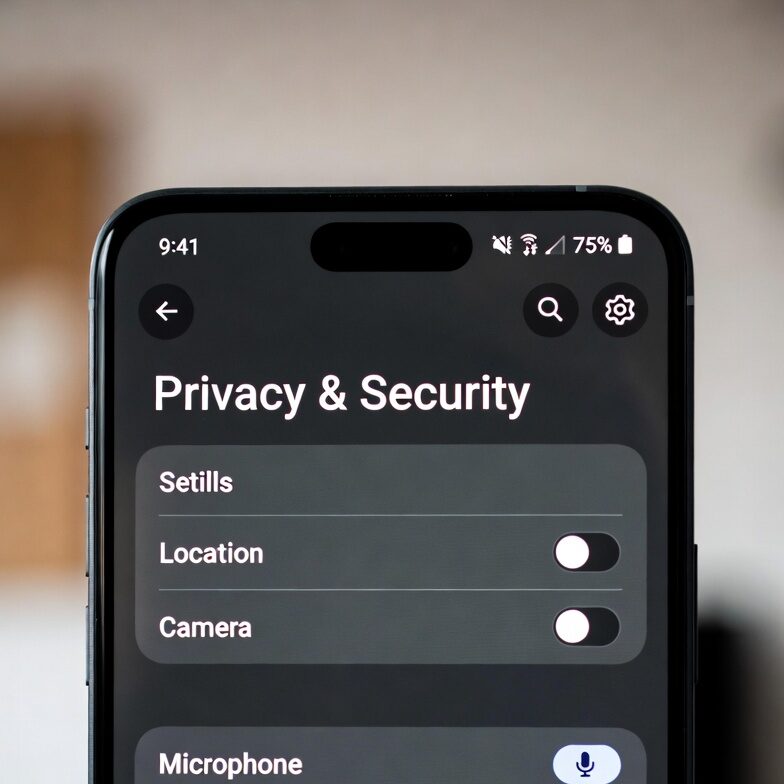
Regardless of which browser mode you are using, basic hygiene is non-negotiable in 2026. Online threats are evolving, and the human element remains the weakest link.
-
Keep Software Updated: Browser updates, OS patches, and application updates often include critical security fixes. Don’t click “Remind me later” indefinitely.
-
Enable Two-Factor Authentication (2FA): If a service offers 2FA—especially using an authenticator app—turn it on. This adds a second layer of defense that makes it incredibly difficult for a hacker to access your accounts, even if they have your password.
-
Be Skeptical of “Free” Services: If you aren’t paying for the product, you are often the product. Services that offer “free” tools for privacy should be scrutinized to see how they actually make money. Often, this is through data collection.
-
Use Caution on Public Wi-Fi: Public Wi-Fi networks in cafes or airports are notorious for “man-in-the-middle” attacks. If you must use public networks, a VPN is not optional—it is mandatory.
Take Control of Your Data
Incognito mode is not a security tool; it is a convenience feature for local device management. Once you accept that reality, you can stop relying on it to protect you from the broader internet and start taking the necessary steps to actually safeguard your digital life.
True privacy requires intentionality. It means understanding that every connection you make leaves a mark, and choosing the right tools to minimize that footprint. Whether it is through the use of a reliable VPN, switching to privacy-centric search engines, or simply being more mindful of what accounts you log into, you have more power than you think.
Don’t let the convenience of a “Private” label lull you into a false sense of safety. Browse with your eyes wide open, understand the technology you use, and take the extra steps to keep your personal data exactly where it belongs: with you.