Online Safety
5 Best Antivirus Software for Windows PCs
Compare five antivirus programs for Windows PCs based on security tools, system performance, and available features
Navigating the digital world safely requires more than just common sense. Even if you only browse trusted websites, stream your favorite shows, or check emails, cyber threats have evolved dramatically. Modern malware, phishing scams, and ransomware do not announce their arrival; they slip quietly through background processes, exploiting minor vulnerabilities in Windows operating systems.
While Microsoft Defender provides a decent baseline of defense, it often leaves gaps when facing sophisticated zero-day attacks, advanced identity theft vectors, and targeted financial malware. Installing a dedicated, third-party security suite is no longer just an option for tech enthusiasts—it is an essential layer of digital self-defense.
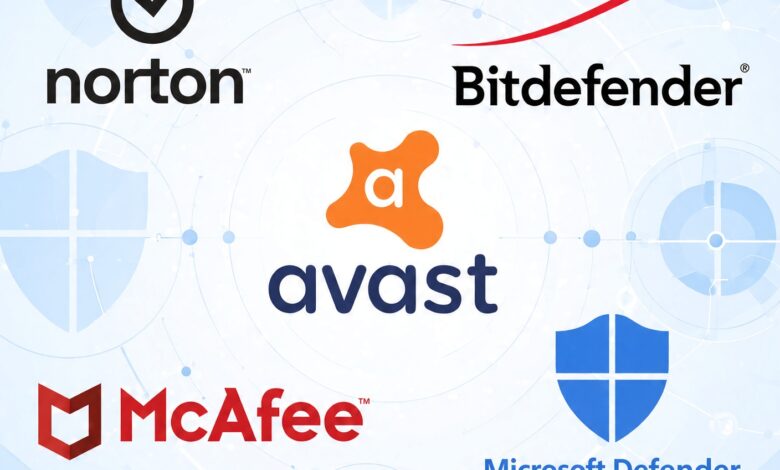
To help you protect your personal data, financial assets, and hardware, we have rigorously tested and analyzed the top cybersecurity solutions available today. Below is our comprehensive guide detailing the 5 best antivirus software options for Windows PCs, tailored specifically for everyday users seeking maximum protection without unnecessary complexity.
Why Windows PCs Need Dedicated Third-Party Antivirus Protection
Many computer owners assume that their built-in operating system security is entirely sufficient. While Windows includes native defense tools, cybercriminals constantly engineer malicious scripts designed specifically to bypass standard OS protocols. Dedicated security software introduces multi-layered defense mechanisms that reach far beyond basic virus scanning.
Third-party antivirus suites actively monitor behavioral patterns rather than relying solely on known virus definitions. This means if a brand-new piece of ransomware attempts to encrypt your family photos or documents, specialized behavioral monitoring halts the process instantly—often before the damage occurs. Furthermore, these suites integrate vital utilities such as secure virtual private networks (VPNs), password managers, phishing protection, and real-time firewall management.
1. Norton 360: The Best Overall Antivirus Software for Windows
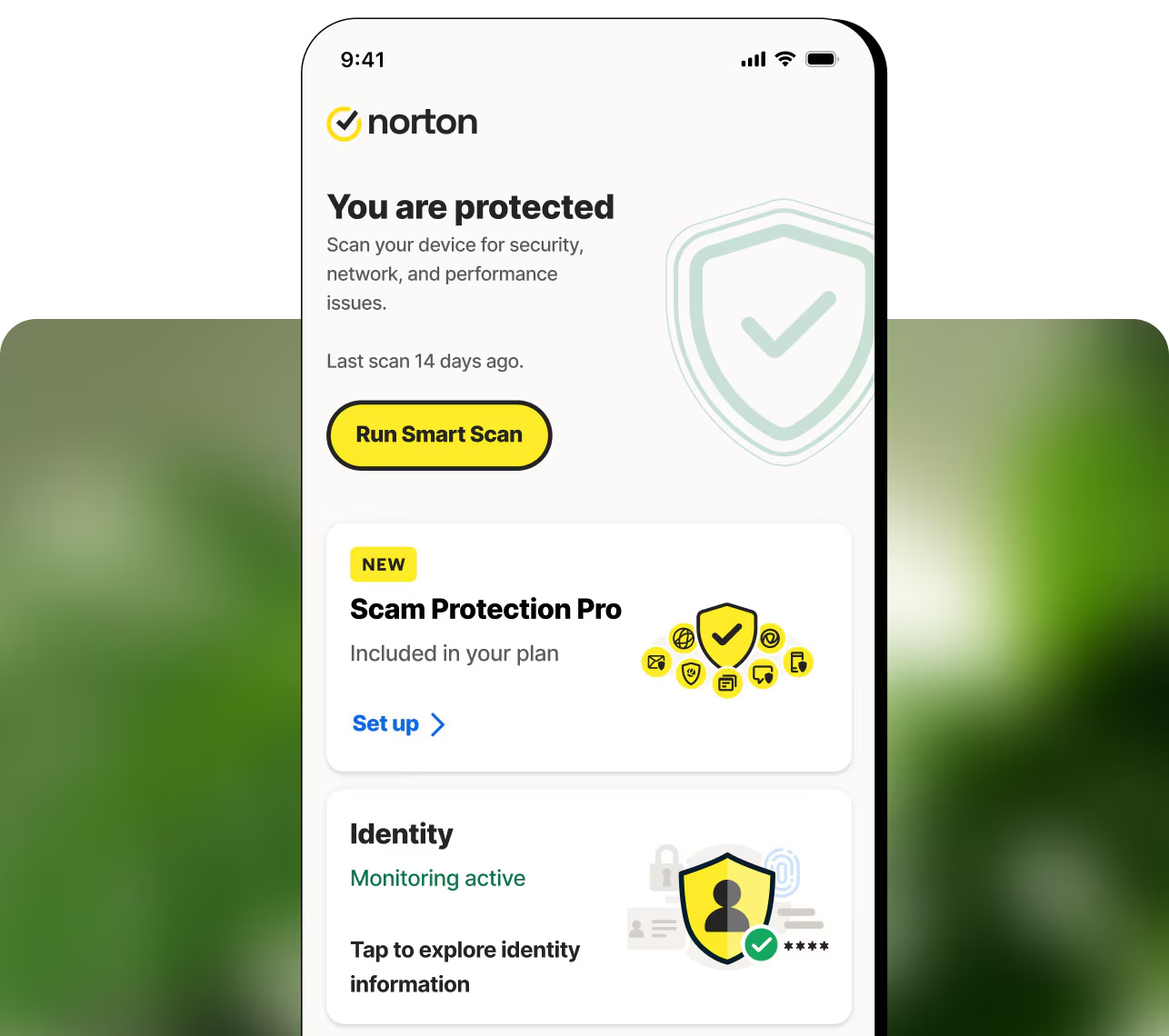
When it comes to comprehensive, all-in-one protection, Norton 360 consistently claims the top spot. It combines a lightweight footprint with heavy-duty malware detection capabilities, making it an ideal choice for households that demand uncompromising security.
Key Features and Performance
Norton 360 offers exceptional real-time threat neutralization, backed by a proprietary Smart Firewall that monitors inbound and outbound network traffic. During independent laboratory tests, Norton achieved near-perfect detection scores against trojans, spyware, and complex rootkits.
Beyond standard malware protection, Norton stands out for its high-value utility bundles. Higher-tier plans include generous cloud backup storage (up to 250 GB), which serves as an automatic fail-safe against ransomware attacks by storing clean copies of your critical files off-site. It also features a built-in password manager, dark web monitoring, and robust parental controls.
Pros and Cons
-
Pros:
-
Industry-leading malware and phishing detection rates.
-
Generous cloud backup options for data recovery.
-
Comprehensive auxiliary tools including a password manager and secure VPN.
-
-
Cons:
-
Renewal rates can increase significantly after the introductory promotional period.
-
System scans can occasionally consume higher system resources if run during heavy multitasking.
-
2. Bitdefender Total Security: Best for Lightweight Performance and Older Machines
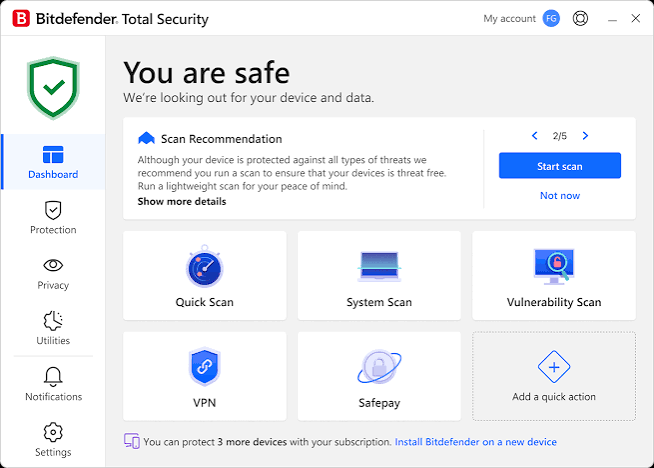
If you are worried that running an antivirus will slow down your computer, Bitdefender Total Security is the ultimate remedy. Bitdefender has earned a stellar reputation for maintaining an exceptionally minimal hardware footprint while delivering aggressive, unyielding protection against digital threats.
Key Features and Performance
Bitdefender operates mostly in the background, utilizing cloud-based scanning nodes to offload heavy analytical processing away from your local machine. This design choice makes it the premier antivirus choice for older Windows laptops or budget desktops that struggle with resource-heavy applications.
Its feature set includes advanced threat defense, multi-layered ransomware remediation, and Safepay—an isolated, secure browser designed specifically for online banking and shopping. Bitdefender also includes customized profiles for gaming and watching movies, temporarily muting notifications and optimizing system performance so your entertainment is never interrupted.
Pros and Cons
-
Pros:
-
Minimal impact on CPU and memory usage, perfect for older PCs.
-
Advanced ransomware remediation safeguards files automatically.
-
Safepay browser provides secure, encrypted spaces for financial transactions.
-
-
Cons:
-
The included VPN has daily data limitations on lower-tier plans unless you upgrade.
-
Customer support response times can occasionally lag during peak hours.
-
3. Avast One: Best Free and User-Friendly Option for Windows 11
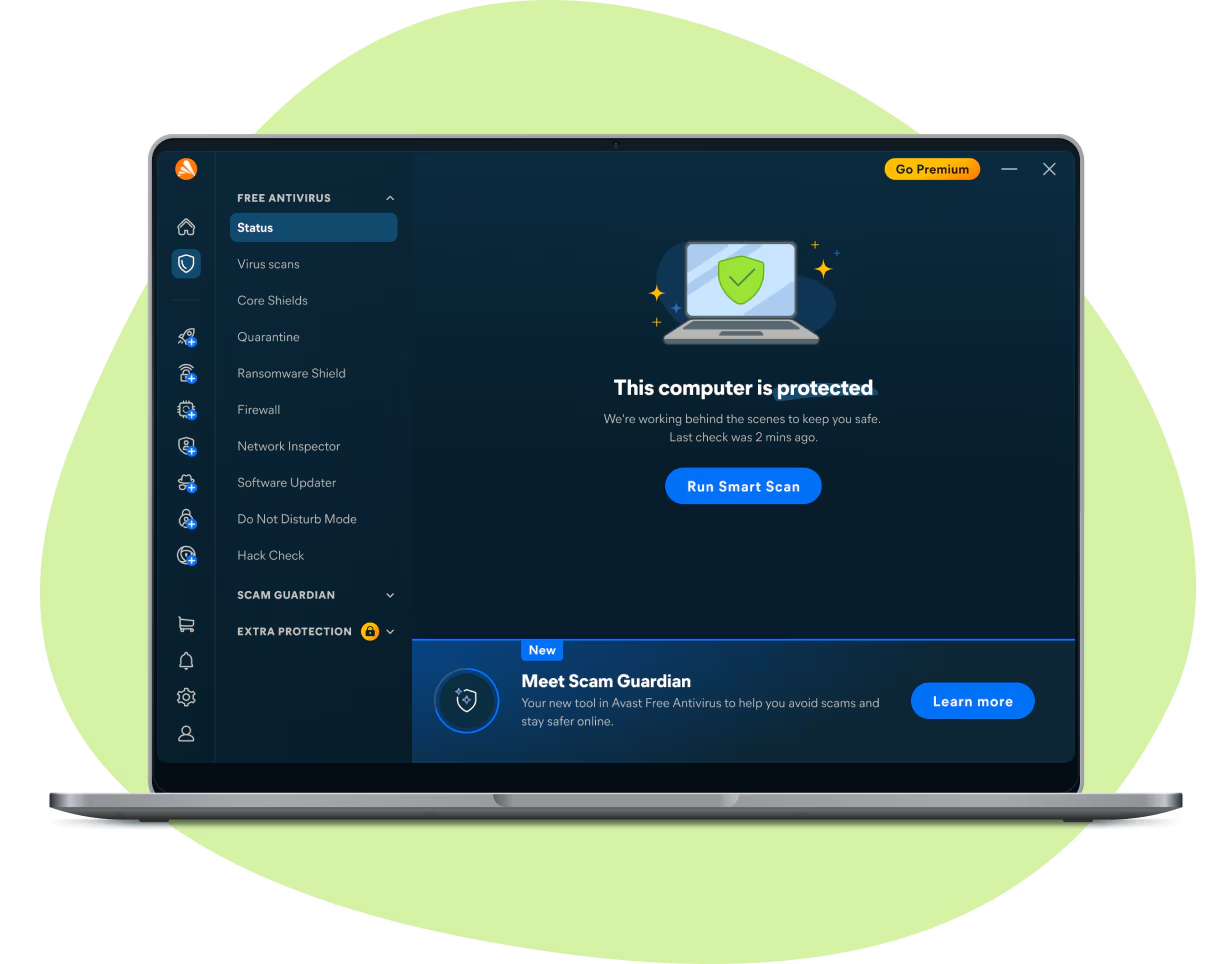
For users seeking robust protection without an upfront financial commitment, Avast One delivers an impressive array of security features right out of the box. Avast bridges the gap between enterprise-grade security and consumer-friendly design, making it remarkably accessible for complete beginners.
Key Features and Performance
Avast Free Antivirus and its broader Avast One ecosystem consistently score top marks in independent laboratory evaluations for malware blocking and usability. The software features real-time file shielding, a dedicated Ransomware Shield that locks down personal folders against unauthorized modifications, and a built-in Scam Guardian tool to flag dangerous web links.
The user interface is modern, clean, and intuitive. Instead of presenting confusing technical jargon, Avast uses clear indicators to let you know if your system is fully protected or requires a quick optimization sweep.
Pros and Cons
-
Pros:
-
Highly capable free tier that requires no credit card information.
-
Excellent interface design tailored for non-technical users.
-
Strong ransomware shielding and web threat blocking.
-
-
Cons:
-
Free versions occasionally display upgrade prompts encouraging users to purchase paid suites.
-
Advanced features like privacy advisors are locked behind premium subscription tiers.
-
4. McAfee+: Best for Multi-Device Households and Large Families
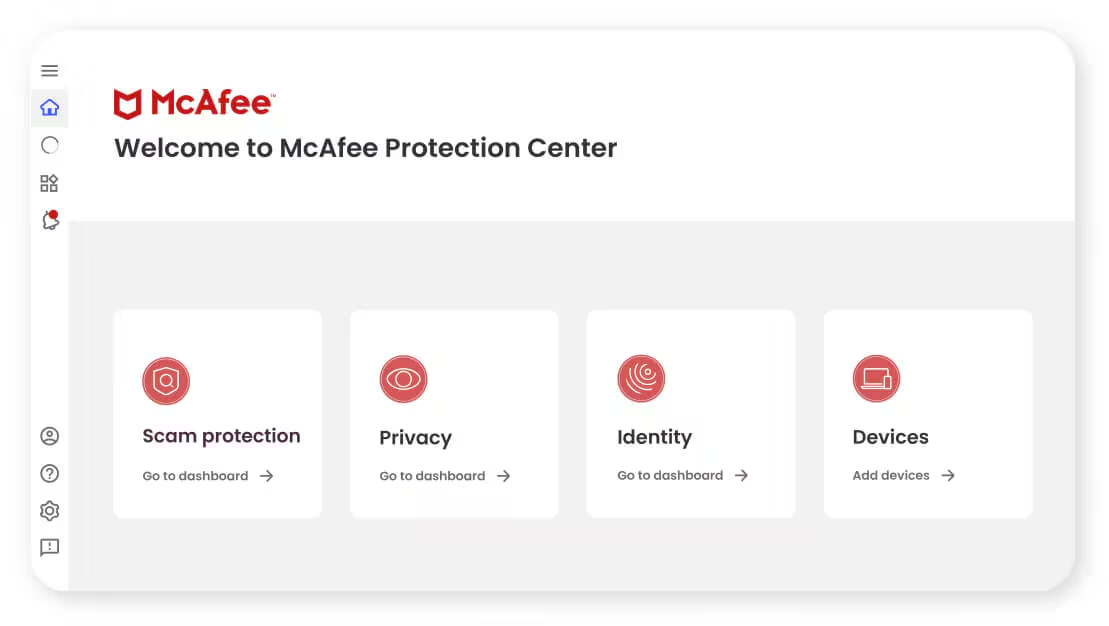
Managing digital safety across an entire household can quickly become overwhelming when everyone owns multiple laptops, tablets, and smartphones. McAfee+ solves this friction by focusing heavily on flexible, wide-scale device coverage and identity protection.
Key Features and Performance
McAfee has evolved from a basic security scanner into a comprehensive digital protection ecosystem. One of its standout advantages is unlimited device coverage on select high-end plans, allowing you to secure every Windows PC, Mac, iOS, and Android device in your home under a single subscription.
The suite includes an intelligent two-way firewall, secure password management, file shredders for permanent data deletion, and extensive identity theft monitoring tools. Its web advisor extension actively blocks malicious websites, phishing scams, and fraudulent pop-ups before they can load in your browser.
Pros and Cons
-
Pros:
-
Available plans offer unlimited device coverage for large households.
-
Comprehensive identity theft monitoring and recovery assistance.
-
Effective web protection tools that flag risky links during search engine use.
-
-
Cons:
-
Full system scans can take longer to complete compared to competitors like Norton.
-
Pop-up notifications regarding additional security add-ons can occasionally feel intrusive.
-
5. NordVPN Threat Protection Pro: Best Alternative Security for VPN Users
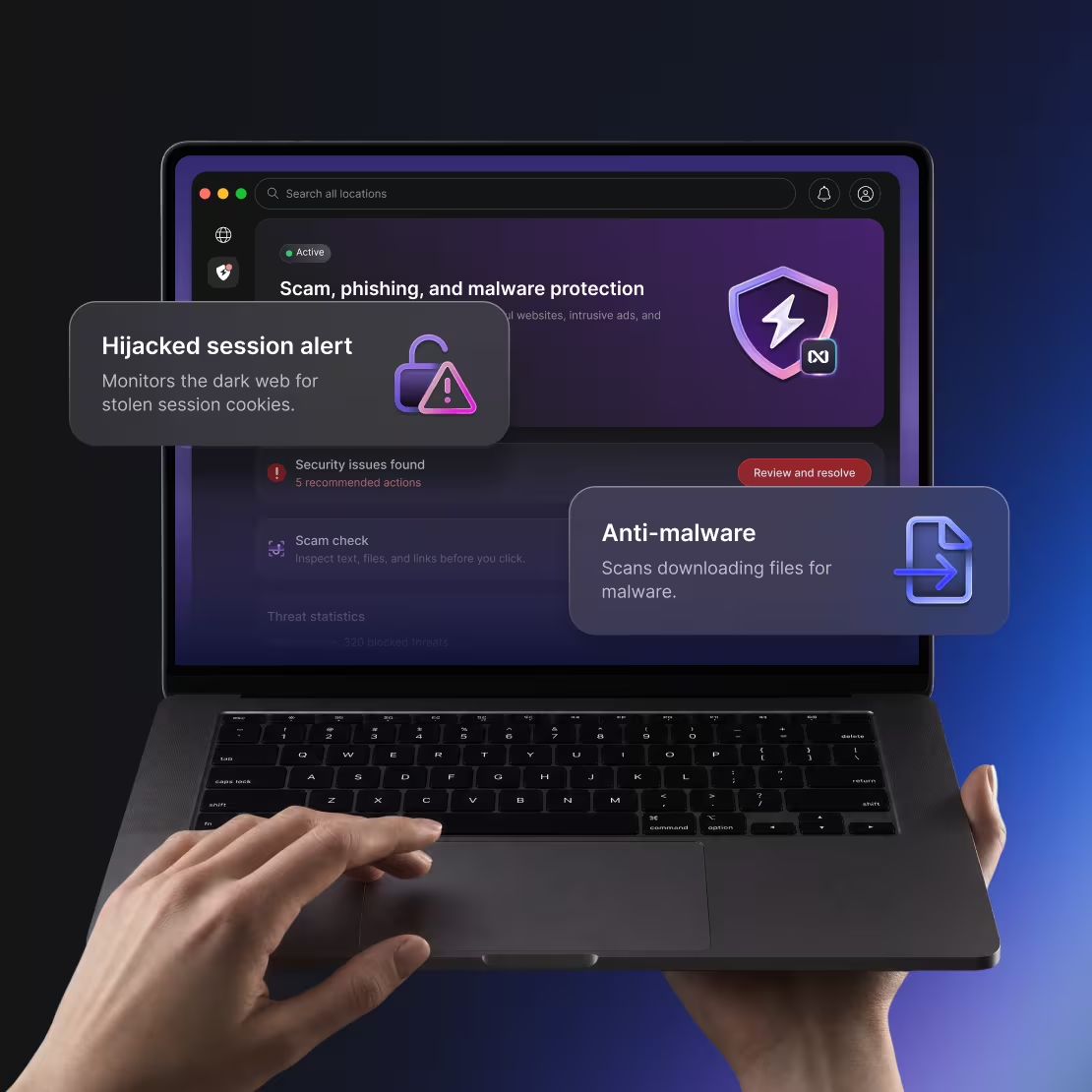
While traditionally known as a privacy industry leader, NordVPN has transformed its security offerings into a formidable contender for Windows protection through Threat Protection Pro. If you already rely on a virtual private network for secure browsing, this option integrates privacy and malware defense seamlessly.
Key Features and Performance
Unlike traditional antivirus programs that primarily scan hard drives upon request, NordVPN’s Threat Protection Pro inspects files as they are being downloaded. If you accidentally click on a corrupted software installer or a malicious attachment from an email, the system intercepts and neutralizes the threat before it touches your Windows file system.
Furthermore, it blocks intrusive trackers, malicious advertisements, and dangerous web domains at the network level. This dual-action approach not only keeps malware at bay but also accelerates web page loading times by stripping out heavy tracking scripts.
Pros and Cons
-
Pros:
-
Scans and blocks malicious file downloads in real-time.
-
Built-in ad blocker and tracker blocker enhance web browsing privacy.
-
Exceptional pairing for users who already prioritize VPN-based encryption.
-
-
Cons:
-
Lacks some of the deep, traditional system optimization tools found in dedicated suites like Bitdefender or Norton.
-
Requires a subscription to higher-tier VPN packages (Complete or Prime) to unlock full anti-malware capabilities.
-
Essential Factors to Consider When Choosing Your Antivirus
Selecting the right antivirus software depends heavily on your unique computing habits, hardware specifications, and personal budget. Keep the following criteria in mind before making your final decision:
-
System Impact: If you use an older or lower-spec laptop, prioritize lightweight options like Bitdefender to prevent performance slowdowns.
-
Device Count: Count how many computers, phones, and tablets your household owns. Choosing a multi-device plan like McAfee+ often saves money compared to buying separate licenses.
-
Extra Utilities: Evaluate whether you truly need extras like cloud backup (Norton), secure browsers (Bitdefender), or ad-blocking privacy tools (NordVPN).
-
Ease of Use: If you prefer setting up your security once and never thinking about it again, opt for user-friendly platforms with automated background scanning.
Frequently Asked Questions (FAQ)
Do I still need a third-party antivirus if I use Windows 11?
While Windows 11 includes Microsoft Defender, which offers basic protection against common threats, independent security tests show that third-party suites like Norton and Bitdefender provide superior detection rates against zero-day exploits, advanced ransomware, and complex phishing schemes.
Will running an antivirus software slow down my PC?
It depends on the software you choose. Traditional heavy scanners can consume system resources during deep scans, but modern lightweight solutions like Bitdefender Total Security are engineered to operate quietly in the background with minimal impact on CPU performance.
Are free antivirus programs safe to use?
Yes, reputable free options like Avast Free Antivirus provide reliable core protection for everyday web browsing. However, free versions typically omit advanced features like cloud backup, multi-device syncing, premium VPN data, and comprehensive identity theft monitoring.