Signs Your Phone Might Be Compromised
Learn how to identify if your phone has been hacked or compromised
In the hyper-connected world of 2026, our smartphones are no longer just devices; they are extensions of our identities, wallets, and professional lives. However, as mobile technology has advanced—integrating 5G, sophisticated AI agents, and decentralized finance—the threats have evolved in tandem. Cybercriminals today are using generative AI to create seamless scams and “zero-click” exploits that are harder to detect than ever before.
Identifying a compromised phone isn’t always as obvious as a “system hacked” pop-up. Modern spyware is designed to be invisible. To protect your digital life, you need to recognize the subtle physical and digital “tells” that suggest someone else has access to your device.
Here is a comprehensive guide to the signs that your phone might be compromised in 2026.
1. Abnormal Battery Drain and Sudden Overheating
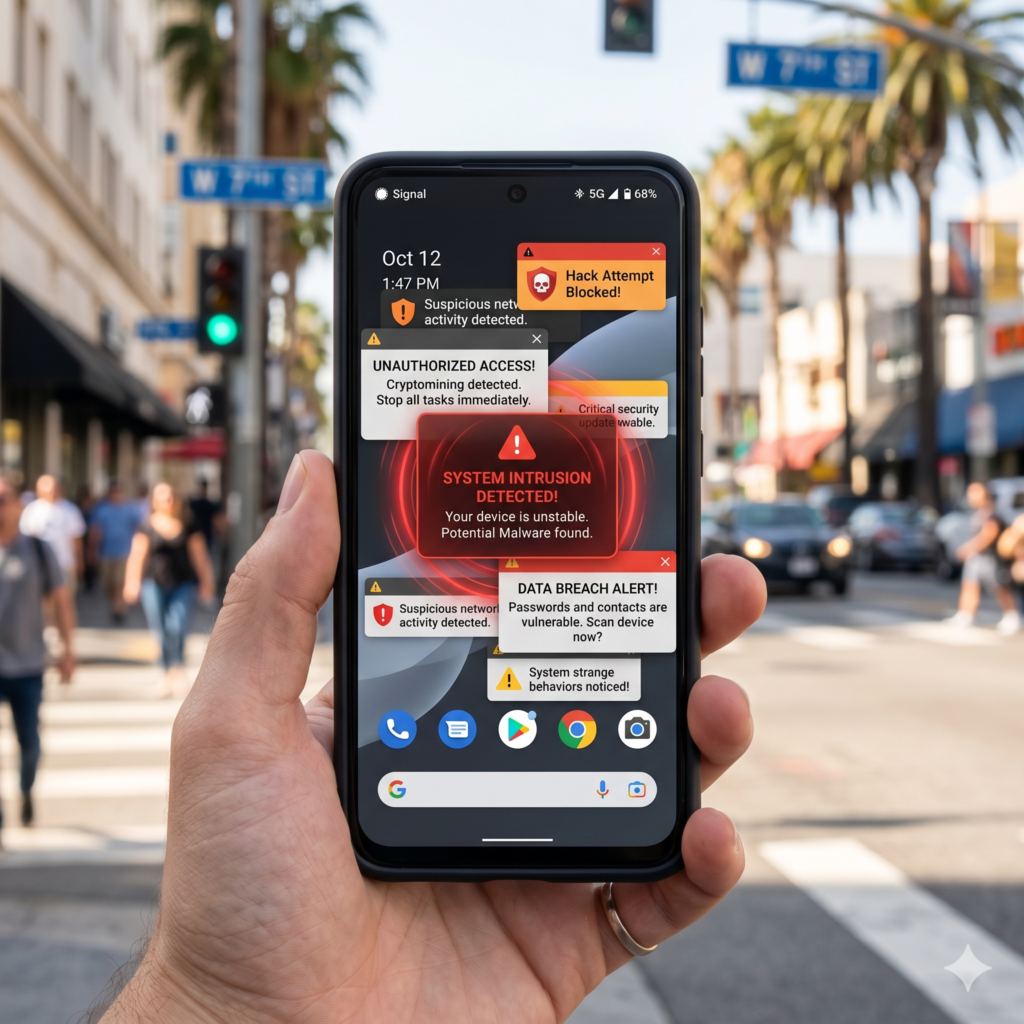
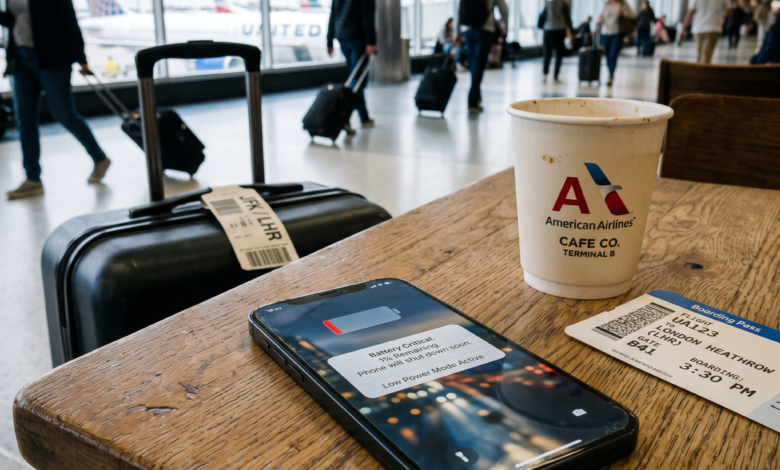
While battery health naturally degrades over time, a sudden and significant drop in battery life is a classic red flag. In 2026, advanced spyware and “miners” (malware that uses your phone’s power to mine cryptocurrency) are highly resource-intensive.
-
Continuous Background Activity: If your phone is losing 20-30% of its charge while sitting idle on your nightstand, it’s likely that a hidden process is running in the background.
-
Idle Overheating: If your device feels hot to the touch even when you haven’t been gaming, streaming 4K video, or charging it, this is a sign of “processor stress.” Malicious code often works your phone’s CPU (Central Processing Unit) to transmit data back to a hacker’s server, causing the hardware to heat up.
2. Spikes in Data Usage Without Explanation
Most modern data plans are generous, but you should still monitor your monthly consumption. A hacked phone often becomes a “data beacon,” constantly uploading your personal files, photos, and even real-time audio/video to a remote server.
How to Check for Data Leaks
Check your system settings to see which apps are consuming the most data. If you see an unknown app or a “system service” consuming gigabytes of data while you aren’t using the phone, it’s a major warning sign. In 2026, hackers also use “Stealth Uploads” that happen only when you are connected to Wi-Fi to avoid detection via your cellular bill—so be sure to check your Wi-Fi data usage stats as well.
3. The “Ghost in the Machine”: Unexplained System Behavior
Does your phone seem to have a mind of its own? In 2026, “Remote Access Trojans” (RATs) allow hackers to control your phone from halfway across the world as if they were holding it in their hands.
-
Spontaneous Reboots: If your phone restarts for no reason, it could be the malware trying to install a system update or refresh its permissions.
-
Waking Up Unexpectedly: If your screen lights up without a notification, or if you see the “Camera” or “Microphone” indicator (the green/orange dots at the top of your screen) active while you aren’t using those features, someone may be spying on you in real-time.
-
Phantom Typing: Seeing the cursor move or apps open and close by themselves is a sign of a remote overlay attack.
4. Unrecognized Apps and Mystery Icons
Take a close look at your app library. Hackers often hide malicious software by giving it a generic name like “System Update,” “Battery Saver,” or “File Manager.”
Hidden Malware Tactics
In 2026, many malicious apps utilize “icon camouflage.” They may appear on your home screen as a calculator or a simple game, but once opened, they act as a “dropper” for more dangerous spyware. If you find an app you don’t remember downloading—or if you see a blank space in your app drawer that you can’t click—your device’s security has likely been bypassed.
5. Unexpected Two-Factor Authentication (2FA) Requests
This is a critical “early warning” sign. If your phone suddenly receives a text message or a pop-up with a 6-digit login code for your bank, email, or Instagram when you aren’t trying to log in, someone already has your password.
Token Theft and 2FA Bypass
In 2026, a new threat called “Token Theft” allows attackers to bypass 2FA by stealing your active “session tokens.” However, many legacy systems still rely on codes. If you get a 2FA request you didn’t initiate, it means a hacker is currently at the “gate” of your account. If your phone is already compromised, they may even be able to read that code before you do.
6. Unusual Account Activity and “Sent” Folders

Sometimes the signs of a phone hack aren’t on the phone itself, but in the accounts connected to it.
-
Outgoing Spam: Check your “Sent” folder in your email and your messaging apps (WhatsApp, Telegram, Signal). If your friends complain that you’re sending them weird links about crypto investments or “emergency” requests for money, a malicious script is using your identity to spread malware.
-
Password Change Notifications: Receiving emails about password resets or “New Login Detected” from a location you’ve never been to is a clear indicator that your phone’s stored credentials have been harvested.
7. Pop-Ups and “Your Phone is Infected” Warnings
This is an old trick that still works in 2026. If you are browsing the web and suddenly get a persistent, vibrating pop-up telling you that you have 13 viruses and need to “Click here to clean,” do not click.
These aren’t real system warnings; they are “Scareware.” Their goal is to trick you into downloading the actual virus. If these pop-ups start appearing even when your browser is closed, the malware is already embedded in your operating system.
8. Delays in Sending or Receiving Messages
Malware often intercepts the “communications stack” of your phone. If you notice a significant delay (more than a few seconds) in receiving text messages or if your calls frequently drop in areas where you usually have a perfect 5G signal, your traffic might be being rerouted through a malicious proxy or a “Man-in-the-Middle” (MitM) attack.
9. The 2026 Compromise Checklist
If you suspect your phone is compromised, go through this quick checklist:
| Symptom | Severity | Immediate Action |
| Microphone/Camera Dot on Idle | Critical | Put phone in Airplane Mode; check app permissions. |
| Unknown 2FA Requests | High | Change passwords on a different device immediately. |
| Overheating While Idle | Medium | Check battery usage for unknown apps. |
| Apps Crashing / Freezing | Low | Update OS and run a reputable mobile security scan. |
10. What to Do if Your Phone is Compromised
If the signs point to a hack, don’t panic. Follow these steps to reclaim your device:
-
Disconnect: Turn on Airplane Mode and turn off Wi-Fi. This stops the malware from “calling home” to the hacker.
-
Audit Your Apps: Go to Settings > Apps and delete anything you don’t recognize.
-
Update Your OS: Ensure your iPhone or Android is running the absolute latest security patch.
-
Change Your Passwords: Using a separate, clean device, change the passwords for your primary email, bank, and social media. Enable “Log out of all sessions.”
-
Factory Reset (The Nuclear Option): If the symptoms persist, back up your photos and contacts (carefully!) and perform a full Factory Reset. This is the most effective way to wipe deep-seated spyware.
Prevention is the Best Defense
In 2026, mobile security is a game of vigilance. By recognizing these signs early—like unexplained battery drain or mystery 2FA codes—you can stop a hacker before they gain full control of your life.
Stay safe by only downloading apps from official stores, keeping your software updated, and being mindful of the permissions you grant. Your phone is your digital gateway; make sure you’re the only one with the key.