Online Safety
Is It Safe to Charge Your Phone at Public USB Stations?
Learn about the security risks of charging your phone at public USB stations and how to protect your device and data
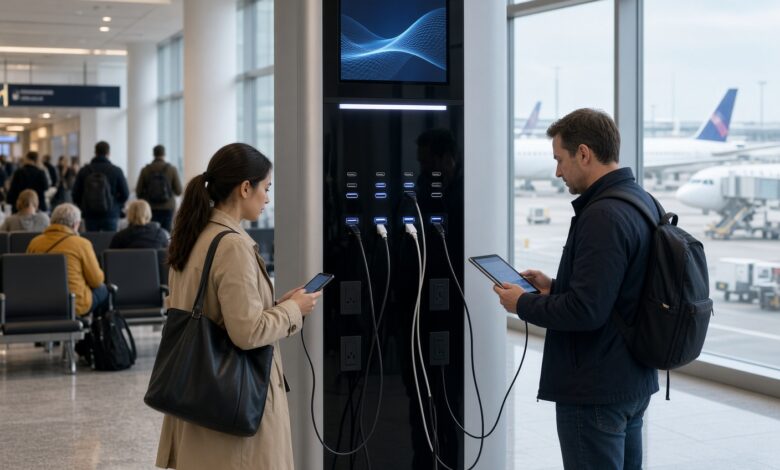
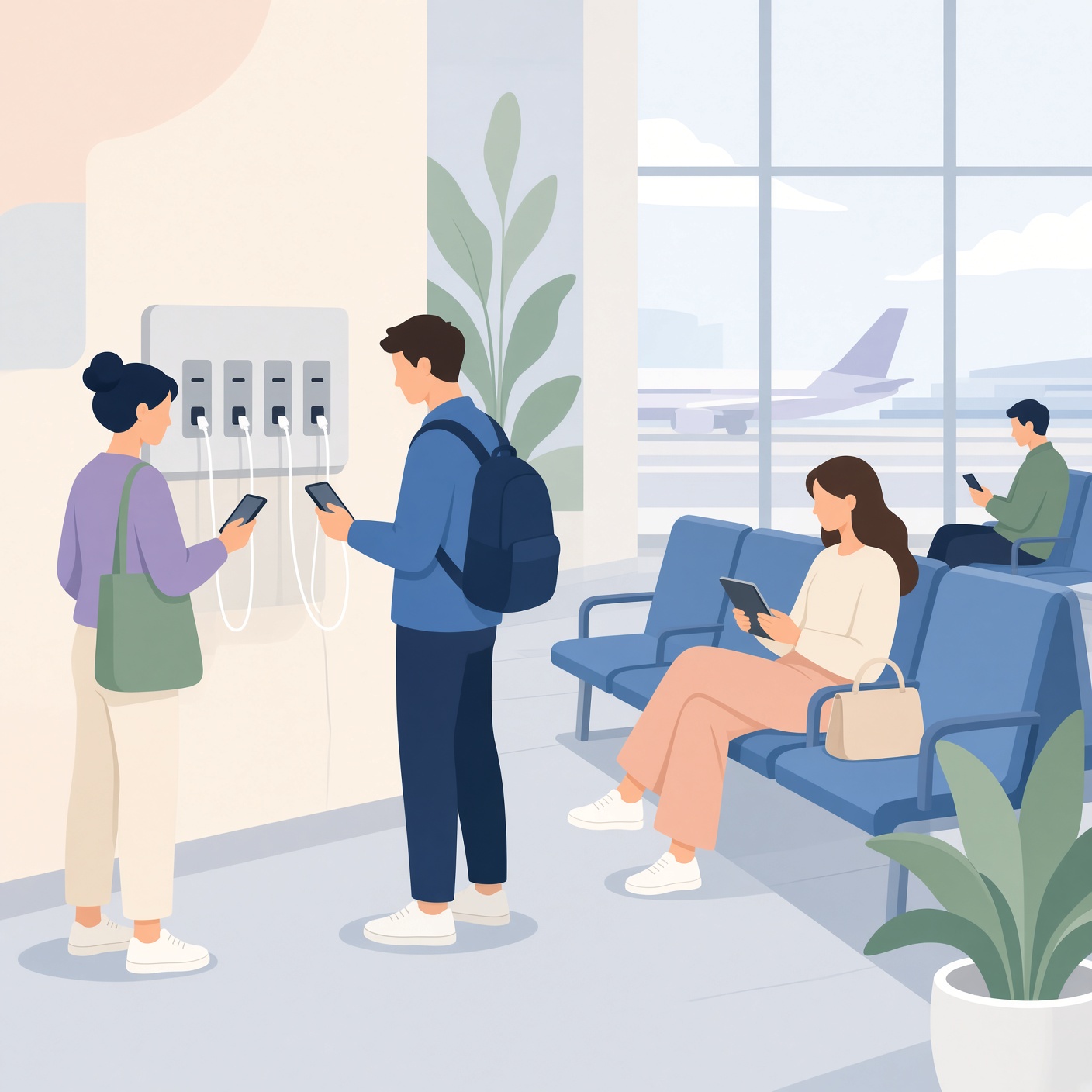
Picture this: You are walking through a bustling airport, waiting for your connecting flight, when you notice your phone battery is resting at a precarious 4%. Panic sets in. You look around and spot a sleek public charging kiosk with open USB ports. It feels like a digital oasis. You plug your phone in, feeling a wave of relief as the battery icon turns green.
However, that convenient free charge might come at a hidden price.
In today’s hyper-connected world, our smartphones hold our entire lives—from banking apps and personal photos to passwords and private messages. This makes them prime targets for cybercriminals. But how vulnerable are you really when you plug into public USB ports? Are airports, hotels, coffee shops, and train stations putting your digital privacy at risk?
This comprehensive guide dives deep into the safety of public USB stations, explores the real threat known as “juice jacking,” and provides actionable, easy-to-understand strategies to keep your personal data secure while on the move.
What Is Juice Jacking and How Does a Public USB Port Work?
To understand the risks of public charging stations, we first need to look at how a standard USB cable operates.
Unlike a traditional household electrical outlet—which only delivers alternating current (AC) power—a USB cable is dual-purpose by design. It has four internal wires: two for carrying electrical power and two dedicated to data transmission.
When you plug your phone into a computer, a media player, or a data-enabled kiosk, your phone doesn’t just receive power; it establishes a communication handshake. It asks the connected device what it is, shares device information, and opens a pathway to transfer files, photos, music, and diagnostic data.
Juice jacking is a cyberattack vector where malicious actors compromise public USB charging ports—such as those found in airports, shopping malls, hotels, and transit hubs. Instead of connecting the USB port to a standard electrical power source, attackers wire the port directly into a hidden computer or a modified data hub.
Once your phone is plugged in, the hidden hardware can do two things:
-
Silently siphon your data: In a matter of seconds, malware or malicious scripts can copy sensitive files, clone your device identifiers, or harvest cached credentials.
-
Install malicious payloads: In more severe scenarios, attackers can push malware or spyware directly onto your device, giving them remote access or turning your phone into part of a botnet.
The Real Threat: Fact Versus Fiction in Mobile Security
Ever since the term “juice jacking” was coined back in 2011 by security researchers Brian Krebs, security agencies and tech giants have debated how widespread the threat actually is.
Government entities, including the Federal Communications Commission (FCC) and the FBI, have issued public warnings advising travelers against using free USB charging stations in airports, hotels, and shopping centers. These warnings emphasize that public charging ports can be easily manipulated by bad actors to load malware and monitoring software onto devices.
However, cybersecurity experts point out a nuance: while the technical capability to execute a juice jacking attack is very real, widespread, everyday exploitation in the wild is relatively uncommon compared to phishing scams or malicious Wi-Fi networks.
Why? Because modern operating systems—like Apple’s iOS and Google’s Android—have evolved significantly. When you plug an iPhone or an Android device into an unknown computer or USB port today, the phone typically prompts you with a warning: “Trust This Computer?” or asks you to unlock your device and confirm that you want to allow data transfer. If you tap “Don’t Trust” or cancel the prompt, the device switches strictly to “Charge Only” mode, blocking data lines.
Despite these built-in safety features, risks still persist:
-
Zero-day exploits and software bugs: Flaws in mobile operating systems can occasionally allow sophisticated attackers to bypass data prompts.
-
Malicious hardware modifications: Advanced hardware adapters hidden behind the wall panels of kiosks can trick a phone into accepting a data connection even when software prompts are ignored.
-
User error and fatigue: Travelers are often tired, distracted, and rushed. Clicking “Trust” out of habit or muscle memory opens the door wide open to compromise.
Beyond Juice Jacking: Other Hidden Dangers of Public Charging
While juice jacking grabs the cybersecurity headlines, it is not the only risk you face when using public infrastructure to power up your devices. Cybercriminals and opportunistic thieves use several other vectors disguised as convenience.
1. Malware-Infected USB Cables Left Behind
Sometimes the threat isn’t built into the charging station itself—it’s left behind by a previous user. Careless travelers frequently leave charging cables plugged into public kiosks. Hackers sometimes plant malicious cables or “USB drop attack” devices (like malicious USB drives or rubber ducky devices) disguised as normal lightning or USB-C cords. When you plug your phone into one of these rogue cables, it instantly executes automated scripts to compromise your device.
2. Physical Theft and Rogue Power Banks
Leaving your phone unattended while it charges at a public wall outlet or kiosk leaves it vulnerable to snatch-and-grab thefts. Furthermore, cheap or unverified power banks and portable charging stations rented from automated lockers can sometimes be tampered with to intercept data or damage device hardware via voltage spikes.
3. Man-in-the-Middle Attacks via Compromised Wi-Fi
Many public charging stations are co-located with free public Wi-Fi networks. If you plug your phone into a compromised kiosk that manages to establish a data link, or if you hop onto an unsecured local network while waiting, you expose yourself to Man-in-the-Middle (MitM) attacks where data packets traveling to and from your phone can be intercepted.
How to Power Your Phone Safely Anywhere in the World
You don’t need to live in fear or let your phone die every time you travel. Protecting your device from public charging vulnerabilities is simple when you adopt smart digital hygiene habits. Here are the most effective ways to keep your data safe:
Use a USB Data Blocker (The “Condom” for Your USB)
One of the easiest and cheapest defenses against juice jacking is a USB data blocker (often called a USB condom). This is a tiny, pocket-sized adapter that sits between your charging cable and the public USB port.
A USB data blocker physically removes or blocks the data pins (the middle two wires) inside the connector while leaving the power pins completely intact. When you use a data blocker, electricity flows freely into your phone, but data transmission is physically impossible. Even if a public kiosk is hooked up to a malicious computer, no data can pass through. Keeping one of these in your travel bag provides total peace of mind.
Stick to Traditional AC Wall Outlets
When you need to charge in public, look for a traditional household electrical outlet instead of a USB port. Plug your standard wall adapter (the “brick” charger you received with your phone) into the wall, and connect your cable to that. Because AC outlets only transmit electrical current and lack data wiring, juice jacking is entirely avoided.
Carry Your Own Portable Power Bank
The ultimate defense against unsafe public charging infrastructure is self-sufficiency. Investing in a reliable, high-capacity external power bank (portable charger) allows you to charge your phone anywhere, anytime, without ever relying on public kiosks, airports, or coffee shop outlets. Just remember to charge your power bank at home before you leave.
Lock Your Device and Never Tap “Trust”
If you are ever forced to plug your phone directly into an unknown computer or USB port in an emergency, never unlock your phone while it is connected. Keep the screen locked, and if a prompt appears asking if you want to “Trust This Computer” or allow data access, always select “Don’t Trust” or “Cancel”.
Best Practices for Ultimate Mobile Device Security

Securing your phone goes beyond just watching out for public charging ports. To build a robust defense against modern cyber threats, incorporate these essential digital safety habits into your daily routine:
-
Keep Your Operating System Updated: Software updates frequently patch newly discovered security vulnerabilities. Always install the latest iOS or Android updates as soon as they become available.
-
Use Strong Biometrics and Passcodes: Ensure your phone is protected by a strong alphanumeric passcode alongside Face ID or fingerprint scanning so that even if physical access is gained, your data remains locked away.
-
Enable Remote Tracking: Keep features like “Find My” (iOS) or “Find My Device” (Android) enabled so you can wipe your phone remotely if it is ever stolen while charging in public.
-
Avoid Public USB Ports for Sensitive Tasks: If you ever must use a public charging station, avoid logging into banking apps, entering credit card details, or accessing sensitive corporate accounts while connected.
Convenience Versus Security
Public charging stations are undeniably convenient, but that convenience often comes with hidden digital risks. While modern smartphones have built-in defenses that make juice jacking harder to execute than it was a decade ago, the threat is still real enough that cybersecurity agencies advise caution.
By understanding how public USB ports work and adopting simple preventive measures—such as carrying a portable power bank, using a USB data blocker, or sticking to traditional wall outlets—you can keep your battery full and your personal data locked down tight.
Next time you are stranded with a dying battery in an airport terminal, take a moment to pause, protect your ports, and charge smart. Your digital privacy is always worth more than a quick battery top-up.