Online Safety
Best Security Apps for Android
Discover the best security apps for Android to protect your device, data, and online activity
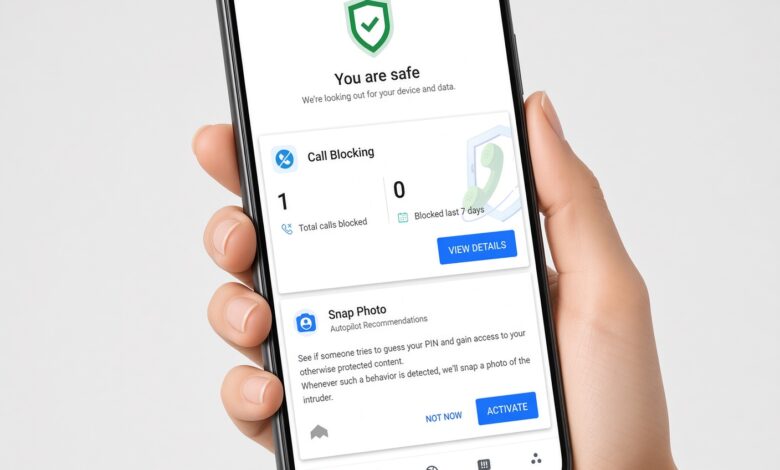
Mobile devices have become the central hub of our daily lives. From managing bank accounts and shopping online to storing precious family photos and work documents, our smartphones hold a staggering amount of sensitive data. Because Android powers a vast majority of smartphones worldwide, it remains a frequent target for cybercriminals, sophisticated phishing campaigns, and hidden malware.
While built-in defenses like Google Play Protect offer a strong baseline by scanning billions of apps daily, they often require supplementary tools to cover advanced privacy gaps, dangerous web links, and network vulnerabilities. If you want to keep your personal information safe without slowing down your phone, choosing the right security application is essential.
This comprehensive guide explores the best security apps for Android, breaking down their key features, performance metrics, and how they protect your digital footprint.
Why Android Devices Need Additional Security Apps
Many users assume that downloading apps exclusively from official app stores guarantees complete safety. However, malicious actors continuously find clever ways to bypass standard review processes using disguised adware, spyware, and trojans.
Operating systems utilize robust sandboxing to isolate application data, but modern mobile threats go beyond traditional app-to-app interference. Cybercriminals rely heavily on social engineering, malicious text messages (smishing), rogue Wi-Fi hotspots, and deceptive tracking cookies designed to steal credentials. Dedicated mobile security suites bridge these security gaps by offering real-time web protection, anti-phishing filters, secure virtual private networks (VPNs), and immediate alerts if your personal data appears on the dark web.
Bitdefender Mobile Security: Best Overall Performance and Features
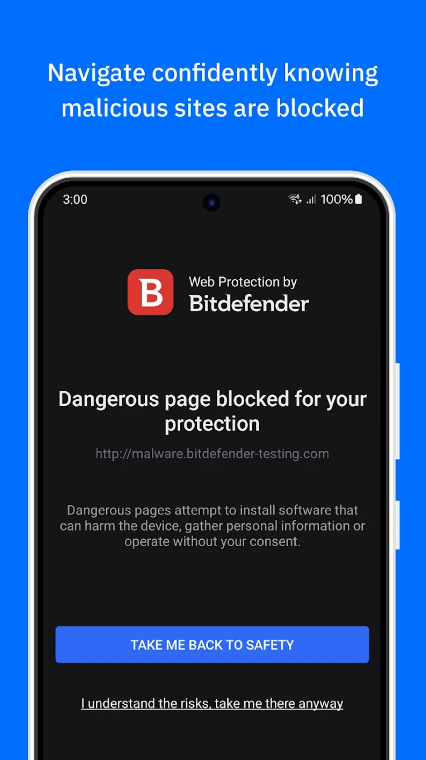

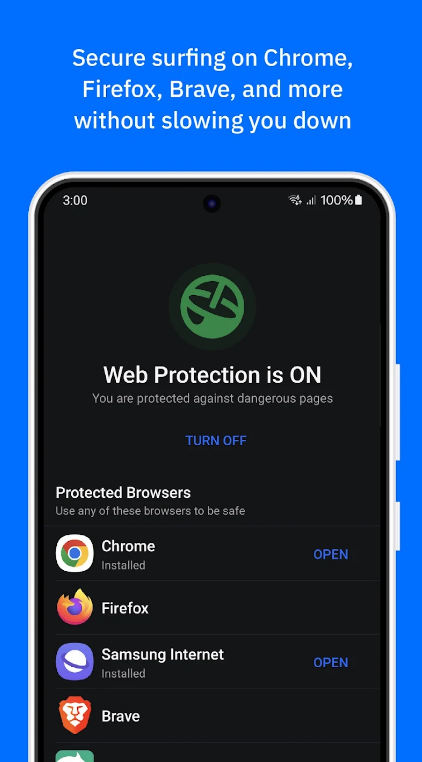
Bitdefender consistently ranks at the top of independent laboratory tests for mobile malware detection, frequently achieving a flawless 100% detection rate with minimal battery impact.
What makes Bitdefender stand out is its “install and forget” philosophy. The application operates seamlessly in the background, analyzing newly installed applications before they can execute harmful code. Furthermore, its web protection feature actively filters malicious URLs across nearly all popular mobile browsers, including Chrome, Firefox, Samsung Internet, and Brave.
-
Key Features: Featherlight malware scanner, multi-browser web filtering, account privacy checker, and an integrated VPN for encrypted browsing.
-
Anti-Theft Capabilities: Beyond basic remote tracking, Bitdefender snaps a secret photograph of anyone attempting to unlock your device with an incorrect PIN.
-
Ideal For: Users seeking comprehensive, high-performance protection that demands zero configuration and consumes minimal system resources.
Norton 360: Most User-Friendly Security Suite

Norton remains a household name in cybersecurity, and its mobile app brings that legacy to Android with an exceptionally intuitive dashboard designed for everyday users.
Norton 360 shines in proactive threat prevention. Its proprietary App Advisor inspects applications for potential privacy risks, intrusive behaviors, and battery drain issues before you even download them from the store. Additionally, its SMS Security feature acts as a vital shield against smishing attacks, automatically identifying and filtering fraudulent text messages containing dangerous links.
-
Key Features: App Advisor pre-installation scanner, robust SMS phishing filter, Wi-Fi security alerts, and device health monitoring.
-
Privacy Add-ons: Includes a secure VPN to encrypt your internet traffic on public wireless networks.
-
Ideal For: Beginners who want powerful, automated protection coupled with crystal-clear alerts when something requires attention.
TotalAV Mobile Security: Best for Bonus Features and Ad Blocking
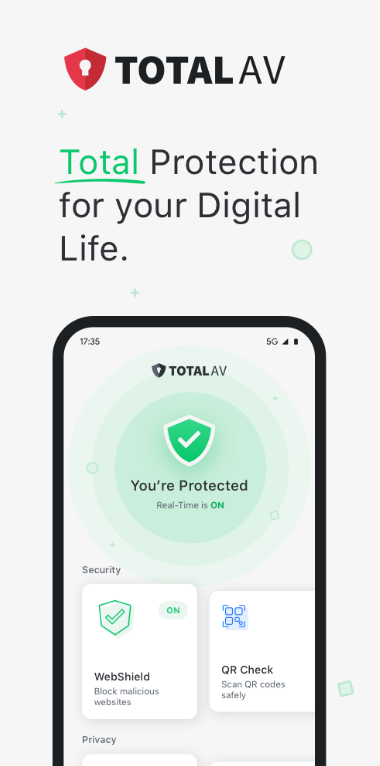
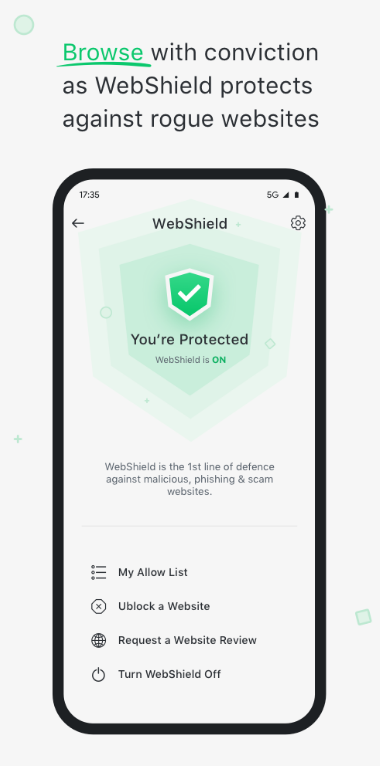
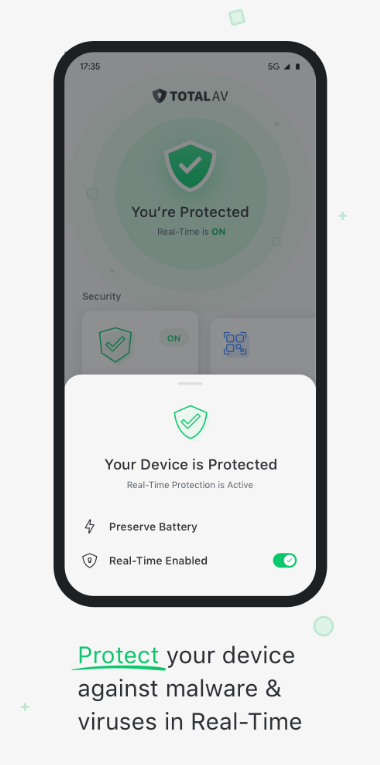
If you are looking for a security solution that doubles as a comprehensive optimization toolkit, TotalAV provides an impressive array of extra features wrapped in a sleek interface.
TotalAV focuses heavily on cleaning up digital clutter while maintaining robust real-time malware defense. It scores exceptionally high in third-party anti-malware evaluations and pairs nicely with ad-blocking functionalities to ensure your daily browsing sessions remain free from intrusive and potentially hazardous pop-ups.
-
Key Features: Real-time virus scanner, data breach monitoring, system booster tools, and integrated ad-blocking capabilities.
-
Usability: Straightforward navigation makes managing blocked threats and running manual scans effortless.
-
Ideal For: Users who want versatile utility tools alongside rock-solid malware and ad protection.
AVG Antivirus & Security: Top Choice for Essential Free Protection


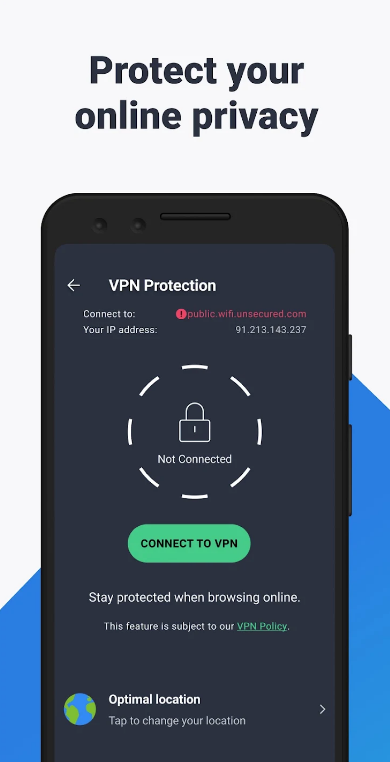
For users operating on a budget who still demand top-tier malware defense, AVG offers one of the most robust free security applications available on the market.
While many free apps strip down core functionality, AVG provides the same stellar virus-detection engine found in its paid packages, earning top marks in independent lab tests. It features dedicated modules for checking Wi-Fi network security, clearing unnecessary junk files, and locking sensitive private applications behind a PIN code.
-
Key Features: Deep malware and spyware scanner, Wi-Fi speed and security tester, app locker, and power saver tools.
-
Free vs. Paid: The free version covers essential security needs reliably, though upgrading removes in-app advertisements and unlocks advanced anti-theft protocols.
-
Ideal For: Individuals looking for reliable, zero-cost protection backed by rigorous laboratory testing.
Essential Best Practices for Ultimate Android Safety
Installing a reputable security app is a critical step, but maintaining a secure mobile environment requires adopting smart digital habits. Combine your chosen security application with these core safety guidelines:
-
Keep Software Updated: Always install system updates and security patches as soon as they become available. Manufacturers patch critical vulnerabilities regularly.
-
Scrutinize App Permissions: Pay close attention to what permissions an app requests. A simple flashlight app has no legitimate reason to request access to your contacts or SMS messages.
-
Exercise Caution on Public Wi-Fi: Avoid logging into sensitive accounts, such as online banking portals, while connected to unsecured public networks unless you are actively routing your traffic through a trusted VPN.
-
Verify Developer Credentials: Before downloading a new app, check the developer name and read through recent reviews to ensure authenticity.
By pairing a reliable, high-performance security application like Bitdefender or Norton with mindful browsing habits, you can navigate the digital world confidently and keep your personal data secure against evolving threats.