How to Keep Your Email Address Private
Learn how to protect your email from spam, scams, and data breaches
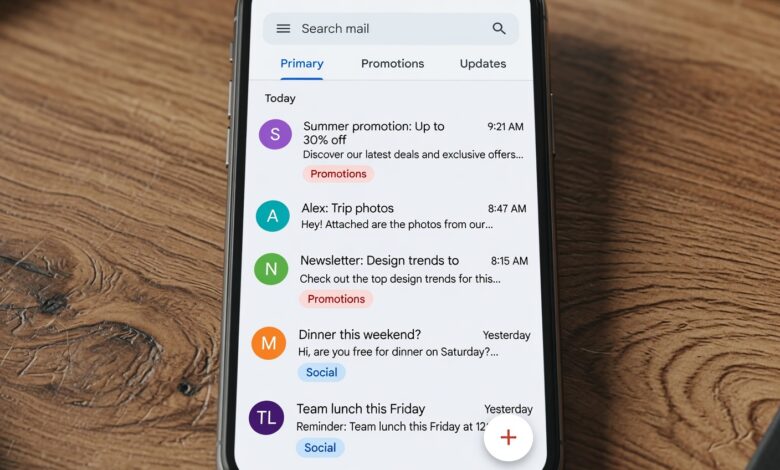
In today’s digital landscape, your email address is more than just a digital mailbox—it is your online identity. From banking and shopping to social media and work, nearly every platform requires an email address to register, log in, and communicate.
Unfortunately, this convenience comes at a heavy cost. Every time you share your primary email address with a new website, app, or service, you expose yourself to the risk of data breaches, targeted phishing attacks, invasive tracking, and an overwhelming flood of unwanted spam. Once your email address falls into the hands of data brokers and malicious actors, removing it is nearly impossible.
The good news? You do not have to accept a cluttered, vulnerable inbox as a normal part of digital life. By adopting proactive privacy strategies, you can easily shield your personal inbox and browse the internet with confidence. This comprehensive guide explores actionable, beginner-friendly techniques to keep your email address private, protect your personal data, and regain control of your digital footprint.
Why Email Privacy Matters More Than Ever
Before diving into the solutions, it is essential to understand why protecting your email address is critical for your overall cybersecurity and peace of mind.
When your email address is leaked or sold online, it immediately becomes a target for several major digital threats:
-
Spam and Junk Mail: Automated scrapers constantly harvest email addresses from public forums, comment sections, and breached databases, flooding your inbox with promotional offers and scams.
-
Phishing Scams: Cybercriminals use your email address to send sophisticated, personalized spear-phishing messages designed to trick you into revealing passwords, financial details, or personal data.
-
Credential Stuffing Attacks: If a password associated with your email address is leaked in a minor data breach, hackers will automatically test that same username and password combination across hundreds of other major websites to gain unauthorized access to your accounts.
-
Digital Profiling: Data brokers aggregate your email address with your web browsing history, purchasing habits, and social media activity to build detailed behavioral profiles without your consent.
Securing your email address is not about hiding from the world; it is about establishing healthy digital boundaries that keep you safe from bad actors.
1. Audit Your Current Exposure and Identify Vulnerable Accounts
The first step in protecting your email privacy is finding out where your information is already exposed. You cannot secure what you do not know is vulnerable.
Check for Past Data Breaches
Over the past decade, thousands of major companies, retailers, and social networks have experienced security breaches exposing billions of user credentials.
You can instantly check if your primary email address has been compromised by using reputable, free monitoring tools such as Have I Been Pwned. Simply enter your email address to see which websites suffered a data leak containing your information.
-
Actionable Tip: If your email appears in past breaches, immediately change the passwords for those affected accounts and ensure you never reuse passwords across different platforms.
Map Out Where Your Email Lives
Take a moment to evaluate how many services are currently linked to your main email address. Over the years, you likely signed up for newsletters, trial software, and online stores that you no longer use. Closing inactive accounts reduces your digital attack surface and limits the number of organizations holding your data.
2. Master the Art of Email Aliases (The Best Defense)
The single most effective technique for keeping your primary email address private is the use of email aliases.
An email alias is a secondary email address that forwards all incoming messages to your main, secure inbox. Crucially, the websites and services you sign up with only see the alias—they never learn your real, personal email address.
[Service Provider] ---> Sends mail to ---> [Alias Address] ---> Forwards to ---> [Your Private Inbox]
If a company experiences a data breach or starts sending excessive spam to an alias, you can simply delete or deactivate that specific alias with a single click, completely cutting off the unwanted traffic without changing your primary email address.
Types of Email Aliases You Can Use:
-
Plus Addressing (Subaddressing): Most major email providers (such as Gmail and Outlook) support plus addressing natively. If your email is
[email protected], you can add a plus sign and any keyword when signing up for a service, like[email protected]or[email protected]. All mail arrives in your main inbox, but you can set up automated filters to organize or block messages instantly. -
Dedicated Alias Services: For maximum privacy, specialized services allow you to generate randomized, throwaway email addresses on demand. Popular options include SimpleLogin (owned by Proton) and AnonAddy. These services mask your real identity completely and offer advanced features like outgoing reply masking and custom domain support.
-
Built-in Apple and Google Masking Tools: If you use an iPhone, Apple offers Hide My Email via iCloud+, which instantly generates unique, random email addresses for apps and websites. Similarly, modern password managers like 1Password and Bitwarden now include built-in alias generation features through partnerships with services like Fastmail or AnonAddy.
3. Leverage Burner Email Addresses for One-Time Tasks
Have you ever wanted to read an online article, download a PDF guide, or access public Wi-Fi at a coffee shop, only to be blocked by a mandatory email sign-up form? Entering your real email address in these situations is a guaranteed recipe for a lifetime of unwanted promotional emails.
This is where burner email addresses (also known as temporary or disposable email addresses) come to the rescue.
How Burner Emails Work
Disposable email services provide you with a fully functional inbox that exists for a short period—ranging from 10 minutes to a few hours—before self-destructing entirely.
-
When to Use Them: Perfect for downloading single resources, testing unverified web applications, registering for one-time forum access, or bypassing strict paywalls.
-
Popular Free Tools: Platforms like Temp Mail, Guerrilla Mail, and 10MinuteMail allow you to generate a working inbox instantly without registration. You can receive the verification link or confirmation code, complete your task, and walk away knowing your real identity remains completely hidden.
4. Utilize Encrypted and Privacy-Focused Email Providers

Not all email service providers treat your data with the same level of respect. Traditional free email providers often scan the content of your incoming and outgoing messages to build advertising profiles or share data with third-party partners.
If you are serious about complete privacy, switching to a dedicated end-to-end encrypted email provider is a game-changer.
What Makes an Email Provider Privacy-Focused?
-
Zero-Access Encryption: Even the email provider itself cannot read the content of your messages because encryption keys are held exclusively by you.
-
Jurisdiction: Privacy-centric providers are typically based in countries with strict data protection laws (such as Switzerland or Iceland), protecting your data from invasive foreign surveillance requests.
-
Metadata Protection: Advanced providers strip identifying tracking information from your headers, preventing senders from knowing when or where you opened an email.
Top-tier options trusted by privacy advocates worldwide include ProtonMail, Tuta, and Mailfence. Many of these services offer free tiers with generous storage, making the transition seamless for beginners.
5. Block Invisible Email Tracking Pixels
Receiving an email is no longer a passive experience. Senders—including marketers, newsletters, and corporate entities—frequently embed invisible, single-pixel images known as tracking pixels into the HTML body of their emails.
What Do Email Trackers Reveal?
The moment you open an email containing a tracking pixel, your device downloads that tiny image from a remote server, instantly transmitting valuable data back to the sender, including:
-
The exact date and time you opened the message.
-
Your device type, operating system, and email client.
-
Your approximate geographic location based on your IP address.
How to Stop Email Tracking
Fortunately, modern email applications and privacy tools make it easy to block these invasive trackers:
-
Enable Image Blocking: Go to your email client settings and choose to ask before displaying external images automatically. If images do not load automatically, the tracking pixel cannot report your activity.
-
Use Privacy-First Email Clients: Services like Thunderbird, ProtonMail, and specialized mobile apps have built-in tracker blockers that automatically strip malicious tracking pixels from incoming mail before you even see them.
6. Smart Habits for Public Forums and Social Media
A surprising number of people accidentally leak their primary email addresses themselves through careless online behavior. Hackers and automated botnets constantly trawl public spaces looking for exposed contact information.
To keep your digital footprint clean, adopt these simple everyday habits:
-
Never Publish Your Plain Text Email Online: Avoid posting your email address directly in public comment sections, Reddit threads, Instagram bios, or open forums. If you must share a contact address publicly, write it out in a human-readable format (e.g.,
name [at] domain [dot] com) to trick automated web scrapers. -
Use Separate Accounts for Financial and Personal Life: Never use your work email for personal shopping or social media accounts. Conversely, do not use your casual, public-facing personal email for sensitive banking portals or healthcare dashboards. Create a dedicated, ultra-secure email address known only to close family members and critical financial institutions.
-
Be Cautious with Sweepstakes and Freebies: Online contests, free giveaways, and promotional quizzes are frequently operated by lead-generation companies whose sole purpose is harvesting email addresses to sell to third-party marketers. Always use a burner or alias email address when entering promotional draws.
7. Clean Up Your Inbox and Unsubscribe Aggressively
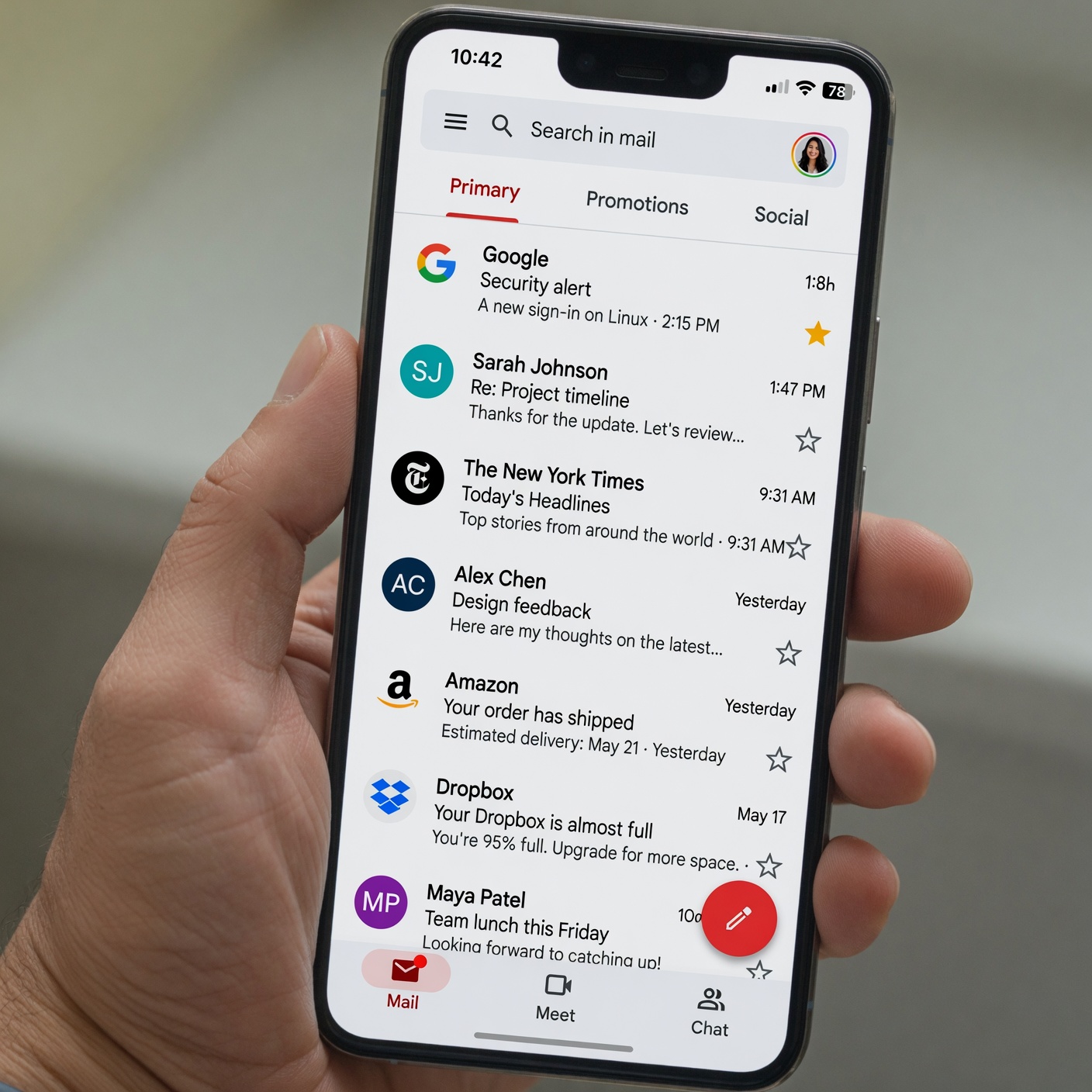
If your primary inbox is already flooded with spam and marketing clutter, reclaiming your privacy requires a thorough cleanup campaign.
-
Use Dedicated Unsubscribe Tools: Instead of manually opening dozens of marketing emails and scrolling to the bottom to find the tiny “Unsubscribe” link, use reputable inbox cleanup tools like Clean Email or the built-in unsubscribe buttons provided by modern mail clients.
-
Mark Persistent Spam as Junk: Simply deleting unwanted promotional mail is not enough; your spam filter needs to learn. Consistently marking persistent unwanted messages as “Spam” or “Phishing” trains your provider’s machine-learning algorithms to intercept similar messages before they ever reach your view.
-
Regularly Audit Connected Apps: Periodically review which third-party apps and websites have permission to access your email account (via OAuth logins like “Sign in with Google”). Revoke access for any applications, games, or websites you no longer use or recognize.
8. Summary Checklist for Instant Email Privacy
To make these strategies easy to implement, keep this quick checklist handy as you audit and upgrade your digital hygiene:
| Privacy Strategy | Difficulty Level | Best Used For |
| Email Aliases | Easy | Daily web sign-ups, shopping, newsletters |
| Burner Inboxes | Very Easy | One-time downloads, public Wi-Fi logs, freebies |
| Encrypted Providers | Moderate | High-security personal and financial communication |
| Blocking Trackers | Easy | Stopping corporate data collection in daily mail |
| Plus Addressing | Easy | Instant sorting and filtering within standard inboxes |
Take Control of Your Digital Identity Today
Protecting your email address is not a one-time task; it is an ongoing digital habit that pays massive dividends in security, reduced stress, and peace of mind. By implementing simple changes—such as adopting email aliases for everyday registrations, utilizing burner accounts for temporary tasks, blocking invasive tracking pixels, and switching to privacy-focused providers—you can drastically reduce your exposure to spam, phishing scams, and corporate data harvesting.
You do not need to be a cybersecurity expert to secure your inbox. Start small today by setting up your first email alias or auditing your account permissions, and take back full control of your online privacy.