Best Free Antivirus Programs for Everyday Protection
Discover the best free antivirus programs to protect your devices
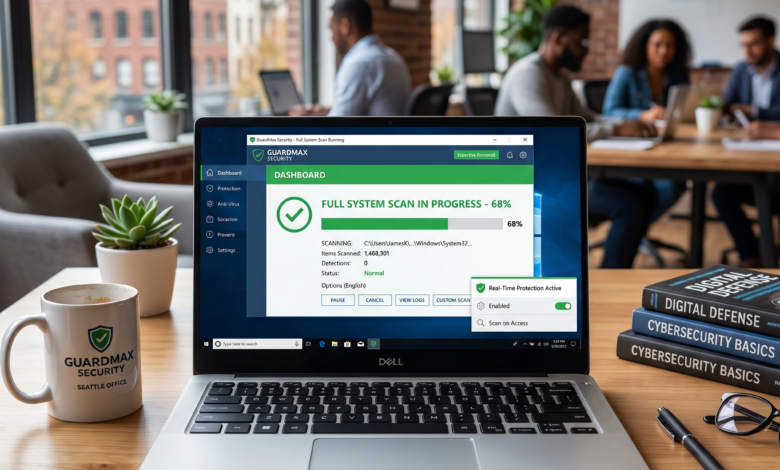
In the digital landscape of 2026, the question is no longer “Do I need security software?” but rather “How much am I willing to pay for it?” For the average user who spends their time browsing social media, managing emails, and doing a bit of online shopping, the market for free antivirus programs has never been more competitive or more capable.
The reality of modern computing is that threats have evolved. We are no longer just fighting simple “viruses” that delete files; we are up against sophisticated ransomware, stealthy cryptojacking scripts, and AI-powered phishing campaigns. Thankfully, the security industry has kept pace. Many top-tier security firms offer a “freemium” model, providing high-quality protection engines for free to act as a gateway to their premium suites.
In this exhaustive guide, we will break down the best free antivirus options available today, explain the technology behind them, and help you decide which one is the right fit for your specific digital lifestyle.
The Evolution of Free Security: Is a Free Antivirus Truly Enough in 2026?
For a long time, there was a stigma surrounding free security software. Critics argued that if you weren’t paying for the product, the protection was either “watered down” or the company was selling your data. While privacy remains a valid concern (which we will address later), the “watered down” argument has largely been debunked.
Most reputable companies use the same core scanning engine for both their free and paid versions. Why? Because the more users they have, the more data they collect on emerging threats. This “crowdsourced” security model allows them to identify a new virus in one part of the world and push a signature update to millions of other users within seconds.
What You Get for Free:
-
Real-time Protection: Monitoring your system for suspicious activity 24/7.
-
Signature-based Scanning: Detecting known threats by comparing files against a massive database.
-
Heuristic Analysis: Using AI and behavior monitoring to spot “virus-like” behavior from unknown files.
What You Usually Miss:
-
Unlimited VPN Access: Most free versions limit you to 200MB–500MB of data per day.
-
Dedicated Identity Theft Protection: Features like dark web monitoring for your SSN or credit cards.
-
Advanced Firewall Controls: While Windows has a built-in firewall, paid suites often offer more granular control.
Top Recommendations: The Best Free Antivirus Software of 2026
When choosing a free antivirus, you want to balance detection rates with system performance. A program that catches everything but makes your computer unusable is not a good solution. Here are the top performers in the current market.
1. Bitdefender Antivirus Free: The “Set It and Forget It” Champion
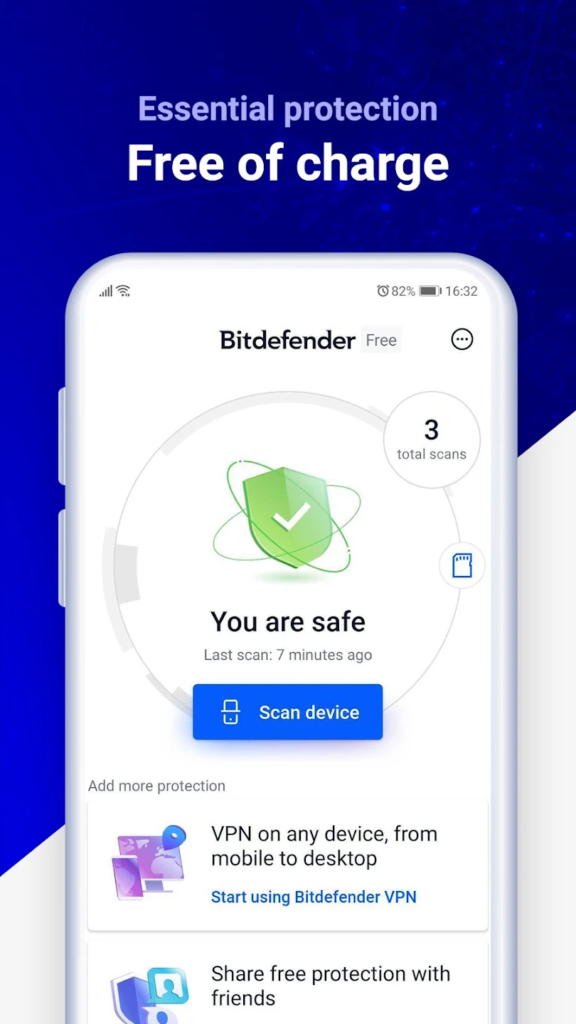
Bitdefender has consistently topped independent testing charts for nearly a decade. Their free version is stripped down to the bare essentials, which is exactly what many users want.
-
Why it wins: It is incredibly lightweight. It runs silently in the background, utilizing cloud-based scanning to ensure your CPU isn’t doing all the heavy lifting.
-
Advanced Features: Despite being free, it includes excellent anti-phishing and anti-fraud protection that blocks malicious websites before they even load.
-
The Interface: It features a clean, minimalist design with almost no pop-ups or “upsell” notifications, which is rare for free software.
2. Avast and AVG Free Antivirus: The Feature-Rich Powerhouses
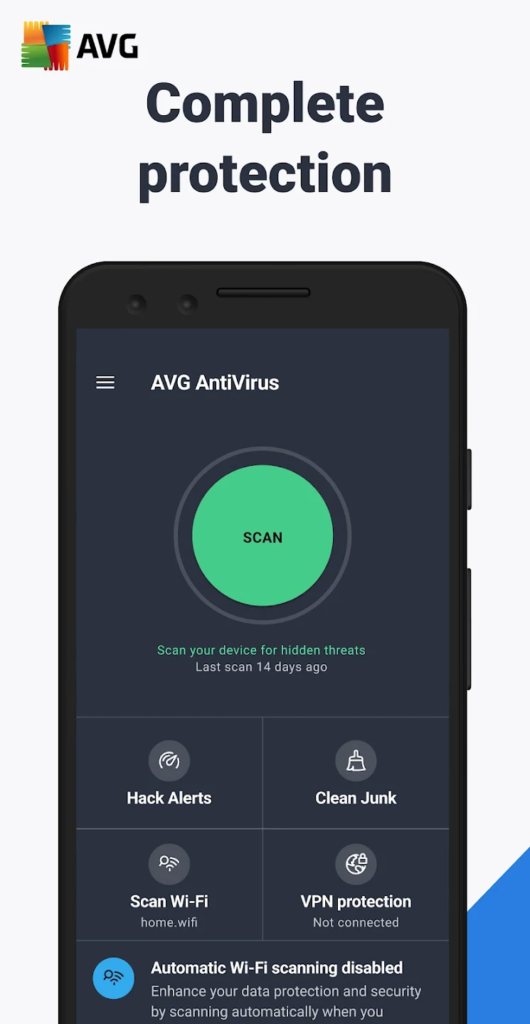
Avast and AVG are now owned by the same parent company, and while they share the same underlying engine, their “flavors” are slightly different.
-
Customization: Avast offers more features than almost any other free antivirus, including a Wi-Fi Inspector that scans your network for vulnerabilities and a “Do Not Disturb” mode that silences notifications while you are gaming or watching movies.
-
The “Game Mode” Benefit: For gamers, Avast is particularly effective. It can recognize when a full-screen application is running and suspend background updates and scans to ensure your frame rates don’t drop during a match of Valorant or Cities: Skylines.
-
The Catch: Both programs are known for being “noisy.” You will frequently see pop-ups encouraging you to upgrade to the premium version to unlock advanced cleanup tools or identity protection.
3. Avira Free Security: Best for Privacy and System Optimization
Avira is a German-made antivirus that has built a reputation for its “Privacy First” approach.
-
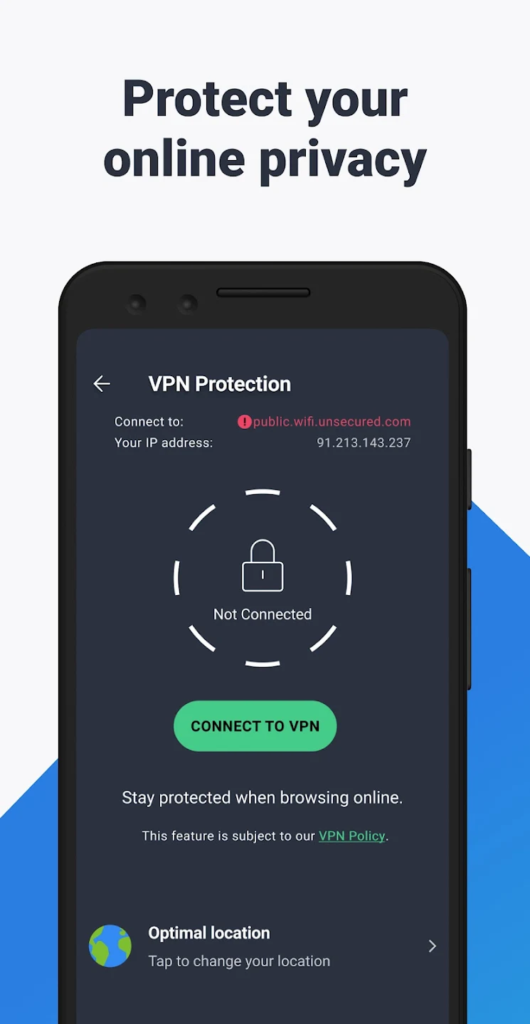
The “Phantom” VPN: Avira includes a free VPN (though limited in data) that is more reliable than many of its competitors.
-
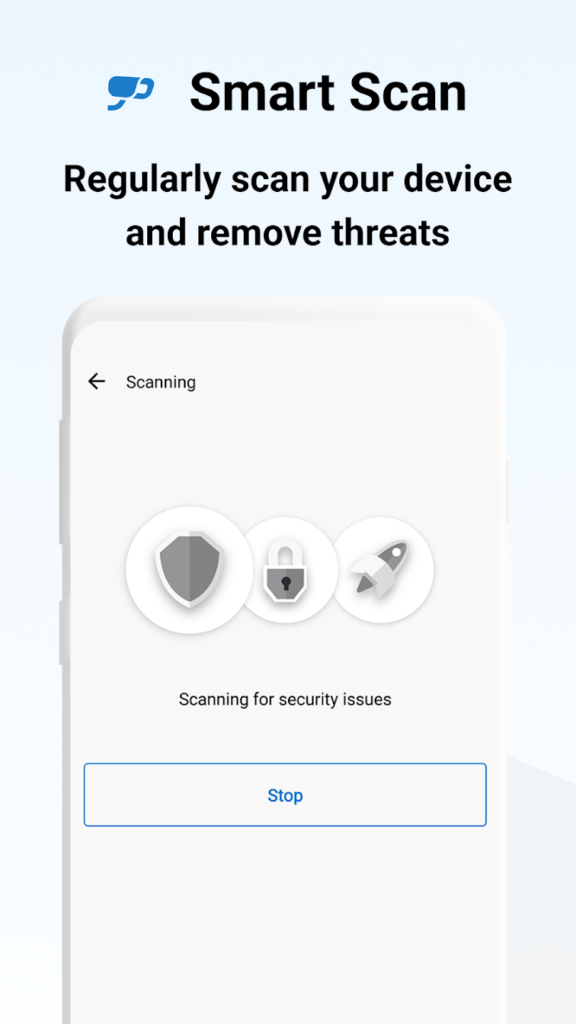
Integrated Optimization: It comes with basic system cleanup tools that help manage your startup apps and clear out temporary files, making it a good “all-in-one” tool for older computers.
-
Cloud Protection: Like Bitdefender, it uses the “Protection Cloud” to analyze suspicious files in real-time without slowing down your local hardware.
The “Silent” Defender: Why Microsoft Defender is a Serious Contender
If you use Windows 10 or 11, you already have an antivirus installed: Microsoft Defender. A decade ago, Microsoft’s security was the butt of many jokes. Today, it is a formidable competitor.
Is Microsoft Defender Enough?
In 2026, for many users, the answer is yes. Microsoft Defender has achieved 100% detection rates in multiple AV-Test and AV-Comparatives trials.
-
Seamless Integration: Since it is built into the OS, it has the lowest impact on system stability. It updates alongside Windows and doesn’t require a separate account or installation.
-
Ransomware Protection: It includes a feature called “Controlled Folder Access,” which prevents unauthorized applications from making changes to your most important folders (Documents, Pictures, etc.).
-
The Downside: While the detection engine is great, the interface is buried within the Windows Settings menu and can be difficult for laypeople to navigate. It also lacks some of the specialized web protection features found in Avast or Bitdefender.
Advanced SEO Techniques: Understanding the Technical Side of Protection
To truly optimize your digital safety, it’s helpful to understand the “under the hood” terminology. This isn’t just for tech experts; knowing these terms helps you read review charts and choose the best tool for your needs.
Heuristic Analysis vs. Signature Scanning
Traditional scanning (Signature Scanning) is like a “Most Wanted” poster. If the antivirus sees a file that matches a known criminal in its database, it stops it.
Heuristic Analysis is more like a detective. Even if the file is new and not in any database, the antivirus watches its behavior. If a simple “Calculator” app suddenly starts trying to encrypt your entire hard drive or send your passwords to an external server, the heuristics engine will flag it as “malicious-like” and quarantine it.
Behavior Monitoring and Zero-Day Threats
A Zero-Day threat is a virus that was created so recently that nobody has a signature for it yet. Behavior monitoring is the primary defense against these. In 2026, many free programs use “Sandboxing”—they run the suspicious file in a tiny, isolated virtual environment to see what it does before letting it touch your real files.
The Business of “Free”: How These Companies Make Money
It is important to be a skeptical consumer. If a company provides a world-class security engine for free, they have to pay their developers somehow. There are three primary ways this happens:
-
The “Freemium” Upsell: This is the most honest model. They give you the “shield” for free, but they charge for the “sword” (the tools that actively clean up your PC, provide a full VPN, or protect your mobile devices).
-
Affiliate Marketing: Some free antivirus programs will suggest you install a “Safe Browser” or a specific search engine. They get a commission if you use these tools.
-
Data Monetization: Historically, some companies have been caught selling “anonymized” browsing data to advertisers.
Pro Tip: Always read the privacy policy. Look for companies that explicitly state they do not sell your personal data or browsing history. Companies like Bitdefender and Avira have historically held high standards in this regard.
Do Mac and Mobile Users Need Free Antivirus?
The old myth that “Macs don’t get viruses” has been thoroughly debunked. As Mac market share has grown, so has the amount of malware targeting macOS.
-
For Mac: Look for Avast Free Security for Mac. It is one of the few that provides real-time protection on macOS without charging a subscription.
-
For Android: Android is an open system, making it more vulnerable to malicious apps. Bitdefender Antimalware Free is an excellent, lightweight scanner for your phone.
-
For iOS (iPhone): Because of Apple’s “walled garden,” traditional antivirus apps can’t actually scan your iPhone. Apps marketed as “Antivirus for iPhone” are usually just web-protection tools and VPNs. You generally do not need a third-party scanner on an iPhone if you keep your iOS updated.
Comparison Table: Best Free Antivirus Programs at a Glance
| Program | Best For | System Impact | Key Free Feature |
| Bitdefender Free | Minimalists | Very Low | Advanced Phishing Protection |
| Avast Free | Gamers/Power Users | Moderate | Wi-Fi Network Inspector |
| Microsoft Defender | General Users | Lowest | Built into Windows (Zero Install) |
| Avira Free Security | Privacy/Old PCs | Low | System Optimization Tools |
| Malwarebytes (Free) | Cleaning Infected PCs | Low | On-demand removal (No Real-time) |
The “Common Sense” Antivirus: Your Best Line of Defense
No matter how sophisticated your antivirus is, the most important security tool is the person sitting in front of the screen. In 2026, social engineering is the #1 way hackers get past security software.
-
Check the URL: Before entering a password, always look at the address bar. If you’re on
faceb0ok.cominstead offacebook.com, your antivirus might not catch it until it’s too late. -
Use a Password Manager: This is the perfect companion to an antivirus. A password manager will only “Auto-fill” your credentials on the legitimate site. If you’re on a fake phishing site, the manager simply won’t work, providing a secondary “alarm.”
-
Enable MFA (Multi-Factor Authentication): Even if a virus steals your password, MFA ensures the hacker still can’t get into your account without the code on your phone.
Which Free Antivirus Should You Choose?

Choosing the right protection in 2026 depends on your technical comfort level and your hardware.
-
If you want something you never have to think about: Stick with Microsoft Defender. It’s already there, and it’s excellent.
-
If you do a lot of online shopping and banking: Install Bitdefender Antivirus Free. Its web protection is arguably the best in the business.
-
If you are a gamer or have a lot of smart devices on your Wi-Fi: Go with Avast Free. The network scanner and “Game Mode” are invaluable.
-
If your computer is starting to feel slow: Try Avira Free Security for its combination of protection and optimization.
Digital security doesn’t have to be expensive. By choosing one of these reputable free programs and maintaining good online habits, you can protect your data, your identity, and your peace of mind without spending a dime.
Frequently Asked Questions (FAQ)
Q: Can I run two antivirus programs at the same time?
A: No. This is a common mistake. Antivirus programs compete for deep system access. Running two at once can cause them to flag each other as viruses, leading to system crashes and massive slowdowns.
Q: Does a free antivirus slow down my computer?
A: All software uses some resources, but modern programs (especially Bitdefender and Microsoft Defender) are designed to be “impact-neutral.” You shouldn’t notice a difference in your daily tasks.
Q: Do free antivirus programs remove existing viruses?
A: Yes, they can scan and remove existing threats. However, for a heavily infected machine, a specialized “remediation” tool like Malwarebytes Free is often more effective at deep cleaning.
Q: Why does my antivirus say “Trial Version” if it’s free?
A: Some companies automatically start you on a 30-day trial of their “Pro” version. Once the 30 days are up, the software usually reverts to the “Free” version automatically, though you may lose some advanced features like the full VPN.