Online Safety
5 Best Password Manager Apps for Online Security
Discover 5 password manager apps that can help protect your accounts and keep your passwords secure
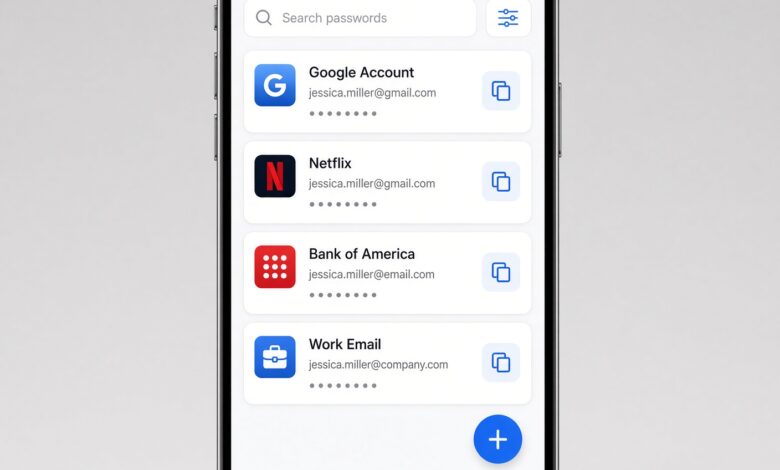
In today’s hyper-connected digital landscape, your entire online existence—from your bank accounts and private emails to your favorite streaming services and work portals—relies on a single, fragile barrier: your password. Yet, millions of people still rely on predictable habits, using variations of “123456,” “password,” or their pet’s name combined with a birth year across dozens of accounts.
When a single data breach at a minor online retailer leaks your credentials, hackers use automated credential stuffing scripts to test that exact username and password combination on your email, banking, and social media profiles. The result? Identity theft, financial loss, and compromised privacy.
Fortunately, securing your digital footprint doesn’t require a degree in cybersecurity. The single most effective, high-impact step you can take right now is adopting a reputable password manager.
In this comprehensive guide, we break down everything you need to know about keeping your digital life locked down, exploring the 5 best password manager apps for online security designed with beginner-friendly interfaces, advanced encryption standards, and complete alignment with modern web safety guidelines.
Why Traditional Password Habits Are Failing Your Online Security
Before diving into the top tools, it is crucial to understand why human memory is fundamentally flawed when it comes to modern password management.
Psychological studies show that humans tend to choose passwords that are easy to remember. To cope with the dozens of accounts required by modern websites, people typically fall into three dangerous traps:
-
Password Reuse: Using the exact same password everywhere. If one site gets breached, your entire digital kingdom falls.
-
Sequential Variations: Changing just one number or symbol at the end (e.g.,
Password2024!,Password2025!). Hackers know this trick and program their cracking software to test these patterns instantly. -
Weak Complexity: Relying on short, dictionary-based words that can be cracked by brute-force algorithms in a matter of seconds.
A password manager solves all of these problems permanently. It acts as an encrypted, digital vault that generates impossibly complex, unique passwords for every single site you visit, stores them securely, and automatically fills them in when you log in. You only ever need to remember one master password.
Understanding Zero-Knowledge Architecture: How Password Managers Keep Your Data Safe
A common concern among beginners is safety: “If a company stores all my passwords on their servers, what happens if they get hacked?”
The gold standard for password manager security is Zero-Knowledge Architecture (also known as client-side encryption). This means that encryption and decryption happen exclusively on your local device (your phone, tablet, or computer), not on the provider’s servers.
-
Your Master Password acts as the cryptographic key.
-
The password manager encrypts your vault data before it ever leaves your device.
-
The provider’s servers only ever store scrambled, unreadable ciphertext.
-
Because the company never sees or stores your master password or your unencrypted data, even if their servers experience a security breach, hackers cannot read your passwords.
When evaluating the market for online safety, security experts look strictly for solutions utilizing end-to-end encryption (typically AES-256 bit encryption) combined with a zero-knowledge framework.
The 5 Best Password Manager Apps for Uncompromised Digital Protection
To help you choose the ideal tool for your daily routine, we have tested and analyzed the top options on the market. Each of these applications balances military-grade security with intuitive, beginner-friendly design.
1. 1Password: The Gold Standard for Seamless Security and Usability
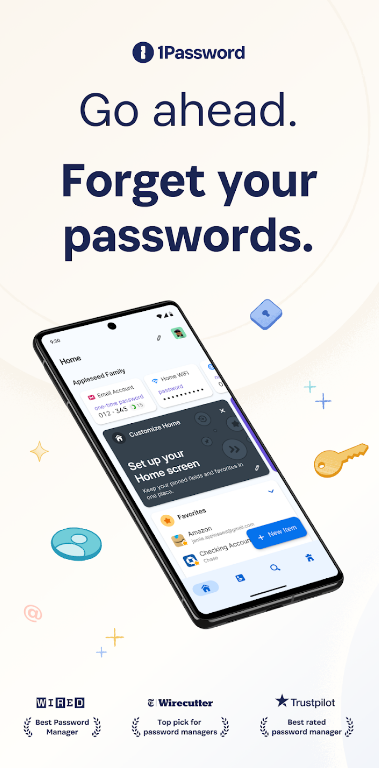
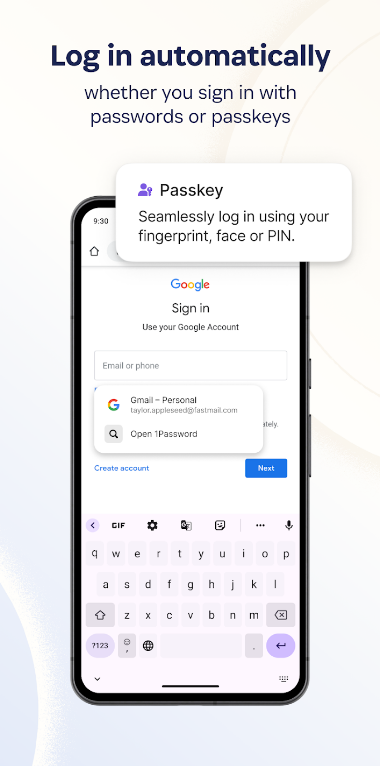
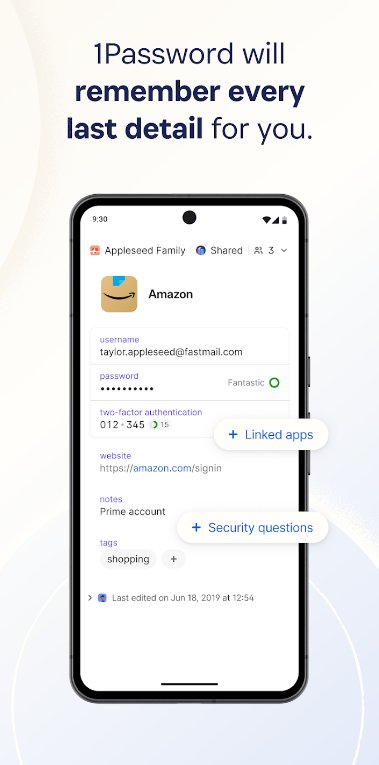
For users looking for an effortless blend of top-tier security and elegant design, 1Password consistently claims the top spot. It has built a stellar reputation over the years by prioritizing user privacy and offering a frictionless experience across Windows, macOS, iOS, Android, and web browsers.
-
Key Security Features: 1Password uses a robust “Secret Key” in addition to your master password—a unique 34-character string generated locally on your device that ensures even if someone intercepts your master password, they cannot access your vault without your physical device. It also features Watchtower, a proactive monitoring tool that alerts you if any of your stored accounts appear in known data breaches or if your passwords are weak or reused.
-
Why It’s Great for Beginners: The interface is clean, uncluttered, and highly intuitive. Organizing logins, secure notes, credit cards, and identity documents into categories takes seconds. Furthermore, its browser extension auto-fills credentials flawlessly, removing the friction of manual typing.
-
Pricing & Value: While 1Password does not offer a permanent free tier, it provides a generous 14-day free trial followed by affordable individual and family subscription plans.
2. Bitwarden: The Ultimate Open-Source Champion for Privacy Purists
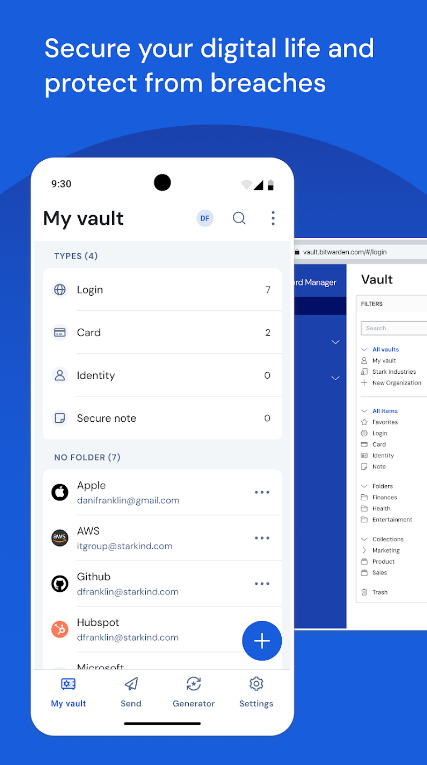
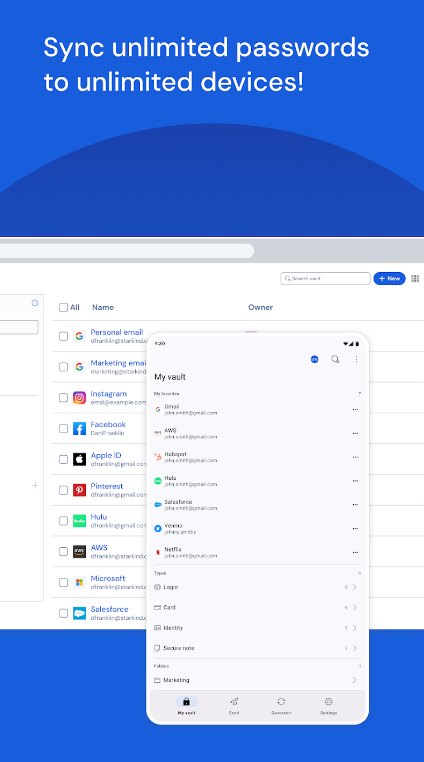
If you prefer transparency, community auditing, and robust protection without breaking the bank, Bitwarden is the definitive choice. As an open-source password manager, its underlying code is publicly available for security researchers worldwide to inspect and verify. This eliminates hidden backdoors and ensures absolute accountability.
-
Key Security Features: Bitwarden offers end-to-end AES-256 bit encryption, two-factor authentication (2FA) support (including hardware keys like YubiKey), and a built-in vault health report that highlights weak, reused, or exposed passwords.
-
Why It’s Great for Beginners: Despite its advanced underlying technology, Bitwarden keeps the user experience straightforward. Setting up an account takes less than three minutes, and the browser extensions and mobile apps guide you step-by-step through saving your first credentials.
-
Pricing & Value: Bitwarden features one of the most powerful free tiers in the industry, allowing unlimited password storage across an unlimited number of devices. Premium tiers add advanced features like encrypted file storage and emergency access for a nominal annual fee.
3. Dashlane: The Feature-Rich Defender with Built-In VPN Protection
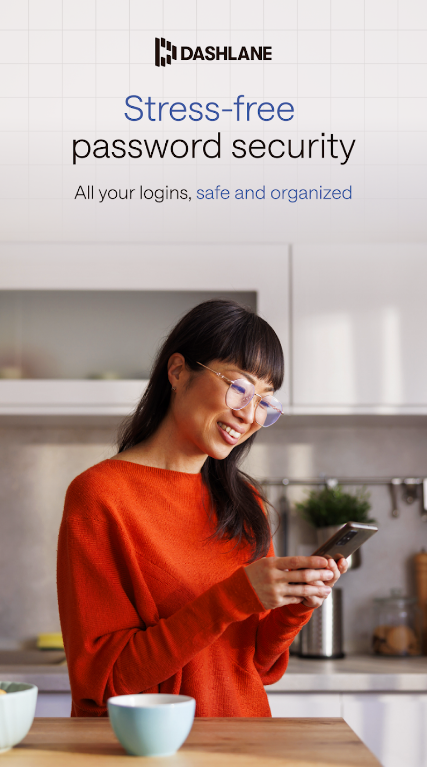
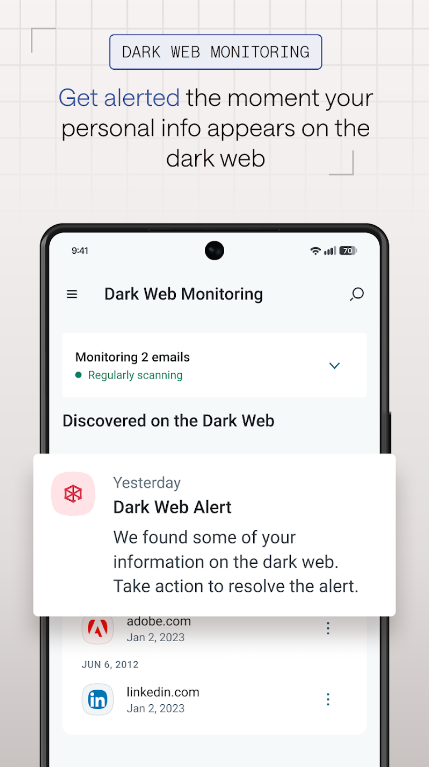
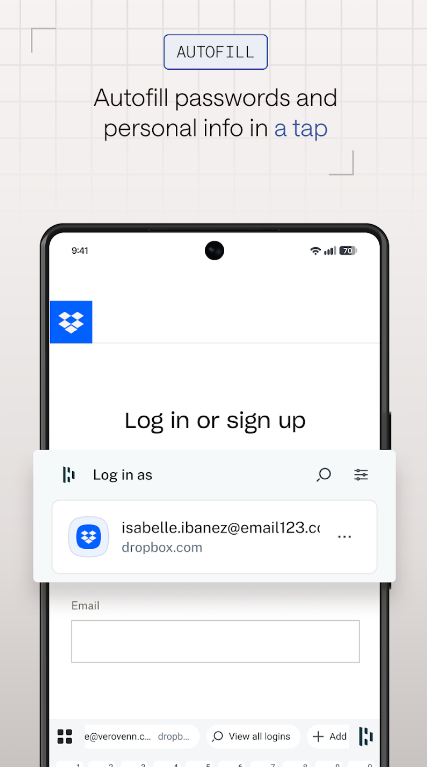
Dashlane stands out as a comprehensive digital security suite rather than just a simple password keeper. It is engineered for users who want active intervention, real-time alerts, and additional privacy tools bundled into a single application.
-
Key Security Features: Dashlane includes a patented security dashboard that calculates your overall “Password Health Score.” It features one-click password changing for supported websites, instant dark web monitoring that alerts you if your personal information is leaked online, and—in higher tiers—a built-in Virtual Private Network (VPN) for secure public Wi-Fi browsing.
-
Why It’s Great for Beginners: Dashlane’s user interface is visually striking and exceptionally welcoming. It uses clear color codes (red for danger, yellow for warning, green for secure) to show the state of your security posture, making it easy for non-technical users to know exactly what needs fixing.
-
Pricing & Value: Dashlane offers a limited free tier (storing up to 25 passwords on a single device) and premium plans packed with extra security utilities like identity theft insurance monitoring.
4. NordPass: Modern, Streamlined, and Built by Cybersecurity Veterans
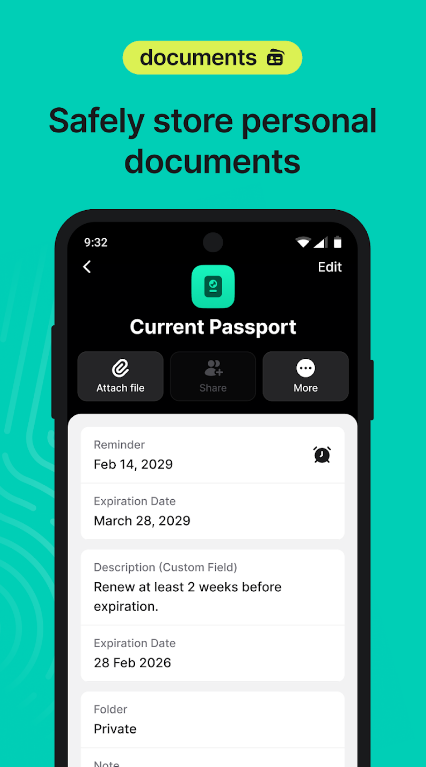
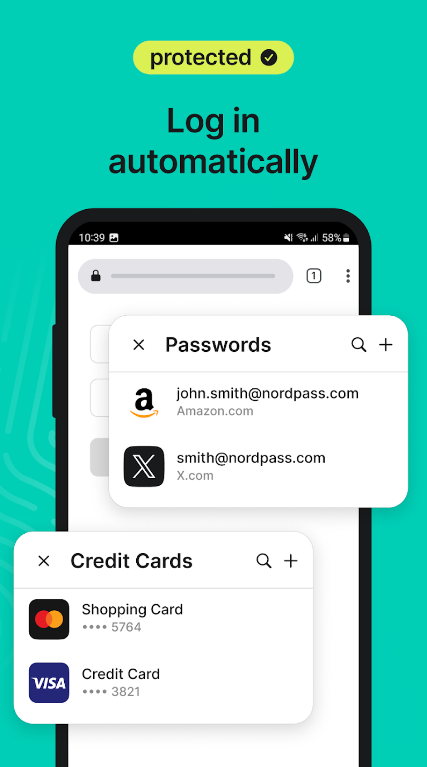
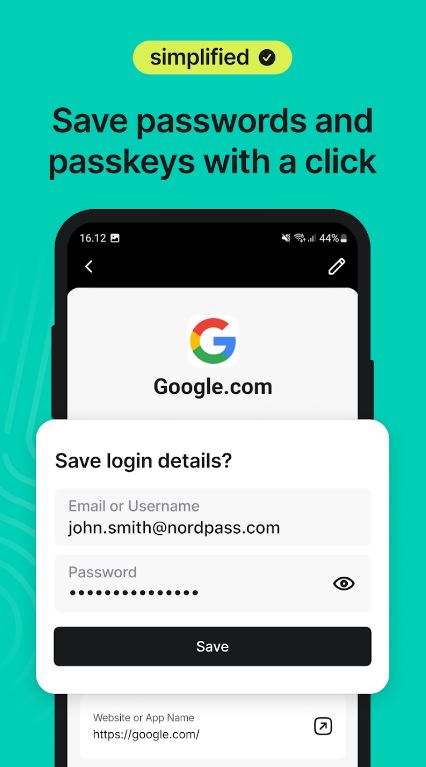
Developed by the team behind NordVPN—one of the most trusted names in online privacy—NordPass brings cutting-edge cryptography and a sleek, modern aesthetic to the password management space.
-
Key Security Features: NordPass utilizes the advanced xChaCha20 encryption algorithm, which is favored by modern tech giants for its speed and high security margin. It also includes data breach scanners, trusted contact sharing, and biometric login integration (Face ID, Touch ID, or Windows Hello).
-
Why It’s Great for Beginners: Simplicity is NordPass’s core philosophy. There are no bloated menus or confusing jargon. The app focuses purely on doing one thing exceptionally well: storing passwords and personal info safely while making login effortless.
-
Pricing & Value: NordPass offers a solid free plan for individual users (though it only allows one active login session at a time) and budget-friendly premium plans that cover multiple devices simultaneously.
5. Keeper: Enterprise-Grade Protection Tailored for Everyday Users
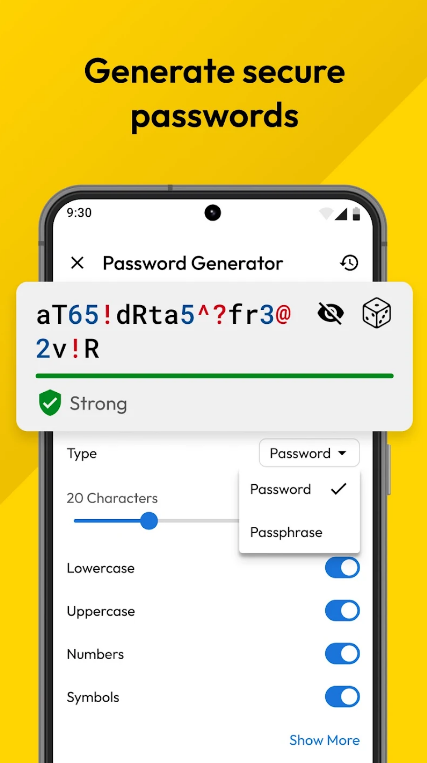
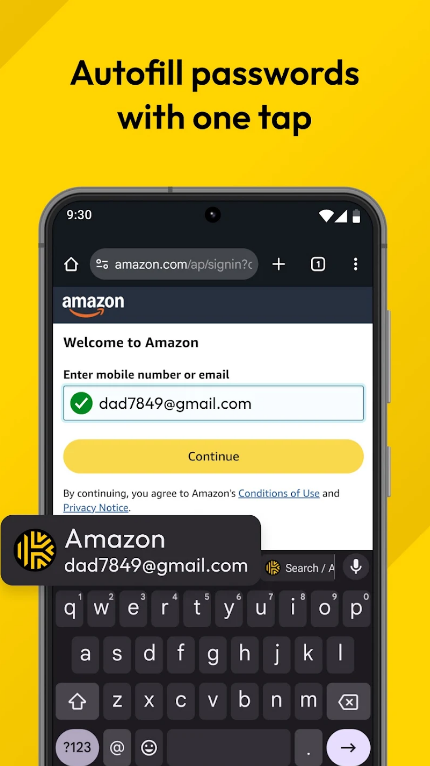
Keeper has earned a massive following globally due to its relentless focus on compliance, high-level encryption standards, and cross-platform reliability. It is frequently chosen by businesses and families who require strict control over shared digital assets.
-
Key Security Features: Keeper provides robust zero-knowledge security, multi-factor authentication enforcement, secure record sharing, and “Keeper BreachWatch,” which continuously monitors the dark web for compromised credentials linked to your email addresses.
-
Why It’s Great for Beginners: Keeper provides comprehensive onboarding guides, tooltips, and responsive customer support. Its desktop and mobile apps sync instantly, ensuring you never get locked out of your accounts regardless of the device you are using.
-
Pricing & Value: Keeper offers a free trial period followed by paid individual and family tiers, along with customizable add-ons for cloud backup and secure file storage.
Essential Best Practices for Maximizing Your Online Safety
Installing a password manager is the biggest leap forward you can take, but maintaining optimal online security involves adopting a few healthy habits:
-
Create a Bulletproof Master Password: Your master password is the foundation of your digital vault. Make it long (at least 14–16 characters), use a mix of random words, numbers, and symbols, and never use it on any other website. Memorize it thoroughly; if you lose it, zero-knowledge encryption ensures that not even the provider can recover it for you.
-
Enable Two-Factor Authentication (2FA): Turn on 2FA for your password manager account and every important email and financial account you own. Whenever possible, use authenticator apps (like Google Authenticator or Aegis) or hardware security keys rather than SMS text messages, which can be vulnerable to SIM-swapping attacks.
-
Never Save Passwords in Web Browsers: While built-in browser password savers are convenient, they lack advanced zero-knowledge encryption, share data across synced profiles insecurely, and are easily compromised if someone gains physical or remote access to your unlocked computer.
-
Regularly Audit Your Vault: Check your password manager’s security dashboard every few months to address any weak, old, or duplicate passwords that require updating.
Take Control of Your Digital Life Today
In an era where cyber threats, phishing campaigns, and data breaches are a daily occurrence, leaving your online security to memory or predictable habits is a risk you simply do not need to take. Transitioning to a dedicated password manager transforms your vulnerability into an impenetrable fortress.
Whether you choose the open-source transparency of Bitwarden, the seamless elegance of 1Password, the feature-packed dashboard of Dashlane, the modern speed of NordPass, or the robust reliability of Keeper, the most important step is simply getting started.
Take a few minutes today to choose the right app for your lifestyle, secure your master password, and reclaim absolute peace of mind across the digital world.