What to Do If Your Email Is Compromised
See how to secure your email after a security breach and prevent future attacks
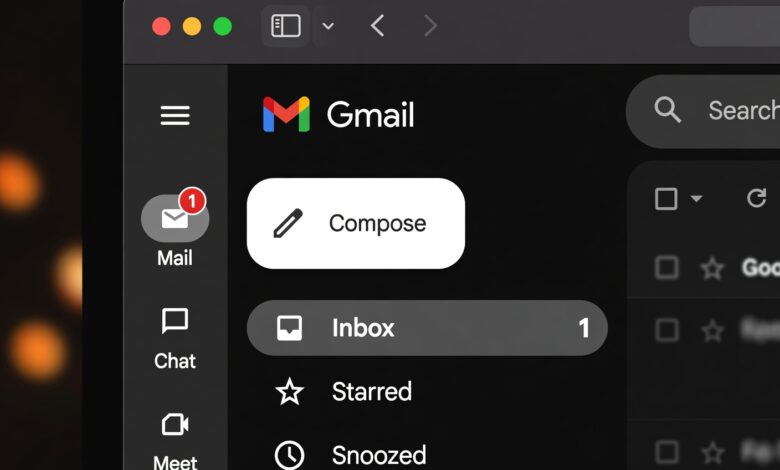
In our hyper-connected digital age, your email address is much more than just a digital mailbox—it is the master key to your entire online existence. Think about how many websites, financial institutions, social media profiles, and subscription services are tied directly to your primary email inbox. If a malicious actor gains unauthorized access to your email account, they do not just read your messages; they hold the keys to your financial accounts, your personal identity, your private photos, and your professional reputation.
Cybersecurity incidents can feel deeply violating and overwhelming. Whether you received a strange security alert from Google or Microsoft, noticed emails sent from your account that you never wrote, or suddenly found yourself locked out completely, panic is the natural first reaction. However, acting swiftly and methodically can neutralize the threat, minimize the damage, and secure your digital perimeter for the long haul.
This comprehensive guide is designed for everyday users. You do not need a degree in computer science or an advanced background in cybersecurity to follow these steps. We will walk you through a clear, actionable, step-by-step recovery and fortification blueprint tailored to help you reclaim control of your digital life safely and effectively.
1. Immediate Triage: Can You Still Access Your Account?
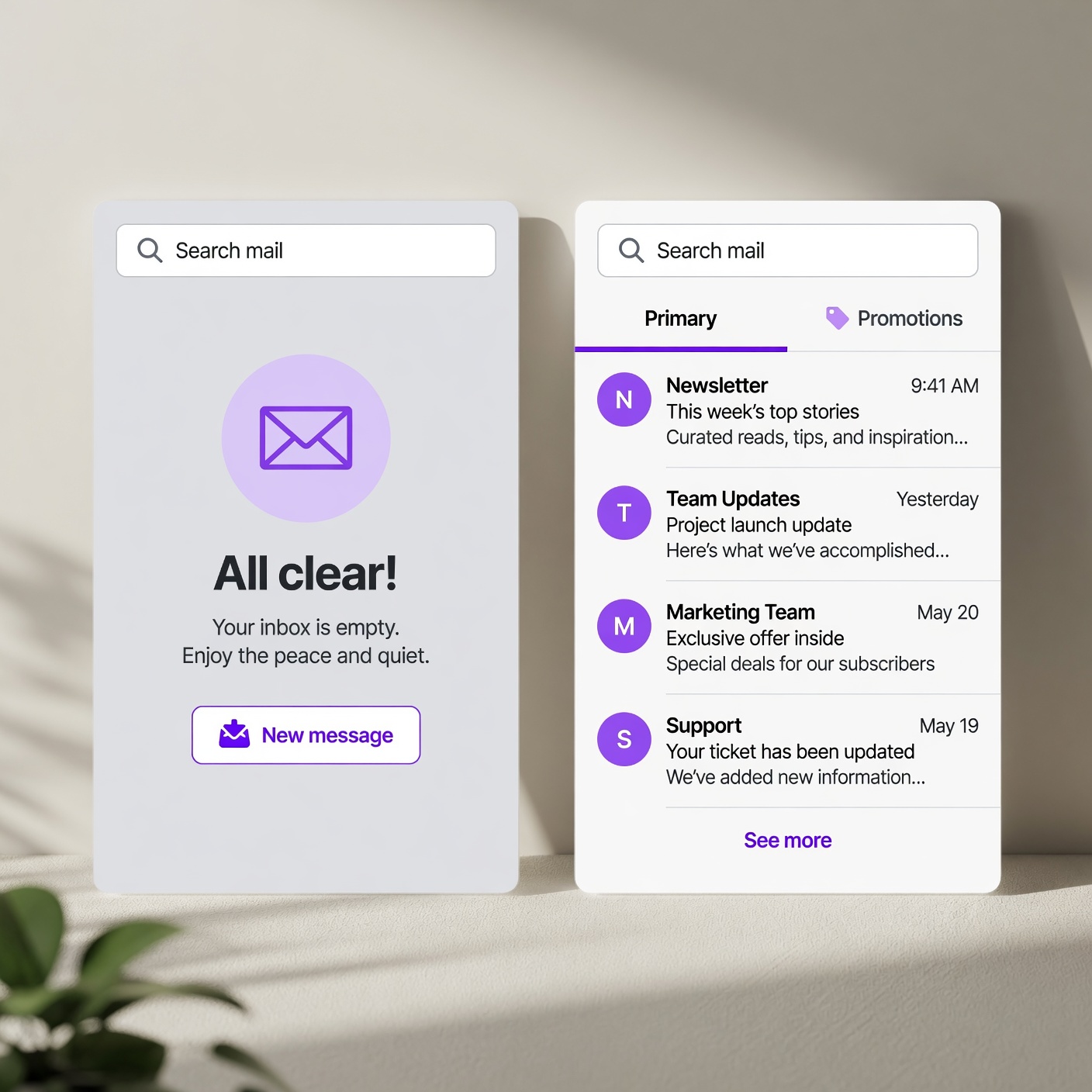
When you suspect or confirm that your email has been compromised, the very first step depends entirely on your current access status. Are you still able to log in, or have cybercriminals locked you out by changing your password?
Scenario A: You Can Still Log In
If you managed to spot suspicious activity early and can still sign into your email account, do not waste a single second. Move immediately to secure your credentials before the intruder notices and locks you out.
-
Change your password instantly: Choose a robust, unique passphrase that you have never used anywhere else.
-
Log out of all active sessions: Most major email providers (such as Gmail, Outlook, and Yahoo) offer a setting to “Sign out of all other web sessions” or terminate remote devices. This immediately kicks the hacker off your account.
-
Check account recovery details: Ensure the intruder has not swapped your recovery phone number or secondary recovery email address for their own.
Scenario B: You Are Locked Out Completely
If the hacker has already changed your password and locked you out, you must rely on your email provider’s official account recovery pathways.
-
Navigate to the official login page: Click on the “Forgot Password” or “Trouble signing in” link provided directly by your email service.
-
Use verified recovery methods: Follow the prompts to send a verification code to your pre-registered recovery phone number or secondary email address.
-
Complete account recovery questionnaires: If the intruder changed your recovery options, you will be prompted to verify your identity by answering security questions or providing historical details about when you created the account. Be as accurate as possible.
-
Contact official support: If automated recovery fails, look for official support channels. Never trust third-party recovery services found via general web searches, as these are almost always predatory scams targeting panicked victims.
2. Revoking Unauthorized Access and Rogue Devices
Regaining control of your password is only half the battle. Sophisticated cybercriminals often install persistent access methods to ensure they retain entry even after you change your password.
Reviewing Connected Apps and Third-Party Integrations
Many users frequently link external applications—such as productivity tools, calendar syncs, mobile games, and budgeting apps—to their email accounts using protocols like OAuth. Hackers frequently abuse these integrations by injecting malicious third-party apps that maintain background access to your inbox without needing your password.
-
Navigate to your email provider’s account security dashboard.
-
Locate sections labeled “Third-party apps with account access”, “Connected apps”, or “Manage third-party access”.
-
Carefully review every single application listed. If you do not recognize an app, or if you no longer use it, click “Remove Access” or “Revoke” immediately.
Checking Trusted Devices and Active Sessions
Intruders often register their own stolen computers, smartphones, or virtual private servers (VPNs) as “trusted devices” to bypass standard security alerts.
-
Go to your security settings and find the list of devices currently logged into your email.
-
Manually terminate sessions on any device, browser, or geographic location that looks unfamiliar or suspicious.
3. Auditing Your Inbox for Stealthy Manipulation
Once you have locked out the intruder and severed unauthorized app connections, you might assume the danger has passed. Unfortunately, professional hackers often set up silent rules and filters inside your inbox before you even realize you’ve been breached. These hidden rules allow them to continue monitoring your financial communications or hiding password reset notifications without your knowledge.
Uncovering Hidden Email Rules and Forwarding Settings
-
Check email forwarding: Look for settings that automatically forward incoming mail to an external, unknown email address. Hackers use this to intercept password reset links from your bank, PayPal, or social media accounts while keeping your primary inbox looking normal. Delete any forwarding addresses you did not set up yourself.
-
Inspect filters and blocked lists: Hackers frequently create filters that automatically archive, delete, or mark security warnings from banks and tech companies as “Read” so you never see them pop up. Review your filter list item by item and delete anything suspicious.
-
Check your sent folder and trash: Review recently sent messages and deleted items. Intruders often use compromised email accounts to launch phishing attacks against your friends, family, or business contacts, or to send password recovery requests to financial institutions. If you find sent phishing emails, notify your contacts immediately.
4. Identifying the Breach Origin: How Did They Get In?
Understanding how your account was compromised is vital to ensuring it never happens again. Compromises rarely happen by magic; they are almost always the result of specific security gaps.
Common Vectors of Email Compromise
-
Credential Stuffing and Reuse: If you used the same password on a smaller, unsecured shopping website that suffered a data leak, automated hackers take those leaked username and password combinations and test them across major email providers. If you reuse passwords, your email is an easy target.
-
Phishing Campaigns: You may have clicked a malicious link in a convincing fake email disguised as Netflix, your bank, or IT support, typing your credentials into a fake login portal.
-
Malicious Browser Extensions: Installing unverified browser extensions or cracked software can allow third parties to harvest session cookies directly from your browser, bypassing passwords entirely.
-
Keyloggers and Malware: Unpatched operating systems or pirated software can harbor malware designed to record your keystrokes.
5. Securing the Domino Effect: Protecting Connected Accounts

Because your email address acts as the ultimate master key for your digital life, a breach of your inbox puts every single account linked to that email at immediate risk. You must act as your own private investigator and secure your perimeter.
Creating an Account Vulnerability Inventory
Make a mental or physical list of all the critical services tied to your compromised email address. Prioritize them in the following order:
-
Financial and Banking Institutions: Online banking apps, credit card portals, investment accounts, PayPal, Venmo, and cryptocurrency wallets.
-
Primary Utilities and Government Portals: Tax portals, electric and water utilities, healthcare portals, and insurance accounts.
-
Work and Professional Tools: Cloud storage, corporate Slack or Microsoft Teams channels, professional portfolios, and freelance platforms.
-
Social Media and Entertainment: Facebook, Instagram, LinkedIn, X (formerly Twitter), streaming services, and online shopping accounts.
Immediate Action Steps for Linked Accounts
-
Change passwords immediately: For every critical account, generate a brand-new, unique password. Never use the old password or variations of it.
-
Check financial statements: Look closely at recent transactions, wire transfers, and pending orders. If you spot fraudulent charges, contact your bank or credit card issuer’s fraud department immediately to freeze your cards and initiate chargeback procedures.
-
Log out of all sessions everywhere: Just like you did with your email, force a global sign-out across your financial and social media platforms.
6. Implementing Military-Grade Defenses for the Future
Recovery is only half the battle; long-term prevention ensures you never have to experience the stress of an email compromise again. By upgrading your digital hygiene, you can make yourself an exceptionally difficult target for modern cybercriminals.
The Power of Multi-Factor Authentication (MFA)
If there is only one cybersecurity takeaway you implement today, let it be Multi-Factor Authentication (MFA) or Two-Factor Authentication (2FA). Even if a hacker successfully steals or guesses your password, MFA blocks them dead in their tracks because they cannot provide the secondary verification factor.
Crucial Security Note: Avoid relying solely on SMS text message-based verification codes whenever possible. SIM-swapping attacks allow sophisticated criminals to hijack your phone number and intercept your text codes. Instead, prioritize authenticator apps (such as Google Authenticator, Authy, or Duo) or, ideally, hardware security keys (such as YubiKey).
Adopting Password Managers
Expecting human memory to generate, manage, and recall dozens of complex, 16-character unique passwords is completely unrealistic. This is why password managers (such as 1Password, Bitwarden, or Dashlane) are essential tools in modern digital defense.
-
A password manager generates cryptographic, un-guessable passwords for every single website you use.
-
It securely encrypts your vault behind a single, highly secure master passphrase.
-
It automatically alerts you if any of your stored passwords appear in known public data breaches.
7. Digital Hygiene: Best Practices for Long-Term Safety
Maintaining a secure digital posture requires ongoing awareness and healthy daily habits. Incorporate these foundational rules into your routine:
-
Practice Zero Trust with Links: Never click login links embedded directly inside unexpected emails or text messages. Instead, open a fresh browser tab, navigate directly to the official website by typing the URL yourself, and log in securely.
-
Keep Your Software Updated: Operating system updates, web browser patches, and mobile app updates often contain critical security patches that close vulnerabilities exploited by hackers. Enable automatic updates whenever possible.
-
Monitor Your Digital Footprint: Regularly check websites like Have I Been Pwned to see if your email address or phone numbers have appeared in newly reported corporate data breaches.
-
Be Cautious on Public Wi-Fi: Avoid logging into sensitive email or financial accounts on unsecured public Wi-Fi networks (such as those in coffee shops or airports) unless you are actively routing your connection through a reputable Virtual Private Network (VPN).
Turning a Security Crisis into Lasting Resilience
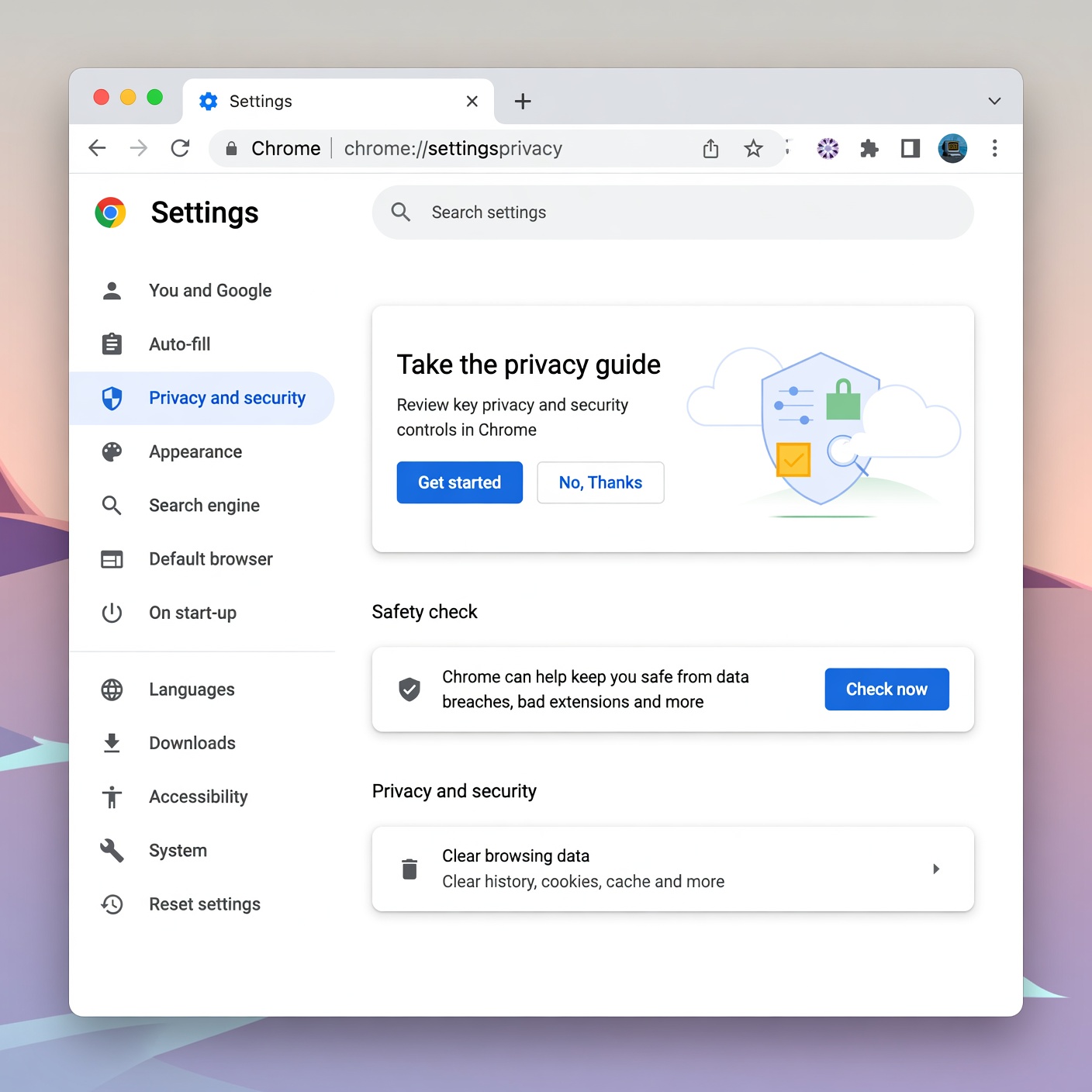
Discovering that your email has been compromised is undeniably stressful, but transforming that moment of panic into decisive, structured action can completely alter the outcome. By following the steps outlined in this guide—regaining access, purging rogue devices and hidden forwarding rules, securing your financial domino accounts, and upgrading to robust defenses like password managers and authenticator apps—you do more than just clean up a mess. You build an impenetrable fortress around your digital identity.
Cybersecurity is not a one-time event; it is an ongoing practice of mindful digital habits. Stay vigilant, trust your instincts when something online feels suspicious, and maintain your defenses so that your online life remains safe, private, and entirely under your control.