Online Safety
How Google Authenticator Protects Your Accounts
Discover how authentication codes help protect your accounts from unauthorized access and stolen passwords
In today’s digital landscape, a standard password is no longer enough to keep your personal data safe. Cybercriminals use sophisticated automated tools, credential stuffing algorithms, and targeted phishing campaigns to crack weak or reused passwords within seconds. Because of these rising threats, strengthening your online defense requires more than just remembering a complex string of characters.
One of the most effective and accessible ways to secure your personal data is by implementing multi-layer verification. Among the available security utilities, Google Authenticator stands out as a reliable shield for your personal and professional profiles. This comprehensive guide explores how Google Authenticator protects your accounts, why it outperforms traditional security methods, and how you can maximize your digital safety effortlessly.
Understanding the Vulnerability of Traditional Passwords
Before looking at how modern security apps function, it helps to understand why traditional passwords fail. Most internet users reuse the same password across multiple websites. When a data breach occurs on a minor forum or shopping site, hackers quickly harvest those credentials and test them against major financial institutions, social media profiles, and email servers.
Furthermore, traditional verification methods—such as receiving a code via text message (SMS)—contain critical structural flaws. Hackers can intercept SMS messages through malicious network routing or manipulate mobile carriers into transferring your phone number to a device they control, a malicious practice known as a SIM swap attack. Because text messages are sent unencrypted over cellular networks, they provide a false sense of security that leaves accounts vulnerable.
What is Two-Factor Authentication (2FA) and How Does It Work?
To counter password theft, cybersecurity experts heavily advocate for Two-Factor Authentication (2FA), sometimes referred to as Multi-Factor Authentication (MFA). 2FA requires you to provide two distinct forms of identification before you can log into an application or website:
-
Something you know: Your master password or a secure PIN.
-
Something you have: A physical device, such as your smartphone running an authenticator application.
Even if a malicious actor manages to steal or guess your password, they cannot access your account unless they also physically possess your unlocked phone to generate the secondary verification code. This dual-barrier approach stops the vast majority of automated remote attacks in their tracks.
How Google Authenticator Generates Unbreakable Time-Based Codes
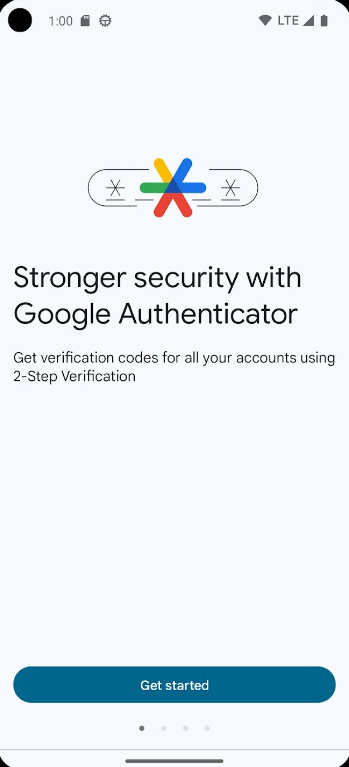
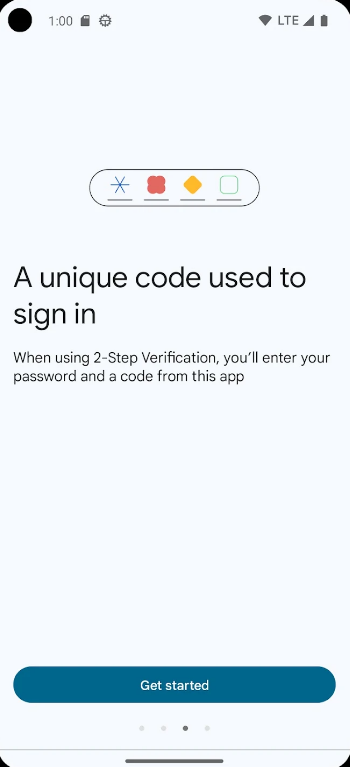
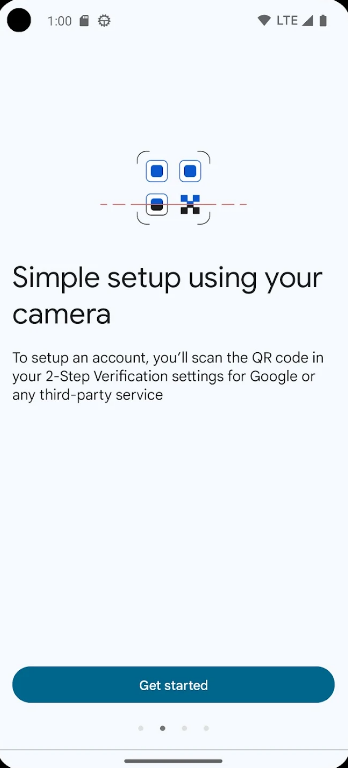
Google Authenticator relies on an advanced cryptographic standard known as TOTP (Time-Based One-Time Password). Understanding the mechanics behind this process highlights why the application is so secure:
-
The Shared Secret Key: When you link an account to Google Authenticator by scanning a QR code, the service provider and your phone exchange a unique, encrypted cryptographic key. This key is stored securely on your device.
-
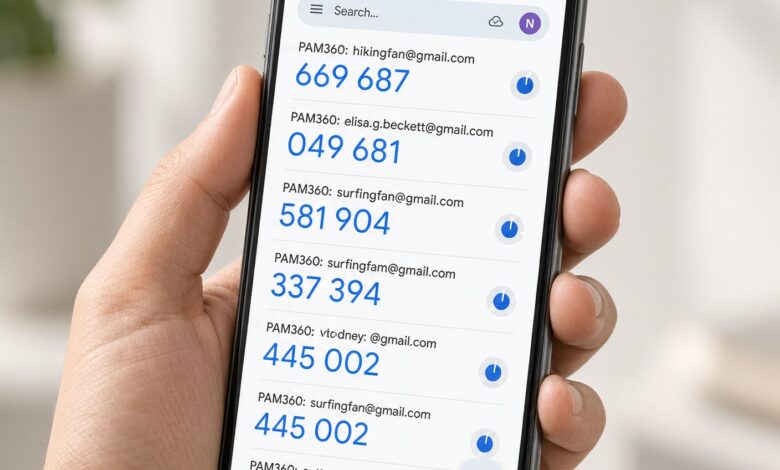
The 30-Second Window: Every thirty seconds, the app combines this secret key with the current global time using a secure mathematical algorithm to calculate a fresh six-digit code.
-
Independent Verification: When you type the code into a login prompt, the remote server performs the exact same mathematical calculation using your stored secret and the current timestamp. If both numbers match, access is granted.
Because these numbers refresh continuously and expire quickly, capturing a code via a network tap or a screenshot renders it useless a few moments later.
Key Security Advantages Over SMS and Email Verification
Switching from text-based verification to an authenticator application provides immediate security benefits that safeguard your digital identity:
-
Immunity to SIM Swapping: Because Google Authenticator operates locally on your mobile device without relying on cellular network signals or text messaging routing, criminals cannot hijack your codes remotely.
-
Offline Functionality: The app generates valid login codes even when your phone is in airplane mode or has zero internet connectivity, as it depends solely on internal time synchronization.
-
No Interception Points: Traditional text messages travel through multiple telecommunications relays where they can potentially be logged or intercepted. Google Authenticator codes stay right on your device screen until you use them.
Advanced Features for Maximum Account Protection
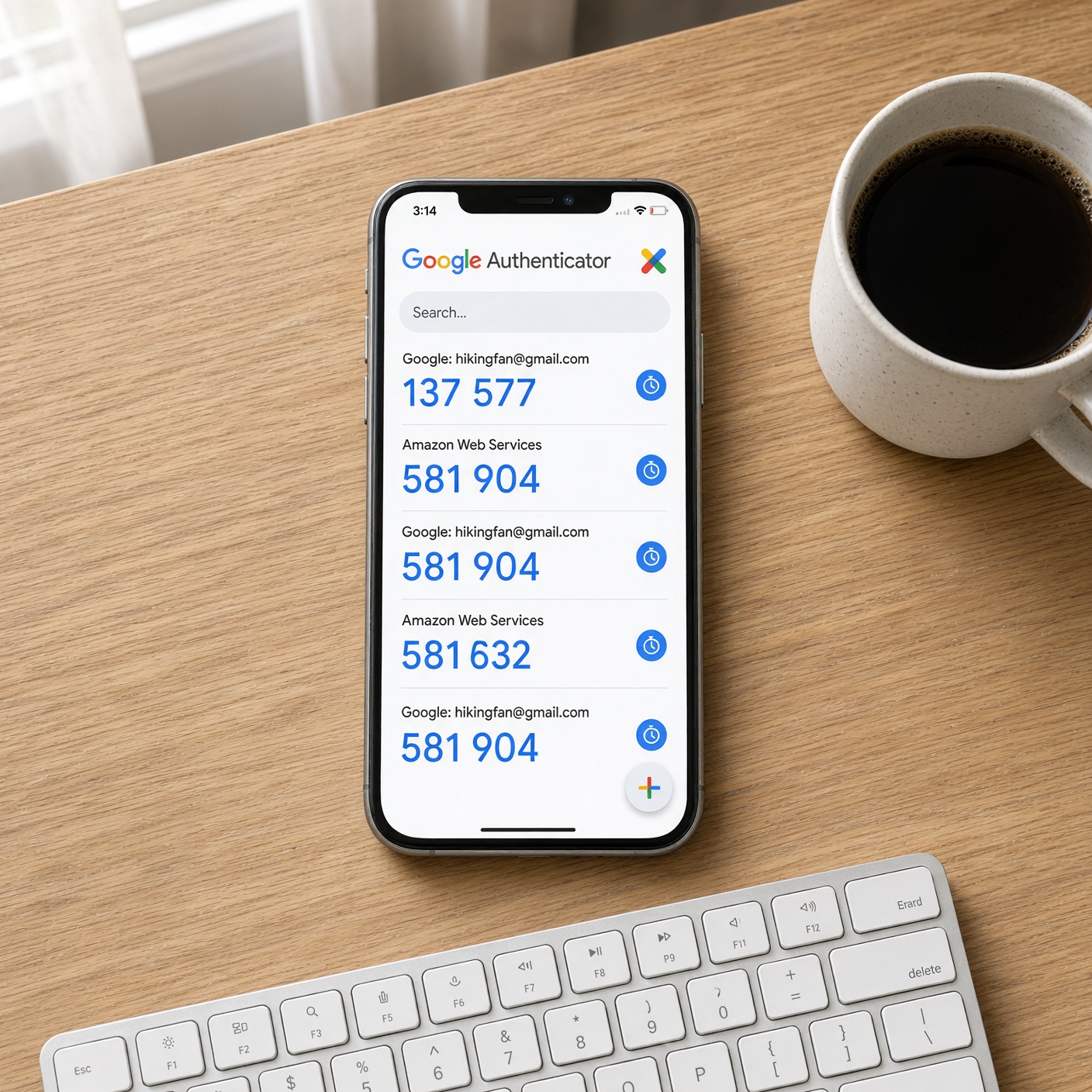
Google Authenticator has evolved to include powerful features designed to protect users against modern digital threats and user error:
-
Cloud Sync Integration: Users can link their authenticator codes to their personal Google Account, ensuring that a lost, broken, or stolen phone does not result in permanent account lockout.
-
Privacy Screen Protection: To prevent anyone who picks up your unlocked physical phone from glancing at your codes, you can enable a biometric security prompt (such as Face ID or fingerprint verification) or a device PIN requirement before the app opens.
-
Multi-Account Management: You can secure dozens of independent services—including your primary email, banking portals, cloud storage providers, and social media networks—within a single, organized interface.
Best Practices to Keep Your Authenticator Setup Secure
While Google Authenticator provides robust defense mechanisms, maintaining optimal digital hygiene ensures your accounts remain impenetrable:
-
Secure Your Master Device: Always use a strong device passcode, pattern lock, or biometric lock on your smartphone. Your authenticator app is only as secure as the device it lives on.
-
Save Backup Recovery Codes: When enabling 2FA on important platforms, download and safely store the emergency backup codes provided by the service. Store these codes offline in a secure physical location or password manager.
-
Beware of Advanced Phishing: Sophisticated attackers occasionally deploy real-time proxy phishing pages designed to capture both your password and your current authenticator code simultaneously. Always double-check browser address bars and official web domains before typing in your verification tokens.
Securing your digital footprint does not have to be an overwhelming task. By integrating Google Authenticator into your daily routine, you add a high-grade cryptographic barrier that blocks unauthorized access, frustrates hackers, and neutralizes password leaks. Take a few minutes today to review your critical online accounts, enable two-step verification, and experience true peace of mind in an interconnected world.