Why you should never download files sent on dating apps
Understand why downloading files on dating apps is dangerous
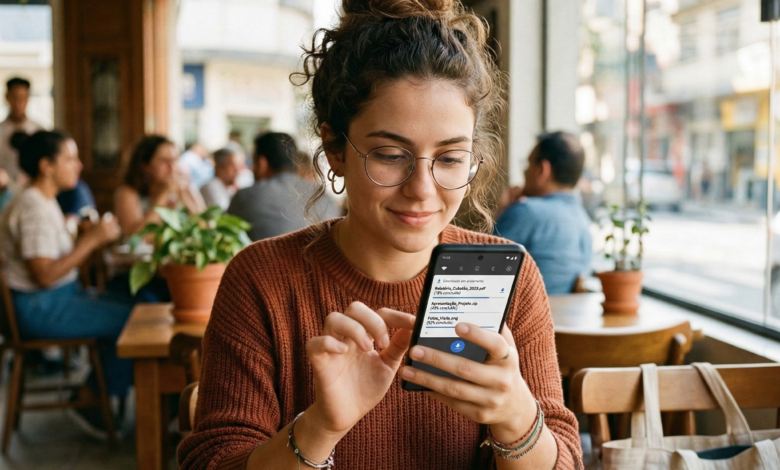
Finding a connection on a dating app is exciting. You’ve matched, the conversation is flowing, and the chemistry seems real. But suddenly, your match sends you a file. Maybe they claim it’s a “private video,” a “special photo gallery,” or even a “link to a better chatting app” because they’re leaving the platform.
Stop right there.
Downloading a file from someone you haven’t met in person—no matter how charming they seem—is one of the most dangerous moves you can make in the digital age. In this guide, we’re going to break down exactly why these files are digital landmines and how you can keep your heart (and your bank account) safe.
The Hidden Dangers of “Harmless” Files in Your Inbox
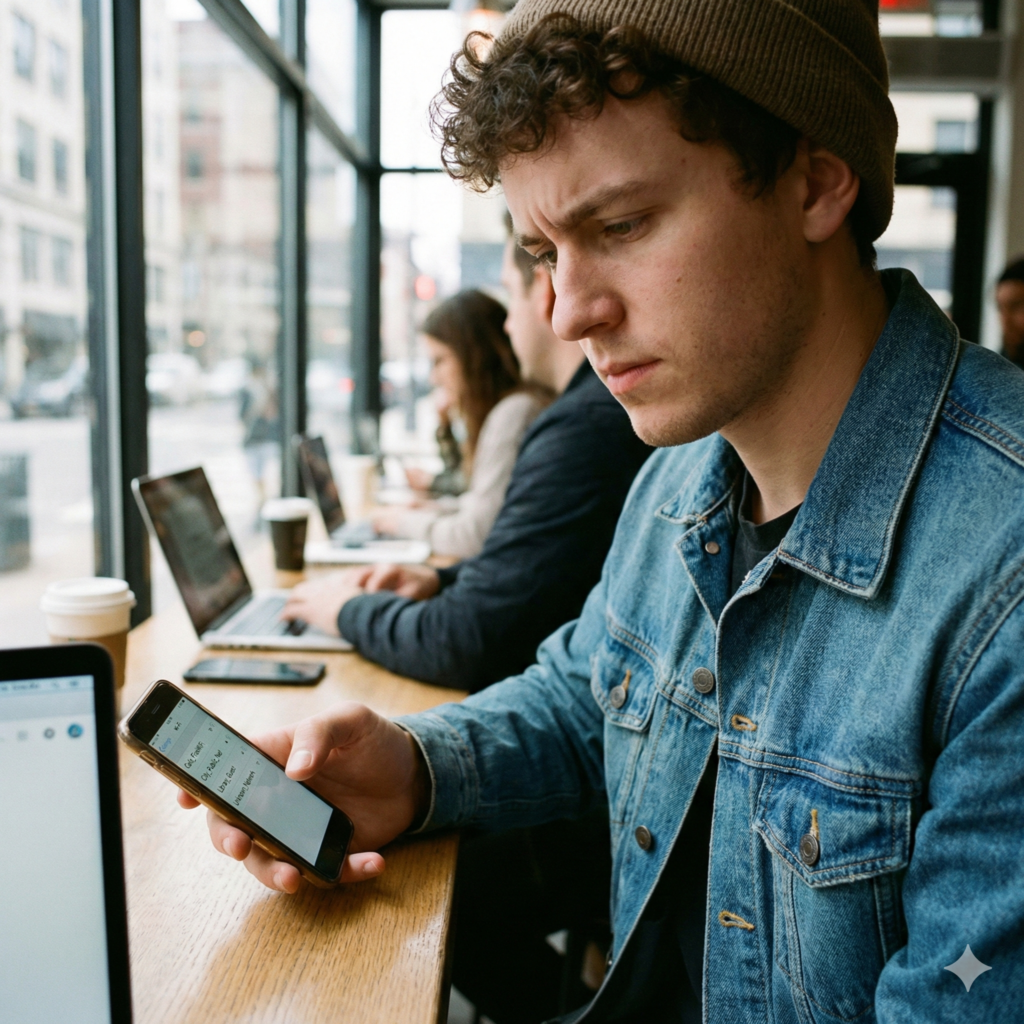
When we think of computer viruses, we often imagine clunky emails from “princes” in far-off lands. However, modern cybercriminals are much more sophisticated. They use the emotional vulnerability of dating apps to bypass your natural defenses.
When a match sends you a file, they aren’t just sending data; they are potentially sending a Remote Access Trojan (RAT). This is a type of malware that allows a hacker to take full control of your device. Imagine someone sitting in a room halfway across the world, scrolling through your private photos, reading your text messages, and even turning on your camera or microphone without you ever knowing.
The danger isn’t just about “getting a virus.” It’s about a total breach of your personal life. These files are often disguised as:
-
.zipor.rararchives “to save space.” -
.apkfiles (for Android users) claiming to be a “better version of the app.” -
.pdfor.docxfiles masquerading as a travel itinerary or a “gift voucher.”
Why Dating Apps are the Perfect Hunting Ground
Scammers love dating apps because the “barrier of trust” is lowered. You are there to meet people and be open. Scammers exploit this openness. They spend days, or even weeks, building a rapport with you just to get you to click that one download button.
Common Types of Malicious Files Used by Scammers
Not all dangerous files look the same. Some are obvious, while others are ingeniously hidden. Understanding what to look for is your first line of defense.
| File Extension | Claimed Purpose | Actual Danger |
| .exe / .dmg | “A cool game” or “Photo viewer” | Full system takeover; can log every keystroke you type. |
| .apk | “A private chat app” | Bypasses Google Play security to steal banking info and contacts. |
| .zip / .7z | “A collection of my vacation photos” | Contains hidden scripts that run as soon as you extract the files. |
| .pdf / .doc | “My flight details” or “A poem” | Can contain “macro” viruses that download further malware in the background. |
| .scr | “A screensaver of us” | Actually an executable file that installs ransomware. |
The “Private Photo” Trap
This is the most common tactic. A scammer will say, “I don’t like sharing photos here because the app compresses them. Download this folder to see the high-quality versions.” Once you download and open that folder, you’ve essentially handed over the keys to your digital life.
Romance Scams and the Psychology of the “Click”
Why do smart people fall for these traps? It’s not about a lack of intelligence; it’s about social engineering. Scammers are masters of human psychology. They use specific triggers to make you act before you think:
-
Urgency: “I’m deleting my account in 5 minutes, download this so we can keep talking!”
-
Exclusivity: “I only show these photos to people I really trust.”
-
Curiosity: “You won’t believe what I look like in this video.”
-
Vulnerability: They might share a “sad story” and send a “document” (like a fake medical bill or a legal letter) to prove it, asking for your advice.
By the time they send the file, they’ve made you feel like you’re in a “team.” Refusing to download the file feels like you’re “ruining the vibe” or “not trusting them.” Always remember: A real person who likes you will respect your digital boundaries.
What Happens to Your Phone or PC When You Open a Corrupted File?
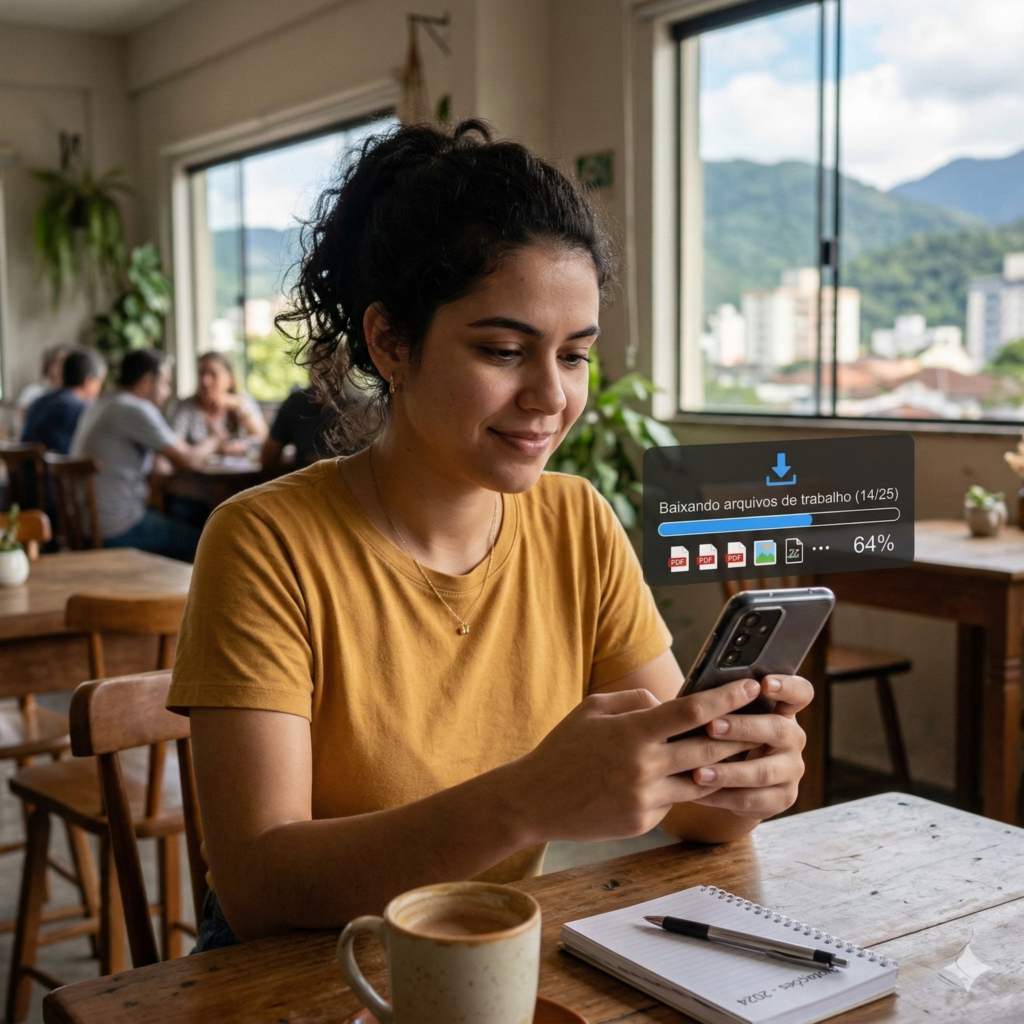
The moment you click “open,” a series of invisible events begins. You might not see a pop-up or a warning. Modern malware is designed to be silent and persistent.
Keyloggers: The Silent Thief
One of the most common payloads in dating app files is a keylogger. This software records every single letter you type on your keyboard. This includes:
-
Your bank usernames and passwords.
-
Your social media login credentials.
-
Your Social Security Number or ID details if you’re filling out a form.
-
Private messages to friends and family.
Spyware and Extortion
If a scammer gains access to your camera and microphone, they can record you in private moments. This leads to sextortion, where the scammer threatens to send the footage to your contacts unless you pay a ransom. This is a devastating crime that often starts with a simple “photo” download.
Ransomware: Holding Your Memories Hostage
Ransomware encrypts all the files on your device—your family photos, work documents, and videos—and demands payment (usually in Bitcoin) to unlock them. Even if you pay, there is no guarantee you will get your files back.
The “Verification” and “Third-Party App” Scams
A rising trend in dating app security threats involves scammers asking you to download a “verification app” or a “safe dating ID” tool.
Pro Tip: Major dating apps like Tinder, Bumble, and Hinge have their own built-in verification systems. They will never ask you to go to a third-party website or download an external file to prove who you are.
The scam works like this: The person tells you they’ve been “burned before” and want to make sure you aren’t a sex offender or a creep. They send you a link to a “Security App.” This app is actually a phishing tool designed to steal your credit card information under the guise of a “small verification fee.”
Red Flags: How to Spot a Scammer Before They Send a File
Prevention is better than a cure. If you can spot the scammer early, you’ll never even get to the point of receiving a dangerous file. Watch out for these warning signs:
-
Moving the Conversation Fast: They want to move to WhatsApp, Telegram, or Email within minutes of matching. They do this because dating apps have automated filters that detect “scammy” behavior; private chat apps do not.
-
Profiles That Are “Too Perfect”: If they look like a supermodel but have a generic bio and only two photos, proceed with caution.
-
The “Overseas” Excuse: They are currently working in another country (oil rig, military, international business) and “can’t video call” because of “bad internet,” yet they can somehow send you a 50MB file.
-
Inconsistent Grammar: Many of these scams originate from international crime syndicates. While having bad grammar isn’t a crime, a sudden shift in how they speak can be a red flag.
-
Asking for Favors: If they ask you to “check a file” for them or “help them log into an account,” it’s a trap.
How to Protect Your Privacy Without Ruining Your Love Life
You don’t have to be paranoid to stay safe. You just need a set of “digital rules” that you never break.
1. Never, Ever Download Files
This is the golden rule. If someone wants to show you a photo, they can upload it directly to the dating app’s chat interface. If the app doesn’t support a certain file type, there’s a reason for that: it’s not safe.
2. Use a “Burner” Mentality for Links
If they send a link to a “gallery,” don’t click it. If you’re absolutely curious, use a site like VirusTotal. You can copy and paste the URL there, and it will scan the link using over 60 different antivirus engines to see if it’s malicious.
3. Keep Your Software Updated
Hackers exploit “vulnerabilities” in old software. By keeping your iPhone, Android, or Windows PC updated, you are closing the holes that malware uses to get into your system.
4. Install Reputable Mobile Security
Yes, your phone needs an “antivirus” too. Apps from companies like Bitdefender, Norton, or Malwarebytes can catch malicious downloads before they execute.
Immediate Steps to Take if You’ve Downloaded a Suspicious File
If you’re reading this and realizing you might have already made a mistake, don’t panic. Speed is everything.
-
Disconnect from the Internet: Turn off your Wi-Fi and Cellular Data immediately. This stops the malware from “calling home” to the hacker’s server.
-
Scan with an Antimalware Tool: Use a clean device to download a reputable antivirus (if you don’t have one), transfer the installer via USB if needed, and run a full system scan.
-
Change Your Passwords: From a different, clean device, change the passwords for your email, bank, and social media. Enable Two-Factor Authentication (2FA) on everything.
-
Report the Profile: Go back to the dating app and report the user. This helps the platform’s AI learn and prevents them from targeting others.
-
Monitor Your Finances: Keep a close eye on your bank statements for the next few weeks for any unauthorized $1 charges (which scammers use to “test” a card).
The Future of Secure Dating: AI and Built-in Protections
As scammers get smarter, dating platforms are fighting back. Many apps are now implementing AI that can detect when a user is sending “suspicious patterns” of links or files. Features like “Photo Verification” and “Video Chat” within the app are designed to keep you safe.
However, no AI is as effective as a skeptical human mind. The “human element” is always the weakest link in cybersecurity. By staying informed and refusing to take the conversation “off-platform” too early, you are making yourself a “hard target” that scammers will eventually give up on.
Dating Should Be Fun, Not a Cyber-Risk
At the end of the day, the person on the other side of the screen should be interested in you, not your data. If someone is pressuring you to download a file, click a weird link, or use a “special” app, they are showing you exactly who they are: a threat.
Stay on the official app, keep your downloads turned off, and trust your gut. If something feels “off,” it probably is. Your digital safety is worth more than a match with a stranger.