Online Safety
What to Do If Your Phone Is Stolen While You Are Logged In
Discover the steps to take after your phone is stolen to secure your accounts and prevent unauthorized access
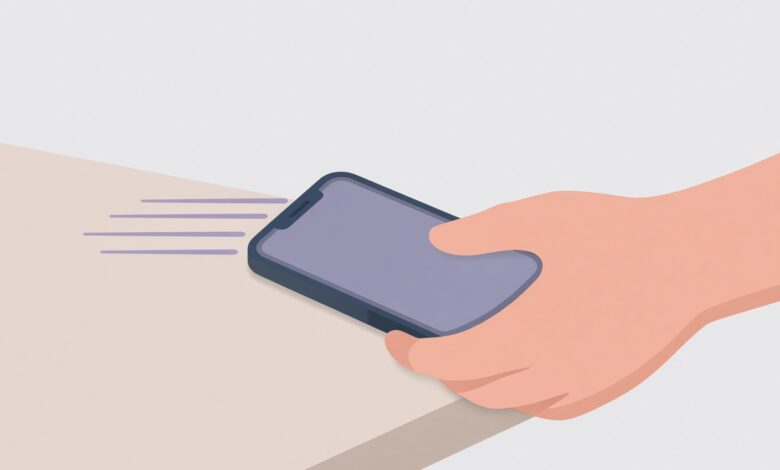
Imagine standing on a busy street, looking down at your hand, and realizing your smartphone is gone. Now, magnify that sinking feeling: you weren’t just using it; you were actively logged into your banking apps, your email, your social media accounts, and your password manager. The device is unlocked, or easily accessible, and your entire digital life is sitting in the hands of a stranger.
It is a modern nightmare. Smartphone theft is a multi-billion-dollar industry, and today’s thieves are often less interested in selling the physical hardware for spare parts and far more interested in breaking into your digital ecosystem. They want to drain your bank accounts, takeover your social media profiles, intercept your two-factor authentication (2FA) codes, and potentially lock you out of your own cloud storage.
However, panicking wastes precious minutes. The actions you take in the first few minutes and hours following a theft can mean the difference between a minor hardware loss and a complete financial and digital catastrophe.
Whether you are currently dealing with this emergency or reading this ahead of time to protect yourself, this comprehensive guide will walk you through every critical step you must take to secure your data, lock down your accounts, and reclaim your digital peace of mind.
Immediate Emergency Actions: What to Do in the First 10 Minutes
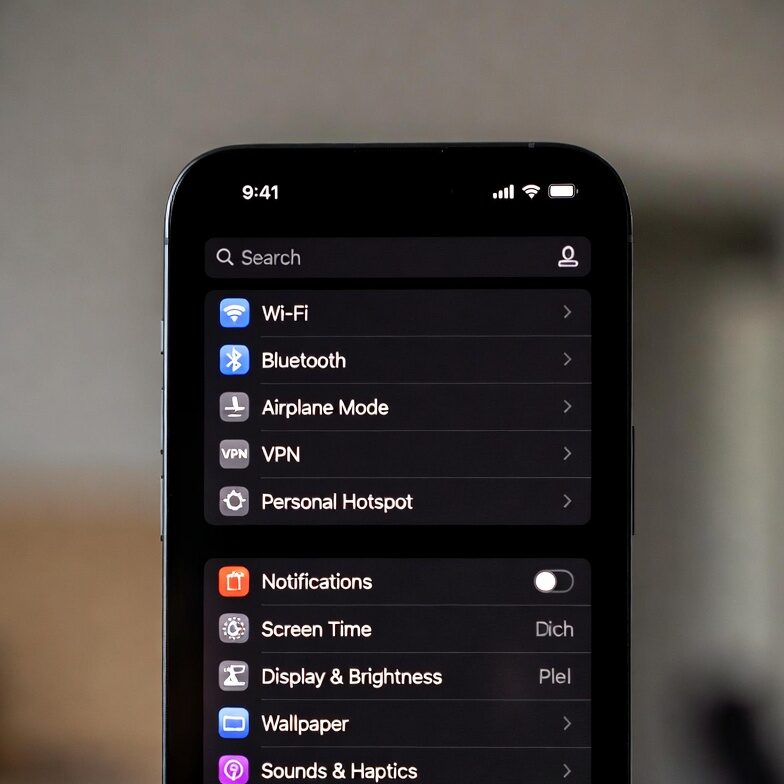
When your phone is stolen while logged in, time is your absolute greatest enemy. Every second the thief has access to an unlocked or active device increases your exposure to financial and personal risk. Before you do anything else, execute these immediate triage steps.
Locate Your Device (If Safe) and Send a Lock Command
Both Apple and Android ecosystems have built-in security features designed precisely for this scenario. If you have access to a laptop, a friend’s phone, or a public computer, immediately navigate to your device locator portal:
-
For iPhone users: Go to icloud.com/find or use the “Find My” app on another Apple device.
-
For Android users: Go to android.com/find or use the “Find My Device” app.
Log in using your account credentials. Once your device appears on the map, select Lost Mode (Apple) or Secure Device (Android).
-
What this does: It immediately locks your screen with a custom passcode, displays a message with a callback phone number of a trusted friend or family member, suspends Apple Pay or Google Pay cards, and continues to track the device’s location.
-
Crucial Safety Warning: Never attempt to physically track down or confront the thief yourself. Police departments worldwide consistently report violent incidents resulting from victims tracking stolen electronics. Let law enforcement handle the physical recovery; your primary goal is digital lockdown.
Contact Your Mobile Carrier to Suspend Your Service
People often forget that a stolen phone still holds an active cellular connection. This means the thief can receive your SMS-based two-factor authentication codes, reset passwords via text message, and make unauthorized calls or data transfers.
Call your mobile carrier immediately from a different phone to suspend or deactivate your SIM card and cellular service.
-
Ask them to blacklist the phone’s IMEI number (International Mobile Equipment Identity). Blacklisting blocks the device from connecting to cellular networks globally, rendering it useless as a phone.
-
If you use an eSIM, request that the profile be deactivated immediately.
Securing Your Financial Life: Protecting Bank and Payment Apps
If your phone was stolen while you were logged in, your banking, credit card, and digital wallet applications are the most lucrative targets for a malicious actor. Modern banking apps often rely on biometric logins (Face ID or fingerprint), but crafty thieves know how to shoulder-surf your screen unlock passcode, use wipe-off residue patterns, or exploit account recovery mechanisms.
Contact Your Banks and Financial Institutions Immediately
Do not wait until you get home to call your bank. Use a landline or a friend’s phone to contact the fraud departments of every major financial institution where you hold accounts.
-
Inform them that your phone has been stolen while you were logged in.
-
Request a temporary freeze or suspension on mobile banking access, digital wallets (Apple Pay, Google Pay, Samsung Pay), and associated debit or credit cards.
-
Ask if any unauthorized transactions have occurred since the time of the theft.
Why Digital Wallets Are a Primary Target
Many users believe that because Apple Pay or Google Pay requires a biometric scan, they are entirely safe. However, if a thief manages to bypass your device lock screen—or if the phone was already unlocked when snatched—they can authorize contactless payments at retail terminals up to certain limits without re-authenticating, or use stored card details to make online purchases. Freezing your cards through your bank completely neutralizes this risk, regardless of what the thief does on the physical device.
Locking Down Your Digital Ecosystem: Emails and Cloud Accounts
Your email address is the master key to your entire digital existence. If a thief has access to your primary email inbox, they can use the “Forgot Password” feature on virtually every other service you use (social media, shopping accounts, utility bills, and cryptocurrency wallets) to intercept reset links and lock you out permanently.
Sign Out Remotely and Revoke Device Access
Through a web browser on a computer, log into your primary email providers (Gmail, Outlook, Yahoo, Apple iCloud) and review your active sessions or security settings.
-
Check Active Sessions: Navigate to account security settings to view every device currently logged into your email.
-
Remote Sign-Out: Click “Sign Out of All Devices” or revoke access specifically for the stolen phone. This forces an immediate termination of your active session, requiring a password and 2FA for anyone trying to log back in.
Secure Your Password Manager
If you use a password manager (such as 1Password, Bitwarden, Dashlane, or LastPass) and your phone was unlocked, the thief potentially has access to every single credential you own.
-
Log into your password manager via a secure desktop browser immediately.
-
Change your Master Password.
-
Revoke trusted device permissions for the stolen phone.
-
Review your vault for any unusual activity or exports.
The Danger of Two-Factor Authentication (2FA) Interception
Two-factor authentication is the gold standard of online security, but when your phone is stolen, traditional 2FA methods can inadvertently work against you.
SMS and Voice Call 2FA Vulnerabilities
If your 2FA relies on text messages (SMS) or phone calls, a thief who has your active SIM card or an unlocked phone can easily receive your verification codes. This allows them to bypass security prompts on your social media, financial, and work accounts.
-
This reinforces why contacting your mobile carrier to deactivate your SIM card (as covered in the first section) is an urgent priority.
Hardware Security Keys and App-Based Authenticators
-
Authenticator Apps (Google Authenticator, Authy): If these apps were unlocked on the device, a sophisticated thief might access them. Ensure you revoke account access from the service provider’s web dashboard.
-
Hardware Keys (YubiKey, etc.): If you carried a physical security key attached to your keychain alongside your phone, check if it was lost as well. If so, immediately disable that key within your critical account security settings.
Filing Reports: Law Enforcement, Insurance, and Identity Protection
Once the immediate bleeding is stopped and your digital accounts are secured, you must transition to documentation and recovery mode. Filing official reports is essential for insurance claims, liability protection, and potential legal documentation.
File a Police Report
Contact your local police department to file a formal theft report.
-
Provide the officer with your phone’s make, model, serial number, and IMEI number (which you can often find on your original box, purchase receipt, mobile carrier account portal, or previous device backups).
-
Why this matters: Many insurance companies, mobile device protection plans (like AppleCare+ or carrier insurance), and credit card purchase protection policies require a police report number before they will process a claim for a replacement device or financial reimbursement. Furthermore, if the phone is later used in illicit activities, a police report establishes a legal paper trail proving the device was stolen out of your possession.
Notify Your Cellular Carrier and Insurance Provider
Contact your carrier’s insurance division or third-party insurance provider (such as Asurion, SquareTrade, or your renter’s/homeowner’s insurance policy if applicable) to file a claim. Be prepared to submit:
-
Your police report case number.
-
Proof of purchase or ownership.
-
Your account verification details.
Proactive Prevention: How to Bulletproof Your Next Phone
Experiencing a phone theft is a jarring wake-up call that highlights vulnerabilities in our daily digital habits. Once you receive your replacement device, implement these advanced security protocols so that if history ever repeats itself, the thief walks away with nothing more than an expensive, useless brick.
Enforce Strict Lock Screen and Notification Settings
Many users make the critical mistake of allowing sensitive information to be viewed on their lock screen before the phone is unlocked.
-
Disable Lock Screen Previews: Go to your notification settings and configure your phone so that message contents, email snippets, and verification codes do not appear on the lock screen. A thief should only see that a notification arrived, not what it says.
-
Block Control Center Access: On both iOS and Android, disable the ability to swipe down and access the Control Center, Quick Settings, or Airplane Mode from the lock screen. If a thief cannot toggle Airplane Mode on, they cannot prevent your phone from reporting its GPS location to Find My / Find My Device.
Implement Biometric Protection for Sensitive Apps
Do not rely solely on your phone’s master lock screen passcode.
-
Enable secondary biometric authentication (Face ID, Touch ID, or fingerprint) inside your banking apps, email clients, notes apps, and photo galleries. Even if someone manages to guess or shoulder-surf your 6-digit screen unlock code, they will hit a second biometric wall when trying to open your financial or personal apps.
Maintain Encrypted Cloud Backups
The best psychological comfort during a phone theft is knowing your data is safe. Ensure your photos, contacts, documents, and app data are regularly and securely backed up to iCloud, Google Drive, or an encrypted local backup. When you wipe your stolen phone remotely, you can rest easy knowing that your irreplaceable memories and files are safely waiting for you on your new device.
Regaining Control After a Breach
Having your phone stolen while logged in is stressful, invasive, and overwhelming. However, by acting swiftly, methodically following the emergency triage steps, securing your email and financial accounts, and notifying the proper authorities, you can neutralize most threats before they cause lasting damage.
Stay calm, execute the recovery playbook step-by-step, and use the experience to fortify your digital habits for the future. Online safety is not a one-time setup; it is a continuous practice of vigilance and preparedness.