Apps
Can Dating Apps Tell When You Screenshot a Profile?
Discover how screenshot notifications work on dating apps and which platforms may have privacy features for screenshots
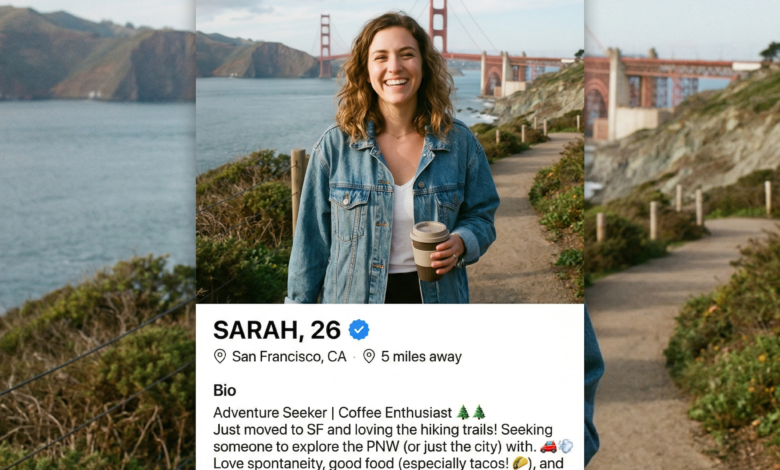
With millions of people turning to dating apps to find love, casual connections, or new friendships, online dating has become a normal part of modern social life. However, navigating the digital dating world comes with its own set of unwritten rules, etiquette questions, and privacy concerns. One of the most common questions users ask is: Can dating apps tell when you screenshot a profile?
Whether you saw a profile with an incredibly funny bio, wanted to share a hilarious photo with your best friend for a second opinion, or spotted someone you actually recognize in real life, the urge to take a screenshot can be strong. But doing so often brings a wave of anxiety: Did they just get a notification? Do they know it was me?
Understanding how different platforms handle screenshots, what the technical realities are, and how privacy features work can save you from a potentially awkward encounter. In this comprehensive guide, we will break down everything you need to know about screenshots on major dating apps, how to protect your own profile, and the digital etiquette of online dating.
How Dating Apps Handle Screenshots: Platform-by-Platform Breakdown
Not all dating apps are created equal. While social media platforms like Snapchat are famous for alerting users the second a screenshot is captured, the rules vary drastically across the dating app landscape. Some platforms strictly prioritize user privacy by blocking screenshots or sending alerts, while others operate with a completely open policy where screenshots go completely undetected.
To help you navigate your favorite apps safely, let’s look at how the most popular dating platforms handle screenshots:
Tinder: The Most Common Questions Answered

Tinder is the giant of the dating app world, boasting millions of active users worldwide. Because of its massive user base, privacy questions are frequent.
-
Do they notify users? No. Tinder does not send a notification to a user if you screenshot their profile, photos, or bio.
-
Are screenshots blocked? On most standard mobile operating systems (iOS and Android), you can freely take a screenshot of a Tinder profile without any technical interference. However, Tinder does utilize strict anti-scraping and security protocols in the background to prevent automated bots from mass-saving images, but everyday personal use screenshots will not trigger a warning or alert to the profile owner.
Bumble: Empowering Women While Keeping Privacy In Mind
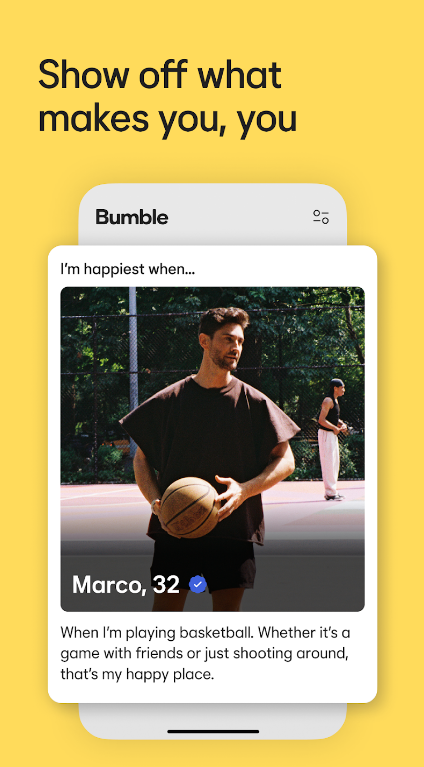
Bumble is known for changing the dating app dynamic by requiring women to make the first move in heterosexual matches. Because safety and user comfort are major brand pillars for Bumble, many users assume they have strict screenshot monitoring.
-
Do they notify users? Generally speaking, Bumble does not notify users if you take a screenshot of their profile, bio, or standard chat messages.
-
Exceptions to the rule: Bumble has experimented with security features over the years, particularly regarding photo verification and private detector features to block inappropriate content. However, taking a standard screenshot of a profile remains completely silent. It is always wise to respect your matches’ privacy, but you won’t get caught out by an automated in-app alert for a simple profile capture.
Hinge: Designed to Be Deleted, But What About Screenshots?
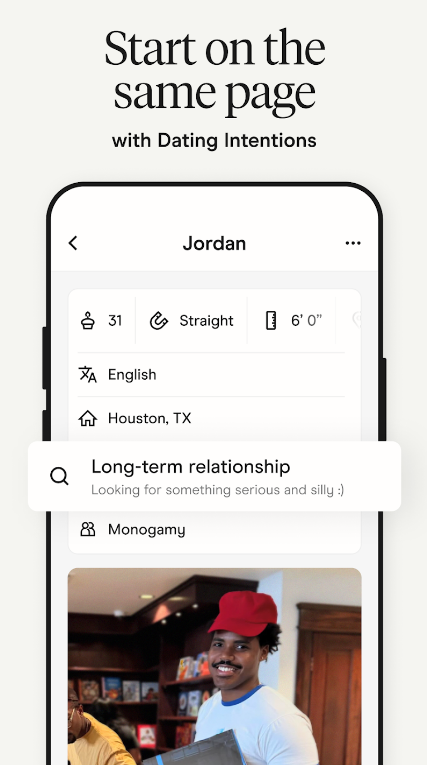
Hinge markets itself as the dating app “designed to be deleted,” focusing on deep prompts, voice notes, and thoughtful conversations rather than endless swiping.
-
Do they notify users? No. Hinge does not send notifications when you take a screenshot of a profile, a specific prompt answer, or a photo gallery.
-
The conversation side: Just like other major apps, if you screenshot a chat conversation, the other person will remain completely unaware. However, keep in mind that saving someone’s personal photos or deep personal prompts outside the app crosses into personal privacy territory, even if the app itself doesn’t penalize you for it.
Snapchat and Secret-Sharing Apps: The Major Exceptions
If you are using apps that have built-in disappearing message features or heavy social media crossover (like chatting via Snapchat or Instagram DMs after meeting on a dating app), the rules change completely.
-
Snapchat will explicitly notify the other person if you screenshot a chat, a photo, or a video snap.
-
Always remember that if you move a conversation off a traditional dating platform onto a social media network, you are now subject to that platform’s specific privacy and notification rules.
The Technical Reality: Can Mobile Operating Systems Detect Screenshots?
To truly understand whether dating apps can track your screenshot habits, it helps to look at how modern smartphones (smartphones running iOS or Android) handle screenshot events from a technical perspective.
When you press the specific button combination on your phone to capture a screenshot (such as the Power and Volume Up buttons on most modern devices), the operating system takes a snapshot of the display buffer.
-
iOS (Apple): Apple’s operating system does not automatically broadcast a “screenshot taken” event to background applications for standard views. While apps can request specific screen-capture prevention flags for sensitive screens (like banking apps or copyright-protected video streaming services), standard dating apps do not utilize these flags for user profiles. Therefore, iOS keeps your screenshot completely private from the app.
-
Android (Google): Similar to iOS, Android allows apps to implement a
FLAG_SECUREattribute. When this flag is active, the system completely blocks screenshots, rendering the resulting image black, or triggers an error message. Some dating apps use this inside secure chat environments or verification photo steps, but standard profile viewing screens leave screenshot functionality wide open.
In short, standard operating system architecture does not hand over a log of your screenshots to dating apps unless the app developers explicitly code aggressive interception features into that specific screen. Because dating apps want users to share profiles with friends to encourage organic growth and sign-ups, very few apps choose to block or penalize screenshots of public profiles.
The Social Ethics of Screenshotting Dating Profiles
Even though most dating apps technically allow you to take screenshots without notifying the other person, just because you can do something doesn’t always mean you should. Digital etiquette plays a massive role in online dating, and understanding the unwritten social rules can prevent awkward misunderstandings and protect personal boundaries.
When Is It Generally Acceptable?
-
Asking for trusted advice: Sending a profile to your best friend or sibling to get a second opinion on a bio or red flag is a very common and harmless use case.
-
Sharing a funny joke or meme: Many people use humor in their dating bios. Sharing a genuinely funny joke with a friend is standard social behavior.
-
Safety checks: If you are meeting someone new for a first date, sharing their profile details with a trusted friend for safety and accountability is actually a strongly recommended safety practice.
When Does It Cross the Line?
-
Spreading content publicly: Taking a screenshot of someone’s profile and posting it on social media, meme pages, or public forums to mock, ridicule, or shame them is a severe violation of privacy and digital ethics.
-
Sharing identifying information out of context: Capturing someone’s workplace, school, last name, or exact neighborhood and sharing it beyond a close circle can lead to stalking, harassment, and severe safety risks.
-
Blackmail or harassment: Using screenshots of private conversations or sensitive photos as leverage is unethical, harmful, and on many platforms, a direct violation of terms of service that can result in a permanent ban.
Privacy Best Practices: How to Protect Your Own Profile

Since anyone browsing your profile can technically take a screenshot without your knowledge, taking proactive steps to safeguard your digital footprint on dating apps is essential. Protecting your privacy doesn’t mean you can’t have fun; it simply means taking smart precautions.
1. Limit Identifying Personal Information
Avoid putting hyper-specific details in your public profile that could allow strangers to track you down in real life before you even match or chat with them.
-
Do not list the exact name of the company you work for; instead, use a broad industry category (e.g., “Tech” or “Healthcare”).
-
Avoid linking your public social media handles (Instagram, TikTok, or Twitter) in your dating app bio until you have built a strong level of trust through conversation.
-
Keep your location set generally rather than broadcasting your exact neighborhood or favorite local coffee shop.
2. Curate Your Photo Selection Wisely
Photos are the first thing people see on dating apps, and they are the primary target for screenshots.
-
Avoid using photos that clearly display your home address, license plate, unique neighborhood landmarks, or children.
-
Use recent, clear photos that represent you accurately, but ensure they are images you would feel comfortable with friends or acquaintances potentially seeing.
3. Use Incognito and In-App Privacy Modes
Many modern dating apps now offer advanced privacy and visibility settings designed to give you greater control over who sees your profile.
-
Incognito Mode: Some apps allow you to hide your profile completely, ensuring that only people you have already liked or swiped right on can see you.
-
Incognito/Private Browsing: Utilize features that let you browse profiles without appearing in user queues if you prefer a more low-profile dating experience.
-
Block Contacts: Most major apps feature a contact-blocking tool that allows you to sync your phone’s address book and block coworkers, bosses, ex-partners, or family members from ever seeing your profile.
What to Do If You Spot Someone You Know
One of the most heart-stopping moments in online dating is swiping through a stack of profiles and suddenly seeing your boss, your coworker, your ex-partner, or a family member. Your immediate instinct might be to panic, take a screenshot, and send it to a friend group chat.
Before you hit those screenshot buttons, take a deep breath and consider the best approach:
-
Remember they are there for the same reason: The person you found on the app is using it for the exact same purpose you are—to meet people and explore connections. They are likely just as anxious about running into someone they know as you are.
-
Swipe left and move on: In 99% of cases, the absolute best course of action is to simply swipe left. Most dating apps feature mutual concealment algorithms; if you both swipe left, neither of you will ever have to acknowledge the awkward encounter.
-
Use the block feature: If seeing a specific acquaintance makes you uncomfortable, utilize the app’s built-in block feature to ensure your profiles never cross paths again.
Navigating Dating App Privacy with Confidence
Navigating the world of online dating requires a balance of excitement, openness, and digital caution. When it comes to the question “Can dating apps tell when you screenshot a profile?”, the short answer for major apps like Tinder, Bumble, and Hinge is no—they do not send notifications for standard profile screenshots.
However, just because the app won’t catch you doesn’t mean you should throw caution to the wind. Respecting other users’ privacy, keeping your own personal information secure, and maintaining healthy digital boundaries will ensure your online dating experience remains safe, fun, and successful. By combining smart privacy habits with an understanding of how these platforms operate, you can swipe, match, and chat with complete peace of mind.