Online Safety
How Browser Fingerprinting Tracks You Online
Discover what browser fingerprinting is, how it identifies devices, and what it means for your online privacy

When most people think about online privacy, they think of cookies. You visit a website, a pop-up appears asking you to accept cookies, and you click “Accept” or “Reject,” feeling like you have some control over your data. For years, clearing your browser cache and deleting cookies was the gold standard for erasing your digital footprint.
However, the internet has evolved. Advertisers, data brokers, and cybercriminals have moved beyond simple cookies to a much more sophisticated, invisible tracking mechanism: browser fingerprinting.
Unlike cookies, which can be easily deleted or blocked, browser fingerprinting is nearly impossible to evade using standard browsing habits. It operates silently in the background, identifying you based on the unique configuration of your device, software, and hardware settings.
In this comprehensive guide, we will break down what browser fingerprinting is, how it works under the hood, why it poses a major threat to your online safety, and what actionable steps you can take to protect your digital identity.
What Is Browser Fingerprinting?

To understand browser fingerprinting, imagine a forensic investigator dusting a crime scene for fingerprints. Every human has unique ridges, swirls, and patterns on their fingers that distinguish them from anyone else on Earth.
Browser fingerprinting does the exact same thing, but for your computer or smartphone. Instead of physical traits, it looks at the technical characteristics of your device. When you connect to a website, your browser willingly shares a vast amount of information with the web server to ensure the page renders correctly. This includes:
-
The type and version of your operating system.
-
Your installed web fonts.
-
Your screen resolution and color depth.
-
Your graphics card (GPU) and rendering engine.
-
Language preferences and time zone settings.
-
Browser extensions and plugins.
When all these seemingly mundane data points are stitched together, they create a unique digital profile—a “fingerprint.” Studies have shown that over 90% of modern browsers have a completely unique fingerprint. This means that even if you use a “private” or “incognito” window, block third-party cookies, and use a Virtual Private Network (VPN), trackers can still recognize you the moment you land on their site.
The Technology Behind the Trackers: How Fingerprinting Works
Browser fingerprinting relies heavily on modern web technologies, particularly JavaScript and advanced graphics rendering Application Programming Interfaces (APIs). Let’s look at the core techniques trackers use to build your profile.
Canvas Fingerprinting
One of the most widespread fingerprinting methods is Canvas Fingerprinting, which exploits the HTML5
<canvas> element. This element is used by websites to draw graphics, render animations, and display games directly in your browser.When a script wants to fingerprint your device, it secretly instructs the canvas element to draw a hidden image containing specific text, shapes, and colors. Because every computer renders text and graphics slightly differently—due to differences in graphics cards, operating systems, driver versions, and installed fonts—the resulting image pixels will vary subtly from device to device.
The website’s script then hashes (converts into a unique string of characters) the pixel data of that hidden image. This hash becomes a permanent part of your browser fingerprint. You will never see the image, and the process takes less than a millisecond, yet it leaves a distinct signature that follows you across the web.
WebGL and Audio Fingerprinting
Beyond canvas elements, trackers analyze how your device handles complex multimedia:
-
WebGL Fingerprinting: WebGL (Web Graphics Library) allows websites to render 3D graphics using your computer’s GPU. By asking your graphics card to render a hidden 3D scene, trackers can gather hyper-specific data about your hardware performance and driver configuration.
-
Audio Fingerprinting: Your browser’s audio processing capabilities can also be measured. The AudioContext API is used to generate sound waves in the background. Because different hardware and audio drivers process sound data with minute computational variances, the resulting audio output creates another unique identifier.
Why Browser Fingerprinting Threatens Your Online Safety and Privacy
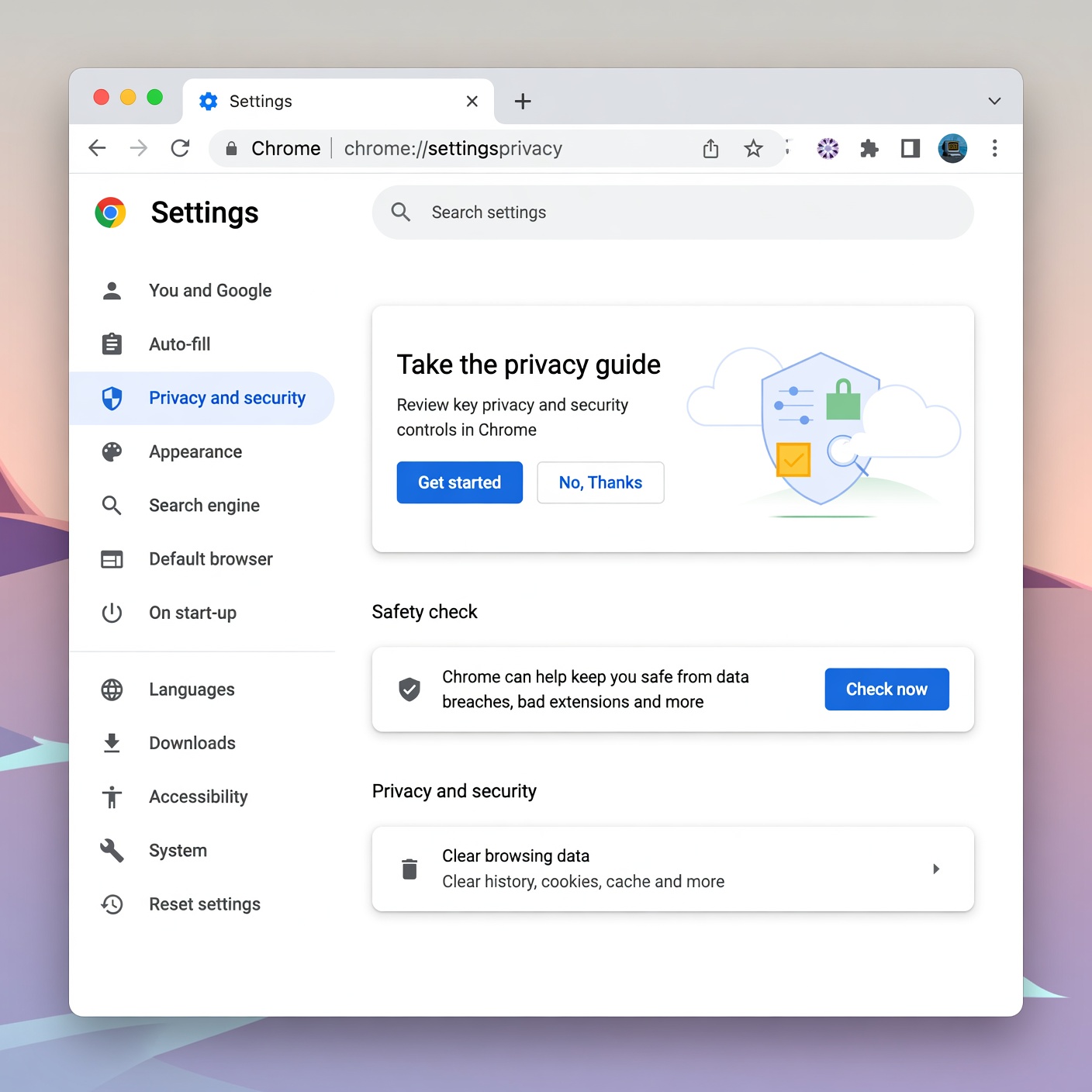
While fingerprinting is heavily used for targeted advertising, its implications stretch far beyond annoying banner ads. The rise of sophisticated tracking introduces severe risks to everyday internet users.
The Illusion of Incognito Mode
Millions of users rely on “Incognito Mode” or “Private Browsing” believing it renders them invisible. While these modes prevent your browser from saving local history, cache, and cookies after you close the window, they do not hide your system configuration. A browser running in incognito mode shares the exact same hardware, font, and screen resolution details as your standard browser window. Trackers can easily link your private sessions to your regular browsing identity.
Cross-Site Tracking Without Consent
Under privacy regulations like the European Union’s GDPR or California’s CCPA, websites are legally required to obtain your consent before storing tracking cookies on your device. However, because browser fingerprinting happens passively through standard web communication protocols, many entities exploit regulatory gray areas to track users without explicit permission. There is no cookie banner to click “Reject” on, because no data is actually written to your hard drive.
The Danger of Re-Identification and Data Breaches
Data brokers aggregate fingerprint profiles with leaked database information, purchase histories, and social media activity. Once your browser fingerprint is linked to your real identity—perhaps by logging into an e-commerce store or social media platform just once—all your previous anonymous browsing history can be retroactively tied back to you. This creates massive profiles that track your health inquiries, financial searches, and personal interests without your knowledge.
Evolution of Tracking: Device Fingerprinting vs. Traditional Cookies
To fully grasp why fingerprinting is a paradigm shift in web surveillance, it helps to compare it directly with traditional tracking mechanisms.
| Feature | HTTP Cookies | Browser Fingerprinting |
| Storage Location | Stored locally on your hard drive/browser storage. | Not stored; calculated dynamically on every page load. |
| User Control | Easily deleted, blocked, or managed via browser settings. | Extremely difficult to delete; inherent to how browsers communicate. |
| Persistence | Cleared when you wipe browser data or use private mode. | Persists across private windows, cache wipes, and VPN switches. |
| Primary Purpose | Session management, login states, and user preferences. | Cross-site tracking, fraud prevention, and persistent profiling. |
While cookies act like a digital nametag that you can take off and throw away at the end of the day, browser fingerprinting is like your permanent physical posture and gait—it identifies you automatically by how you move through the digital world, regardless of what clothes you wear.
Advanced Strategies to Protect Yourself Against Fingerprinting
Because browser fingerprinting targets the fundamental mechanics of how websites function, blocking it entirely is extremely difficult without breaking the usability of modern web pages. If you alter your browser too much to hide your fingerprint, you might actually stand out more—a concept known in privacy circles as the paradox of uniqueness.
However, you can drastically reduce your exposure and blend into the crowd using these advanced countermeasures.
1. Adopt Privacy-Focused Browsers
Standard browsers like Google Chrome and Microsoft Edge are designed by companies whose business models rely heavily on data collection and targeted advertising. To protect your footprint, switch to browsers built from the ground up for privacy:
-
Tor Browser: The gold standard against fingerprinting. The Tor Browser routes your traffic through the Tor network and—crucially—forces every user’s browser to look identical. Regardless of whether you use a Mac, Windows, or Linux PC, your screen resolution, installed fonts, and hardware flags are spoofed to match a standardized template. This makes everyone look like the exact same user to trackers.
-
Mullvad Browser: Developed in collaboration with the Tor Project, Mullvad Browser brings Tor-level anti-fingerprinting protections to a standard, non-anonymous web browsing experience (ideal for use with a trusted VPN).
-
Brave Browser: Brave features robust, built-in shields that randomize fingerprintable APIs (such as canvas and WebGL data) on a per-site basis, preventing trackers from building a consistent cross-site profile.
2. Configure Firefox for Enhanced Tracking Protection
If you prefer traditional browsers, Mozilla Firefox offers deep customization options. By navigating to
about:config in your address bar, you can enable resistFingerprinting (RFP). This setting hardens Firefox by spoofing your timezone to UTC, standardizing window sizing behaviors, and protecting canvas and audio APIs from unauthorized extraction.Note: While powerful, enabling strict resistance settings can occasionally affect website functionality or alter your browser language to English by default.
3. Minimize Browser Extensions
Every browser extension you install adds unique variables to your environment. Trackers can inspect which extensions are active or detect the side effects of poorly coded add-ons.
-
Stick to a minimal set of essential, highly trusted open-source extensions (such as uBlock Origin for ad and script blocking).
-
Avoid installing niche themes or rare extensions that increase your overall entropy (uniqueness score).
4. Use Virtual Machines and Containerization
For advanced users handling sensitive research or browsing, isolating your digital activity using Virtual Machines (VMs) or container-based operating systems (such as Qubes OS) ensures that your personal hardware data is never exposed to the websites you visit.
The Future of Web Privacy: Standardization and Regulations

As awareness around browser fingerprinting grows, tech standards organizations and legislative bodies are slowly pushing back.
The World Wide Web Consortium (W3C) and major browser vendors are currently working on privacy-preserving APIs that aim to fulfill legitimate business needs—such as fraud detection and secure authentication—without leaking granular hardware metrics. Initiatives like the Privacy Sandbox attempt to balance web functionality with user privacy, though debates continue within the security community regarding whether these industry-led solutions genuinely protect users or simply consolidate tracking power into the hands of major tech conglomerates.
On the regulatory front, privacy laws are beginning to catch up. Regulators are starting to classify fingerprinting techniques under the same strict consent frameworks as tracking cookies, opening organizations up to heavy fines if they deploy covert fingerprinting scripts without transparent disclosure.
Reclaiming Your Digital Autonomy
Browser fingerprinting represents the next generation of online surveillance. By weaponizing the standard communication protocols required to render modern web pages, trackers have created a system where your device configuration speaks louder than your privacy settings.
Understanding how canvas elements, WebGL APIs, and hardware metrics combine to form your digital shadow is the first step toward reclaiming your online safety. While achieving 100% anonymity on the open web is an ongoing challenge, adopting privacy-first browsers, minimizing your digital footprint, and staying informed about evolving tracking techniques will keep you steps ahead of invisible data brokers.
Your data belongs to you. By taking proactive measures today, you can pull back the curtain on invisible trackers and browse the web on your own terms.