Online Safety
3 Best Password Managers for Online Security
Explore 3 password managers and learn how they can improve password security and protect your online accounts
In today’s digital age, our lives are online. From checking bank accounts and managing utility bills to streaming movies and chatting with friends, we rely on dozens of different accounts every single day. But with every new service comes a frustrating demand: “Create a password.”
It is tempting to take shortcuts. Many people reuse the same password across multiple websites, or rely on simple, predictable words like “Password123” or their pet’s name. Unfortunately, hackers and cybercriminals know this habit well. When one minor website suffers a data breach, cybercriminals use automated tools to test that same email and password combination on hundreds of other platforms—including your bank, email, and social media. This practice, known as “credential stuffing,” leads to millions of compromised accounts every year.
So, how do you protect yourself without driving yourself crazy trying to remember fifty different complex passwords? The answer is a password manager.
If you want to secure your digital life completely, choosing the right tool is essential. This comprehensive guide explores the three best password managers for online security, designed to keep your private data safe, secure, and completely under your control.
What Is a Password Manager and Why Do You Need One?
Before diving into the top tools available today, it helps to understand what a password manager actually does.
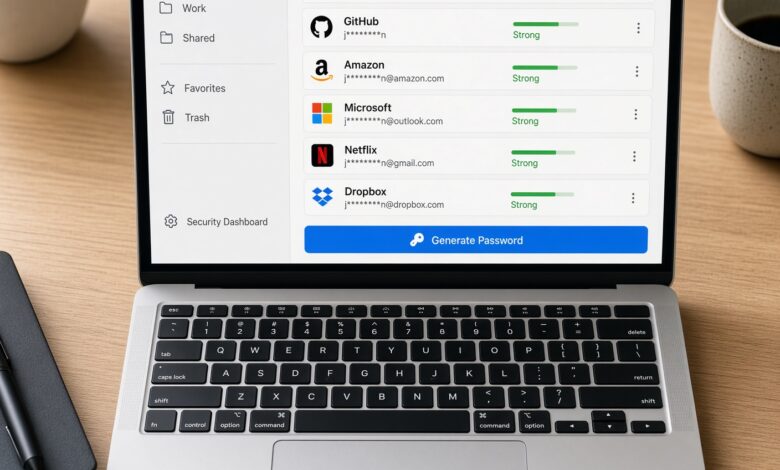
A password manager is a secure digital vault that stores all your login credentials in one encrypted place. Instead of memorizing dozens of unique passwords, you only need to remember one single master password.
Modern password managers do much more than just store data. They include powerful features designed to elevate your online safety:
-
Password Generation: They automatically create ultra-secure, random passwords containing a mix of letters, numbers, and symbols that would take hackers centuries to crack.
-
Auto-Fill Technology: They securely fill in your usernames and passwords on websites and apps automatically, saving you time and protecting you from keylogging malware.
-
Security Audits: Many tools scan your existing vaults to alert you if any of your passwords are weak, reused, or have appeared in known data breaches.
-
Multi-Factor Authentication (MFA) Support: They integrate seamlessly with second-factor authentication methods like authenticator apps or security keys for an extra layer of defense.
Now that you know why you need one, let’s explore the top three choices for safeguarding your digital presence.
1. 1Password: The Gold Standard for Security and Usability
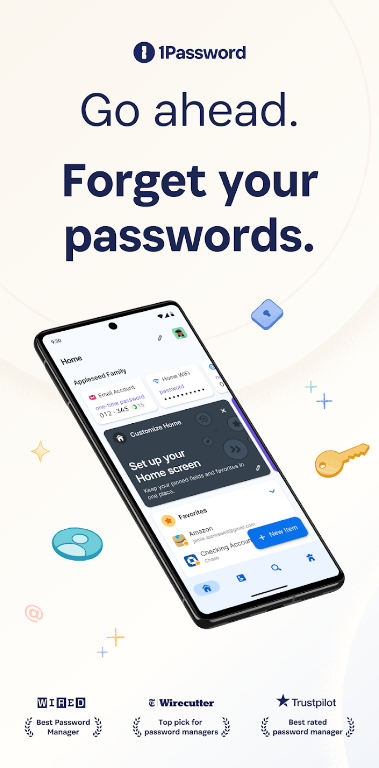
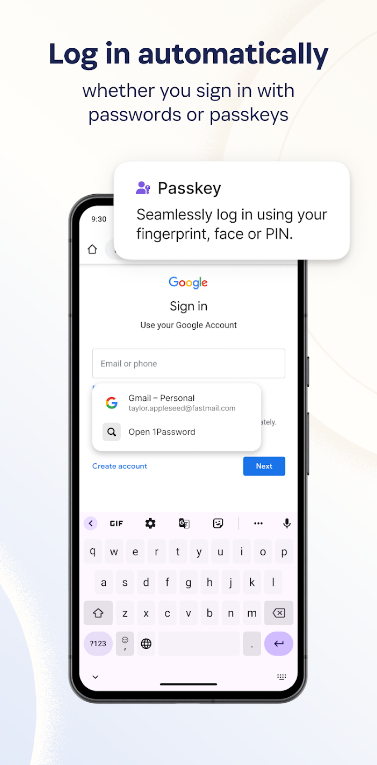
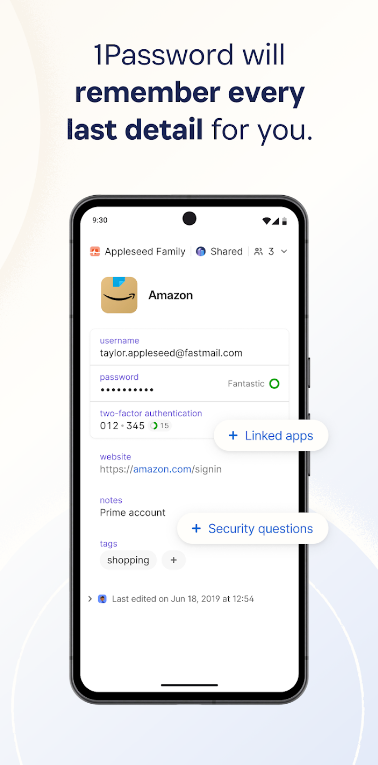
When security experts and tech enthusiasts discuss the most reliable password managers on the market, 1Password is almost always at the top of the list. Known for its flawless balance between military-grade security and user-friendly design, 1Password has built an incredible reputation for protecting individuals and families alike.
Advanced Security Architecture
1Password takes a unique approach to encryption. In addition to your master password, every user is given a Secret Key. This is a long, 128-bit alphanumeric code generated on your device that never leaves it. Even if a hacker manages to intercept your master password, they cannot access your vault without your physical Secret Key. This zero-knowledge architecture ensures that not even 1Password’s employees can read your data.
Standout Features for Everyday Users
-
Travel Mode: If you are crossing international borders and want to protect sensitive data from physical searches, Travel Mode lets you temporarily hide specific vaults from your devices while traveling, restoring them instantly when you return home.
-
Watchtower Dashboard: This built-in security assistant scans the dark web for compromised passwords, flags weak or reused credentials, and alerts you when your online accounts are vulnerable or when websites require you to update security settings.
-
Secure Document and Credit Card Storage: Beyond passwords, 1Password allows you to store secure notes, passports, medical records, and credit card details safely behind your master lock.
Who Is 1Password Best For?
1Password is ideal for anyone who values a polished user experience paired with uncompromising security features. While it does not offer a permanent free tier, its affordable personal and family plans provide incredible value for peace of mind.
2. Bitwarden: The Best Open-Source and Feature-Rich Option
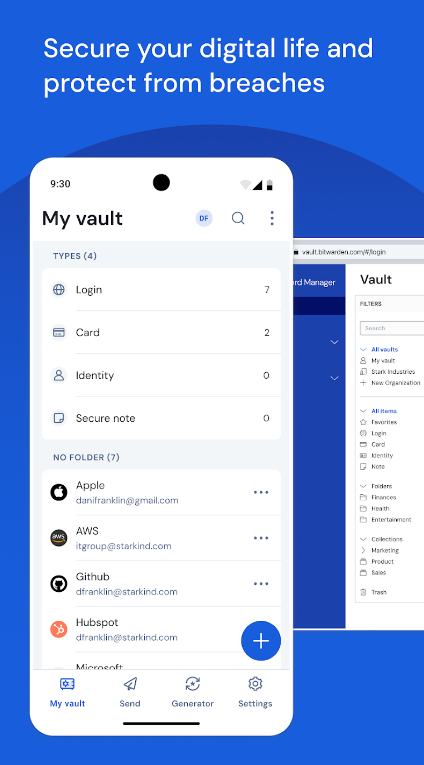
If you prefer software that is transparent, highly customizable, and offers a robust free tier, Bitwarden is the undisputed champion. Bitwarden has won the hearts of privacy advocates worldwide because it is fully open-source, meaning its code is publicly available for security researchers and developers globally to inspect and audit continuously.
True Transparency and Open-Source Security
Open-source software is often considered more secure because vulnerabilities can be spotted and patched quickly by a global community of experts. Bitwarden adheres strictly to a zero-knowledge encryption model, using AES-256 bit encryption to secure your data before it ever leaves your device.
Why Bitwarden Stands Out
-
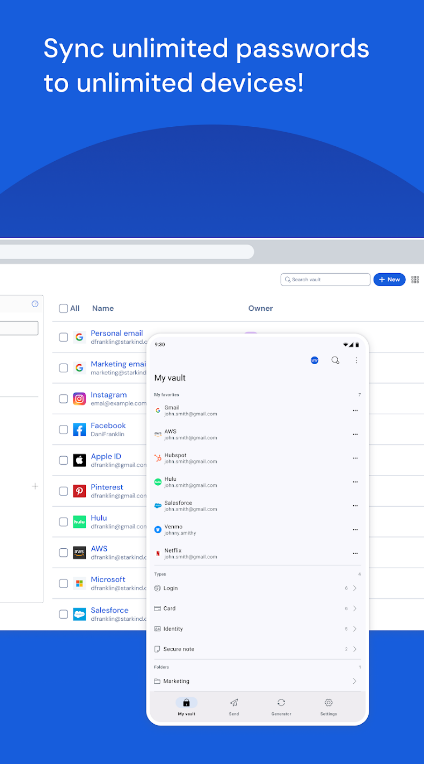
Generous Free Plan: Unlike many competitors, Bitwarden’s free tier is fully functional. It allows you to store an unlimited number of passwords across an unlimited number of devices, which is rare in the password manager industry.
-
Cross-Platform Compatibility: Whether you use Windows, macOS, Linux, iOS, Android, or web browsers like Chrome, Firefox, Safari, and Edge, Bitwarden syncs seamlessly across all your devices in real-time.
-
Self-Hosting Options: For advanced tech-savvy users who want total control over their data, Bitwarden allows you to host your own password server locally or on a private cloud.
-
Bitwarden Send: A secure feature that lets you share sensitive text or files directly with other people through a secure link that expires automatically.
Who Is Bitwarden Best For?
Bitwarden is perfect for budget-conscious users, students, and tech enthusiasts who want absolute transparency, robust security, and a completely free option that doesn’t skimp on essential features.
3. Dashlane: The Ultimate All-in-One Security Suite
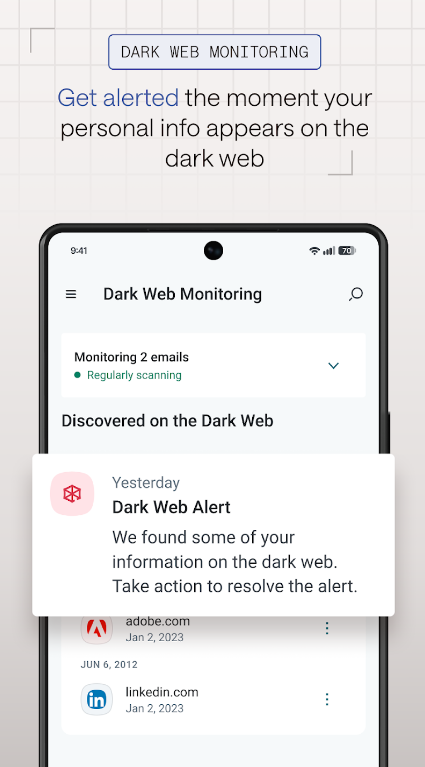
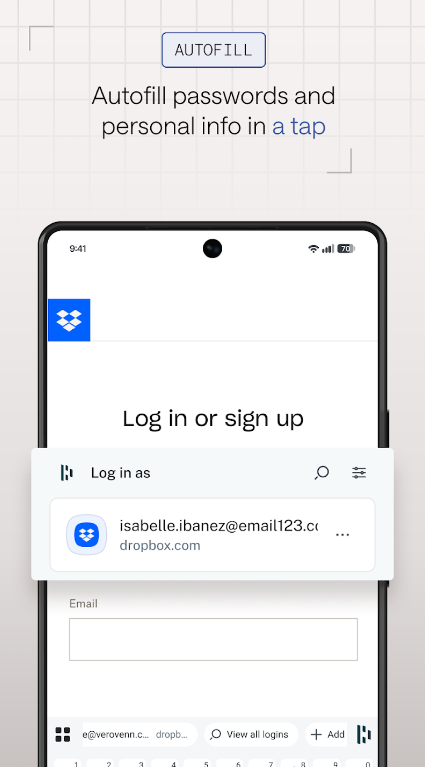
If you want a password manager that goes above and beyond standard credential storage to actively protect your digital identity, Dashlane is a top-tier contender. Dashlane positions itself not just as a vault, but as a complete online security ecosystem.
Proactive Identity Protection and VPN Integration
Dashlane is famous for bundling extra cybersecurity tools directly into its application, making it a comprehensive solution for users who want maximum protection with minimal setup.
Key Features That Set Dashlane Apart
-
Built-in Dark Web Monitoring: Dashlane constantly monitors the dark web for your personal information, including your email addresses and phone numbers, alerting you instantly if your data appears in a public data leak.
-
Integrated VPN (Virtual Private Network): Premium tiers include a secure VPN service, which encrypts your internet connection when you are browsing on public Wi-Fi networks at coffee shops, airports, or hotels.
-
Instant Password Changer: For supported websites, Dashlane allows you to update weak or compromised passwords with a single click, automating a tedious security task that usually takes minutes.
-
Emergency Access: You can designate a trusted friend or family member to access your vault in case of an emergency, ensuring your loved ones are never locked out of vital accounts.
Who Is Dashlane Best For?
Dashlane is ideal for users who want an all-in-one security suite. If you are looking for dark web monitoring, a secure VPN, and password management rolled into a single subscription, Dashlane delivers exceptional performance.
How to Choose the Right Password Manager for Your Needs
With three fantastic options available, selecting the right one depends on your personal priorities, budget, and technical preferences:
-
Choose 1Password if you want a premium, beautifully designed interface, bulletproof security architecture via the Secret Key, and exceptional family-sharing features.
-
Choose Bitwarden if you want an open-source solution with an incredible free tier that supports unlimited passwords across all devices without breaking the bank.
-
Choose Dashlane if you want a feature-rich, all-in-one security suite that includes built-in dark web monitoring and a secure VPN for complete peace of mind.
Essential Best Practices for Ultimate Online Security
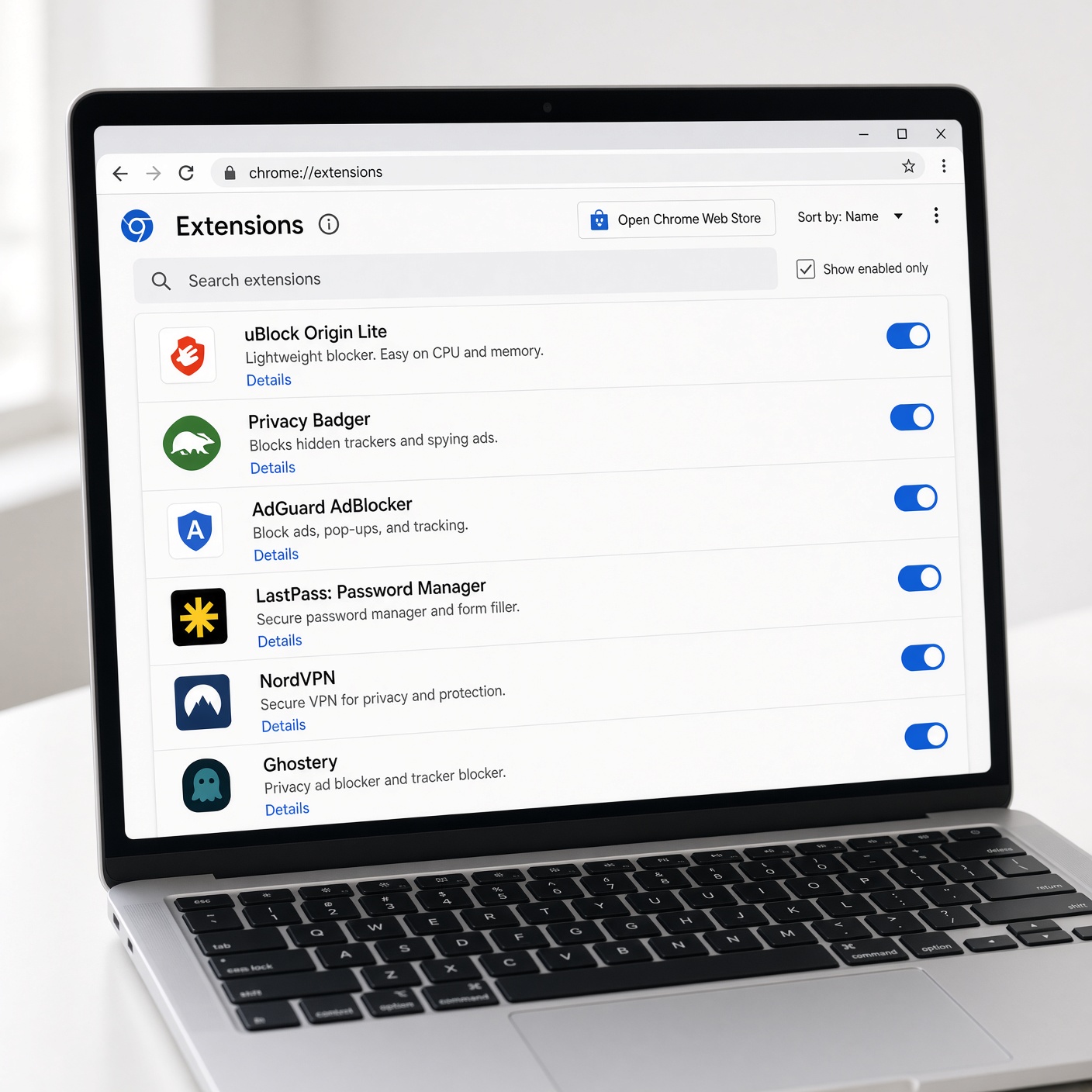
Installing a password manager is a massive step forward in protecting your digital life, but it is only part of the equation. To maximize your online security, follow these essential guidelines:
Create a Strong Master Password
Your master password is the single key to your entire digital kingdom. Make it long, unique, and memorable to you—ideally a passphrase made of four or more random words combined together (for example: “Blue-Laptop-Coffee-Mountain”). Never use this master password anywhere else online.
Enable Multi-Factor Authentication (MFA)
Turn on multi-factor authentication for your password manager account, as well as your primary email account. Use an authenticator app (such as Google Authenticator, Aegis, or Ente Auth) rather than SMS text messages whenever possible, as text messages can be intercepted through SIM-swapping attacks.
Never Reuse Passwords
Even with a password manager, the golden rule of cybersecurity remains: never reuse passwords. If a minor, unsecured website suffers a data breach, cybercriminals will try those credentials elsewhere. Letting your password manager generate a unique, random password for every single account completely neutralizes this threat.
Conclusion
Securing your online presence no longer requires memorizing a notebook full of complex strings or risking your safety by reusing weak passwords. By investing in a reliable, zero-knowledge password manager like 1Password, Bitwarden, or Dashlane, you instantly upgrade your digital defense system.
Take control of your online security today. Choose the tool that best fits your lifestyle, migrate your accounts into a secure vault, and browse the web with absolute confidence and peace of mind.