How to check if a link is safe before clicking
Learn how to identify dangerous links before opening them
We live in an era where our entire lives—banking, romance, work, and social identity—are accessible through a single click. While the internet offers incredible convenience, it has also become a playground for sophisticated cybercriminals. One of the most common ways hackers gain access to your private data is through malicious links.
Whether it’s a text message from a “delivery service,” an email from “your bank,” or a link sent by a charming match on a dating app, knowing how to verify a URL before you interact with it is the most important digital skill you can learn today. In this comprehensive guide, we will walk you through the advanced techniques and simple habits that will keep your digital life secure.
The Anatomy of a URL: Learning to Read Between the Dots
Before you can verify if a link is safe, you must understand what a link actually is. Most people look at a URL and only see the brand name, but hackers rely on your eyes skipping over the technical details.
A standard URL consists of several parts:
-
The Protocol:
https://(The ‘s’ stands for secure, meaning the data is encrypted). -
The Subdomain:
support.orlogin. -
The Root Domain: This is the actual owner, like
google.comoramazon.com. -
The Top-Level Domain (TLD):
.com,.org,.net, or country codes like.us.
The Golden Rule of Reading Links: Always look at the text immediately to the left of the last dot before the first single forward slash (/).
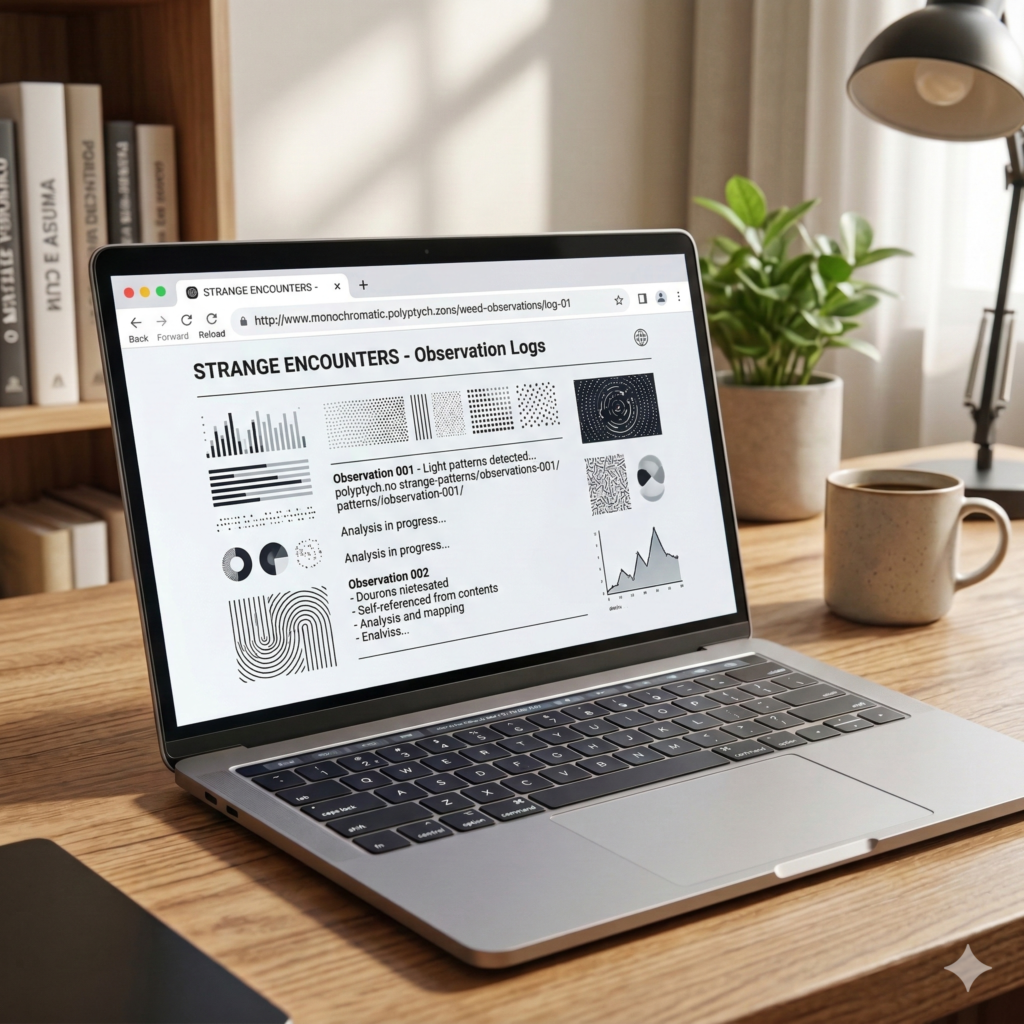
For example, in http://amazon.security-update.com/login, the actual owner is security-update.com, not Amazon. The word “amazon” is just a subdomain created to trick you. If the part before the .com (or .net, etc.) isn’t the official brand name, do not click.
Advanced Techniques to Spot Typosquatting and Homograph Attacks
Cybercriminals often use “Typosquatting”—registering domains that are slightly misspelled versions of popular sites. They hope you won’t notice that wellsfargo.com is actually wells-fargo-support.com or wellsfarg0.com (with a zero).
What is a Homograph Attack?
This is an even more dangerous technique where hackers use characters from different alphabets that look identical to Latin letters. For instance, a Cyrillic “а” looks exactly like a standard “a,” but to a computer, they are completely different. A link might look like apple.com in your browser, but it actually directs you to a malicious server in another country.
How to defend against this:
-
Never trust the visual appearance of a link in an email or text message.
-
Manually type the address into your browser if you need to visit a sensitive site like your bank or a government portal.
The Hover Technique: Your First Line of Defense on Desktop
If you are using a computer, you have a “superpower” that many people forget to use: the hover.
Before clicking any link or button, simply rest your mouse cursor over it without clicking. In the bottom-left or bottom-right corner of your browser window, a small gray bar will appear showing the actual destination of that link.
If the button says “Update My Account” and the hover text shows a long string of random numbers or a website you don’t recognize, it is a phishing attempt. This technique works for hyperlinked text, images, and “Call to Action” buttons in emails.
How to Verify Links Safely on Mobile Devices
On a smartphone or tablet, you don’t have a mouse to “hover.” This makes mobile users much more vulnerable to phishing. However, you can still perform a safety check:
-
The Long-Press Method: Instead of tapping a link, press and hold your finger on it. A menu will pop up showing the full URL. Read it carefully using the “Golden Rule” mentioned above.
-
Use Mobile Security Apps: Consider installing a reputable mobile security suite that automatically scans links in your browser and SMS messages.
The Danger of “Smishing” (SMS Phishing)
Scammers are increasingly moving away from email and toward text messages. They often send links disguised as “package tracking” or “unusual login alerts.” Because we tend to trust our text messages more than our emails, the success rate for these scams is alarmingly high. Treat every unsolicited text link as dangerous.
Best Online Tools for Instant Link Verification (2026 Edition)
If you are unsure about a link, do not click it to “see where it goes.” Instead, use a specialized tool to scan it for you. These websites act as a “shield,” visiting the link on their own servers and reporting back to you if they find malware or phishing scripts.
1. VirusTotal

VirusTotal is the gold standard for online safety. You can paste a URL into their search bar, and it will be analyzed by over 60 different antivirus engines and website scanners. If even one or two of them flag the site as “malicious” or “phishing,” stay away.
2. Google Safe Browsing
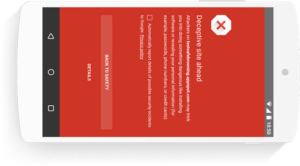
Google maintains a massive database of unsafe websites. You can use their “Transparency Report” tool to check the safety status of a specific URL. If Google has flagged the site, it’s almost certainly dangerous.
3. URLVoid
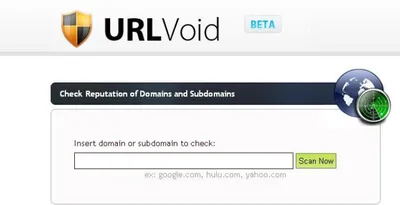
This service provides a detailed report on a domain, including its “safety reputation,” how old the domain is, and where its servers are located. A website that was registered only 24 hours ago claiming to be “Bank of America” is a massive red flag.
Why HTTPS and the “Padlock” Icon Don’t Always Mean a Site is Safe
For years, we were told to “look for the padlock” in the address bar. While https:// means the connection between you and the site is encrypted (so hackers can’t “sniff” your password on public Wi-Fi), it does not mean the site itself is honest.
Today, most phishing sites use HTTPS. It is very easy and free for a scammer to get an SSL certificate. The padlock only means that your data is being sent securely to the person who might be trying to steal it.
-
HTTPS = Encryption (Privacy)
-
Domain Name = Identity (Trust)
Never assume a site is safe just because you see the padlock icon. Always verify the domain name first.
The Hidden Risk of Link Shorteners: Bitly, TinyURL, and Others
Link shorteners are great for Twitter or bio links, but they are a favorite tool for hackers because they hide the true destination. You have no way of knowing if a bit.ly link leads to a funny video or a malware download.
How to unmask a shortened link:
Use a service like ExpandURL or Unshorten.it. Paste the short link into these tools, and they will show you the final destination URL without you having to visit the site yourself. This allows you to apply the “Golden Rule” of reading URLs safely.
Phishing in Dating Apps and Social Media: A Growing Threat
As mentioned in our previous articles, dating apps are a primary target for link-based scams. A “match” might send you a link to:
-
A “private photo album.”
-
A “personality quiz” to see if you’re compatible.
-
A “verification site” to prove you aren’t a scammer (ironic, isn’t it?).
These links often lead to phishing pages designed to steal your Facebook, Instagram, or iCloud login credentials. If someone you haven’t met in person sends you a link, be 100% skeptical. A genuine person will share photos through the app’s native interface.
What to Do If You Accidentally Click a Malicious Link
Even the most cautious people make mistakes. If you realize you’ve clicked a “bad” link, take these steps immediately:
-
Close the Tab/Browser: Do not interact with the page. Do not enter any information.
-
Disconnect from the Internet: Turn off your Wi-Fi or unplug your Ethernet cable. This prevents the malware from communicating with its “Command and Control” server.
-
Run a Full Malware Scan: Use a trusted antivirus program (like Malwarebytes or Bitdefender) to check for any files that may have been silently downloaded.
-
Change Your Passwords: If the link took you to a fake login page and you entered your credentials, change that password immediately from a different device.
-
Enable Multi-Factor Authentication (MFA): This is your ultimate safety net. Even if a hacker steals your password via a link, they won’t be able to log in without the code from your phone or security key.
Developing a “Pause and Verify” Mindset
The best security tool in the world is the 3 seconds you take to think before you click. Scammers rely on urgency and emotion. They want you to feel scared (a “locked” account) or excited (a “new match”) so that you act impulsively.
By using the hover technique, checking URLs for typos, and using tools like VirusTotal, you turn yourself into a “hard target.” Cybercriminals usually move on to easier victims when they realize someone is digitally literate.