Online Safety
Is Bitdefender Worth Paying for on Windows?
See what you get by paying for Bitdefender and whether its additional security features justify the price
When you set up a new Windows computer, a built-in security program springs to life automatically. Microsoft Defender runs quietly in the background, keeping a baseline watch over your files. Because it comes free with your operating system, millions of users wonder why paid software like Bitdefender even exists—let alone why people shell out hard-earned cash for it every year.
Is Bitdefender actually worth paying for on Windows, or are you just paying for marketing hype?
To answer that honestly, we have to look past the flashy product boxes and dive into independent test labs, real-world performance metrics, and the hidden risks that basic free tools often leave exposed. Whether you are a casual web browser, a remote worker handling sensitive data, or someone who simply wants peace of mind, this guide breaks down everything you need to know in plain, everyday English.
The Reality of Built-In Windows Security: How Good Is Microsoft Defender?
Before looking at paid upgrades, we need to talk about the baseline. Microsoft Defender has come a long way over the last decade. It is no longer the joke of the cybersecurity world that it used to be. In fact, for basic virus detection, it scores quite well in tests run by organizations like AV-TEST and AV-Comparatives.
Out of the box, Microsoft Defender handles standard malware, trojans, and traditional viruses adequately. It updates automatically through Windows Update, requires zero configuration, and—best of all—costs nothing extra.
However, “free” always comes with compromises. Microsoft Defender is designed primarily to keep Windows from breaking, not to provide comprehensive digital life protection. Its blind spots usually show up in three critical areas:
-
Phishing and Fraudulent Links: Independent security evaluations frequently show that built-in Windows filters miss sophisticated phishing pages designed to steal your passwords or banking logins.
-
Advanced Ransomware Defense: While it has ransomware mitigation features, configuring them effectively requires technical knowledge that most everyday users never touch.
-
System Resource Impact During Heavy Tasks: Testing often reveals that Microsoft Defender can cause noticeable system slowdowns when installing frequent or large applications, impacting overall computer performance.
If your online footprint consists of checking email once a week and playing offline games, the built-in tool might be enough. But if you bank online, shop on e-commerce sites, click links on social media, or handle personal documents, the gaps start to matter.
Bitdefender Free vs. Paid: What Do You Actually Get for Your Money?
Bitdefender actually offers a free version for Windows, which uses the exact same core malware-scanning engine as its paid packages. If all you want is heavy-duty virus removal without paying a dime, Bitdefender Free is a respectable option.
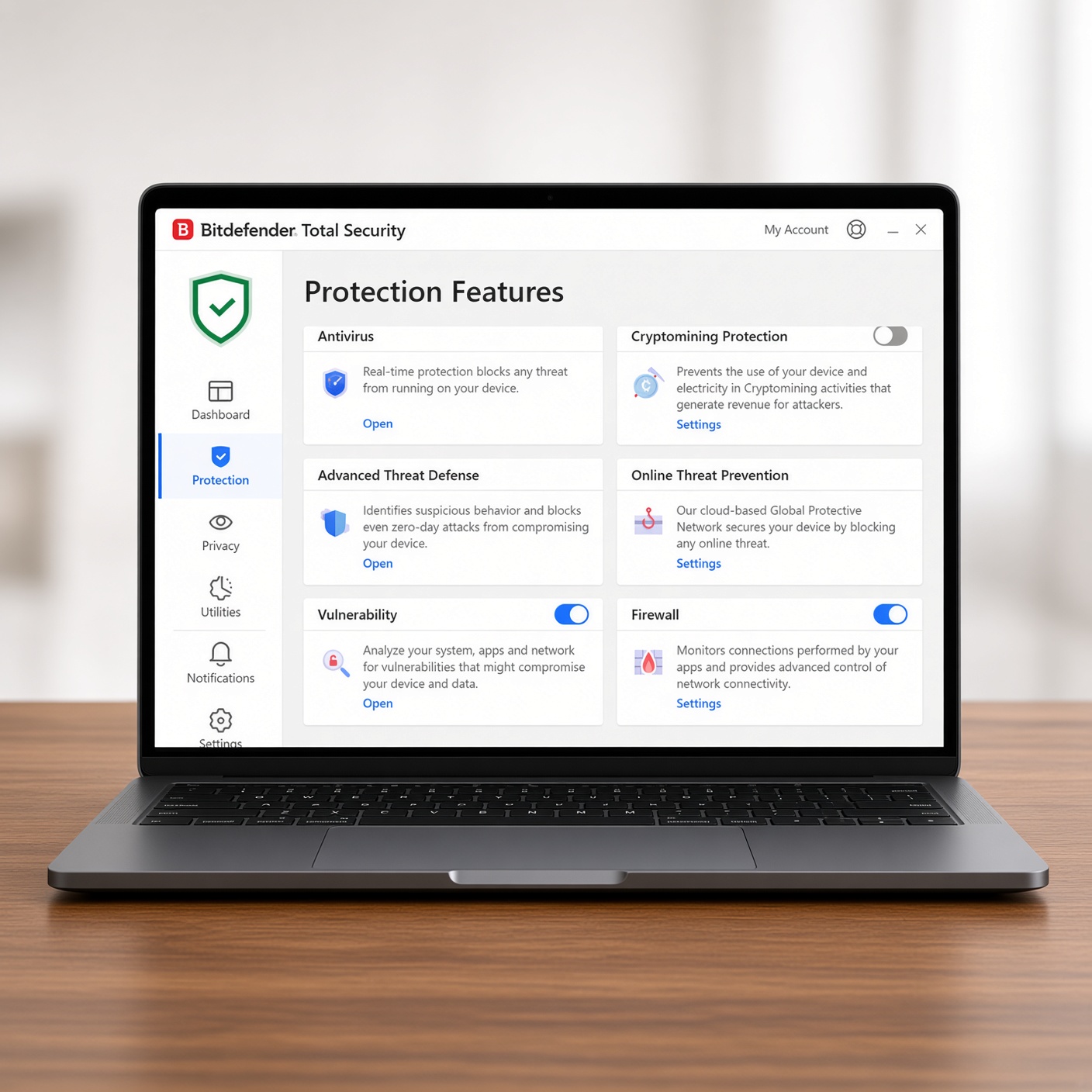
So, what triggers people to upgrade to a paid subscription like Bitdefender Antivirus Plus, Total Security, or Premium Security? The difference lies in the proactive layers built around that core engine. When you pay for Bitdefender, you are not just buying a virus scanner; you are investing in an entire security ecosystem.
Paid tiers introduce features that block threats before they reach your computer screen:
-
Advanced Web Attack Protection: Real-time URL filtering blocks malicious domains, scam sites, and dangerous download links instantly, often outperforming browser-native warnings.
-
Multi-Layered Ransomware Protection: Bitdefender isolates your most important files (like family photos and financial spreadsheets) in a secure, unalterable vault so ransomware cannot encrypt them for extortion.
-
Integrated Privacy Tools: Depending on the tier you choose, paid plans bundle secure password managers, safe banking browsers (Bitdefender Safepay), and encrypted VPN data allowances.
The free version waits for a threat to knock on your door. Paid Bitdefender builds a fence around your entire digital property.
Performance Impact: Does Bitdefender Slow Down Your Windows PC?
One of the biggest fears people have about installing third-party antivirus software is “bloatware.” Years ago, security suites were notorious resource hogs that turned fast computers into sluggish machines that took five minutes just to boot up.
Fortunately, modern engineering has changed the landscape. Bitdefender is widely recognized across the tech industry for having one of the lightest footprints on system resources available.
Independent benchmarks consistently highlight how efficiently Bitdefender operates in the background:
-
Minimal CPU and RAM Usage: During idle states, it consumes very little memory, allowing your processor to focus on your games, video editing software, or office applications.
-
Smart Scanning Technology: Bitdefender uses cloud-based threat intelligence and an “Autopilot” feature that makes security decisions for you without popping up constant, annoying alert windows.
-
Faster App Execution: Unlike baseline tools that can drag down file extraction or app installation speeds, Bitdefender’s optimized scanning engine keeps Windows running smoothly.
If you are worried that paying for an antivirus will make your laptop feel sluggish, you can breathe easy. Bitdefender is engineered to run quietly and efficiently without drawing attention to itself.
Extra Features That Make or Break the Value Proposition
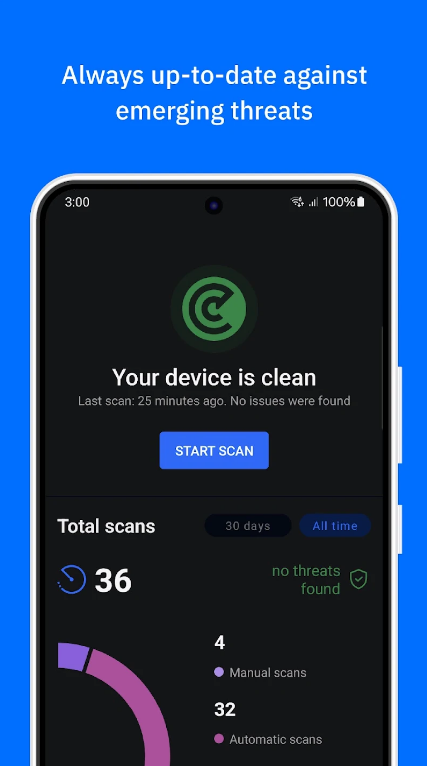
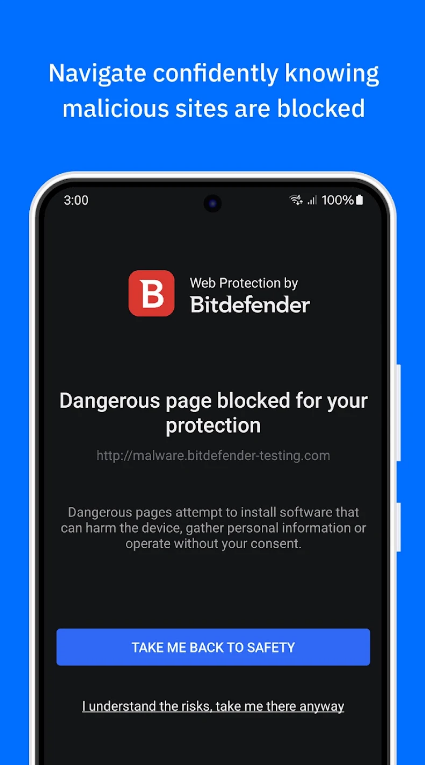
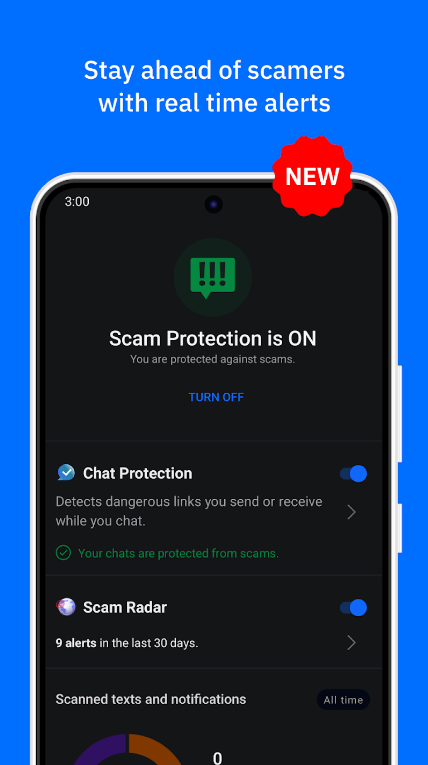
When deciding if a subscription is worth your money, you have to look at what else comes bundled in the package. If you were to buy separate tools for everything Bitdefender offers in its higher tiers, the costs would add up quickly.
Consider the value of these added utilities:
-
The Built-In VPN: Public Wi-Fi at coffee shops and airports is notoriously insecure. Bitdefender includes a virtual private network (VPN) to encrypt your internet traffic, preventing hackers from intercepting your data. While entry-level tiers have daily data limits, upper plans offer unlimited browsing protection.
-
Secure Password Management: Reusing passwords is the number one cause of personal data breaches. Bitdefender includes an encrypted vault that generates and remembers complex passwords across all your devices.
-
Safepay Environment: When you log into your bank account, Bitdefender Safepay opens an isolated, secure desktop container that blocks keyloggers and screenshot spyware from recording your keystrokes or financial data.
If you already pay for a standalone password manager or a separate VPN service, upgrading to a comprehensive Bitdefender bundle often saves you money by combining multiple subscriptions into one.
Cost vs. Risk: Is the Price Tag Justified?
Let’s address the elephant in the room: subscription pricing. Bitdefender frequently runs aggressive first-year introductory discounts, but like most software companies, its renewal rates increase in subsequent years.
To determine if it is worth the cost, you have to weigh the yearly subscription fee against the potential cost of a cyber disaster:
-
The Price of a Breach: Recovering from identity theft, unauthorized credit card charges, or a ransomware attack where hackers demand hundreds of dollars to unlock your irreplaceable family photos dwarfs the cost of an annual software license.
-
Device Flexibility: A single paid subscription often covers multiple devices. You can protect your Windows desktop, your partner’s laptop, and your family’s smartphones under one plan, making the cost per device remarkably low.
Think of paid antivirus software the same way you think of auto insurance. You hope you never get into a severe accident, but driving without adequate coverage is a massive gamble you hope you never lose.
Final Verdict: Who Should Pay for Bitdefender, and Who Can Skip It?
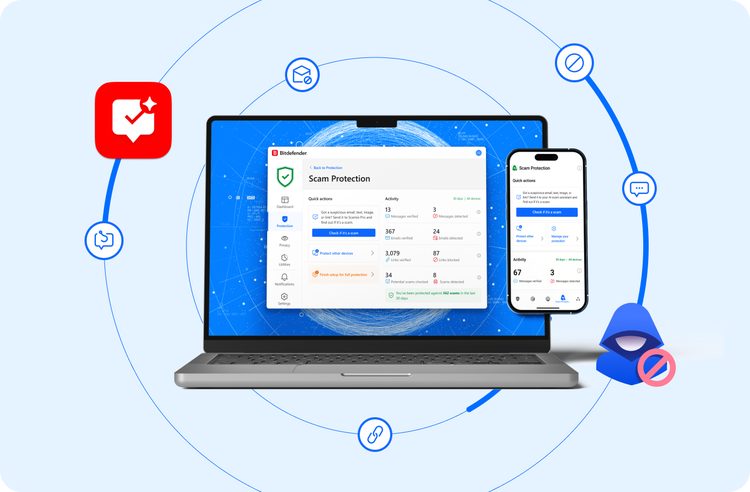
So, is Bitdefender worth paying for on Windows?
You should pay for Bitdefender if:
-
You handle sensitive financial data, online banking, or business documents on your home computer.
-
You want advanced protection against modern phishing attempts, malicious links, and sophisticated ransomware.
-
You want to bundle valuable extras like a secure password manager and a VPN into a single, lightweight package without slowing down your system.
-
You need to protect multiple devices across Windows, Mac, or mobile operating systems under one unified account.
You can stick with free options if:
-
Your Windows PC is used strictly for low-risk tasks, casual gaming, or browsing mainstream, trusted websites.
-
You are comfortable manually managing your own security habits and already use alternative tools for password management and safe browsing.
For the vast majority of everyday Windows users, the layers of proactive protection, reduced security anxiety, and multi-device convenience make Bitdefender a worthwhile investment in your digital peace of mind.