Can Flashlight Apps Be Dangerous?
See how to identify safe flashlight apps and avoid potential security risks
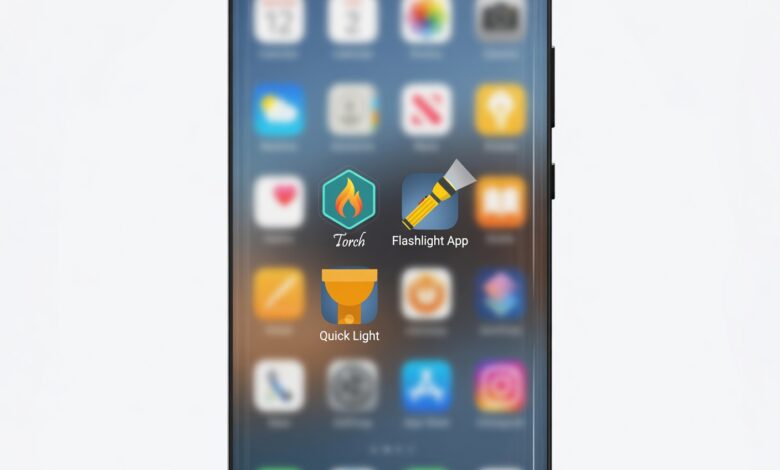
When people think about mobile cybersecurity threats, they usually imagine sophisticated phishing scams, complex ransomware attacks, or malicious links sent via text message. They rarely look at the simple, everyday tools sitting on their home screens—like the basic flashlight app they use to navigate a dark room or find lost keys in the car.
It seems completely harmless. After all, your smartphone already has a built-in flashlight function accessible right from the control center or lock screen. Yet, millions of people download third-party flashlight apps from the Google Play Store and Apple App Store every single year.
The alarming truth is that many of these seemingly innocent applications are Trojan horses. They perform their basic function—turning on the LED flash—while quietly harvesting sensitive user data, tracking location, serving aggressive adware, or even draining device performance.
This comprehensive guide explores the hidden risks behind flashlight apps, why developers target them, how to spot a malicious application, and how you can protect your digital privacy without giving up everyday conveniences.
The Illusion of Simplicity: Why Do People Download Third-Party Flashlight Apps?

To understand the threat, we first have to understand the consumer behavior behind it. For years—especially during the early days of smartphones like Android 2.2 and iOS 4—native operating systems did not always feature quick, easily accessible toggles for the camera flash. Users had to open an app store to find a utility tool that could keep the LED light turned on continuously.
Over time, operating systems evolved. Modern versions of Android and iOS come with robust, built-in flashlight toggles right in the drop-down quick settings or Control Center. Despite this, millions of users continue to download third-party flashlight apps out of habit, or because they are tricked by search engine optimization (SEO) tricks and app store rankings into thinking they need specialized software for better brightness control, strobe effects, or colored screen lights.
Unfortunately, cybercriminals and shady marketing firms realized early on that flashlight apps represent the ultimate low-effort, high-reward trap. Because the utility is so basic, users rarely read the terms of service, privacy policies, or permission requests. They tap “Install,” grant every requested permission without a second thought, and unknowingly open a backdoor into their personal lives.
The Core Danger: Excessive and Unnecessary App Permissions
The primary vehicle for data collection in mobile applications is the permission request system. When you install an app, it asks for access to various hardware components and software features on your device. A reputable app only requests permissions that are strictly necessary for its core functionality.
Let us look at a simple technical reality: A flashlight app needs access to exactly one hardware component to function—the camera flash (or LED). It does not need to see your photos, it does not need to listen through your microphone, and it does not need to know your exact GPS coordinates.
Yet, historical security audits of popular flashlight apps have revealed staggering violations of the principle of least privilege. Investigators have found flashlight applications requesting permissions such as:
-
Precise Location Access (GPS): Allowing the app to track your physical whereabouts down to the street level, often to sell location data to third-party data brokers or targeted advertisers.
-
Contacts and Address Book: Scraping your personal network, phone numbers, and email addresses for spam campaigns or social engineering attacks.
-
Phone State and Identity: Reading your device ID, IMEI number, mobile network information, and checking whether you are currently on a phone call.
-
Full Network Access and Internet Connection: Enabling the app to silently upload your harvested data to remote command-and-control servers in the background.
-
Camera and Microphone: Accessing visual feeds and ambient audio streams without the user’s active knowledge or consent.
When a utility tool designed strictly to illuminate a dark hallway demands access to your private contacts and real-time location, it is no longer just a flashlight—it is a surveillance tool disguised as a utility.
How Shady Developers Monetize Free Flashlight Applications
If an app is completely free to download and contains no obvious subscription model, you must ask yourself a fundamental economic question: How are the developers making money? In the digital ecosystem, if you are not paying for the product with money, you—and your personal data—are the product.
1. Data Harvesting and Brokerage
Data is often referred to as the new oil, and personal information commands a massive price tag on the open market. Shady flashlight app developers package user demographics, browsing habits, device identifiers, and location history into neat datasets and sell them to data brokers, marketing firms, and analytics companies. This data is used to build hyper-targeted advertising profiles without your explicit, informed consent.
2. Aggressive Adware and Click Fraud
Many malicious or low-quality flashlight apps are stuffed with hidden ad libraries. These libraries do not just show banner ads while you use the app; they can run invisible browser processes in the background, continuously loading web pages, clicking on hidden advertisements, and generating fraudulent ad revenue for the developer. This behavior drains your smartphone battery, consumes your mobile data plan without your knowledge, and bogs down device processing power.
3. Fleeceware and Hidden Subscriptions
Some deceptive utility apps use a tactic known as “fleeceware.” They lure users in with a “free trial” or a simple utility promise, but bury exorbitant weekly or monthly subscription fees in the fine print. Once the user enters their credit card information for verification or convenience, they are automatically billed significant amounts recurringly until they manually cancel the subscription through their app store account settings.
Real-World Case Studies: When Flashlight Apps Went Rogue
It is easy to dismiss these warnings as theoretical cybersecurity paranoia, but history is filled with high-profile scandals involving malicious flashlight applications.
One of the most notable cases involved a popular Android flashlight application that had been downloaded over 10 million times. Security researchers discovered that the app was secretly recording user locations and transmitting GPS coordinates back to servers in overseas locations, along with unique device identifiers. The developer was not a tech startup building utility tools; it was a data aggregation firm harvesting consumer analytics under the false flag of a bright screen utility.
In another widely publicized Federal Trade Commission (FTC) enforcement action, a popular flashlight app developer was charged with deceiving consumers about how their precise geolocation data was being collected and shared. Consumers were led to believe that their location was only being used for localized weather or relevant local ads within the app, when in reality, the data was being shared extensively with third-party advertisers for cross-context behavioral tracking.
These incidents prove that even the most mundane categories of software can be weaponized by bad actors seeking to profit off user complacency.
The Hidden Toll: Battery Drain, Performance Issues, and Malware Risks
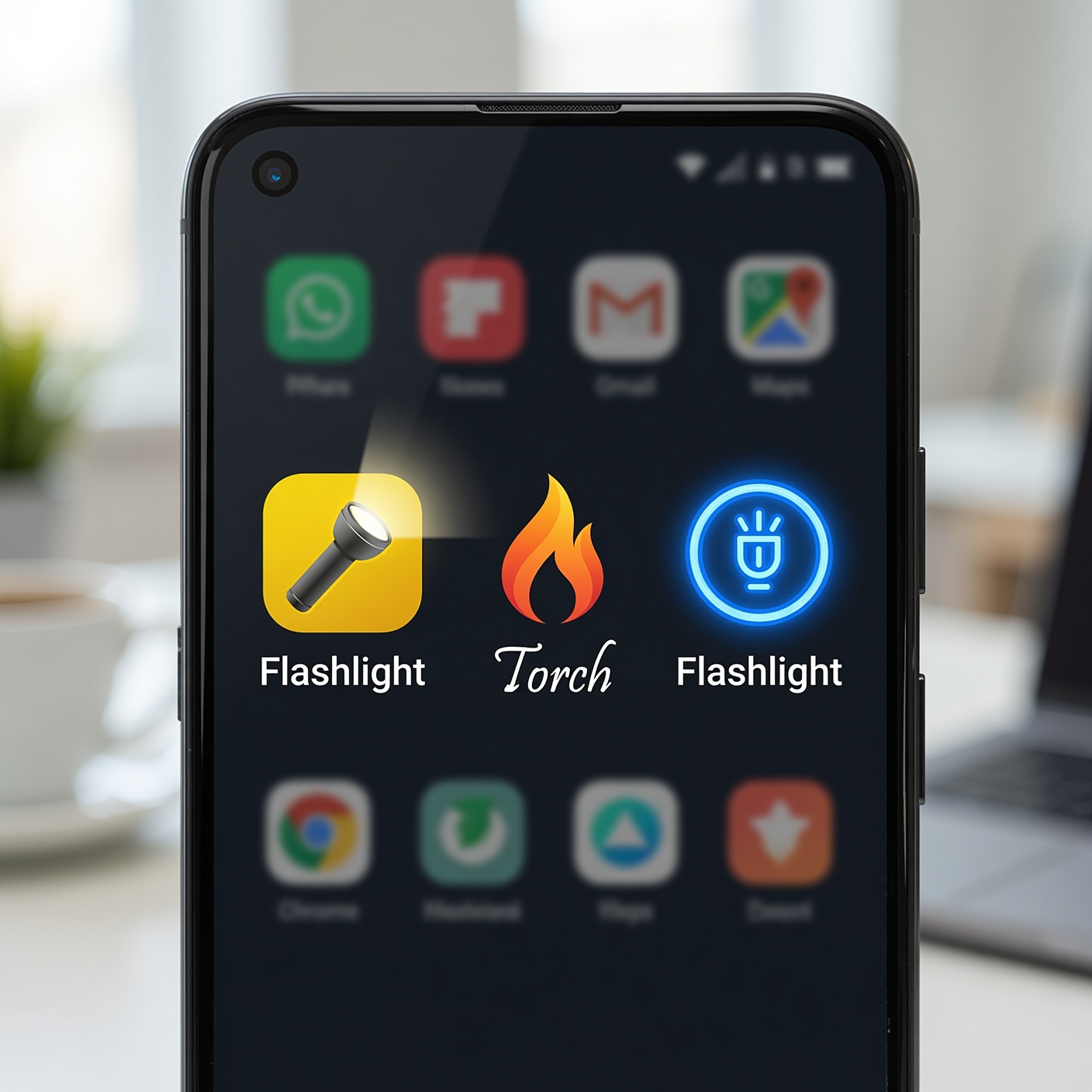
Beyond privacy violations and data theft, poorly coded or malicious flashlight apps can severely degrade the overall health, security, and performance of your mobile device.
1. Accelerated Battery Degradation
Because many free flashlight apps run persistent background processes, tracking your location, fetching advertisements, and communicating with remote servers, they continuously draw power from your lithium-ion battery. If you notice your smartphone running unusually warm or losing battery charge rapidly after installing a new utility app, a rogue background process is frequently the culprit.
2. System Vulnerabilities and Malware Gateways
Many third-party flashlight apps are built using outdated code libraries or cheap, pre-made app templates available on developer forums. These templates often contain unpatched security vulnerabilities. Cybercriminals can exploit these weak points to inject secondary payloads, turning the flashlight app into a gateway for more dangerous malware, adware, or spyware that compromises your entire operating system.
How to Audit Your Phone and Remove Dangerous Apps Right Now
Protecting yourself from malicious utility apps does not require a degree in computer science. It requires a disciplined approach to digital hygiene and regular device audits. Here is a step-by-step framework to secure your smartphone today:
Step 1: Ditch Third-Party Flashlight Apps Completely
The single most effective step you can take is to delete every third-party flashlight app currently installed on your smartphone. You simply do not need them.
-
On iPhone: Swipe down from the top-right corner of your screen to open the Control Center and tap the flashlight icon. You can even press and hold the icon to adjust the brightness level.
-
On Android: Swipe down twice from the top of your screen to open the Quick Settings panel and tap the “Flashlight” or “Torch” tile.
Step 2: Audit App Permissions
If you have utility apps that you refuse to delete, conduct an immediate permission review:
-
Go to your phone’s Settings.
-
Navigate to Apps (or Application Manager).
-
Select the utility app in question and tap Permissions.
-
Revoke any access to Location, Contacts, Microphone, Camera, or Phone State. If the app refuses to function without these unnecessary permissions, uninstall it immediately.
Step 3: Clean Up Your App Drawer
Be ruthless with your digital space. If an app serves no active purpose, hasn’t been opened in months, or comes from an unknown developer with an obscure name, delete it. A leaner phone is a faster, more secure phone.
Best Practices for Mobile Security and Safe App Downloading
To ensure you never fall victim to malicious utility apps or data-harvesting software in the future, adopt these essential cybersecurity habits:
-
Read Reviews with a Critical Eye: Before downloading any app, look at the 1-star and 2-star reviews. Legitimate apps get occasional complaints about UI or features, but a pattern of users complaining about battery drain, intrusive pop-up ads, or suspicious behavior is a major red flag.
-
Examine the Developer Profile: Research the company or developer behind the app. Do they have a professional website, a clear privacy policy, and other reputable applications in their portfolio? Or are they a generic name with a string of random characters?
-
Stick to Native Features: Whenever possible, rely on the built-in tools provided by Apple and Google. Operating system developers design these native utilities with tight security sandboxing and system-level optimization, meaning they do not need extra permissions to operate.
-
Keep Your Operating System Updated: Regularly update your iPhone or Android device. Major operating system updates frequently patch background security flaws, improve permission management controls, and introduce stricter privacy indicators (such as green and orange dots when your camera or microphone is active).
Convenience Is Not Worth Your Privacy

In the modern digital landscape, convenience is frequently weaponized against user privacy. Shady developers rely on the fact that consumers are busy, distracted, and trusting when it comes to simple utility tools.
A flashlight app seems like the most innocent software you could possibly download. Yet, as we have explored, unchecked permissions, aggressive data harvesting, hidden ad networks, and potential malware risks turn these basic tools into Trojan horses sitting right in your pocket.
By eliminating unnecessary third-party utility apps, relying on your phone’s built-in native features, auditing your device permissions regularly, and maintaining a healthy skepticism toward “free” software, you can take back control of your digital footprint. Illuminate your path with the tools your phone already provides, and keep your personal data safely out of the hands of opportunistic data brokers.