Online Safety
Can an Online Store Save Your Card Details Without Permission?
Understand when an online store may save your card information and how to manage your payment data
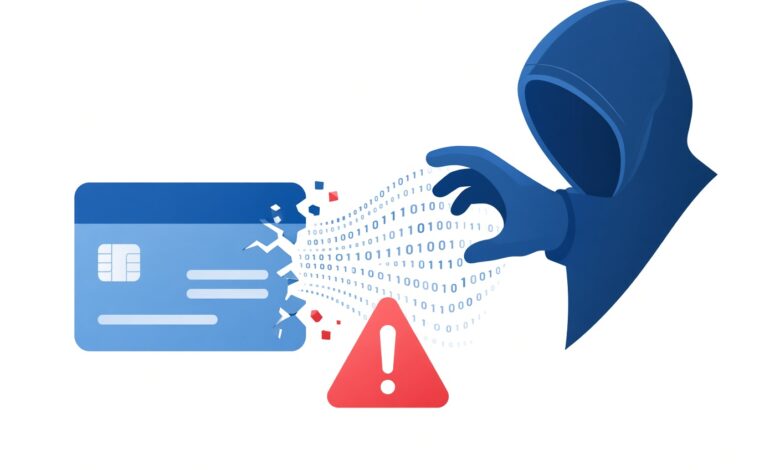
In today’s fast-paced digital world, online shopping has become second nature. With just a single click, you can order groceries, book a vacation, or buy the latest gadget. To make this process even faster, many e-commerce websites offer to “save your card for next time.”
While this feature is convenient, it often raises a deeply concerning question for everyday shoppers: Can an online store save your debit or credit card details without your explicit permission?
If you have ever noticed your card information pre-filled on a website where you thought you only made a one-time purchase, you are not alone. This guide explores how online stores handle your financial data, what the law says about unauthorized card storage, and simple steps you can take to keep your money safe.
Understanding E-Commerce Convenience vs. Consumer Privacy
Convenience is a major driver of modern retail. Retailers want to reduce “cart abandonment”—the phenomenon where shoppers add items to their digital shopping cart but leave before checking out because typing out a 16-digit card number feels like too much work.
To solve this, platforms use advanced checkout systems and browser autofill features. However, there is a distinct line between user-authorized convenience and unauthorized data retention.
Legitimate, trustworthy e-commerce platforms will always ask for your explicit consent before saving your payment credentials. If a platform is storing your card information behind your back without a clear opt-in choice, it crosses ethical lines and, in many cases, violates strict international and regional financial regulations.
The Legal and Regulatory Framework: What Do PCI-DSS Standards Require?
To understand whether an online store can legally save your card, we have to look at the global standard governing credit card security: the Payment Card Industry Data Security Standard (PCI-DSS).
PCI-DSS is a comprehensive set of security controls designed to ensure that all companies that accept, process, store, or transmit credit card information maintain a secure environment. Under these rules:
-
Storage Limitations: Merchants are strictly prohibited from storing sensitive authentication data (like the 3-digit CVV/CVC code on the back of your card) after authorization is complete, even if you give them permission.
-
Consent and Transparency: Businesses must clearly inform users if their card details are being tokenized or saved for future purchases. Hidden checkboxes or automatic opt-ins that trick users into saving cards are heavily discouraged and often run afoul of consumer protection laws.
-
Data Encryption: Any card data that is legally stored (with your permission) must be heavily encrypted and tokenized, meaning the actual card numbers are replaced with random strings of digital tokens that are useless to hackers if intercepted.
If an online retailer fails to comply with these standards, they face massive financial penalties, legal liabilities, and the potential revocation of their ability to process credit card transactions altogether.
Hidden Checkboxes and Dark Patterns: How Stores Trick You Into Saving Cards
Many online shoppers wonder how their card details ended up saved on a site when they are certain they never clicked “Save this card.” The culprit is often a deceptive design practice known in the tech industry as a “dark pattern.”
Dark patterns are user interface designs carefully crafted to trick users into doing things they might not otherwise do. Common tactics include:
-
Pre-Checked Opt-In Boxes: A small box reading “Save my payment information for faster checkout” that is checked by default. If you don’t manually uncheck it while rushing through a purchase, your card gets saved automatically.
-
Misleading Language: Using confusing phrasing that makes it seem like saving your card is mandatory to complete the current transaction, when in reality, it is completely optional.
-
Aggressive Popup Prompts: Immediate browser or site prompts asking to save your credentials the second a transaction clears, engineered to catch you off guard.
While these techniques are designed to boost merchant retention rates, they walk a very fine line regarding transparency and user consent. Recognizing these dark patterns is your first line of defense.
Tokenization Explained: How Secure Platforms Handle Your Payments
When a reputable online store saves your card with your permission, they usually do not store your actual raw card number in their database. Instead, they use a technology called tokenization.
Here is how tokenization protects you:
-
The Swap: When you enter your card details and check the box to save them, the merchant’s payment gateway (like Stripe, PayPal, or Braintree) replaces your actual card number with a unique digital identifier—a “token.”
-
The Vault: The merchant only stores this token, which is completely useless if a data breach occurs on their servers.
-
The Processing: When you return to make a future purchase, the merchant sends the token back to the payment gateway, which securely processes the transaction without exposing your sensitive financial data to the online store.
Understanding tokenization helps demystify online transactions. It proves that responsible merchants do not need to hold your raw card data to provide a seamless checkout experience.
The Risks of Unauthorized Card Storage: Why You Should Care
If an online store saves your card details without your clear permission or knowledge, you face several significant risks:
1. Increased Vulnerability to Data Breaches
Smaller or poorly secured e-commerce websites are prime targets for cybercriminals. If a rogue merchant stores raw card data improperly and suffers a security breach, your credit card information can end up exposed on the dark web, leading to fraudulent charges.
2. Unauthorized Recurring Billing
Unscrupulous websites might use saved card details to enroll you in hidden subscription plans, recurring monthly fees, or automatic renewals without sending clear prior notifications.
3. Impulse Spending and Budget Leakage
When your card is effortlessly saved across dozens of online storefronts, impulse buying becomes frictionless. This can make it difficult to track your monthly spending, leading to unwanted financial surprises when your bank statement arrives.
Red Flags: How to Spot Shady E-Commerce Practices
Not all online stores operate with your best interests at heart. To protect your digital footprint, watch out for these common red flags:
-
Lack of Clear Privacy Policies: If a website does not have an easily accessible Privacy Policy or Terms of Service page detailing how they handle financial data, proceed with extreme caution.
-
No Secure HTTPS Connection: Always check the URL bar. If the website starts with
http://instead ofhttps://(accompanied by a padlock icon), the site lacks basic encryption, meaning any data you type—including card details—can be easily intercepted by third parties. -
Vague Checkout Flow: If a checkout page hides fees, lacks clear pricing breakdowns, or automatically signs you up for secondary services, the merchant may not respect user consent regarding data storage.
Step-by-Step Guide: How to Check and Remove Saved Cards
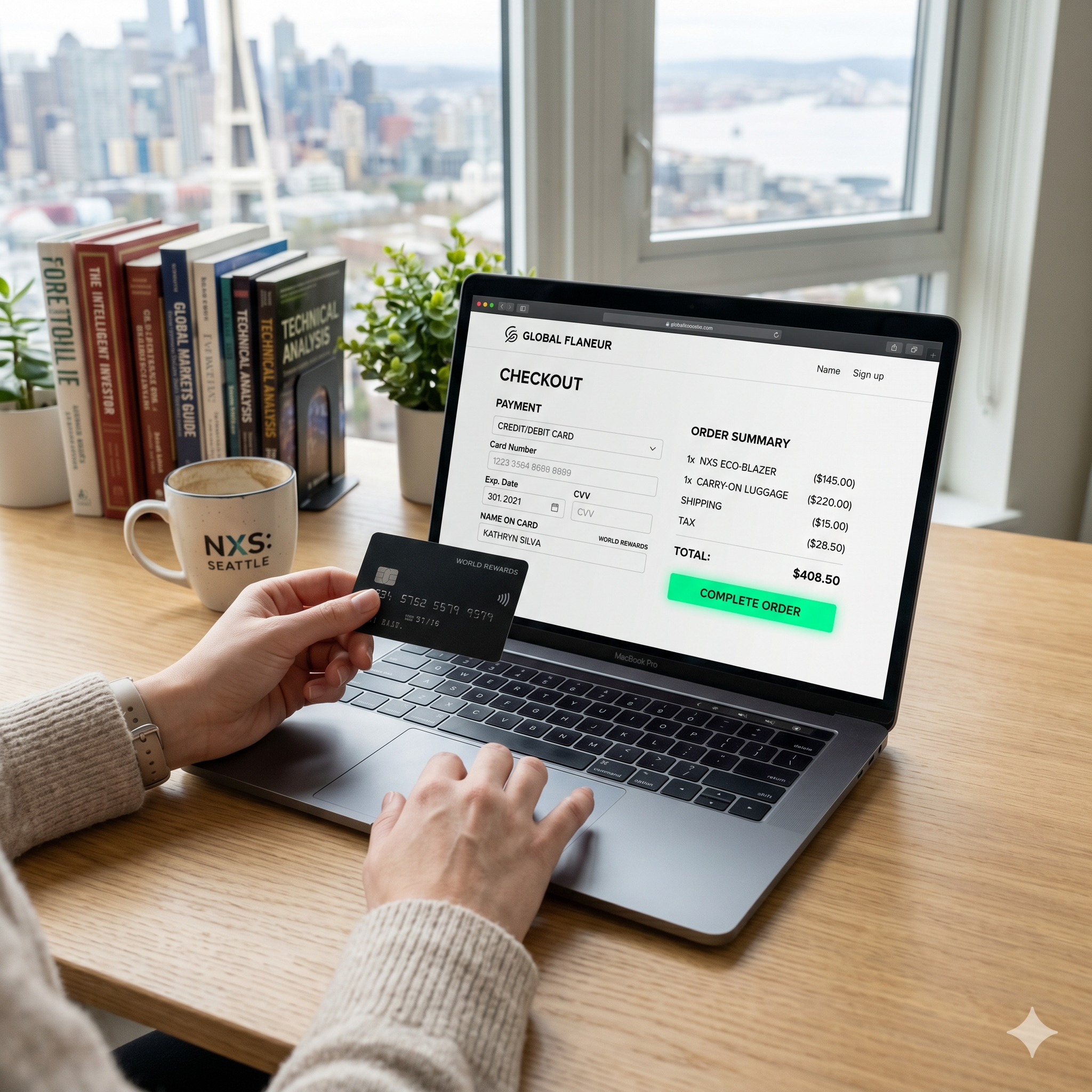
If you suspect that online stores have been saving your card details without your active consent, you can take proactive steps to audit and clean up your digital accounts:
Step 1: Audit Your Browser Settings
Modern web browsers (like Google Chrome, Safari, and Microsoft Edge) often store your credit card information automatically to speed up future form-filling.
-
Go to your browser settings.
-
Navigate to the Autofill or Payments section.
-
Review the list of saved credit cards and delete any old, unused, or unauthorized entries.
Step 2: Review E-Commerce Account Dashboards
If you have created accounts on various shopping sites over the years, log into each dashboard individually:
-
Go to your Account Settings, Billing, or Payment Methods tab.
-
Look for any saved debit or credit cards.
-
Explicitly click Remove, Delete, or Unlink for any card you do not want stored on their servers.
Step 3: Check Third-Party Payment Wallets
Many platforms link directly to digital wallets like Apple Pay, Google Pay, PayPal, or Shop Pay. Periodically log into these standalone wallet services to review which merchants have ongoing billing agreements or saved card tokens associated with your account.
Best Practices for Safe Online Shopping
You do not need to stop shopping online to stay safe; you simply need to adopt smart digital habits. Follow these best practices to maintain control over your financial data:
-
Use Virtual Credit Cards: Many modern banks and financial fintech apps (like Capital One Eno, Privacy.com, or Revolut) allow you to generate disposable virtual card numbers. You can set these cards for a single-use purchase or cap their spending limit, ensuring a merchant can never charge you beyond what you agreed to.
-
Decline “Save Card” Prompts: Whenever a checkout screen asks if you want to save your card for next time, make it a habit to click “No thanks” or “Not now,” especially on unfamiliar or occasional-use websites.
-
Enable Real-Time Transaction Alerts: Turn on push notifications or SMS alerts through your banking app so that every time a charge occurs—authorized or unauthorized—you find out instantly.
-
Check Your Bank Statements Regularly: Do not wait until the end of the month. Take a few minutes each week to scan your bank and credit card transactions for unfamiliar charges.
What to Do If Your Card Details Are Saved Without Permission
If you discover an online store has stored your card details without your consent and you are uncomfortable with it, take immediate action:
-
Remove the Card Manually: Log into the site and delete the payment method immediately.
-
Contact Customer Support: Reach out to the store’s support team via email or live chat, requesting written confirmation that your financial data has been completely wiped from their systems.
-
Contact Your Bank: If you notice any unauthorized transactions resulting from the stored card, report it to your bank or credit card issuer immediately. They can freeze your card, issue a replacement with a new number, and help you dispute fraudulent charges.
Can an online store save your card details without permission? Legally and ethically, no. Reputable businesses require your explicit consent and must adhere to strict security standards like PCI-DSS to protect your financial data. However, deceptive design choices, hidden checkboxes, and aggressive browser autofills can sometimes make it feel like your data was captured behind your back.
By staying vigilant, recognizing dark patterns, utilizing virtual credit cards, and regularly auditing your browser and merchant accounts, you can enjoy the ultimate convenience of online shopping without compromising your financial security or personal privacy. Stay safe, shop smart, and keep your data where it belongs: under your control.