How Fake VPN Apps Put Your Privacy at Risk
Understand how fake VPN apps can expose your personal data instead of protecting it
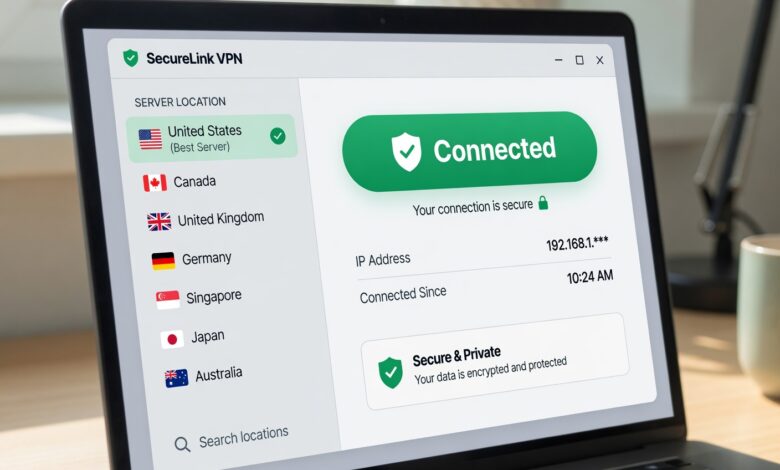
In an era where digital privacy has become a top priority, Virtual Private Networks (VPNs) have transitioned from niche technical tools to essential household software. Millions of users download them daily, hoping to mask their IP addresses, bypass geo-restrictions, and encrypt their sensitive internet traffic. However, not every “security” tool is built with your safety in mind.
The proliferation of “fake” or malicious VPN applications—particularly those offered for free—has created a dangerous illusion of security. Instead of acting as a digital shield, many of these apps function as sophisticated data-harvesting machines. In this article, we will peel back the layers of the VPN industry to reveal how these applications exploit your trust, compromise your personal information, and why “free” is often the most expensive price you can pay for digital safety.
What Exactly is a Fake VPN App?
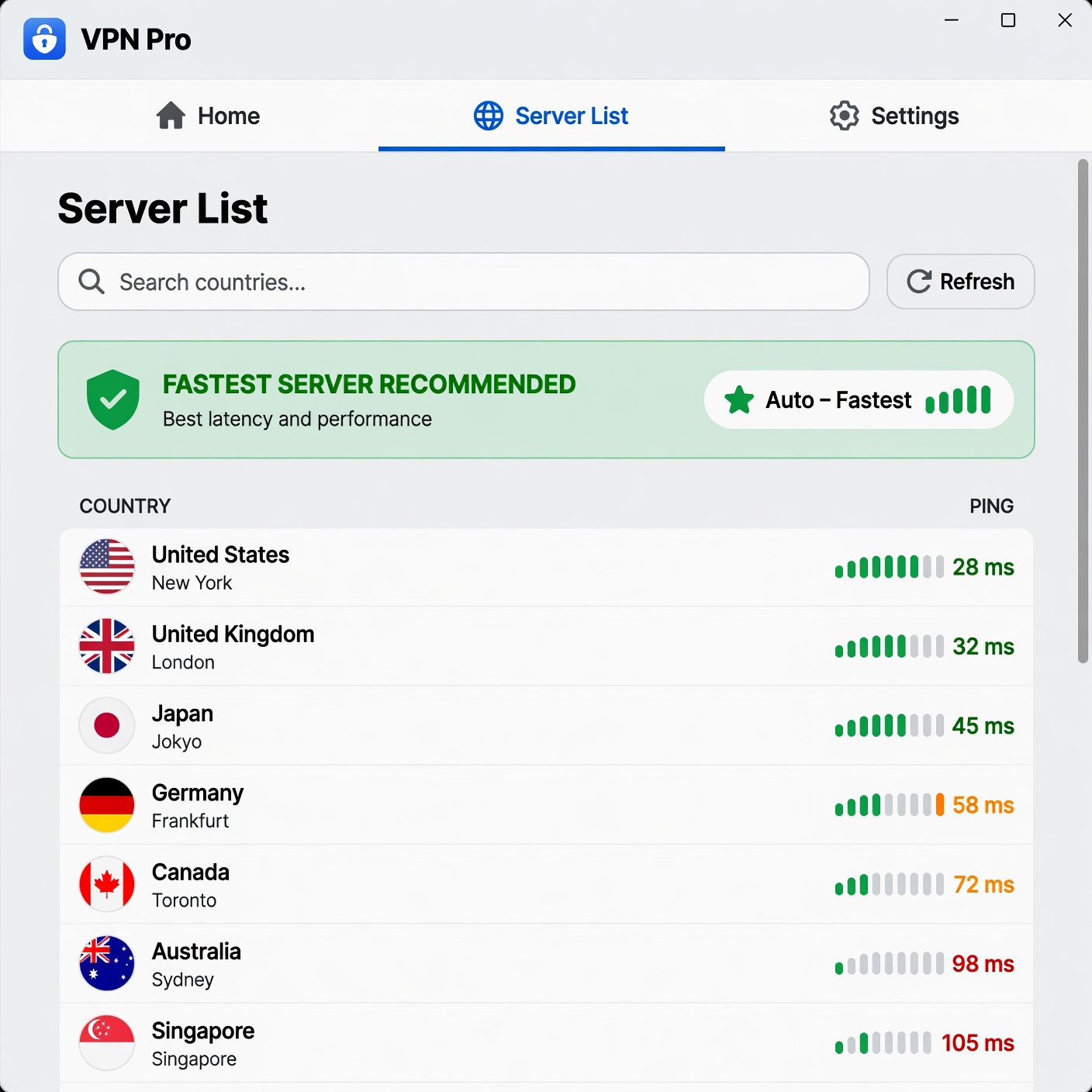
At its core, a fake VPN is any piece of software that promises the benefits of a legitimate, encrypted connection but intentionally fails to provide it, or worse, actively harms the user. These apps often mimic the user interface (UI) and branding of well-known, reputable providers to deceive unsuspecting users.
These apps aren’t just “bad” software; they are often designed with malicious intent. While a legitimate VPN builds its business model on transparency, encryption standards, and independent audits, fake VPNs are frequently operated by cybercriminals or data brokers whose primary objective is to monetize your digital footprint.
How to Identify the Warning Signs
-
The “Too Good to Be True” Offer: Promises of “Unlimited Lifetime VPN for Free” or “100% Secure & Free Forever” are massive red flags. Running a global VPN server infrastructure is incredibly expensive. If they aren’t charging a subscription fee, they are monetizing you in other ways.
-
Inconsistent Branding and Poor Design: Look for typos in the app name, low-resolution logos, or a website that feels outdated. Scammers often clone legitimate brands but fail to replicate the polished, professional finish of a real company.
-
Vague or Missing Privacy Policies: A legitimate VPN will have a detailed, legally binding, and easy-to-understand privacy policy. Fake apps often have generic boilerplate text or no policy at all, leaving you with no recourse if your data is leaked or sold.
-
Suspicious Distribution Channels: While Google Play and the Apple App Store have improved their vetting processes, malicious apps still slip through. Be extremely wary of VPNs that require you to “sideload” an APK file or download software from obscure third-party websites.
The Economics of “Free”: Why Your Data is the Product
If you aren’t paying for the product, you are the product. This age-old adage in the tech industry is nowhere more applicable than in the world of free VPN services. When a provider offers a service for free, they still have to cover the immense costs of electricity, bandwidth, and server maintenance. How do they do it?
The Data Mining Business Model
The most common way free, fake VPNs survive is by logging your online activity and selling it to third-party data brokers. This information is a goldmine for advertisers. They want to know:
-
Which websites you visit: This reveals your interests, political leanings, and health concerns.
-
When you are online: This maps your daily habits and routine.
-
Your geolocation: This helps advertisers target you with local storefront ads.
By selling your browsing history, these apps strip away the anonymity you sought to gain in the first place. You are essentially paying for “privacy” by handing over the keys to your entire digital life.
Ad Injection and Malicious Tracking
Some “free” VPNs take it a step further by injecting advertisements into your browser sessions. This isn’t just annoying; it’s a security risk. By injecting code (such as JavaScript) into the websites you visit, these apps can track your clicks, steal session tokens, or even redirect you to phishing websites designed to capture your login credentials.
The Security Risks: More Than Just “Bad Privacy”
The danger of fake VPNs goes beyond just marketing data. Many of these apps are vehicles for malware and direct cyberattacks on your hardware.
Malware Bundling
Researchers have frequently discovered that free VPN apps serve as a “Trojan Horse.” Once installed, they may drop additional software onto your device—such as keyloggers, screen scrapers, or spyware—without your consent. A keylogger records every keystroke you make, allowing attackers to harvest banking passwords, private messages, and work credentials.
Botnets and Bandwidth Hijacking
Some of the most infamous “free” VPN cases involved turning user devices into “exit nodes” for a botnet. This means the app allows other strangers on the internet to route their traffic through your IP address. If someone uses your connection to commit illegal acts, access forbidden content, or launch cyberattacks, the activity will be traced back to your home network, not theirs.
DNS and IP Leaks
A functional VPN is supposed to tunnel your traffic through an encrypted path and hide your DNS queries (the requests that tell your browser which server to talk to). Fake VPNs often fail to configure this correctly, resulting in “leaks.” If your DNS requests leak, your ISP—or anyone monitoring the network—can still see exactly which websites you are visiting, rendering the VPN completely useless.
Protecting Your Digital Footprint
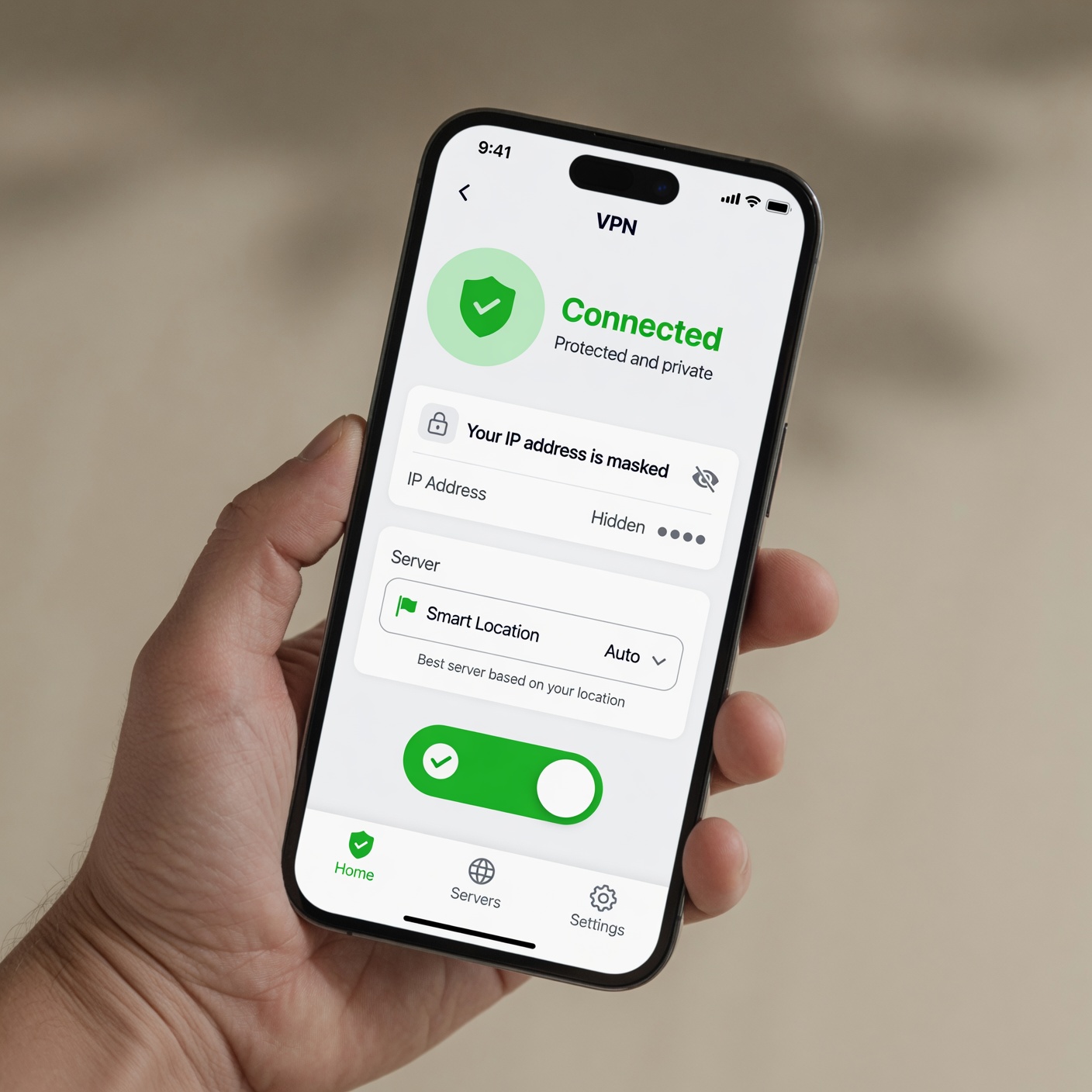
Given the risks, how can you ensure your connection is actually secure? Protecting yourself requires a shift from convenience-seeking to a proactive, security-first mindset.
1. Opt for Reputable, Audited Providers
The gold standard for the VPN industry is transparency. Look for providers that have undergone independent third-party audits. These companies invite cybersecurity firms to examine their source code and server infrastructure to prove that their “no-logs” policy is actually true and functioning as intended.
2. Understand Encryption Standards
A secure VPN should use industry-standard encryption, such as AES-256 (the same level used by banks and military organizations). If an app doesn’t disclose its encryption standards, you should assume they are using outdated, easily breakable protocols like PPTP or no encryption at all.
3. Check for Essential Features
A legitimate VPN will always include:
-
A “Kill Switch”: This automatically cuts your internet connection if the VPN drops for even a split second. This prevents your real IP address from being accidentally exposed.
-
Leak Protection: Built-in tools that prevent WebRTC and DNS leaks, ensuring your identity stays masked.
-
Responsive Customer Support: If a company can’t be reached when something goes wrong, they aren’t worth your trust.
Why You Should Never Trust “Lifetime” VPN Deals
One of the most persistent scams in the VPN market is the “Lifetime Subscription” offer. You’ll often see these advertised for a low, one-time fee of $20–$50.
Think about the math: a legitimate VPN service has ongoing monthly costs. A subscription model is necessary for them to maintain servers, patch software, and provide support. A provider offering a “lifetime” deal is either planning to shut down, harvest your data for the long term, or will eventually degrade the service to the point of being unusable to force you to pay for a “premium” tier. Avoid these offers at all costs; they are almost exclusively linked to scam operations.
The Hidden Impact on Your Device Performance
Beyond the obvious privacy and security risks, fake VPNs are notorious for being poorly optimized. Have you ever wondered why your phone battery drains faster or your internet speeds drop to a crawl when a certain app is running?
Poorly coded VPN apps often run inefficient background processes. Because they are not built to handle high volumes of encrypted traffic, they can cause massive CPU spikes, overheating your device and draining your battery in record time. Furthermore, because these apps often route your traffic through low-quality, congested servers (or turn you into a node for others), your connection speed may suffer, making high-bandwidth activities like streaming or video conferencing nearly impossible.
Frequently Asked Questions
Are all free VPNs inherently malicious?
Not necessarily, but most carry significant compromises. A few reputable companies offer “freemium” versions of their paid products. These are usually safe, but they come with limitations, such as data caps, slower speeds, or a restricted selection of servers. They use these free versions as a way to “sample” the service, not as a tool to harvest your data.
Can I trust VPNs found in my phone’s app store?
While app stores have review systems, they are not foolproof. Malicious developers often use “review farming” to create a sense of legitimacy. Always look for the developer’s name, check if they have a professional website, and search for third-party, unbiased reviews before installing anything that promises to handle your network traffic.
What should I do if I think I’ve installed a fake VPN?
-
Uninstall Immediately: Remove the application from your device.
-
Clear Your Cache: Clear your browser data, as the app may have left trackers or malicious cookies behind.
-
Change Your Passwords: If you used the internet while connected to the suspicious app, assume your passwords may have been captured. Change your primary account passwords, especially for your email and banking.
-
Run a Security Scan: Use a trusted antivirus or anti-malware software to check for any residual malicious files that might have been installed alongside the VPN.
Privacy is Worth the Investment

The digital landscape is fraught with threats, and while the idea of a free, all-in-one privacy solution is tempting, it is rarely the reality. Fake VPN apps thrive on the gap between user desire for privacy and user knowledge of technical security.
By understanding the risks—data harvesting, malware, and bandwidth exploitation—you can take control of your digital identity. True security isn’t just about hiding your IP; it’s about trusting the tools you use to bridge that gap. Avoid the shortcuts, prioritize transparency and independent validation, and always remember that when it comes to your private data, quality and reliability are worth every penny.
If you are looking to secure your online presence, skip the risky “free” options. Invest in established, transparent services that value your privacy as much as you do. Your personal information, financial records, and private communications are far too valuable to leave to chance.