Apps That Help Keep Your Phone Secure
Discover the best apps that can help protect your smartphone from digital threats

In today’s fast-paced digital world, our smartphones have become more than just communication tools; they are the central hubs of our lives. We use them for mobile banking, storing precious family photos, managing our careers, and navigating the world. Because they hold so much personal information, keeping your phone secure is no longer an optional “tech-savvy” task—it is an absolute necessity.
If you have ever felt overwhelmed by the thought of hackers, phishing scams, or malware, you are not alone. Fortunately, you don’t need to be an IT expert to fortify your device. There is an entire ecosystem of mobile security applications designed to do the heavy lifting for you. In this guide, we will explore the best apps to keep your phone secure and provide you with actionable, easy-to-understand advice to protect your digital footprint.
Why Mobile Security Matters More Than Ever

Before diving into the specific apps, it is important to understand why your phone is a target. Hackers are not just looking for massive corporate data breaches; they are often looking for the “low-hanging fruit”—the average user who hasn’t secured their device.
When you carry a smartphone, you carry a tracker, a wallet, and a personal diary all in one. Without proper protection, malicious actors can:
-
Access Financial Data: Steal credit card numbers or login credentials for banking apps.
-
Infect Your Device: Install “spyware” that monitors your texts, calls, and location.
-
Identity Theft: Use your personal information to open accounts in your name.
-
Data Hold-ups: Use ransomware to lock your photos and files until you pay a fee.
By installing reputable security apps and adopting a few “digital hygiene” habits, you can stop these threats before they even reach your screen.
The Best Security Apps for Your Smartphone
There are several top-tier applications that offer robust protection. Many of these function as “all-in-one” suites, combining antivirus, VPNs, and anti-theft tools into a single, user-friendly interface.
1. Bitdefender Mobile Security: The All-Rounder
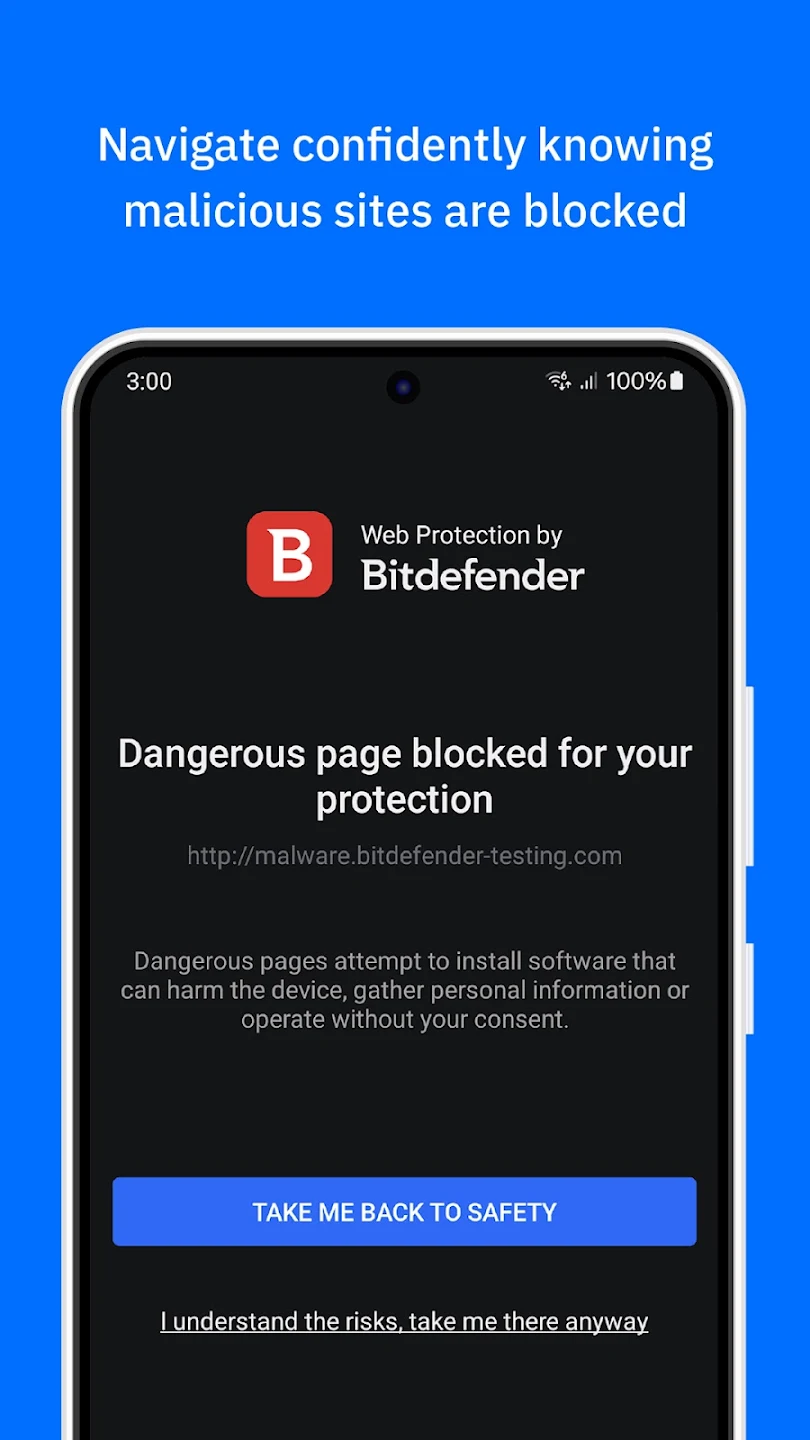
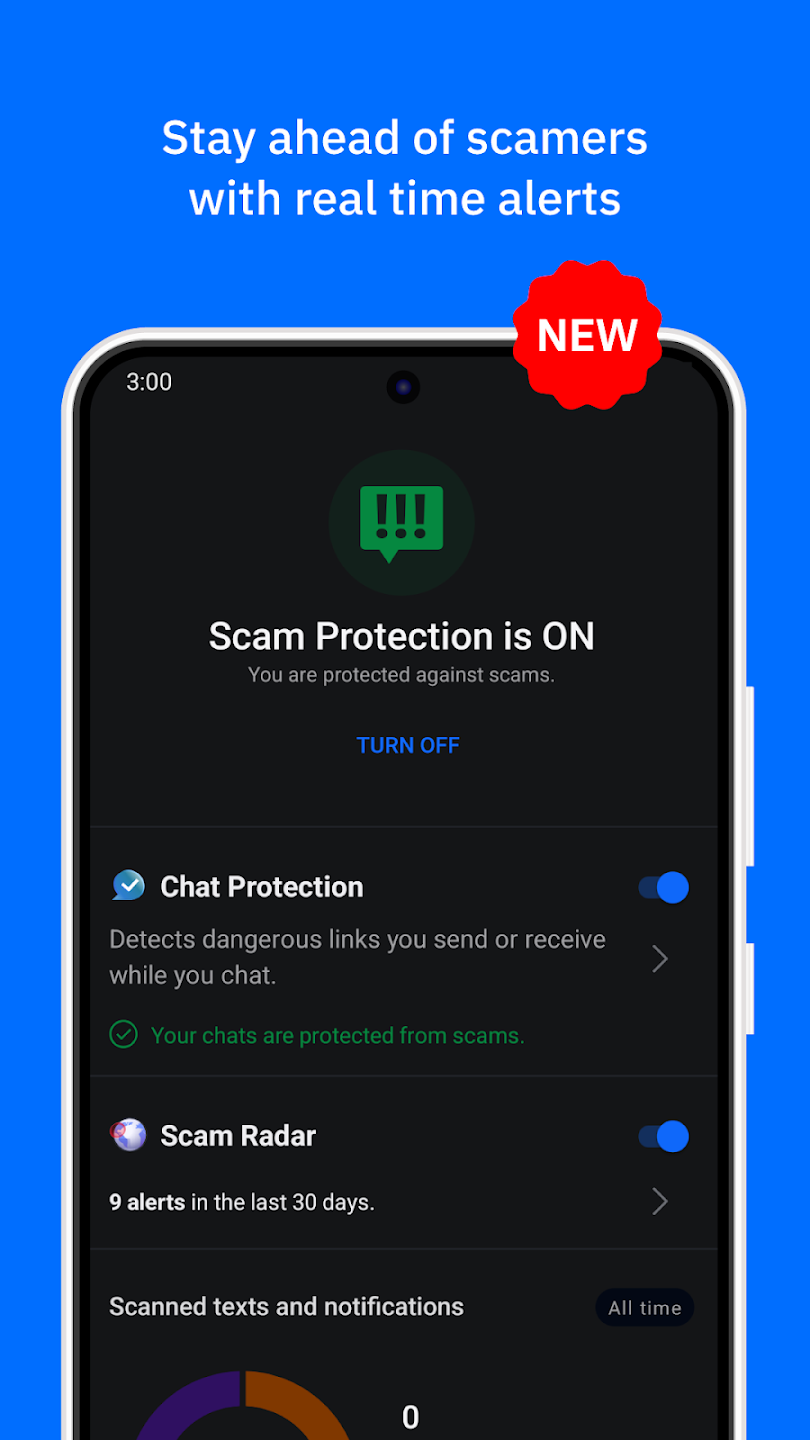
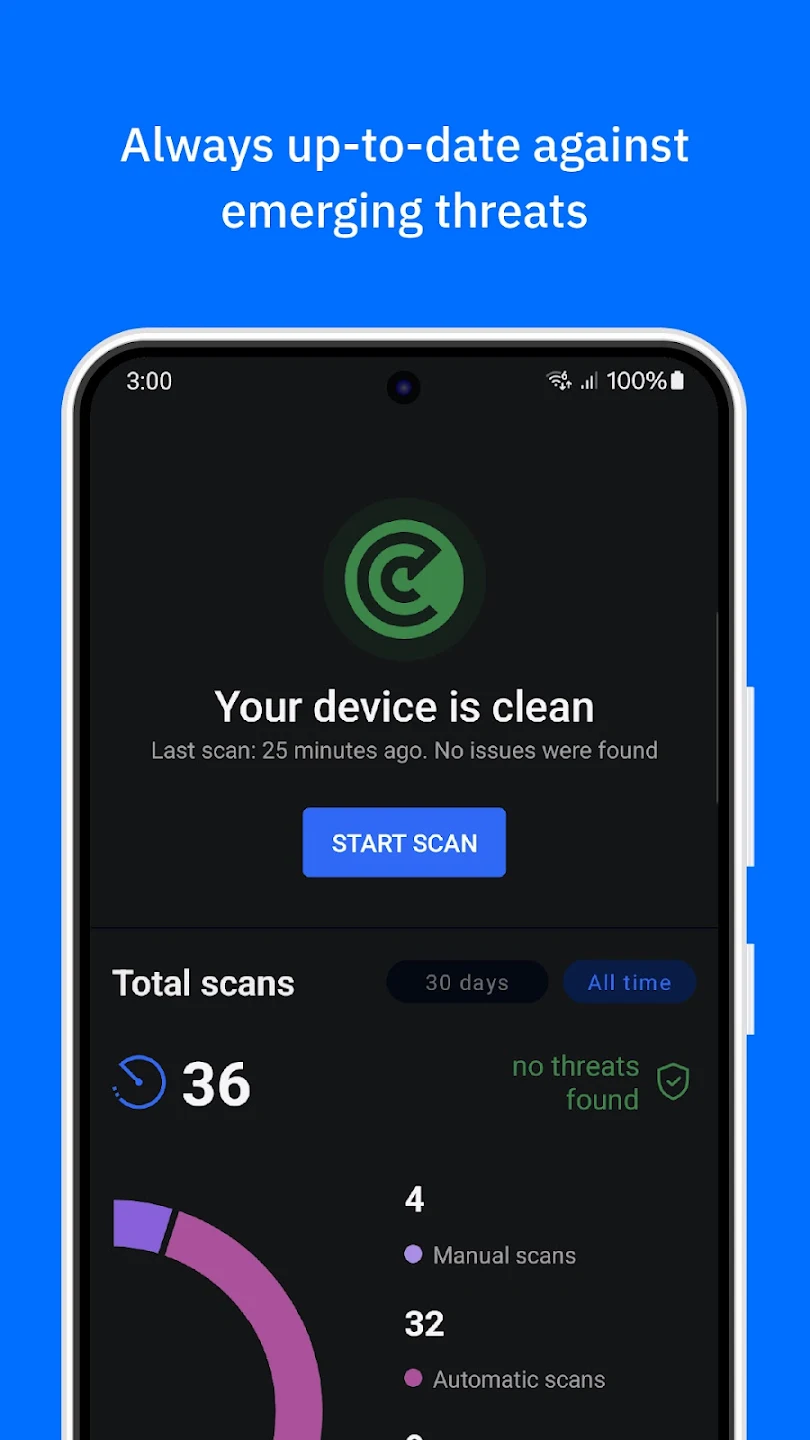
Bitdefender is widely considered the gold standard for mobile security. It excels because it provides excellent protection with a very light impact on your battery life and performance.
-
Key Features: Real-time malware scanning, a powerful “Scam Alert” feature that flags dangerous links in your texts, and a privacy advisor that shows you exactly what your apps are doing with your data.
-
Why it’s great for beginners: It is incredibly “set it and forget it.” Once you turn on the protection, it runs silently in the background, only bothering you if it finds a genuine threat.
2. Norton 360 Deluxe: Total Device Protection

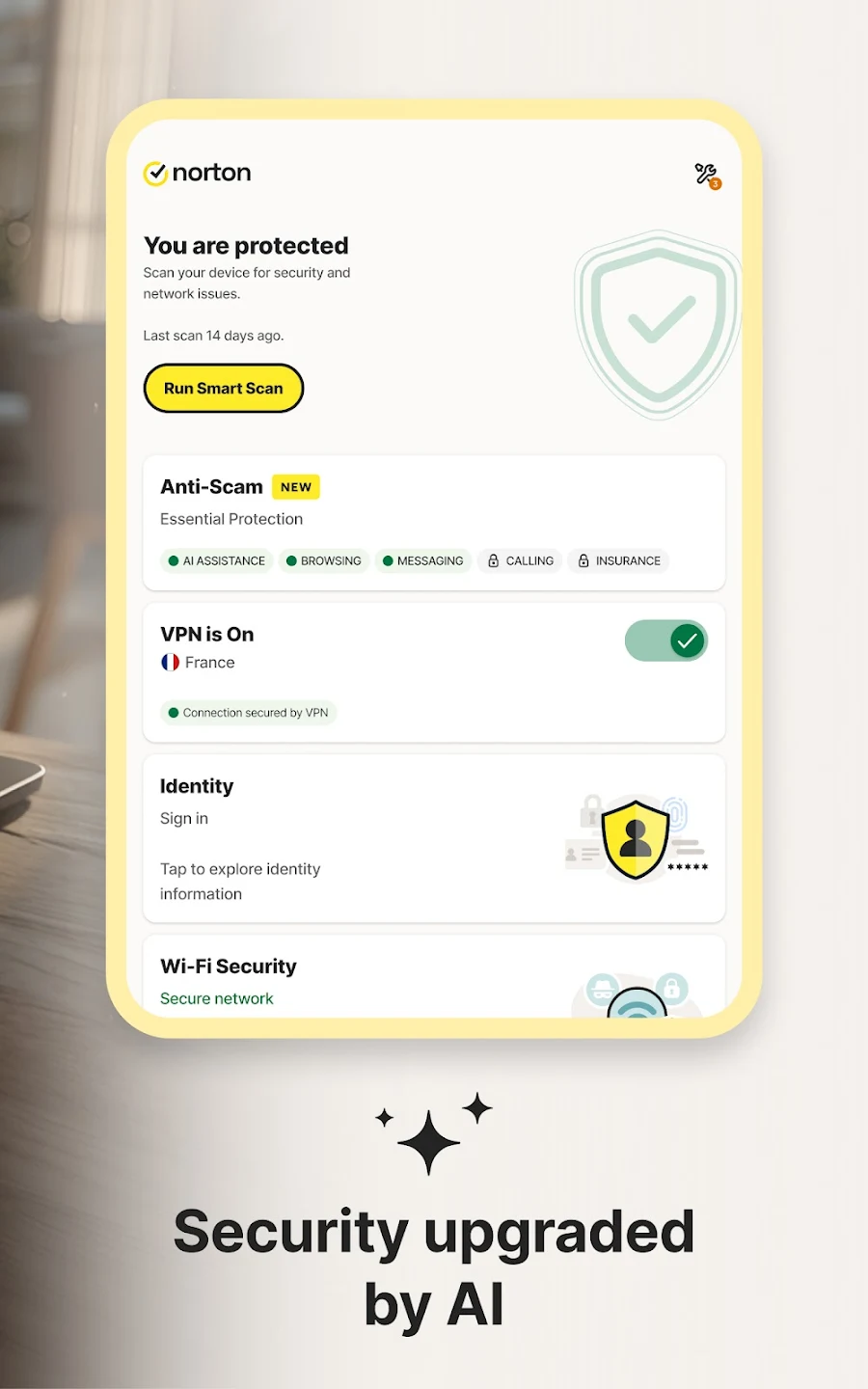
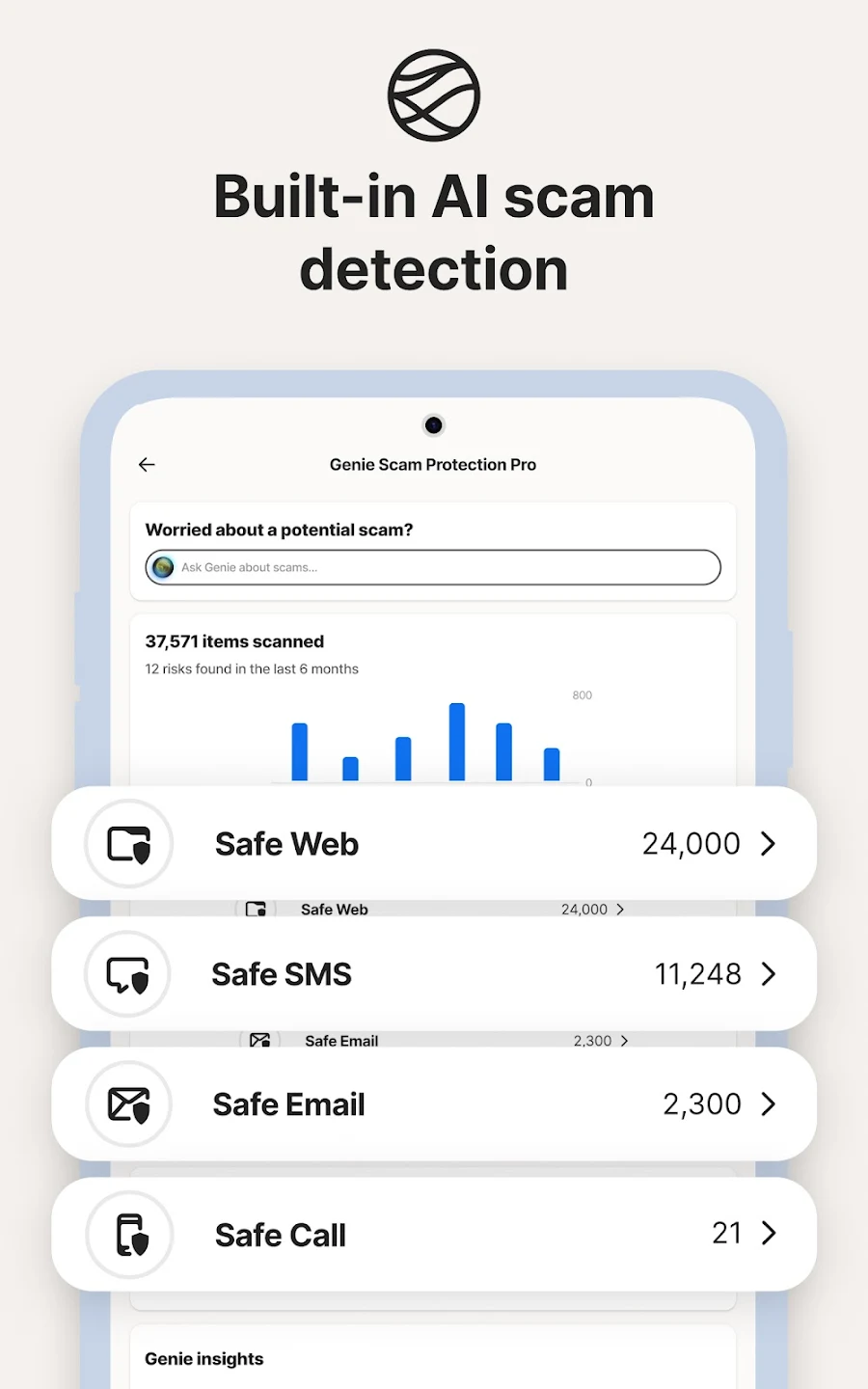
If you are looking for a suite that does more than just stop viruses, Norton is a top contender. It is particularly famous for its anti-theft tools.
-
Key Features: Remote lock and wipe capabilities, “Scream” alert (which makes your phone emit a loud sound even if it’s on silent), and dark web monitoring.
-
Why it’s great for families: It offers robust parental controls, allowing you to monitor or limit app usage and screen time for your children’s devices.
3. Malwarebytes Security: The Best Free Option
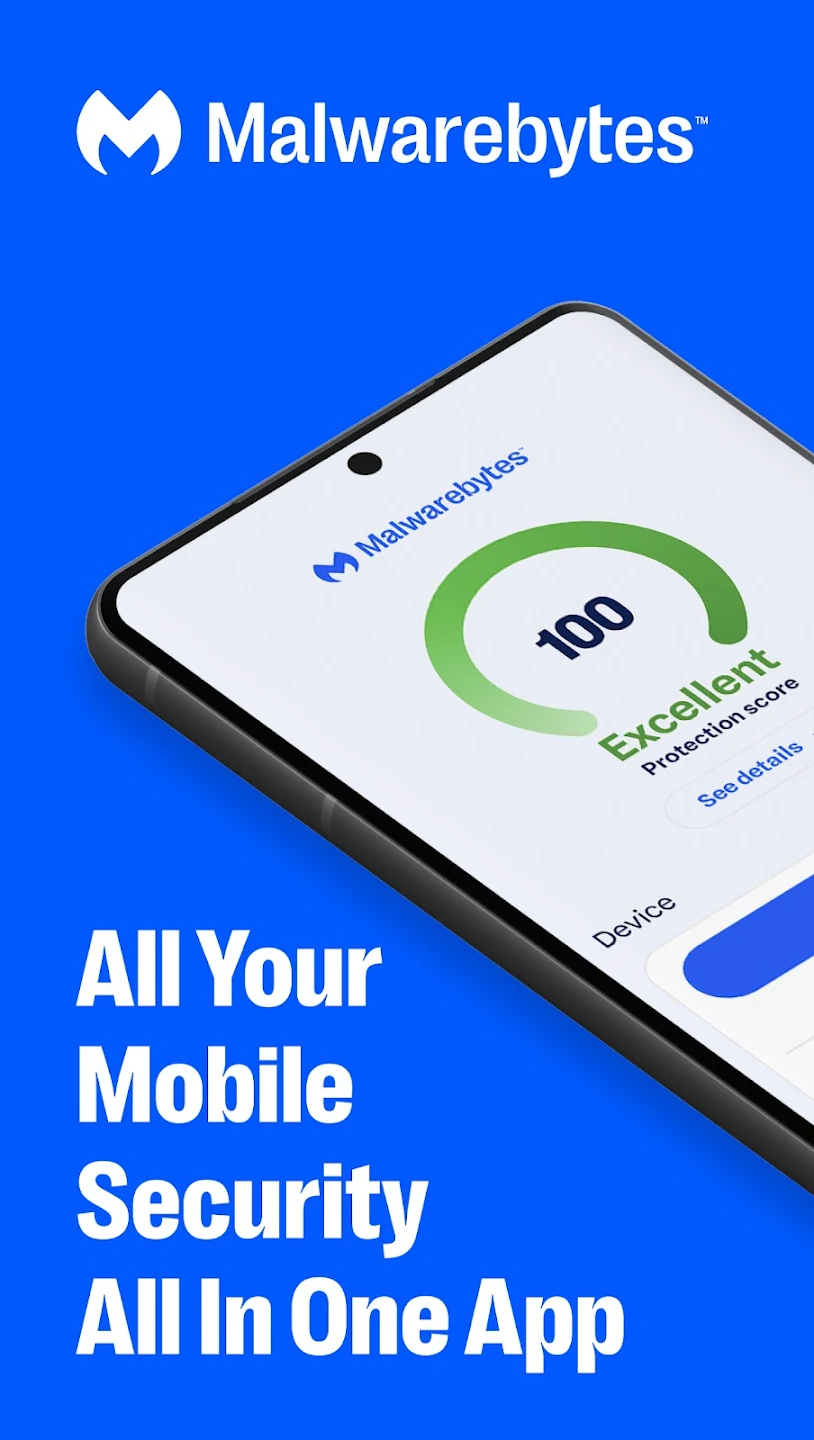
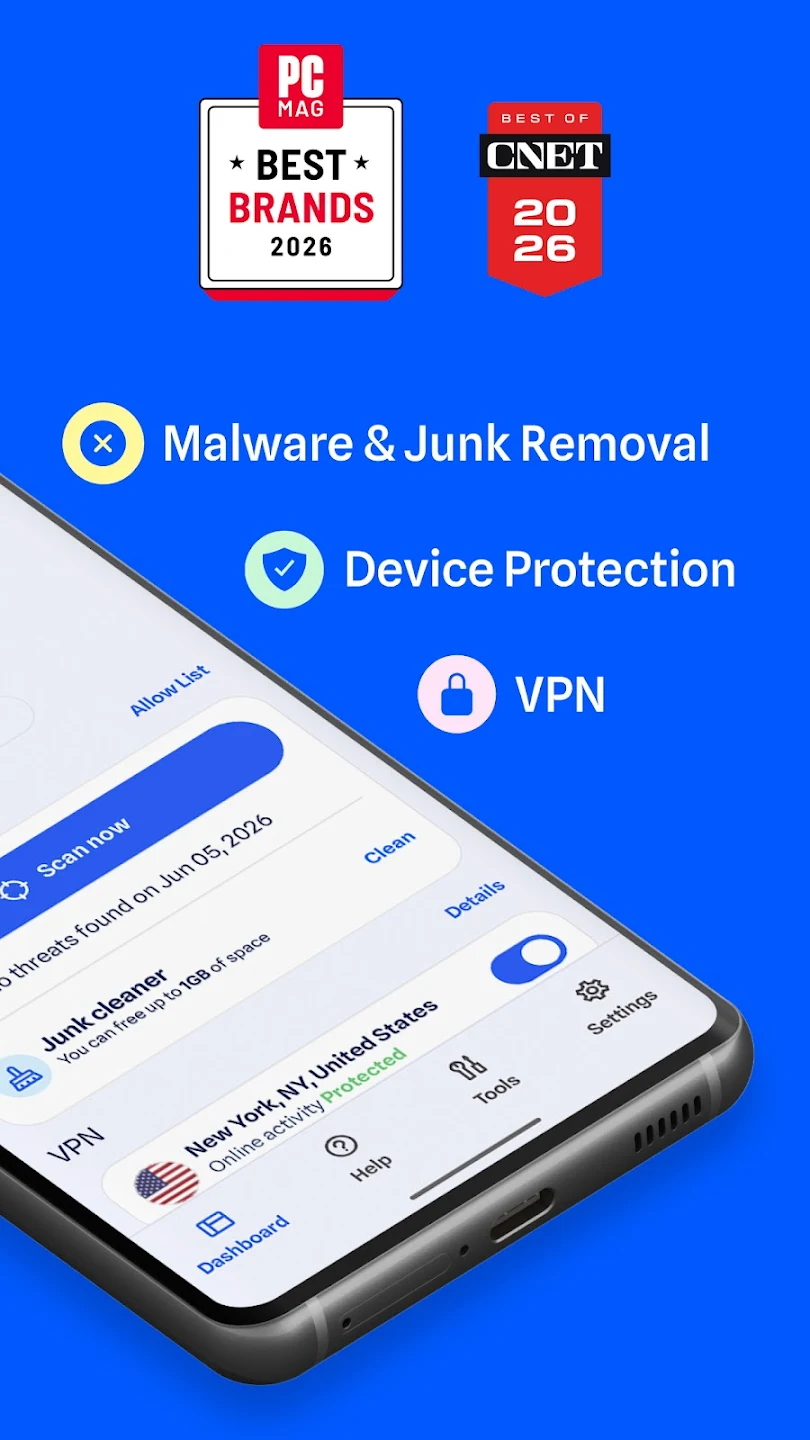
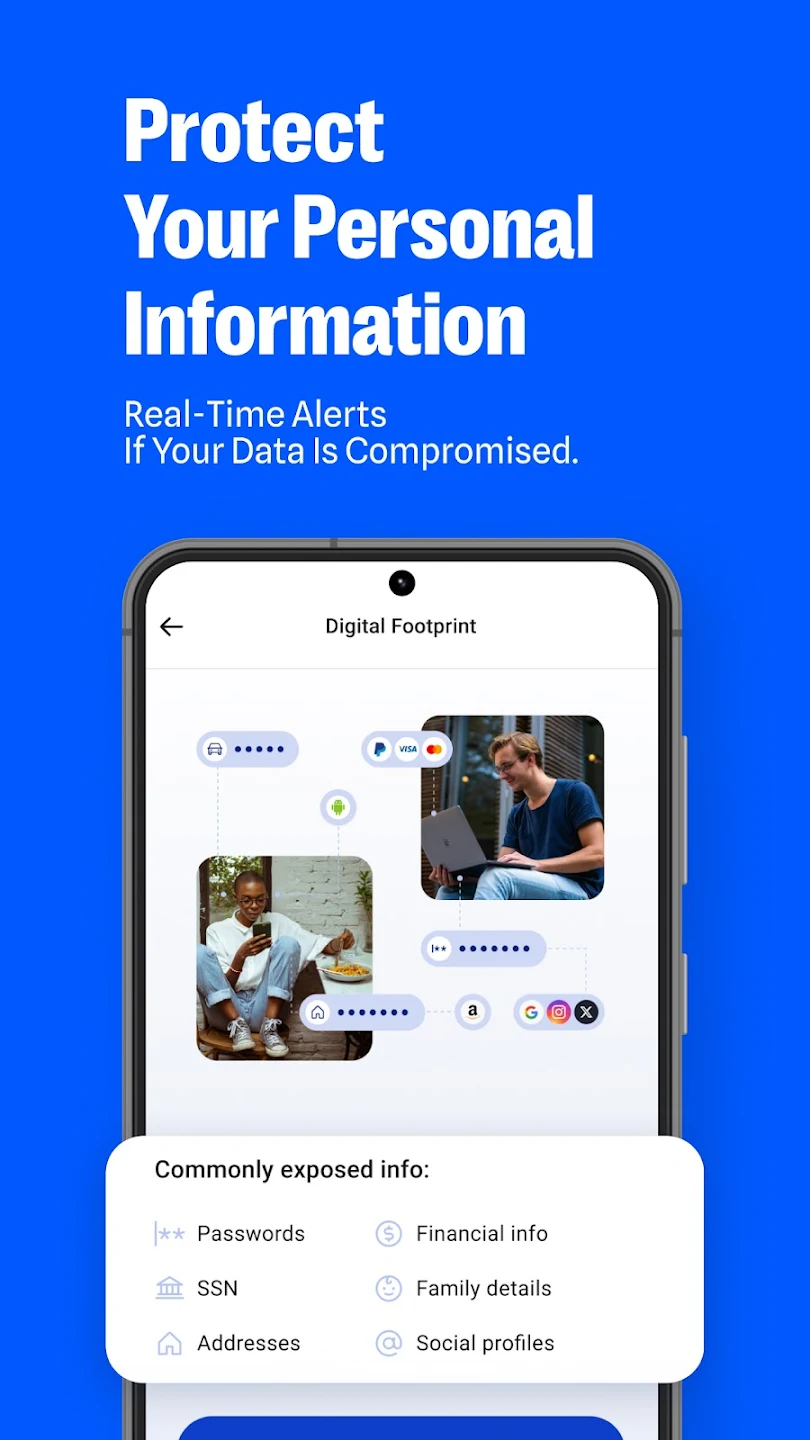
If you are on a budget but still want high-quality protection, Malwarebytes is a fantastic choice. It is famous for its ability to hunt down hidden adware and spyware that other programs might miss.
-
Key Features: Excellent malware removal, privacy auditing, and a very clean, no-nonsense interface.
-
Why it’s great for older phones: Because it is very lightweight, it won’t slow down older devices that might struggle with more “feature-heavy” security suites.
4. Kaspersky Mobile Antivirus: Privacy Focused
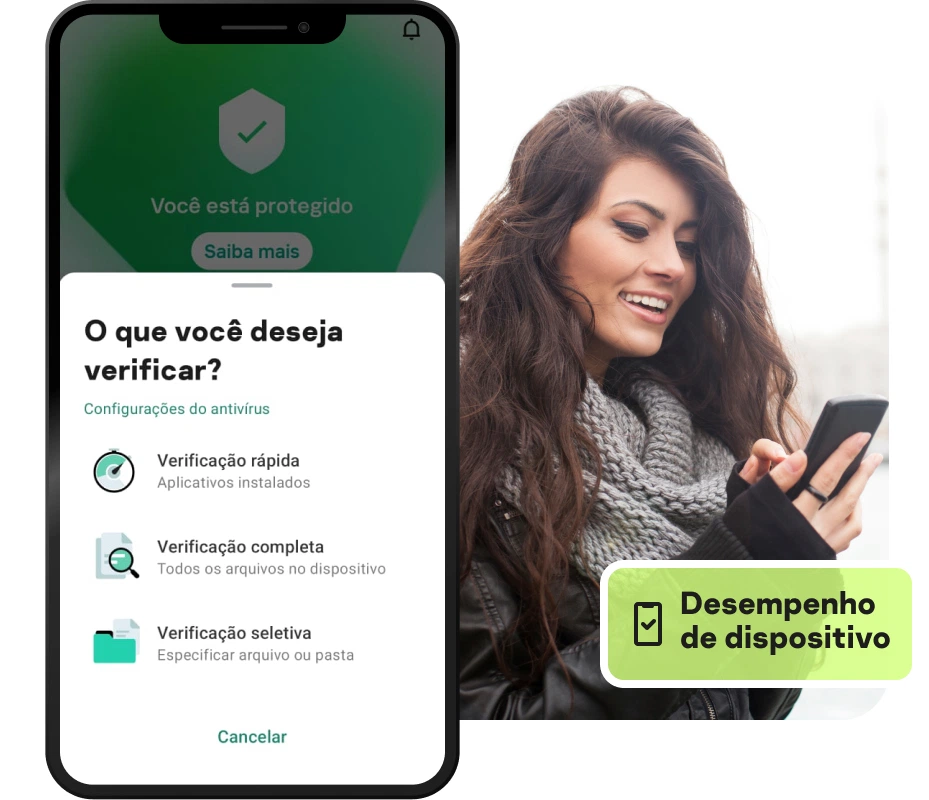
Kaspersky is widely respected for its deep focus on privacy. If your main concern is stopping apps from “spying” on you or accessing your microphone and camera without permission, this is the app to choose.
-
Key Features: Strong call-filtering (to block spam/scam callers) and granular control over app permissions.
-
Why it’s great for data-conscious users: Its AI-driven privacy alerts are among the best in the industry, notifying you the moment an app attempts to access sensitive data behind your back.
How Mobile Security Apps Actually Work
You might be wondering: How does an app actually stop a hacker? It works through several layers of defense:
Cloud-Based Scanning
Most top-tier apps (like Bitdefender or Norton) compare the files on your phone against a massive, constantly updated database of known threats in the “cloud.” If you download a file, the app checks it against this database in real-time. If the file is known to be malicious, the app prevents it from opening.
Web Protection
Have you ever clicked a link in a text message that looked like it came from your bank, but took you to a suspicious website? Security apps act as a “filter” for your web browser. They use a database of billions of blacklisted, malicious URLs to block you from landing on those fake pages, keeping your login credentials safe from phishing attacks.
App Permission Monitoring
Many legitimate-looking apps are actually “data hungry.” A flashlight app, for example, has no reason to access your location or your contact list. Security apps can scan your phone to identify which apps have unnecessary permissions, allowing you to revoke them and stop potential data leaks.
Beyond Apps: Essential Security Habits
While installing a good security app is a critical first step, it isn’t the only step. True digital security is a combination of good tools and good habits. Think of your phone like your home: you can have a great alarm system, but if you leave the front door wide open, you are still at risk.
1. The Power of Two-Factor Authentication (2FA)
If you do only one thing after reading this article, make it this: Enable 2FA.
Two-Factor Authentication adds a second “key” to your accounts. Even if a hacker steals your password, they still won’t be able to log in because they don’t have the temporary code sent to your phone or generated by an authenticator app. Turn this on for your email, banking, and social media accounts immediately.
2. Keep Your Software Updated
Those “Update Available” notifications that pop up on your phone? Don’t ignore them. These updates are not just about new emojis or features; they are almost always packed with “security patches.” These patches fix holes in your phone’s operating system that hackers use to gain unauthorized access. Setting your phone to “Auto-Update” is the easiest way to stay ahead of these threats.
3. Be Skeptical of “Public” Wi-Fi
Public Wi-Fi networks in coffee shops, airports, and hotels are notorious hunting grounds for cybercriminals. Because these networks are often unencrypted, anyone else on the same network can potentially “see” what you are doing. If you must use public Wi-Fi, always use a VPN (Virtual Private Network). A good security suite often includes one, or you can download a standalone reputable VPN app. This encrypts your traffic, making it unreadable to anyone trying to intercept it.
4. Lock Your Phone
It sounds basic, but you would be surprised how many people don’t use a PIN, pattern, or biometric lock (like fingerprint or Face ID). Ensure your phone automatically locks after a short period of inactivity (e.g., 30 seconds or 1 minute). If your phone is lost or stolen, this is the first barrier protecting your entire life from a stranger.
5. Review App Permissions Regularly
Periodically go into your phone’s settings and look at the “App Permissions” section. You might be shocked to see how many apps have access to things they shouldn’t. Ask yourself: Does this game really need access to my microphone? If not, turn it off. This not only improves your security but can also save battery life.
What to Do If You Think Your Phone is Compromised

If you suspect your phone has been hacked, don’t panic. Take these steps immediately:
-
Disconnect from the Internet: Turn on “Airplane Mode” to stop the malware from communicating with the hacker’s server.
-
Delete Suspicious Apps: Go through your recent downloads and uninstall anything you don’t recognize or anything you installed right before you noticed issues.
-
Run a Security Scan: Open your security app and perform a full “Deep Scan.”
-
Change Critical Passwords: If you believe your credentials may have been stolen, log in to your banking, email, and social media accounts from a different device (like a laptop) and update your passwords immediately.
-
Factory Reset (Last Resort): If the malicious behavior continues, you may need to back up your photos/contacts and perform a full factory reset of your device. This will wipe everything clean and return the phone to its original, safe state.
Take Control of Your Digital Life
Securing your phone is not about living in fear; it is about empowerment. When you take the time to install a security app, enable 2FA, and practice safe browsing, you reclaim your privacy and peace of mind.
The threats are real, but the defenses are readily available and easier to use than ever before. Start by choosing one of the apps mentioned in this guide, run your first scan, and take that first step toward a safer digital future. Your personal data is invaluable—make sure you are doing everything you can to protect it.