Is Hotel Wi-Fi Safe for Online Banking?
See how cybercriminals can target users on unsecured wireless networks
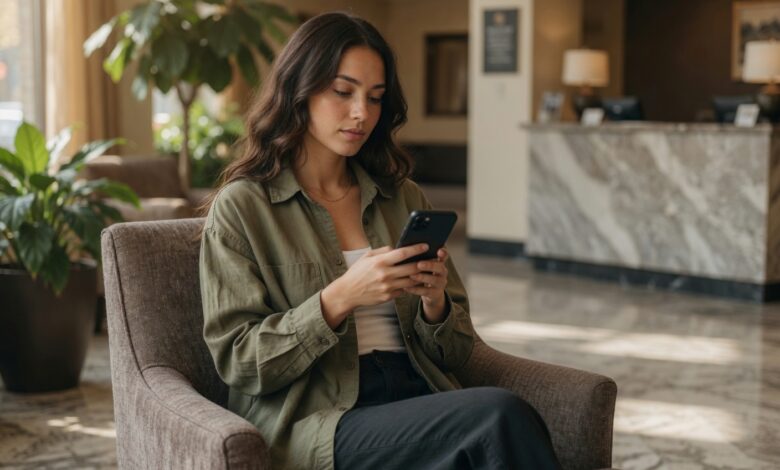
When you check into a hotel, the first thing you likely do—after dropping your bags—is connect your phone or laptop to the “free” guest Wi-Fi. It’s convenient, it saves your cellular data, and it keeps you connected. But have you ever stopped to consider what might be happening behind the scenes on that network?
If you are thinking about logging into your bank account, checking your investment portfolio, or making an online purchase while connected to that hotel network, you need to pause. In the world of cybersecurity, public Wi-Fi—especially in hotels—is often considered one of the most dangerous environments for sensitive transactions.
In this guide, we will break down the real risks of hotel Wi-Fi, explain why it is a prime target for hackers, and provide you with a foolproof checklist for managing your finances safely while you travel.
Why Hotel Wi-Fi Is a Major Security Risk
Most hotel Wi-Fi networks are not designed with security in mind; they are designed for convenience and coverage. Hotels want to ensure you have a strong signal in your room, the lobby, and the restaurant, often at the expense of robust network isolation.
The “Public” Problem
Unlike the secure, encrypted Wi-Fi in your home, hotel networks are “public.” This means that everyone else staying at the hotel—from the friendly family in the next room to a sophisticated cybercriminal—is potentially connected to the exact same network infrastructure as you. This proximity is exactly what hackers exploit.
Weak or Non-Existent Encryption
Many hotel networks use outdated security protocols. Even if a network requires a password (often just your room number and last name), that password is usually the same for every guest. This makes it trivial for anyone with basic “packet sniffing” software to intercept the data flowing through the network.
The Top Threats You Face on Hotel Wi-Fi
When you log into an unsecured network, you are essentially opening your digital windows to anyone else on the same network. Here are the primary threats that can turn your vacation into a nightmare:
1. Man-in-the-Middle (MITM) Attacks
In a MITM attack, a hacker positions themselves between your device and the hotel’s router. Think of it like a wiretap: every piece of data you send—including your usernames, passwords, and credit card numbers—passes through the hacker’s computer first. They can see what you are doing in real-time, often without you ever realizing you are being monitored.
2. The “Evil Twin” Wi-Fi Hotspot
A common tactic involves hackers setting up a rogue Wi-Fi access point that mimics the hotel’s actual network. They might name it something like “Hotel_Guest_WiFi_Fast” or “Free_Hotel_WiFi.” If you accidentally connect to this “Evil Twin,” the hacker controls your entire internet connection. They can redirect you to fake websites, inject malware onto your device, or capture every keystroke you make.
3. Session Hijacking
Have you ever logged into a website and noticed that you stay logged in even after you close your browser? This happens because of “session cookies.” Hackers on the same network can use specialized tools to steal these cookies from your browser, allowing them to impersonate you and access your accounts as if they were you—bypassing the need for your password entirely.
4. Malware Injection
Hackers can sometimes exploit vulnerabilities in your device’s software to push malicious updates or software packages. If a prompt pops up on your screen asking you to “update your browser” or “install a security plugin” while you are on hotel Wi-Fi, never click it. It is almost certainly a trap designed to infect your system with ransomware or spyware.
The “Golden Rule”: How to Bank Safely While Traveling
Does this mean you can never check your bank balance while traveling? Absolutely not. It just means you need to change how you do it. Follow these steps to keep your financial life locked down.
1. The VPN Is Mandatory
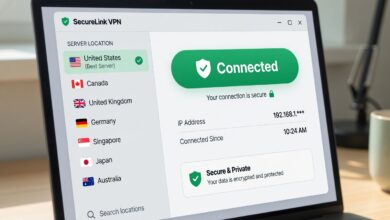
A Virtual Private Network (VPN) is your best friend when traveling. A VPN creates an encrypted “tunnel” between your device and a secure server, effectively masking your data from anyone else on the network. Even if a hacker intercepts your data, all they will see is an unreadable stream of scrambled code.
-
Pro Tip: Choose a reputable, paid VPN service. Avoid “free” VPNs, as they often sell your data or lack the security infrastructure to keep you safe.
2. Switch to Cellular Data
If you have a mobile data plan that works at your destination, skip the hotel Wi-Fi entirely for sensitive tasks. Your 4G or 5G connection is significantly more secure than a public Wi-Fi network. Banking via your phone’s cellular network is generally much safer than using the hotel’s infrastructure.
3. Enable Multi-Factor Authentication (MFA)
Ensure that every financial account you own has MFA enabled. This means that even if a hacker manages to steal your password through a hotel network, they still won’t be able to log in without a secondary code—typically sent to a secure app on your phone or a hardware security key.
4. Use Mobile Banking Apps Over Browsers
While neither is 100% immune, dedicated banking apps are generally more secure than logging in through a web browser. Mobile apps often use “certificate pinning,” which adds an extra layer of verification to ensure you are connecting to your bank’s actual servers and not a fraudulent “middleman.”
5. Disable Auto-Connect
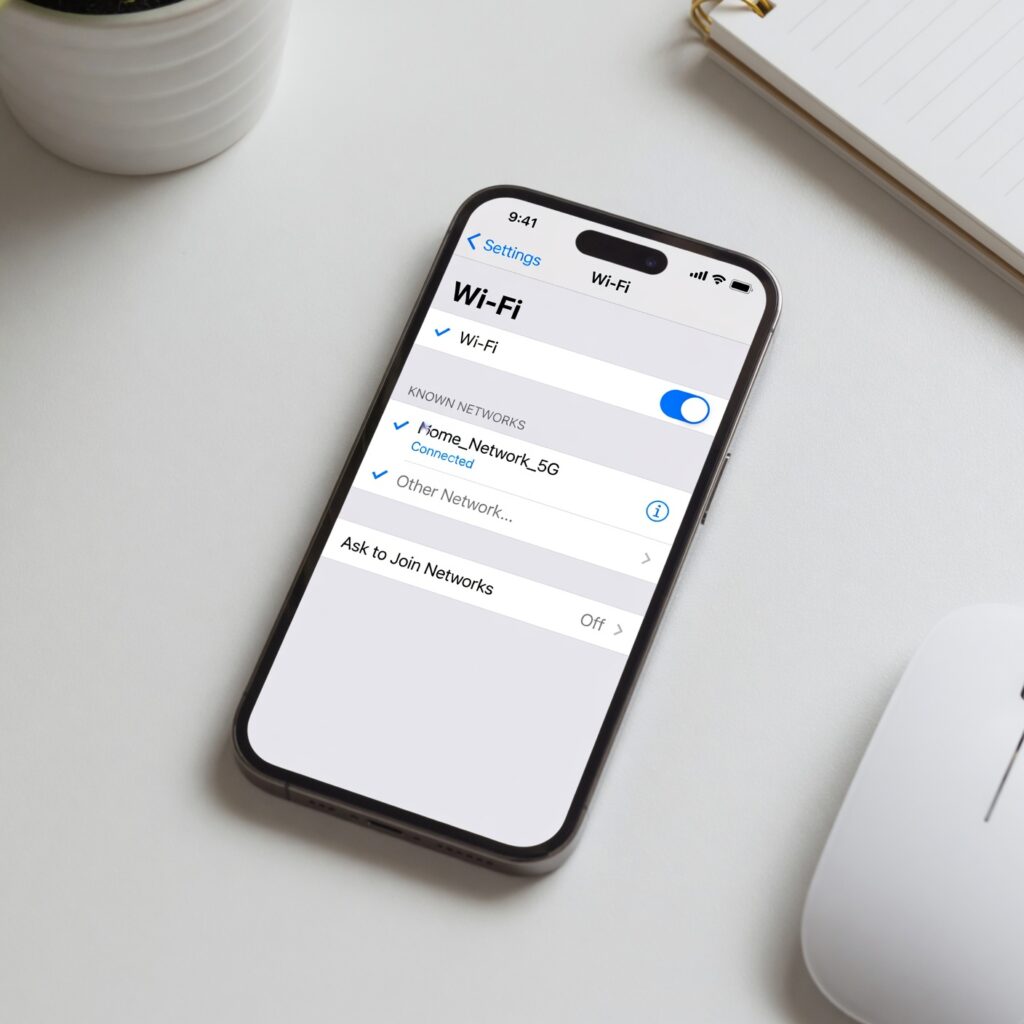
Most smartphones are set to “auto-join” known or open networks. This is a massive security vulnerability. Go into your device’s Wi-Fi settings and turn off “Auto-Join” for public networks. This ensures that you don’t accidentally connect to a malicious “Evil Twin” just by walking through the lobby.
Best Practices for Digital Hygiene Before You Travel
Preparation is the best defense. Before you even leave for your trip, take these steps to ensure your devices are hardened against attack:
-
Update Everything: Ensure your operating system, browser, and all apps are fully updated before you depart. Updates often include critical “patches” that fix the vulnerabilities hackers love to exploit.
-
Backup Your Data: In the unfortunate event that your device is compromised, you want to ensure your photos, documents, and contacts are safe. Back everything up to a secure cloud service or an external drive before you leave.
-
Audit Your Accounts: Before your trip, log out of any accounts you don’t need access to while away. The fewer accounts you are logged into, the smaller your “surface area” for an attack.
-
Turn Off File Sharing: If you are using a laptop, ensure that “File and Printer Sharing” is disabled in your system settings. This prevents other people on the network from accessing the files on your computer.
What to Do If You Suspect You’ve Been Compromised
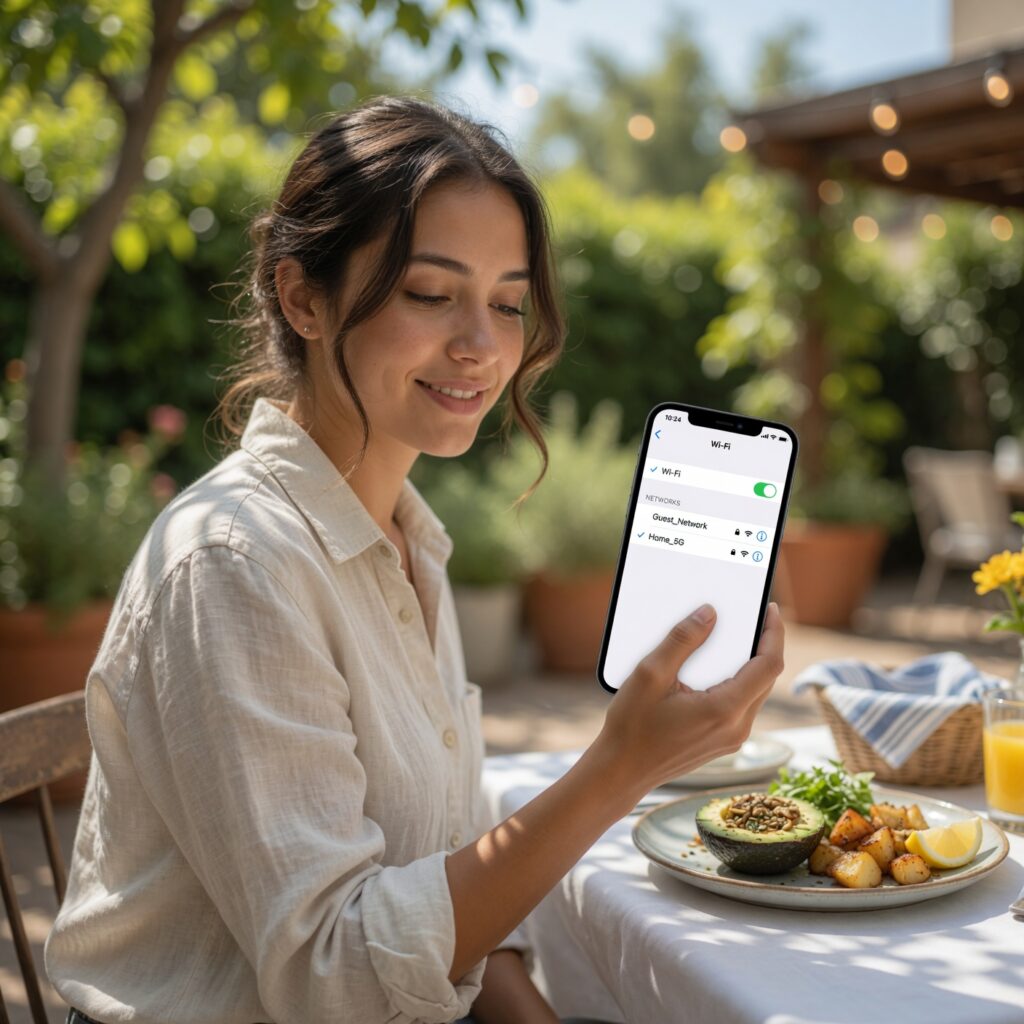
If you were already using hotel Wi-Fi and suspect something went wrong, don’t wait for “later” to deal with it.
-
Disconnect Immediately: Stop using the network. Turn off your Wi-Fi or put your device into Airplane Mode.
-
Change Your Passwords: Using a separate, secure device (like your phone on cellular data), change the passwords for your email and any financial accounts you accessed while connected to that network.
-
Review Your Statements: Log into your bank account via a secure connection and check for any unauthorized transactions. If you see something, call your bank’s fraud department right away.
-
Run a Security Scan: If you are on a laptop, run a scan with a reputable antivirus or anti-malware software to ensure no malicious tools were installed on your machine.
Convenience Is Not Worth Your Security
Hotel Wi-Fi is an incredible convenience, but it is not a “free for all” when it comes to security. By understanding that public networks are inherently insecure, you can take the necessary steps to protect your sensitive data.
Whether you are traveling for business or pleasure, your financial security should always come first. Use a VPN, stick to cellular data for banking, and keep your devices updated. By following these simple habits, you can enjoy your travels without the constant worry that your private information is being broadcast to the room next door.