How to Tell if a Login Page Is Fake
Learn how to spot fake login pages before entering your password
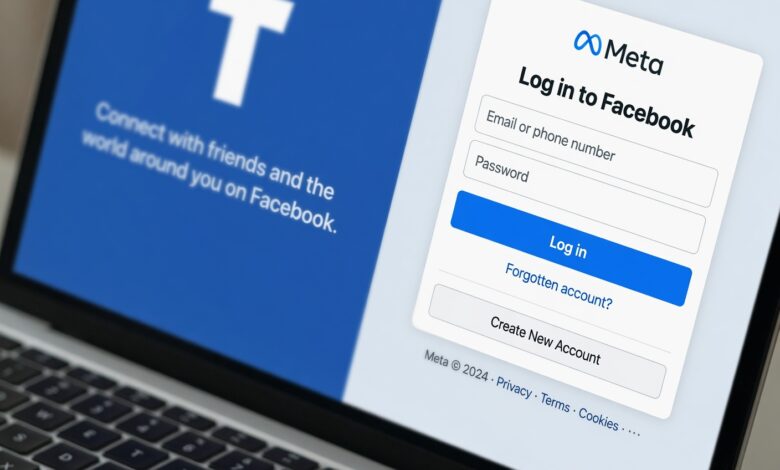
In the digital age, your login credentials—your username and password—are the keys to your personal life. They protect your bank accounts, your private emails, your professional work, and your social identity. Unfortunately, cybercriminals are constantly developing sophisticated methods to steal these keys, and the most common weapon in their arsenal is the fake login page.
These pages are designed to look exactly like the real thing—whether it’s the Gmail login screen, your bank’s portal, or a popular social media site. They are the trap in a phishing attack, waiting for you to type in your information so they can capture it and gain unauthorized access to your accounts. Knowing how to spot these traps is the most important skill you can learn to protect your digital identity.
In this guide, we will break down exactly how to identify a fake login page, the techniques scammers use to fool you, and the proactive steps you can take to stay safe.
What Is a Fake Login Page?
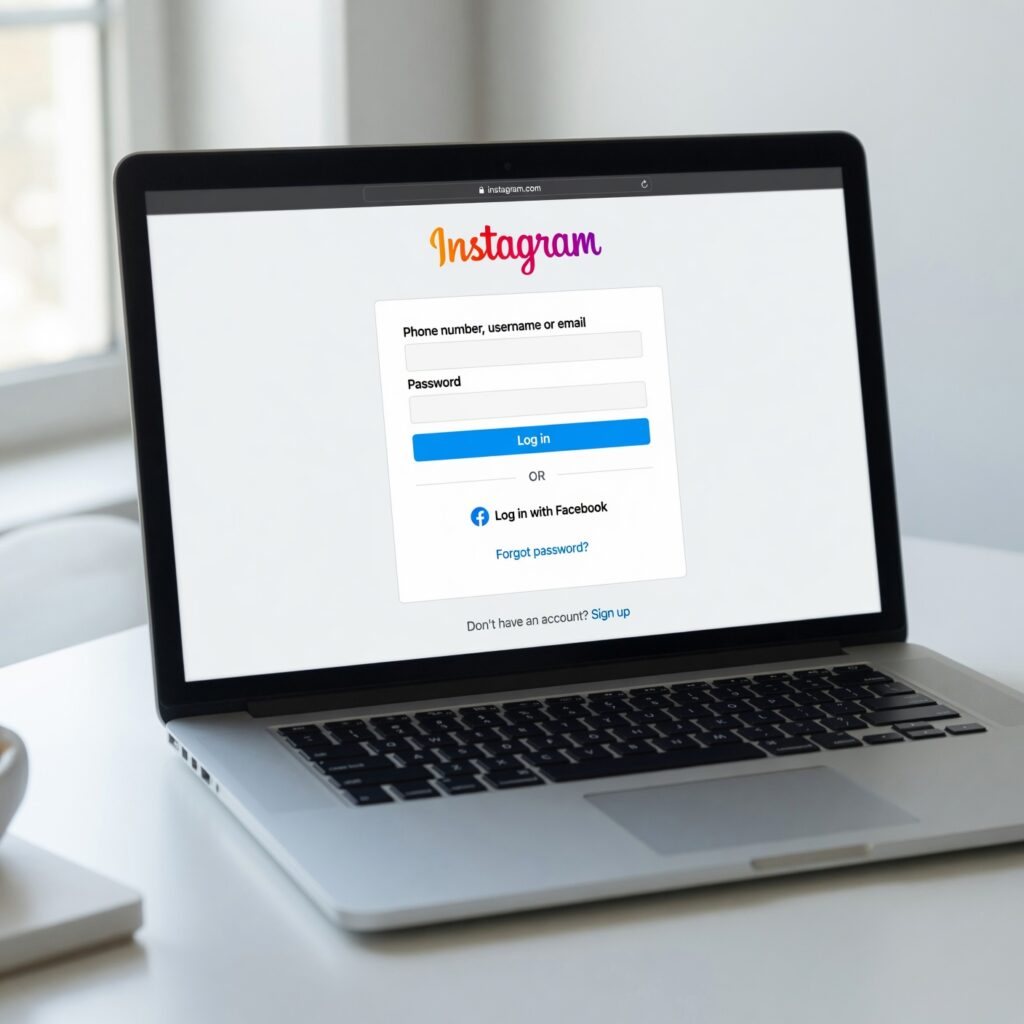
At its core, a fake login page is a webpage designed to mimic a legitimate service. The goal is simple: to trick you into believing you are interacting with a trusted brand or service. Once you enter your username, password, or even two-factor authentication (2FA) codes, that data is sent directly to the attacker instead of the legitimate service.
These attacks often start with an email, a text message (smishing), or a social media message that creates a sense of urgency. For example, you might receive a message saying, “Your account has been locked, click here to verify your identity.” If you click that link, you are often directed to a high-fidelity clone of a website that looks indistinguishable from the original.
1. Inspect the URL: Your First Line of Defense
The most reliable way to tell if a site is fake is to look closely at the URL (the website address) in your browser’s address bar. Attackers have several tricks to disguise a malicious URL.
Typosquatting and Lookalike Domains
Scammers use domains that are slightly misspelled. For instance:
-
g0ogle.cominstead ofgoogle.com -
mybank-security-update.cominstead ofmybank.com
Always look at the domain name carefully. If the service you are trying to reach is wellsfargo.com, but the URL is wellsfargo-verify-account.com, you are likely on a phishing site.
The Subdomain Trick
Attackers often use subdomains to make a fake URL look legitimate. They might create a URL like paypal.security-updates.com. While it contains the word “paypal,” the actual domain is security-updates.com. Always check the root domain—the part just before the .com, .net, or .org.
Use of Protocol
While most modern fake sites use https (the padlock icon), this does not guarantee safety. It only means the connection is encrypted. Scammers can easily get free SSL certificates to make their malicious sites appear “secure.” Never trust a site just because it has a padlock icon.
2. Analyze the Design and Quality
While many phishing pages look perfect, a significant number of them are “quick and dirty” clones. Look for these red flags:
-
Grammatical and Spelling Errors: Legitimate companies have professional copywriters and quality assurance teams. If you see typos, awkward phrasing, or strange punctuation on a login page, treat it as highly suspicious.
-
Low-Resolution Assets: Look at the logos and icons. If they look fuzzy, stretched, or pixelated, it’s a sign that the attacker has scraped the site’s images and they are not being loaded from the official company server.
-
Missing Links: Try clicking on other parts of the page, like “About Us,” “Contact Support,” or “Terms of Service.” On a real login page, these are usually functional. On a fake page, they are often broken or lead to nowhere.
3. Beware of Unsolicited Urgency
Phishing attacks rely on social engineering—manipulating human psychology. If a login page appeared after you clicked a link in an email or text that claims:
-
“Your account will be deleted in 24 hours.”
-
“Suspicious activity detected, verify immediately.”
-
“You have a pending refund, sign in to claim.”
Stop. Legitimate companies rarely, if ever, send you a direct link to a login page via an unsolicited message. If you are worried about your account, close the message, open a new browser tab, and type the company’s website address in yourself.
4. The Browser’s Role: Smart Screening
Modern web browsers like Chrome, Firefox, and Edge have built-in “Safe Browsing” features. These tools compare the sites you visit against a massive, constantly updated database of known phishing sites.
-
Heed Warnings: If your browser displays a giant red screen saying “Deceptive site ahead,” listen to it. Do not click “proceed” or ignore the warning.
-
Keep Your Browser Updated: These lists are updated in real-time. By keeping your browser software current, you ensure you have the most up-to-date protection against the latest phishing threats.
5. The “Manual Navigation” Rule
The golden rule of online safety is this: Never trust links in emails or messages.
If you receive an notification that requires you to log in, do not click the provided button. Instead, open your browser and manually navigate to the website you know is legitimate. Type the address yourself or use a saved bookmark that you created previously. If there is actually an issue with your account, it will be waiting for you when you log in through the official, secure path.
Why You Should Always Use a Password Manager
One of the most effective ways to avoid falling for a fake login page is by using a password manager (such as Bitwarden, 1Password, or LastPass).
Password managers store your credentials and automatically fill them into the correct fields. Crucially, a password manager is “domain aware.” It will only offer to fill in your password if you are on the exact domain that matches the one it saved. If you are on a fake, lookalike site, the password manager will not recognize the domain and will not offer to fill in your credentials. This is one of the most powerful automated security features available today.
What to Do If You Entered Credentials on a Fake Page
If you suspect you have just entered your password into a fake site, you need to act immediately:
-
Change Your Password: Immediately go to the official website and change your password. Do this from a different, known-safe device if possible.
-
Enable 2FA: If you haven’t already, enable Multi-Factor Authentication (MFA) on the account. This adds a layer of security that prevents the attacker from accessing your account even if they have your password.
-
Check Account Activity: Look at your recent account history for any unauthorized changes, new login locations, or suspicious transactions.
-
Rotate Other Credentials: If you use the same password on other sites, change those as well. Attackers will immediately try your stolen credentials on banking, email, and social media sites to see where else they can get in.
-
Scan for Malware: Sometimes, phishing pages can trigger a hidden download or run malicious scripts. Run a reputable anti-malware scan on your device.
The Rise of “Ai-Powered” Phishing
As technology evolves, so do scams. We are now seeing the rise of AI-generated phishing content. These tools can create flawless, error-free text that perfectly mimics the tone of a brand. They can also generate localized phishing sites tailored specifically to your region.
Because the visual quality is getting better, the URL inspection and manual navigation steps we discussed are more important than ever. Never rely on the “look and feel” of a site; rely on the technical verification of the address you are visiting.
Creating a Culture of Digital Skepticism
The final line of defense is not software—it’s you. Developing a healthy sense of skepticism regarding any request to log in is essential.
-
Ask yourself: Did I expect this request? Is this how this company usually communicates? Does the link look a little “off”?
-
Share with Family: Phishing often targets those less familiar with technology. Talk to your family and friends about these red flags. Helping others identify fake pages creates a safer community for everyone.
Vigilance is Your Best Defense
Fake login pages are a persistent and evolving threat, but they are not unbeatable. By practicing caution, inspecting URLs, relying on password managers, and using multi-factor authentication, you can effectively secure your digital life.
Always treat your credentials with the same caution you would treat your physical house keys. Don’t hand them over to a stranger just because they appear to be wearing a familiar uniform. Stay sharp, stay skeptical, and keep your data where it belongs: with you.