Can Smart TVs Be Hacked?
Learn how hackers can target Smart TVs through apps, Wi-Fi networks, and outdated software
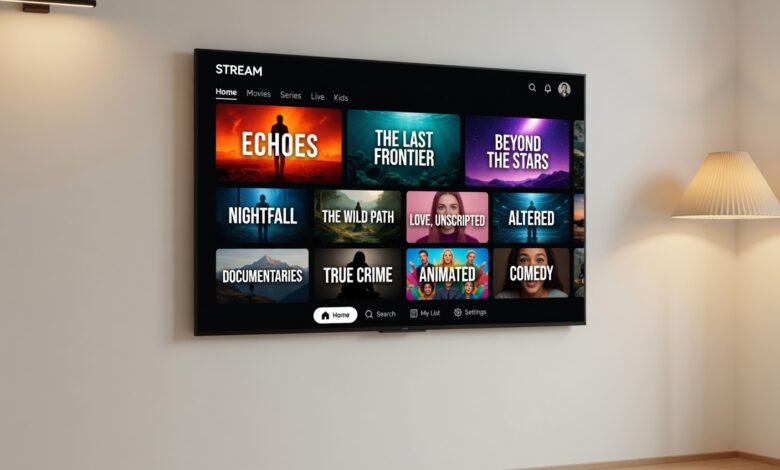
The center of the modern living room has evolved. Your television is no longer just a display for broadcast signals; it is a powerful, internet-connected computer—a “Smart TV.” From streaming the latest blockbusters in 4K to browsing the web and engaging in video calls, these devices offer unparalleled convenience. But with this connectivity comes a fundamental question that every homeowner needs to consider: Can Smart TVs be hacked?
The short answer is yes. Like any device connected to the internet, your Smart TV is a potential entry point for cyber threats. As we integrate more “smart” technology into our lives, understanding the risks and learning how to mitigate them is essential for maintaining your digital privacy and home security.
Understanding the Risks: Why Hackers Target Smart TVs
To understand how a television can be compromised, we must first look at what a Smart TV actually is. Beneath the sleek bezel and high-definition screen lies an operating system—often Android-based or proprietary software—that manages your apps, network connections, and personal accounts.
Because these systems are essentially stripped-down versions of computers or mobile devices, they share many of the same vulnerabilities. Hackers aren’t necessarily interested in “watching you watch TV.” Instead, they often target Smart TVs to gain access to your wider home network.
The “Gateway” Effect
One of the primary reasons hackers target Smart TVs is their role as a gateway. Your TV is likely connected to the same Wi-Fi network as your laptop, smartphone, tablet, and smart home hub. If an attacker successfully compromises your television, they may be able to use it as a pivot point to scan, infiltrate, and exploit other, more sensitive devices on your network.
Data Harvesting and Privacy
Beyond direct attacks, there is the issue of data. Many Smart TVs use “Automatic Content Recognition” (ACR) to track your viewing habits. This data is often shared with advertisers to build a profile of your household. While this is a standard industry practice, it represents a privacy risk if the data collection is not transparent, or if the manufacturer’s infrastructure is breached, potentially exposing your viewing history and household behavior.
Identifying the Signs: Is Your Smart TV Compromised?
Because Smart TVs are often left on for hours or relegated to the background, it can be difficult to notice when something is wrong. However, there are specific “red flags” that indicate your device might be compromised.
-
Unexplained Behavior: The TV turns on or off by itself, the volume fluctuates without input, or channels change unexpectedly.
-
Performance Degradation: The system feels unusually slow, apps crash frequently, or the interface lags significantly.
-
Strange Pop-ups: You see unexpected advertisements or urgent “system update” prompts that do not look like legitimate manufacturer notifications.
-
Unauthorized App Installations: You notice apps appearing on your home screen that you did not download or authorize.
-
Account Anomalies: You receive emails about logins from unrecognized devices or locations regarding the streaming services you use on your TV (like Netflix, Hulu, or Prime Video).
Technical Vulnerabilities: How Attacks Happen
It is important to note that hacking a Smart TV is generally more difficult than hacking a PC, primarily because there is no “standard” operating system. Hackers have to write custom code for specific TV models. However, when they do succeed, they typically use one of these vectors:
1. Exploiting Unpatched Firmware
Manufacturers often stop providing security updates for TV models after a few years. If your device is running outdated firmware, it may contain known security flaws that hackers can easily exploit.
2. Malicious Apps
While major app stores (like those from Google, Samsung, or LG) vet their software, third-party app stores or “sideloaded” applications can be a breeding ground for malware. These apps might masquerade as legitimate streaming services or gaming apps to gain permission to your camera, microphone, or system settings.
3. DNS Hijacking and Network-Level Attacks
If your home router is insecure, a hacker might intercept the traffic between your TV and the internet. By redirecting the TV to a malicious server (DNS hijacking), they can force the TV to display fraudulent content or steal login credentials entered into the browser.
Actionable Steps: How to Secure Your Smart TV
You do not need to be a cybersecurity expert to lock down your television. Following these industry-standard practices will significantly reduce your attack surface.
Keep Firmware Updated
The most important step is to enable automatic updates in your TV’s settings. If your TV model is very old and no longer receives updates from the manufacturer, it may be time to consider retiring it or keeping it disconnected from the internet.
Disable Unnecessary Features
Many TVs come with features enabled by default that you may never use.
-
Microphone/Voice Control: If you don’t use voice search, turn off the “Always Listening” feature.
-
Camera: If your TV has a built-in camera, check the settings to disable it. For added peace of mind, place a physical privacy cover over the lens when not in use.
-
ACR (Automatic Content Recognition): Check your privacy settings and opt out of data tracking if you prefer not to share your viewing habits with the manufacturer.
Secure Your Wi-Fi Network
Since your TV relies on your home network, your router is the first line of defense.
-
Use a strong, unique WPA3 (or at least WPA2) password.
-
Consider creating a separate “Guest” network for your IoT (Internet of Things) devices, including your Smart TV. This ensures that even if your TV is compromised, the attacker is “sandboxed” away from your main computer and sensitive personal files.
Use External Streaming Devices
One of the most effective security strategies is to treat your Smart TV as a “dumb” monitor. Disable its Wi-Fi capabilities and plug in a dedicated streaming device (like a Roku, Apple TV, or Amazon Fire Stick). These devices often receive more frequent, rigorous security updates than the built-in software of many televisions, and they provide a cleaner, more controlled user experience.
Managing Privacy: Beyond Security

Privacy and security are two sides of the same coin. While securing your device prevents hackers from getting in, managing your privacy settings prevents companies from “getting out” with your data.
Most modern Smart TVs have a “Privacy Policy” or “Terms of Service” section in the settings menu. It is worth spending fifteen minutes navigating these menus. Look for options labeled:
-
Interest-Based Advertising: Disable this to stop the TV from building a profile on you.
-
Viewing Data Sharing: This is often the setting that enables ACR. Turning it off limits how much the manufacturer knows about what you are watching.
-
Voice Recognition Services: If you decide to keep this on, ensure you understand what data is being sent to the cloud.
The Role of VPNs for Smart TVs
A Virtual Private Network (VPN) can be a powerful tool for your Smart TV. By routing your TV’s traffic through an encrypted tunnel, a VPN hides your internet activity from your Internet Service Provider (ISP) and prevents local snooping.
While not all Smart TVs support VPN apps natively, you can often configure a VPN at the router level. This encrypts the traffic for every device connected to your home network, including your television, providing an umbrella of protection for all your household tech.
Frequently Asked Questions (FAQs)
Should I cover my TV camera with tape?
If you have a camera on your TV and you are not using it, covering it is a simple, effective, and free way to ensure your visual privacy. There is no downside to doing this.
Can a hacker see me through my TV?
If your TV has a camera and a microphone, and an attacker gains full administrative access to your device, it is technically possible for them to access these peripherals. While this is rare, it is the primary reason why disabling unused features is so important.
Is it safer to keep my TV offline?
Yes. If your TV is not connected to the internet, it cannot be hacked remotely. You can still use it for gaming or watching media from a Blu-ray player or HDMI source. If you choose to keep it offline, you can still use a streaming stick to access apps, which you can easily unplug when not in use.
Balancing Convenience and Security
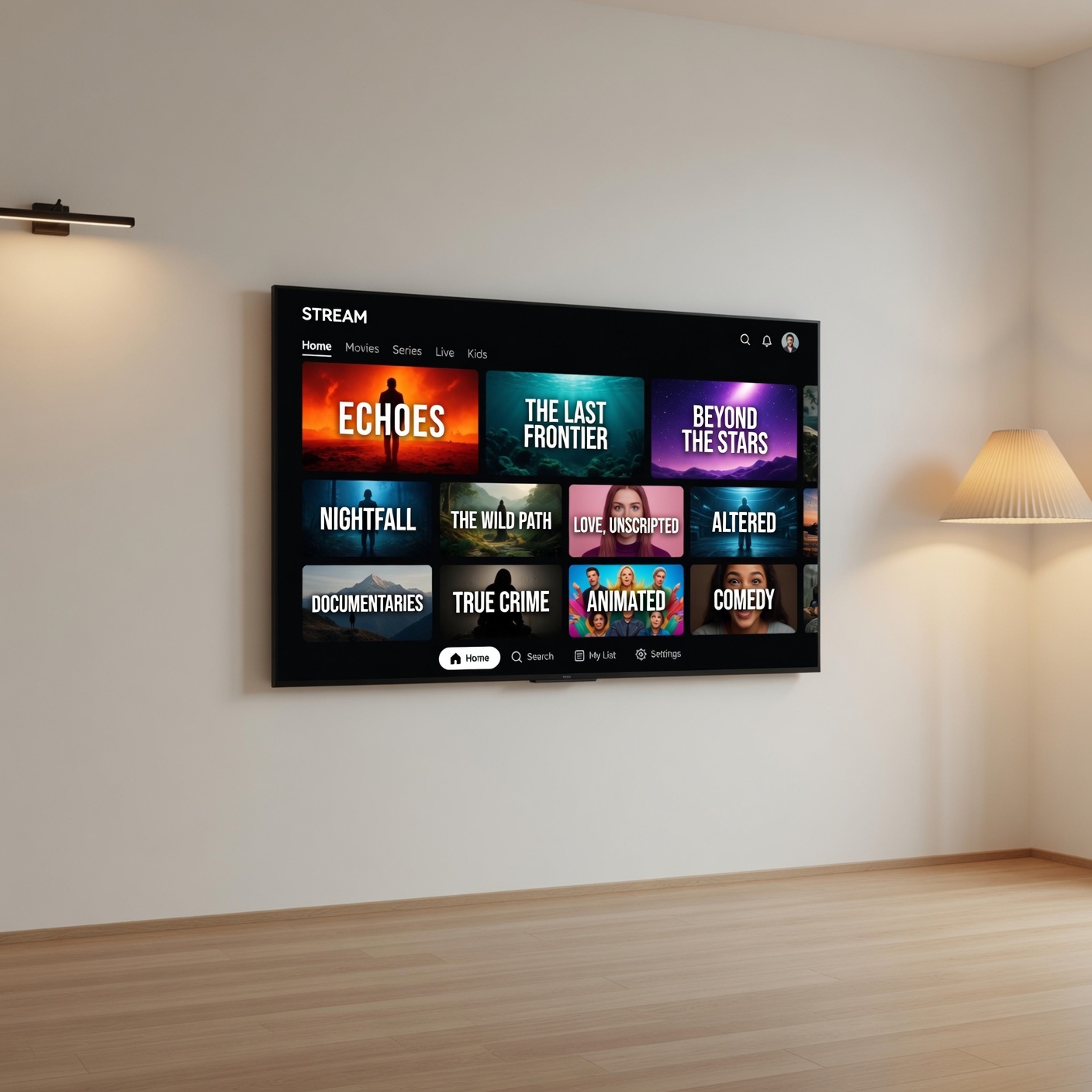
The rise of the Smart TV has revolutionized the way we consume content, but it has also introduced new responsibilities for the homeowner. By acknowledging that your TV is a networked computer and taking proactive steps to update its software, isolate it on your network, and manage its privacy settings, you can enjoy all the benefits of a modern entertainment system without sacrificing your digital safety.
Security is not a one-time task; it is a habit. By implementing these simple, common-sense measures today, you are building a more secure digital home for the future.
Disclaimer: This guide is for educational purposes. Always refer to your specific television manufacturer’s manual and support documentation for the most accurate instructions on configuring your specific device.