Learn how to protect your privacy and avoid being tracked online
How to Avoid Being Tracked Online

In an era where your data is more valuable than oil, staying anonymous online has become a monumental challenge. Every click, scroll, and search query is a data point harvested by tech giants, advertisers, and data brokers. If you feel like your devices are listening to you or that ads are following you across the web, you aren’t imagining things—you are being tracked.
This comprehensive guide will break down the complex world of digital surveillance into actionable steps. Whether you are a casual browser or someone looking to achieve maximum “ghost” status, these strategies will help you reclaim your digital sovereignty.
Understanding the Ad-Tech Ecosystem: Why You Are Being Tracked
Before we dive into the “how,” we must understand the “why.” Tracking isn’t just about showing you relevant ads for shoes; it is about building a digital twin of your personality, habits, and financial status.
How Data Brokers Build Your Profile
Data brokers are companies that exist solely to collect and sell information. They aggregate data from various sources—your credit card history, public records, and your online browsing habits. When these pieces are stitched together, they create a highly accurate profile that can predict your future behavior.
The Myth of “Anonymized” Data
Many companies claim they only collect “anonymized” data. However, researchers have repeatedly proven that with just a few data points (like your zip code and date of birth), “anonymous” datasets can be “de-anonymized” to identify specific individuals. True privacy requires stopping the data collection at the source.
Ditch the “Big Tech” Browsers: Your First Line of Defense
Your web browser is the window through which you view the internet, but it’s also a two-way mirror. Standard browsers like Google Chrome are designed to facilitate tracking to fuel their advertising engines.
Why You Should Move Away from Chrome
While Chrome is fast and convenient, its primary purpose is to feed data into the Google ecosystem. Even “Incognito Mode” does very little to stop your Internet Service Provider (ISP), your employer, or the websites you visit from seeing your activity.
The Best Privacy-Focused Alternatives
-
Mozilla Firefox: When configured correctly, Firefox is a privacy powerhouse. Use the “Strict” tracking protection settings and install “Multi-Account Containers” to keep your social media sessions isolated from the rest of your browsing.
-
Brave Browser: Built on the same engine as Chrome (Chromium), Brave blocks ads and trackers by default. It is an excellent choice for users who want privacy without a steep learning curve.
-
Mullvad Browser: Developed in collaboration with the Tor Project, this browser is designed to minimize “browser fingerprinting” (more on that later) without requiring you to use the Tor network.
Mastering Browser Fingerprinting: The Invisible Tracker
You might delete your cookies, but websites can still recognize you through a technique called browser fingerprinting.
What is Fingerprinting?
When you visit a site, your browser shares technical information: your screen resolution, installed fonts, battery level, operating system, and even the specific version of your graphics driver. When combined, these details create a “fingerprint” that is unique to your device.
How to Combat Fingerprinting
-
Don’t Maximize Your Window: Keeping your browser window at a standard size makes you look like thousands of other users.
-
Avoid Excessive Extensions: Each extension adds a unique marker to your fingerprint. Stick to the essentials.
-
Use “Canvas Blocker” Extensions: These prevent websites from using your browser’s “canvas” to generate a unique ID based on how your computer renders images.
Why You Need a Dedicated Search Engine
If the browser is the window, the search engine is the map. Using a standard search engine means every intimate question, health concern, and financial inquiry is recorded and tied to your identity.
Privacy-First Search Engines to Use
-
DuckDuckGo: The gold standard for private search. They do not store your search history or track you across the web.
-
Startpage: This engine provides Google’s search results but acts as a middleman, stripping away all your identifying information before sending the request to Google.
-
SearXNG: For the more tech-savvy, this is a “metasearch” engine that pulls results from multiple sources while ensuring total anonymity.
The Truth About VPNs: What They Do and Don’t Do
Virtual Private Networks (VPNs) are often marketed as a “magic button” for privacy. While they are essential tools, it is vital to understand their limitations.
What a VPN Does
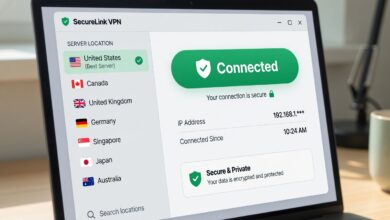
A VPN masks your IP Address and encrypts your internet traffic. This prevents your ISP (Comcast, AT&T, etc.) from seeing which websites you visit. It also protects you on public Wi-Fi from “man-in-the-middle” attacks.
What a VPN Does NOT Do
A VPN does not stop websites from tracking you via cookies or browser fingerprinting. If you are logged into your Facebook account while using a VPN, Facebook still knows exactly who you are.
How to Choose a Trustworthy VPN
Avoid “free” VPNs—if you aren’t paying for the product, you are the product. Look for providers that:
-
Have a verified No-Logs Policy.
-
Are based in “privacy-friendly” jurisdictions (outside the 5-Eyes/14-Eyes surveillance alliances).
-
Offer “Kill Switch” features to prevent data leaks if the connection drops.
Securing Your Domain Name System (DNS)
Every time you type a URL, your computer asks a DNS server for the IP address of that site. By default, your ISP handles this, meaning they have a log of every site you’ve ever visited.
Moving Beyond ISP DNS
You can change your DNS settings at the router or device level to a privacy-respecting provider:
-
NextDNS: Offers granular control, allowing you to block trackers and ads at the DNS level before they even reach your device.
-
Quad9: A non-profit that focuses on security and privacy, blocking known malicious domains.
-
Cloudflare (1.1.1.1): A fast, privacy-centric alternative to Google or ISP DNS.
Email Privacy: Stopping the “Pixel” Trackers
Did you know that many marketing emails contain an invisible 1×1 pixel? When you open the email, the pixel loads from a server, telling the sender exactly when you opened it, where you were (via IP), and what device you used.
Use “Burner” Email Aliases
Instead of giving your real email to every shop or newsletter, use an alias service like SimpleLogin or AnonAddy. These services create unique email addresses that forward to your main inbox. If an alias starts receiving spam, you can simply delete it.
Encrypted Email Providers
For sensitive communications, switch to an encrypted provider like ProtonMail or Tuta. These services use end-to-end encryption, meaning not even the provider can read your messages.
Mobile Privacy: The Spy in Your Pocket
Your smartphone is the ultimate tracking device. It contains a GPS, microphone, camera, and a list of all your contacts.
Lockdown Settings for iOS and Android
-
Revoke Permissions: Regularly check which apps have access to your location, microphone, and contacts. If an app doesn’t need it to function, turn it off.
-
Limit Ad Tracking: Both iOS and Android have settings to “Limit Ad Tracking” or “Opt-out of Ads Personalization.”
-
Disable Location History: Google and Apple keep a detailed log of everywhere you go. Turn this off in your account settings and clear your history.
Social Media Isolation: The “Silo” Method

Social media platforms are the most aggressive trackers on the planet. Even if you aren’t on their site, their “Like” and “Share” buttons on other websites are tracking your movement.
The Solution: Isolation
Use a separate browser just for social media. If you use Facebook in Firefox, only use Facebook in that browser and use Brave or Safari for everything else. This prevents the social media site from “linking” your search history to your social profile.
Financial Privacy: Preventing Purchase Tracking
Data brokers love your shopping habits. Your credit card company sells your “anonymized” transaction data to advertisers.
Virtual Credit Cards
Services like Privacy.com allow you to create “virtual” credit cards for online shopping. You can set spend limits and use a different “name” on the card, keeping your real bank details and identity hidden from merchants.
Advanced Steps: The World of Tor and Tails
For those who require the highest level of anonymity (journalists, activists, or privacy enthusiasts), standard tools might not be enough.
The Tor Network
Tor (The Onion Router) bounces your traffic through three different servers around the world, making it nearly impossible to trace the traffic back to you. It is slower than a VPN but offers much higher anonymity.
Tails OS
Tails is a portable operating system that you boot from a USB stick. It forces all connections through Tor and leaves no trace on the computer you are using once you unplug the USB.
A Daily Privacy Checklist
Privacy is a marathon, not a sprint. Follow this daily checklist to stay safe:
-
Clear your cache and cookies at the end of each session.
-
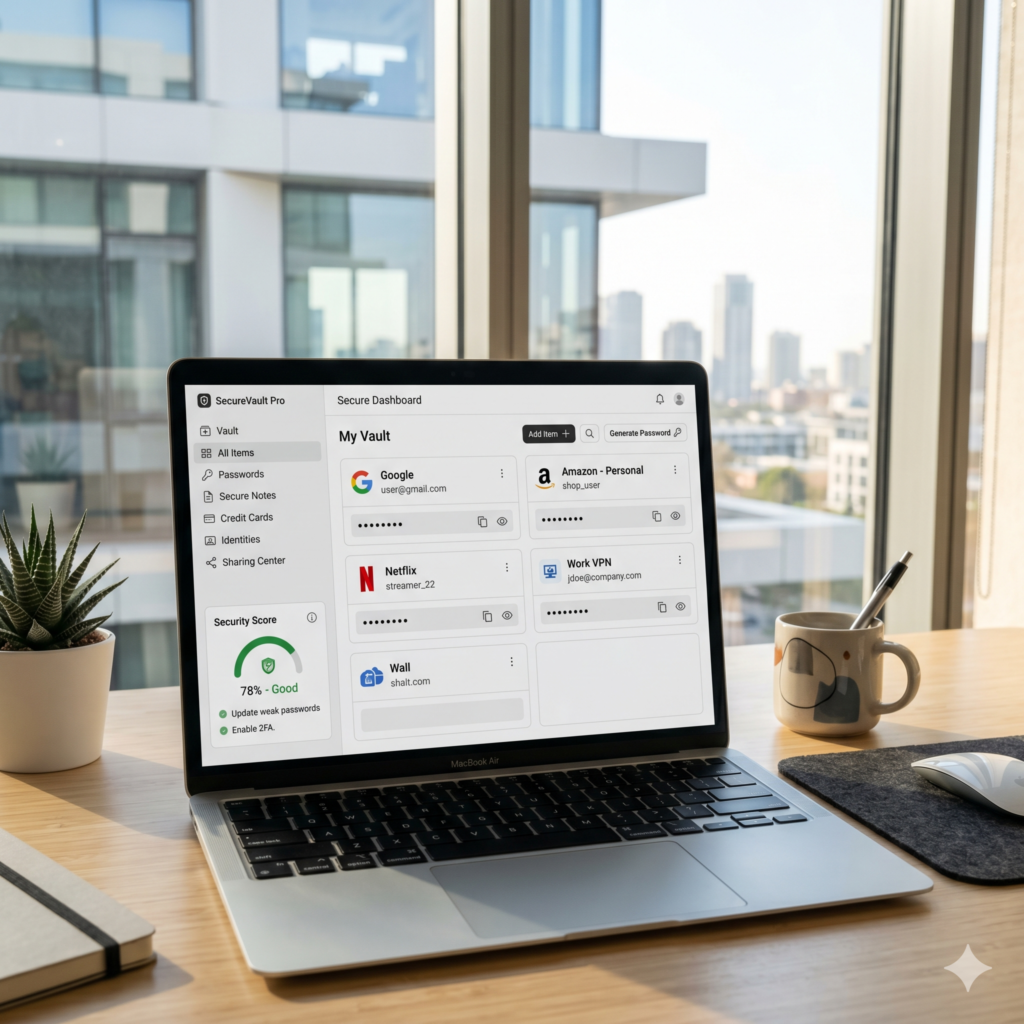
Use a Password Manager (like Bitwarden) to ensure every site has a unique, complex password.
-
Enable Multi-Factor Authentication (MFA), preferably using an app like Aegis or a hardware key like Yubikey, rather than SMS.
-
Be skeptical of “Smart” Home devices. If it’s connected to the internet, it’s likely collecting data.
Taking Back Control
Total online anonymity is nearly impossible in the modern world, but privacy is not about being invisible; it is about having a choice. By implementing the steps in this guide, you move from being a passive victim of data harvesting to an active guardian of your own information.
Start small: switch your browser today, change your search engine tomorrow, and slowly build your digital fortress. Your future self will thank you for the boundaries you set today.