Apps
What Happens to Your Profile When You Delete the App?
Learn whether deleting the app removes your profile or leaves it visible to other users
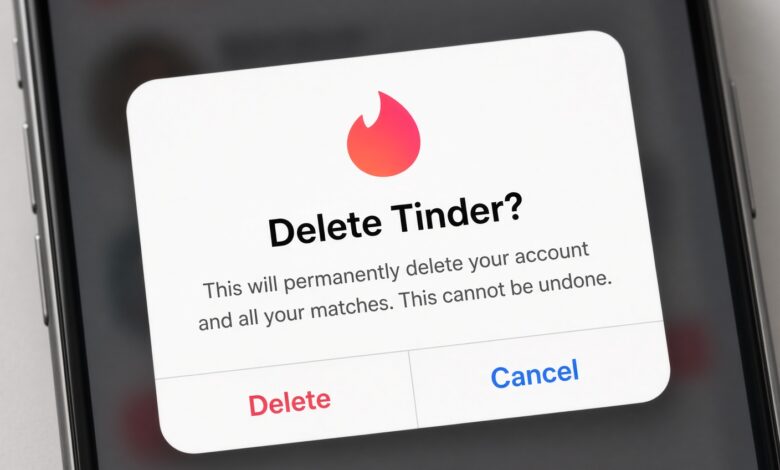
When you decide to take a break from the digital dating world, the process usually feels satisfyingly simple. You hold down an app icon on your smartphone screen, tap the small “X” or uninstall button, watch it vanish, and assume your digital footprint has vanished right along with it. Peace of mind restored, right?
Unfortunately, the reality of modern app architecture and data privacy is far more complicated. Simply removing an application from your mobile device does not mean your profile, your photos, your messages, or your personal information have been erased from the internet. In fact, your digital self often continues to exist, actively floating in cyberspace—and sometimes even remaining visible to other users—long after you have thrown your phone onto the couch and walked away.
Understanding the mechanics of what happens behind the scenes when you delete a dating app is crucial for protecting your privacy, managing your digital reputation, and maintaining your peace of mind. Whether you are stepping away because you found a partner, taking a much-needed digital detox, or simply feeling fatigued by swiping, this comprehensive guide will walk you through everything that happens to your data, your profile, and your account when you remove a dating app from your life.
The Core Distinction: Deleting the App vs. Deleting the Account

To truly understand how dating platforms handle your information, the very first and most important distinction to make is the difference between uninstalling an application and permanently deleting your account.
-
Uninstalling the App: This is a purely local action. It tells your operating system (iOS or Android) to remove the application files from your device’s storage. It frees up gigabytes of space on your phone, stops notifications, and removes your ability to swipe. However, it sends zero instructions to the company’s remote servers where your actual user profile, match history, and chat logs are stored. From the server’s perspective, you simply stopped opening the app.
-
Deleting the Account: This is the administrative action required to instruct the company’s database to wipe, deactivate, or archive your personal data. This process usually involves navigating deep into the app’s settings menu, locating a hidden or buried “Delete Account” button, and confirming your choice multiple times.
When you only delete the app, your profile remains entirely intact on the company’s cloud servers. Depending on the platform’s specific inactivity algorithms, your profile might remain visible in other users’ swipe decks for days, weeks, or even months.
What Happens to Your Active Profile and Visibility?
If you walk away by simply uninstalling the application without formally deleting your account first, your profile does not instantly disappear. Instead, it enters a state of digital limbo. Here is a breakdown of how different platforms typically handle invisible or inactive users:
1. The Inactivity Grace Period
Most major platforms—including Tinder, Bumble, Hinge, and Match—design their algorithms to prioritize active users. When you stop logging in, the algorithm slowly pushes your profile lower and lower down the stack. After a brief grace period (often ranging from 24 to 72 hours of inactivity), you will generally stop appearing in new discovery feeds for active searchers.
2. Existing Matches and Chat Logs
If you already had active matches or ongoing conversations before removing the app, those chats do not automatically self-destruct.
-
On apps like Tinder, your existing matches will still see your profile in their message threads, though your last active status will freeze or disappear.
-
On apps like Bumble, your chat threads will remain intact unless the match expires due to the platform’s time limits.
-
On apps like Hinge, your conversation history stays right where you left it. If your match decides to send a message to your dormant chat, the notification might still ping their phone, even though you will never see it because the app is off your device.
3. The Danger of Accidental Ghosting
Leaving a profile stranded by just deleting the app can lead to unintentional ghosting. People you were actively talking to might wonder why you suddenly stopped responding, assuming you lost interest, when in reality, you simply deleted the software off your phone without realizing the conversation thread was still active on their end.
Behind the Scenes: Where Does Your Data Actually Go?
When you finally do take the extra step to permanently delete your account, you initiate a complex backend data process. Under modern privacy regulations—such as the European Union’s GDPR and various state-level privacy laws in the United States, like the California Consumer Privacy Act (CCPA)—companies are legally required to provide users with a way to request the deletion of their personal data. However, “deletion” in the tech world is rarely as clean and instantaneous as throwing a piece of paper into a shredder.
1. Database Flagging and Soft Deletes
When you click “Delete Account,” databases rarely overwrite your data sectors immediately. Instead, engineers often use a process called a soft delete. Your profile is flagged with an internal status code that reads “Deactivated” or “Deleted.” This removes your profile from the public-facing application interface, making it entirely invisible to other users.
2. Cold Storage and Server Backups
While your profile is hidden from the public, your historical data—including your swipe history, your bio, your verified photos, your location logs, and your billing records if you were a paid subscriber—is moved into secure cold storage or encrypted server backups. Companies maintain these backups for disaster recovery, fraud prevention, and system stability.
3. The Retention Window
Most dating platforms explicitly state in their privacy policies that they do not wipe your data the exact second you hit delete. Instead, they maintain a mandatory retention window that can last anywhere from 30 days to several months. During this window:
-
Your data remains locked away from public view.
-
You can often recover your account simply by logging back in with your credentials.
-
The company retains the information to comply with financial auditing laws (for past subscription purchases) and legal safety requirements (such as retaining records to prevent banned predators from instantly creating new accounts).
Platform-Specific Breakdowns: How Major Apps Handle Deletion
Every dating platform has its own distinct protocols regarding user accounts, data retention, and uninstallation. Let us examine how the most popular apps in the industry handle your departure.
Tinder



-
App Deletion vs. Account Deletion: Tinder is notorious for confusing users. Uninstalling the app does nothing to your account visibility. If you want to disappear completely, you must open the app, go to Settings, scroll all the way to the bottom, and select “Delete Account.”
-
Data Retention Policy: Tinder’s privacy policy notes that they retain certain user data for up to three months or even longer in some cases after account deletion for safety, security, and financial record-keeping purposes. If you were ever banned for violating their terms of service, they retain your identifying information indefinitely to ensure you cannot create a fresh profile.
Bumble


-
App Deletion vs. Account Deletion: Bumble requires you to access your account settings to fully delete your profile. If you simply delete the app, your profile remains in the ecosystem. However, Bumble does feature a “Snooze Mode,” which lets you temporarily hide your profile without losing your matches or chats—a great alternative if you just need a short break rather than a permanent exit.
-
Data Retention Policy: Bumble retains personal data for as long as necessary to fulfill operational needs, resolve disputes, and comply with legal obligations. Financial transaction data is kept for longer periods to satisfy tax and accounting laws.
Hinge

-
App Deletion vs. Account Deletion: Hinge operates similarly to its parent company, Match Group. Simply removing the app leaves your profile active in the background. You must navigate to Settings > Account > Delete Account to wipe your presence from the platform.
-
Data Retention Policy: Hinge keeps standard user profiles hidden immediately upon deletion request, but retains underlying metadata and usage history for safety, legal compliance, and analytical purposes for a designated retention period before complete purging.
Legal Requirements, Privacy Laws, and Your Rights
Navigating the digital landscape can feel overwhelming, but you are not entirely powerless. Over the past decade, sweeping legislative changes have given everyday consumers unprecedented control over their personal data. Understanding these laws helps you demand proper data handling from tech corporations.
The Impact of GDPR and CCPA
-
GDPR (General Data Protection Regulation): If you reside in the European Union, or if a platform operates within EU jurisdictions, you possess the “Right to be Forgotten” (Article 17 of the GDPR). This means you can legally demand that a dating platform completely erase all personal data associated with your identity without undue delay.
-
CCPA (California Consumer Privacy Act) and CPRA: For users residing in California and across an increasing number of U.S. states with similar privacy frameworks, you have the right to request a full report of what data a dating app has collected on you, as well as the right to demand the total deletion of that data.
How to Exercise Your Rights
Most reputable dating apps feature a dedicated Privacy Portal or a data request form accessible through their help centers. If you want to ensure your data is scrubbed beyond a simple account deactivation, you can manually submit a formal data deletion request citing your local consumer privacy rights.
Hidden Digital Footprints: What Stays Behind Even After Deletion?
Even if a dating app completely honors your request and wipes its primary database clean of your profile, your digital footprint might still linger in unexpected places across the web. It is important to be aware of these residual traces:
1. Search Engine Caching
Google, Bing, and other search engines crawl web pages continuously. If your dating profile featured a public web-share link, or if your username and bio were indexed by search engine spiders before you deleted your account, cached snippets or old URLs might still show up in search engine result pages (SERPs) for a brief period. These links will eventually break and lead to 404 error pages once the search engines re-crawl the dead links, but it can be jarring to see your name pop up.
2. Third-Party Data Aggregators and Scrapers
The internet has a thriving ecosystem of third-party data brokers and scrapers. While legitimate dating apps employ strict security measures to prevent web scraping, malicious actors sometimes deploy automated scripts to harvest public profile pictures, names, and biographical snippets. If your profile was live for a significant amount of time, there is a small statistical chance that snippets of your public data were archived by independent third-party databases outside the control of the dating platform.
3. Shared Memories with Ex-Matches
Perhaps the most permanent footprint you leave behind is stored on other people’s devices. Any screenshots your former matches took of your profile pictures, any screenshots of your funny conversation starters, and any shared phone numbers or social media handles you exchanged remain entirely in the physical possession of other human beings. No privacy policy or server wipe can pull a screenshot off someone else’s camera roll.
Step-by-Step Guide: How to Properly Delete Your Dating Profile Forever
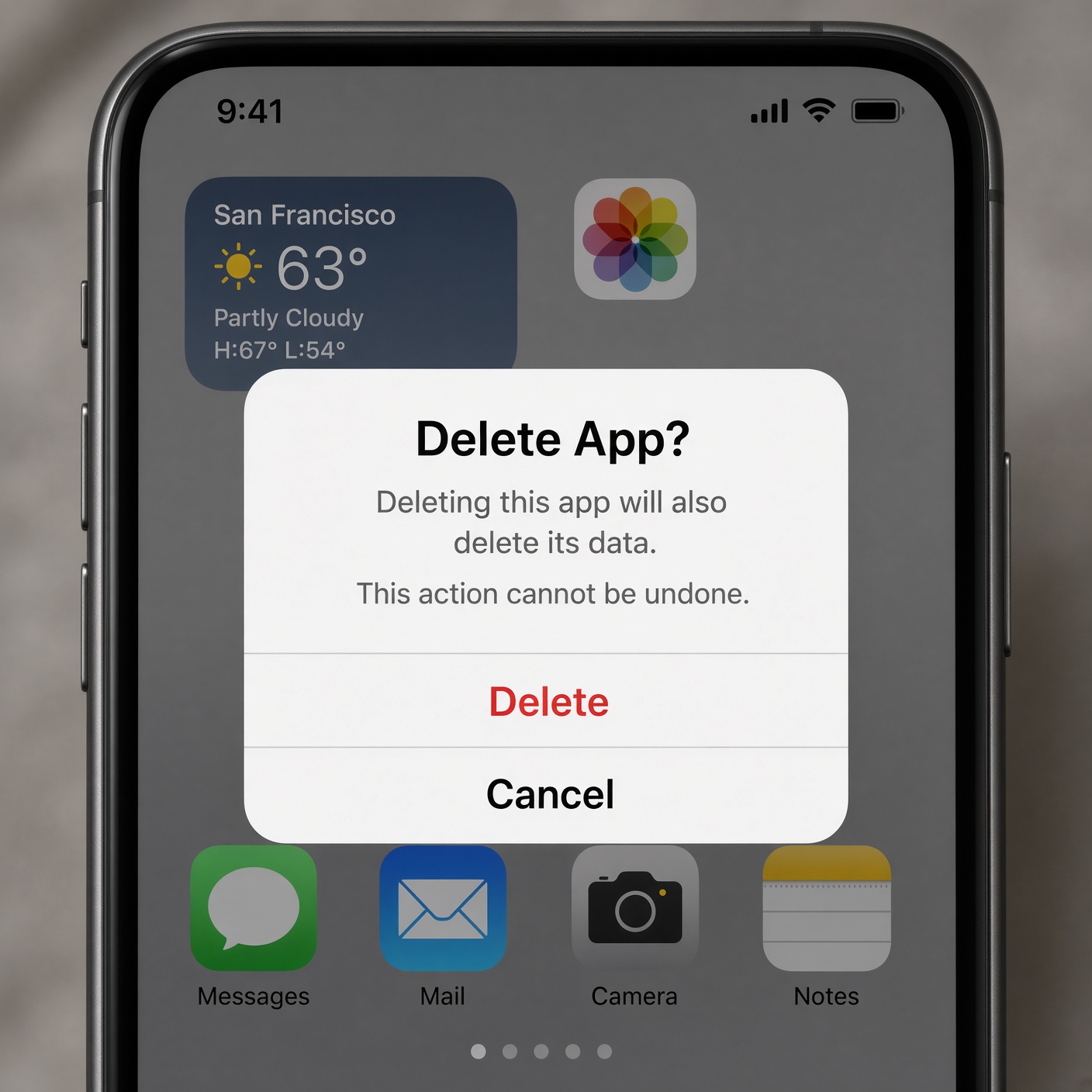
If you are ready to sever ties with a dating app the right way, do not just rely on dragging the app icon to your phone’s trash bin. Follow this foolproof, step-by-step checklist to ensure your digital exit is clean, thorough, and secure:
-
Export Your Data (Optional): If you want a personal keepsake of your chat history, photos, or stats before you leave, look for a “Download My Data” option in the app’s privacy settings menu.
-
Cancel Active Subscriptions: This is a vital financial step. Deleting your account or uninstalling the app does not automatically cancel recurring monthly or annual subscription fees charged by Apple’s App Store or Google Play Store. You must manually cancel your subscription through your smartphone’s account settings (Apple ID subscription management or Google Play subscriptions) to avoid being continuously billed for an app you no longer use.
-
Unlink Connected Accounts: If you signed up using your Facebook, Google, or Apple ID credentials, navigate to those third-party accounts’ security settings and revoke the dating app’s permissions to access your personal profile data.
-
Execute the In-App Deletion: Open the specific dating app, navigate to your settings, find the “Delete Account” or “Close Account” option, and follow all confirmation prompts until the app logs you out automatically and confirms deletion.
-
Uninstall the App: Finally, remove the application from your phone’s home screen storage.
Frequently Asked Questions (FAQ)
Does deleting a dating app cancel my subscription?
No. This is one of the most common and costly mistakes users make. Uninstalling the app or deleting your profile inside the app interface does not cancel your recurring billing agreement with Apple or Google. You must manually cancel the subscription through your device’s app store settings to prevent future charges.
Can people still see my profile if I delete the app?
If you only deleted the app from your phone without deleting your account inside the app settings, your profile may remain visible to other users for a temporary period until the platform’s inactivity filters kick in. To guarantee invisibility, you must perform a formal account deletion.
How long do dating apps keep my data after I delete my account?
Most platforms retain your data in secure cold storage for anywhere from 30 days to several months. This retention period is used for internal analytics, fraud prevention, safety investigations, and compliance with financial and legal record-keeping requirements.
Will my matches be notified if I delete my account?
Generally, dating apps do not send a disruptive broadcast notification saying “[Your Name] has deleted their account.” Instead, your conversation thread will simply remain in their message list (often with a generic placeholder or a grayed-out profile picture), or the match will quietly vanish from their active match queue depending on the specific platform’s architecture.
Taking Control of Your Digital Dating Life
Stepping away from the world of online dating should feel liberating, not stressful. However, achieving true digital peace of mind requires looking past the surface-level convenience of uninstalling an icon from your phone screen.
By understanding the vital difference between uninstalling software and deleting an account, keeping track of your recurring subscription billing, and utilizing your rights under modern privacy regulations, you can ensure that your personal information is handled securely. The next time you decide to take a break from the swipe culture, you can walk away with absolute confidence knowing that your digital footprint is fully managed, your data is secure, and your online presence is completely under your control.