Should You Cover Your Webcam?
Understand the real risks of webcam hacking and how cybercriminals gain unauthorized access
In an era where our professional and personal lives are inextricably linked to our digital devices, privacy has become a paramount concern. You have likely seen them: small, adhesive plastic sliders or simple pieces of tape covering the built-in cameras on laptops and monitors. But is covering your webcam truly a necessary security measure, or is it an overreaction to modern paranoia?
As cyber threats evolve, understanding the nuances of device security is essential. This guide dives deep into the reality of webcam hacking, the mechanics behind these privacy risks, and practical steps you can take to secure your digital footprint without compromising usability.
The Reality of Webcam Hacking: Is It a Real Threat?
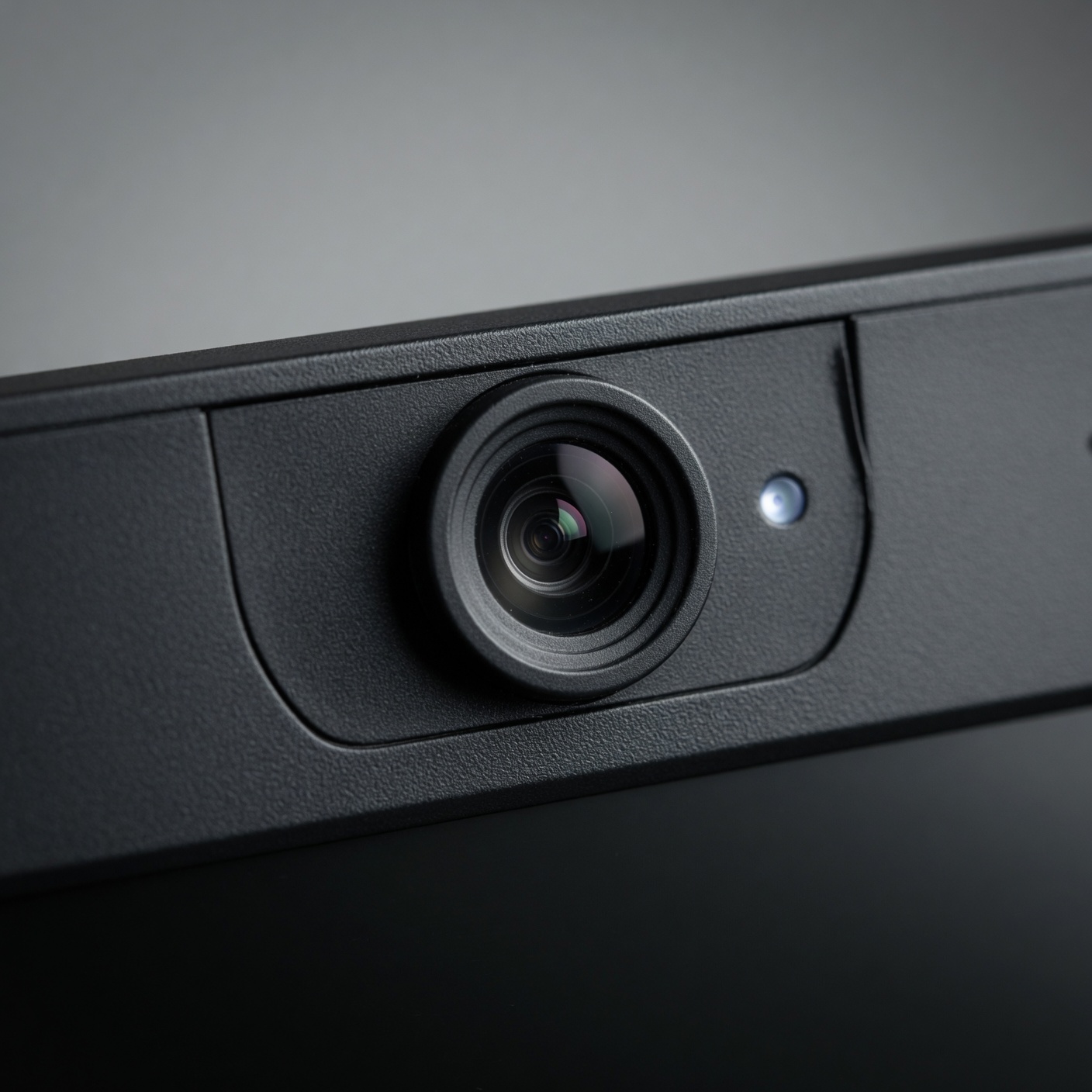
The question of whether webcam hacking is a legitimate threat is no longer a matter of science fiction. The term “camfecting” describes the unauthorized access to a user’s webcam. While it may seem like a high-level skill reserved for Hollywood hackers, the reality is that malware can facilitate this access relatively easily.
How Remote Access Trojans (RATs) Work
The most common vector for webcam exploitation is the Remote Access Trojan (RAT). These are malicious programs that, once installed on your computer, grant an attacker complete control over your system. Unlike viruses that simply corrupt files, a RAT provides a “backdoor” for a remote user to see your screen, log your keystrokes, and—most importantly—activate your camera and microphone.
Often, these programs are bundled with legitimate-looking software downloads or delivered through sophisticated phishing emails. Once a device is infected, the attacker can operate the camera while keeping the system’s indicator light off, making it nearly impossible for the average user to know they are being watched.
Motivations Behind Webcam Exploitation
Why would someone want to watch you? The motivations are as diverse as the hackers themselves:
-
Extortion (Sextortion): This is one of the most malicious forms of attack. Hackers record compromising or private footage and threaten to release it to the victim’s social circle unless a ransom is paid.
-
Corporate Espionage: In a professional setting, an unauthorized view of your workspace can reveal proprietary information, whiteboard notes, or confidential documents.
-
Data Harvesting: Sometimes, the goal is not the video itself, but the behavioral patterns of the user to facilitate identity theft or targeted social engineering.
Why Covering Your Webcam Is a Simple, Effective Deterrent
If you are wondering whether you should cover your webcam, the answer from a security perspective is a definitive “yes.” It is one of the lowest-effort, highest-reward security measures you can implement.
The Physical Barrier Advantage
Security is often about “defense in depth.” While software firewalls and antivirus programs work to prevent a breach, they are not infallible. A physical barrier provides a secondary layer of protection that no amount of code can bypass. If the camera is covered, it doesn’t matter if a hacker gains software access—they will only see a black image or a piece of tape.
Cost-Effective Security
You do not need an expensive security suite to protect your camera. Options include:
-
Webcam Sliders: These are inexpensive, sleek, and designed to fit modern ultra-thin laptops.
-
Electric Tape or Post-its: While less aesthetically pleasing, they serve the same function.
-
Built-in Shutters: Many modern monitors and laptops now come with physical privacy shutters. If you are in the market for a new device, this is a feature to prioritize.
Understanding the Limits: Software vs. Hardware Privacy
While covering the camera is effective, it is vital to understand that it is not a “cure-all.” Your digital privacy is a holistic concept.
The Microphone Problem
Many users focus intently on their camera while leaving their microphone exposed. A hacker with control over your system can listen to your private conversations just as easily as they can view your physical space. Privacy experts recommend treating your microphone with the same level of caution as your camera. Many devices now have hardware kill switches for microphones, but if yours does not, you may want to look into software-based muting or physical microphone covers.
Permission Management
Operating systems like macOS, Windows 11, and Linux have made significant strides in privacy. Regularly auditing which applications have permission to access your camera is a critical step in security.
-
On Windows: Go to Settings > Privacy & Security > Camera to see a list of apps currently permitted to use your hardware.
-
On macOS: Go to System Settings > Privacy & Security > Camera.
Disable access for any app that does not strictly require it for functionality.
Secure Habits Beyond the Lens: Holistic Digital Hygiene
Covering your webcam is the first step, but it is insufficient if your device’s security perimeter is weak. Protecting your privacy requires a multi-layered approach to digital hygiene.
The Role of Robust Authentication
Multifactor Authentication (MFA) is the most critical defense against the account takeovers that often lead to malware installation. If a hacker cannot gain entry into your accounts, they are much less likely to reach the stage where they can deploy a RAT on your machine. Enable MFA on every account that supports it, ideally using an authenticator app rather than SMS verification.
Software Updates and Patching
Operating system and application developers frequently release patches for “zero-day” vulnerabilities—security flaws that hackers use to gain unauthorized access. By delaying these updates, you are leaving an open door. Enable automatic updates for your OS, web browser, and critical productivity software.
The Importance of Network Security
Public Wi-Fi networks in cafes, airports, and hotels are hotbeds for man-in-the-middle attacks. These attacks allow hackers to intercept the data flowing between your device and the internet. Using a Virtual Private Network (VPN) encrypts your traffic, ensuring that even if someone manages to intercept your data stream, they cannot read the contents of your communications or see what websites you are browsing.
Common Myths About Webcam Privacy
There is a significant amount of misinformation surrounding webcam security. Let’s debunk some of the most persistent myths.
Myth 1: “Only Hackers with Advanced Skills Can Spy on Me”
Modern malware kits (often called “Crypters” or “RAT builders”) are available on the dark web for very low costs. This has democratized cybercrime, meaning individuals with minimal technical knowledge can launch campaigns to spy on thousands of devices simultaneously using automated scripts.
Myth 2: “My Operating System Has a Security Light”
While most laptops have an LED light that glows when the camera is active, it is not a foolproof mechanism. Research has proven that it is possible for sophisticated malware to disable the indicator light while still recording video. Never rely solely on the hardware light as your only source of truth.
Myth 3: “I’m Not Interesting Enough to Be a Target”
Hackers rarely target individuals based on their fame or net worth. Instead, they cast a wide net. If you are connected to the internet, you are a potential target. Your device, even if you are not a “high-value target,” can be used as a botnet node for larger attacks on infrastructure or government sites.
When You SHOULD NOT Use a Webcam Cover
While we recommend covering your webcam, there are some scenarios where a physical cover might be problematic.
Damaging Thin-Bezel Displays
Modern laptops, such as the MacBook Air or high-end Windows ultrabooks, have incredibly tight tolerances between the screen and the keyboard. Placing a thick plastic slider over the camera can exert pressure when the lid is closed, potentially leading to a cracked screen. If you use a cover, ensure it is extremely thin (usually less than 1mm).
Interfering with Sensors
Many laptops have ambient light sensors or Windows Hello (infrared) facial recognition sensors right next to the camera lens. A poorly placed sticker or cover can block these sensors, causing your screen brightness to fluctuate unexpectedly or preventing you from logging into your computer with your face. Always double-check where your sensors are located before applying any cover.
Choosing the Right Privacy Tools
If you have decided that you want to cover your webcam but aren’t sure which method to choose, consider these factors:
| Method | Pros | Cons |
| Plastic Slider | Professional look, easy to open/close | Can fall off, risk of screen damage on thin laptops |
| Adhesive Sticker/Tape | Extremely cheap, zero profile | Residue left behind, looks unprofessional |
| Privacy Shutters | Built-in, zero risk to screen | Requires purchasing a specific monitor/laptop |
| Software Disabling | Free, no hardware needed | Not foolproof against kernel-level malware |
For most users, a high-quality, ultra-thin metal slider is the best balance between aesthetics, functionality, and security.
Privacy in the Age of Remote Work and Hybrid Environments
The shift toward remote work has fundamentally changed our risk profile. We are now conducting sensitive business meetings from our home offices, often while our personal devices are sitting right next to us.
Professional Considerations
If you handle confidential client data or sensitive company information, the stakes for webcam privacy are higher. A single breach could lead to legal liability, loss of intellectual property, and reputational damage. In these environments, taking extra steps like using a dedicated privacy screen and ensuring your camera is covered when not in use is not just good hygiene—it is a professional obligation.
The “Always-On” Culture
We are spending more hours in video conferences than ever before. This creates “Zoom fatigue,” but it also creates “privacy fatigue.” It is easy to stop thinking about security when you are on your fifth meeting of the day. Developing the habit of physically sliding your cover shut the moment you end a call should be as automatic as locking your front door.
How to Check If Your Camera Has Been Compromised
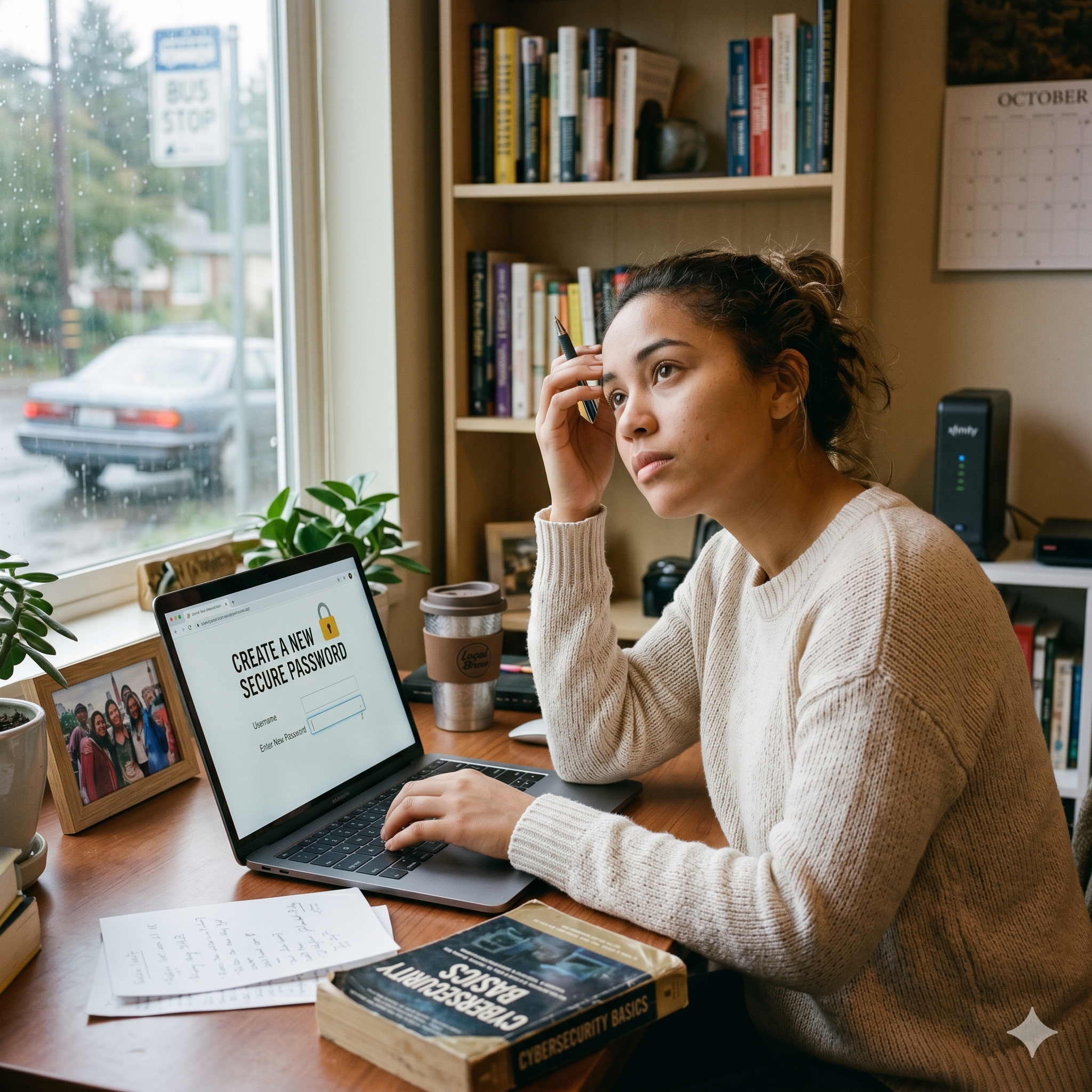
If you suspect that your camera has been accessed without your consent, there are steps you can take to investigate:
-
Check Your Recent History: On Windows, look for “Camera Privacy Settings” to see which applications have accessed your camera recently. If an app you haven’t opened in weeks is showing as “Recently used,” that is a major red flag.
-
Monitor Your Network Activity: Use a network monitoring tool to see what applications are sending data to the internet. An unusual spike in outgoing traffic when you are not actively using your camera or microphone could indicate data exfiltration.
-
Perform a Deep System Scan: Use reputable anti-malware and antivirus software to perform a full system scan. Ensure your definitions are up to date.
-
Look for Strange Files: Check your temporary folders or video library for strange video files (MP4, AVI, etc.) that you do not recognize.
If you suspect you have been compromised, the safest course of action is to disconnect from the internet immediately, back up your critical documents to an external drive, and perform a factory reset of your operating system.
Summary and Final Thoughts
Ultimately, the question “Should you cover your webcam?” should be framed differently: “Why wouldn’t you?”
The trade-off between the minor inconvenience of a small piece of plastic or tape and the catastrophic potential of a privacy breach is heavily skewed in favor of protection. We live in a world where data is the most valuable commodity, and your digital privacy is your personal property.
By taking simple, proactive steps—covering your camera, keeping your software updated, using multifactor authentication, and being mindful of your digital footprint—you can significantly reduce your risk of becoming a victim of digital exploitation. Security is not a one-time event; it is a lifestyle. Stay vigilant, stay updated, and keep that lens covered.