Best Apps for Gamers Looking for Friends
Find communities where players can connect, chat, and play together
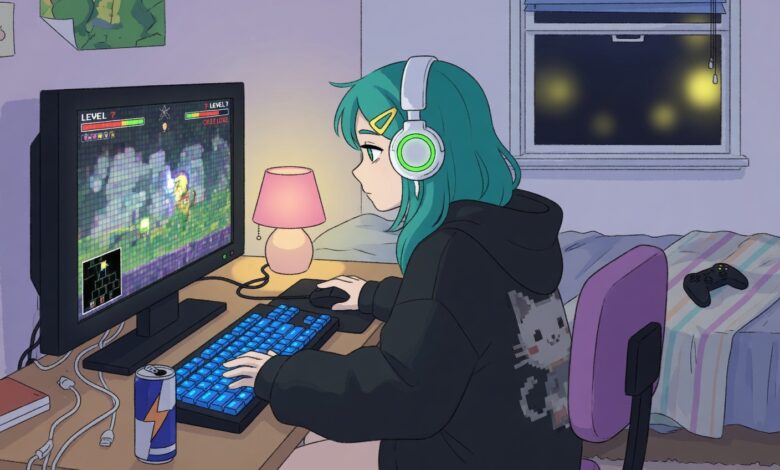
Gaming has evolved from an isolated, single-player hobby into one of the most interactive social phenomena on the planet. Whether you are dropping into a high-stakes tactical map in a fast-paced battle royale or laying down crops alongside someone in a cozy co-op farming simulator, multiplayer experiences are infinitely better when shared with friends.
Unfortunately, relying on built-in public matchmaking systems—often called the “solo queue nightmare”—frequently results in encountering toxic lobbies, non-communicative teammates, or massive skill gaps.
While traditional avenues like sprawling Reddit threads or chaotic, text-heavy community forums used to be the default options for finding a group, your posts can easily get buried under hundreds of automated alerts within minutes. Today, a specialized group of mobile and desktop applications solves this issue by serving as tailored matchmakers for video game enthusiasts.
These platforms help filter potential teammates by their primary language, preferred play style, operational timezone, hardware platform, and personal competitive drive.
Best LFG Apps for Casual and Cozy Gamers Looking for Wholesome Communities
For many individuals, gaming is a primary method of unwinding after a demanding day at work or school. If your main goal is to build long-term, low-stress friendships over creative building simulators, cooperative survival adventures, or casual party titles, you need platforms that emphasize personality alignment and conversational comfort over hyper-competitive performance statistics.
Noobly: The Wholesome King of Personality-Driven Gamer Cards
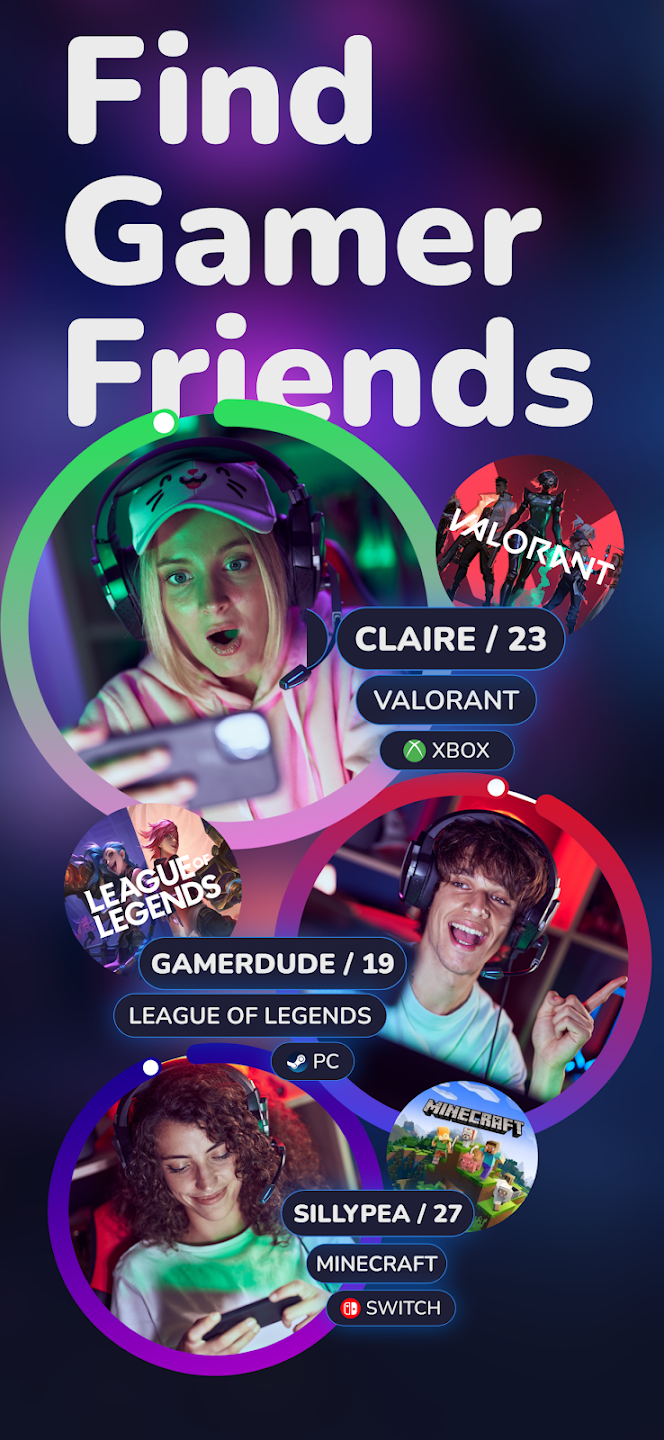
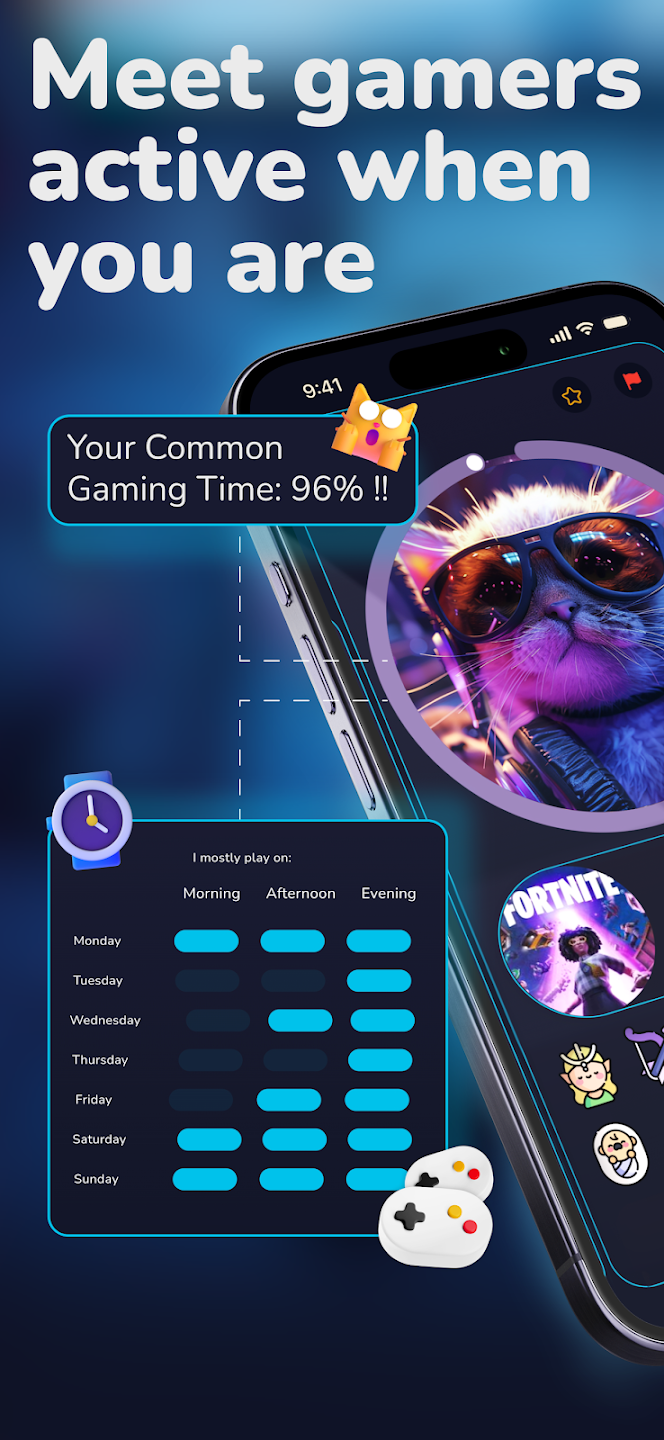
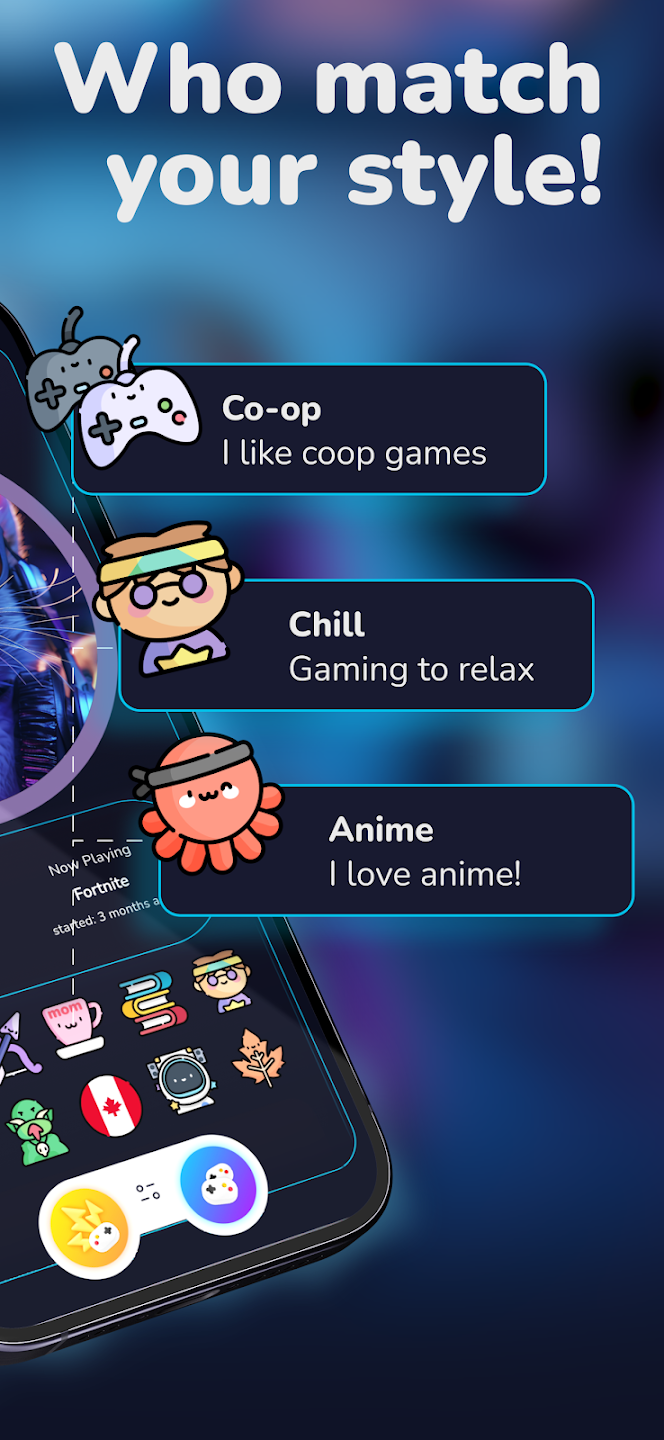
Noobly approaches player discovery by treating individual personalities as the foundation of any great gaming squad. Its user interface is intentionally clean, vibrant, and approachable, consciously distancing itself from the clinical, dark aesthetic that dominates traditional gaming utilities.
-
The Custom Badge Matrix: Instead of forcing you to fill out lengthy, tedious biographical essays, Noobly features a massive catalog containing over 1,000 unique personality and lifestyle badges. You can customize your player card with badges like “Professional Noob,” “Sings While Gaming,” “Night Owl,” or “Would Die For Their Dog.” This allows potential friends to understand your exact vibe before initiating contact.
-
The Synchronized Availability Ring: One of the most common friction points in online friendships is scheduling. Noobly fixes this with an interactive visual availability clock built directly into every profile card. You can immediately see a visual breakdown of a user’s standard gaming hours translated into your local time zone, entirely eliminating the frustrating back-and-forth guessing game of when a teammate will be online.
-
A Protected, Non-Dating Environment: Noobly maintains strict community safety guidelines and relies on active moderation to ensure the ecosystem remains safe and platonic. It is designed to foster genuine, shared gaming memories without any underlying romantic or social competitive pressures.
GameTree: AI-Powered Psychological Teammate Matching
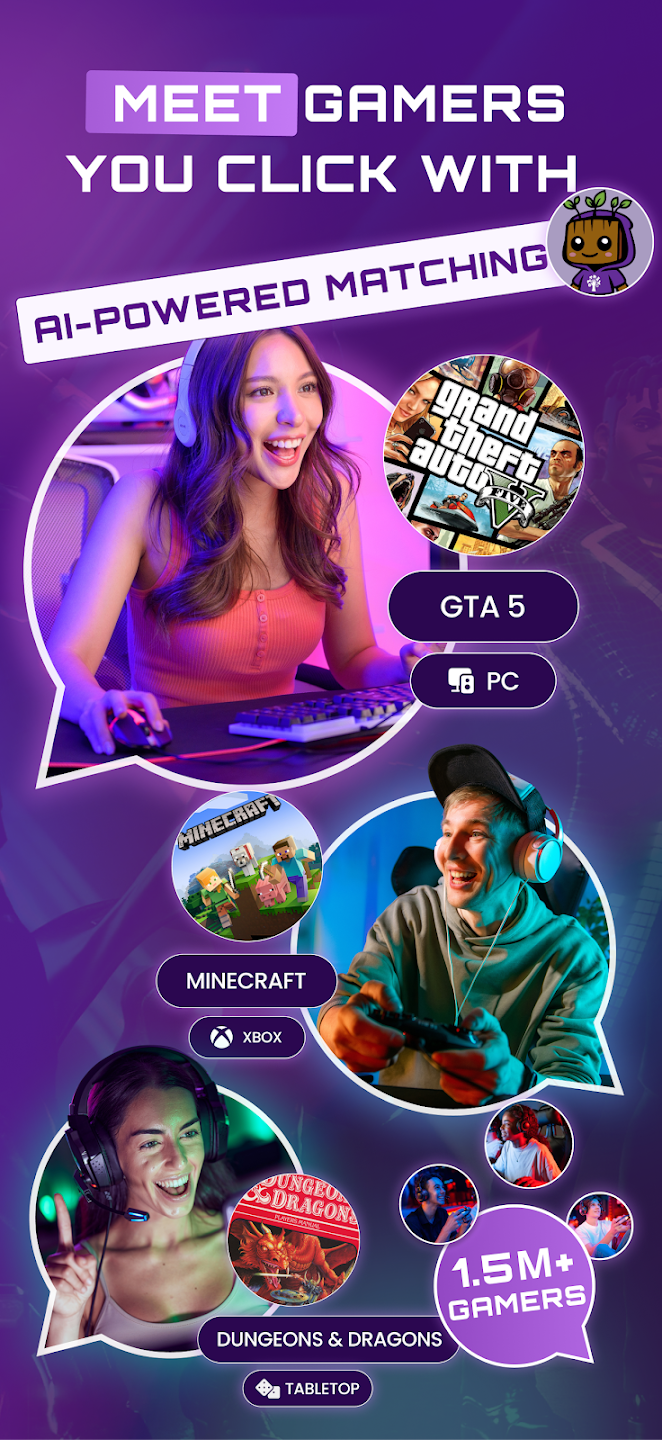

GameTree takes a highly scientific, data-driven path toward social connection, combining artificial intelligence with psychological personality frameworks to recommend highly compatible gaming partners.
-
The Myers-Briggs (MBTI) Integration: Upon creating an account, GameTree invites you to participate in a brief, tailored personality assessment. The app utilizes this data to map your communication style, introversion or extroversion levels, and conflict-resolution tendencies against potential partners, resulting in matches who process team dynamics the same way you do.
-
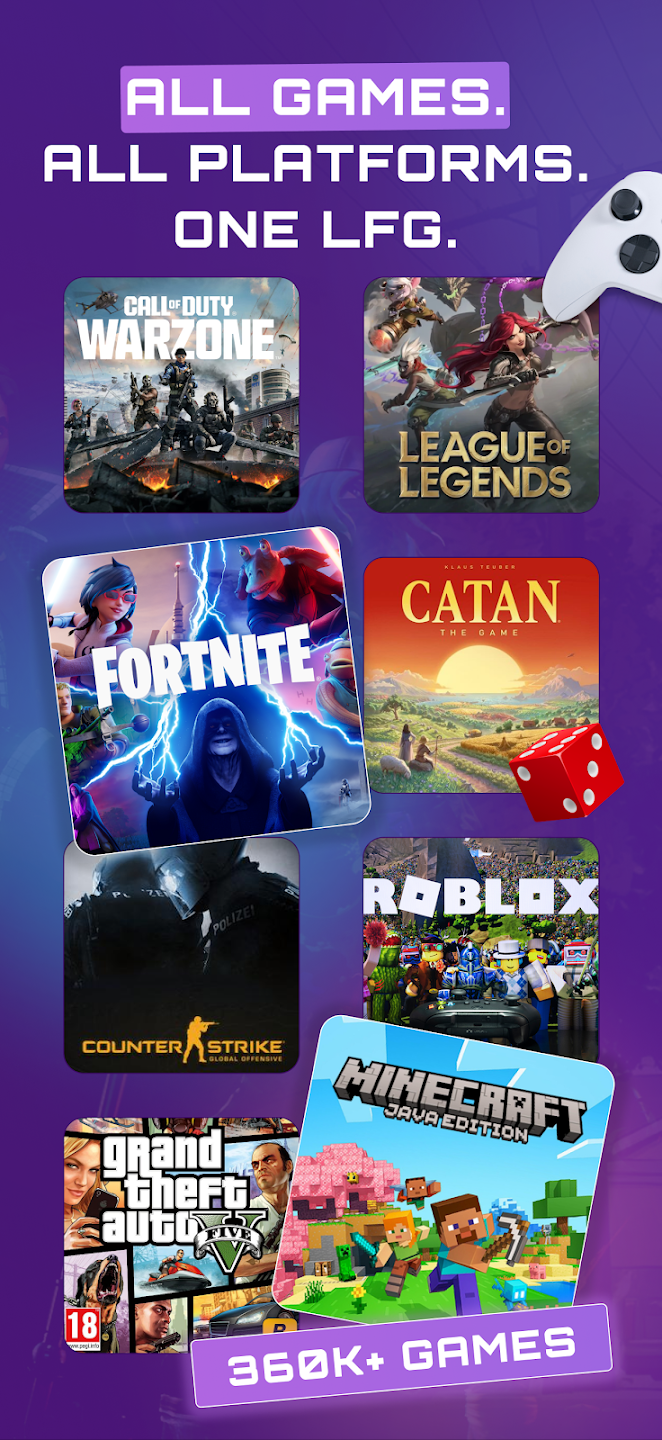
The Cross-Platform Game Library: GameTree supports over 2,000 distinct titles across PC, PlayStation, Xbox, Nintendo Switch, mobile, and even tabletop roleplaying games like Dungeons & Dragons. Its deep sorting algorithm lets you filter profiles by exact in-game sub-genres and player goals.
-
Unified Discord Bot Utilities: For communities that prefer to hang out on desktop computers, GameTree offers a robust Discord bot. By entering basic slash commands, the bot instantly pulls compatible player recommendations from the global GameTree network straight into your personal server’s text channels.
Top Apps to Meet Competitive Gamers and Build Ranked Esports Teams
When your primary goal is climbing the ranks in intense, highly strategic tactical shooters or multiplayer online battle arenas (MOBAs), casual friendliness isn’t always enough. You need teammates who share your competitive discipline, master identical map strategies, communicate cleanly under pressure, and maintain precise physical mechanical skills.
Gankster: Professional-Tier Organization for Esports Enthusiasts
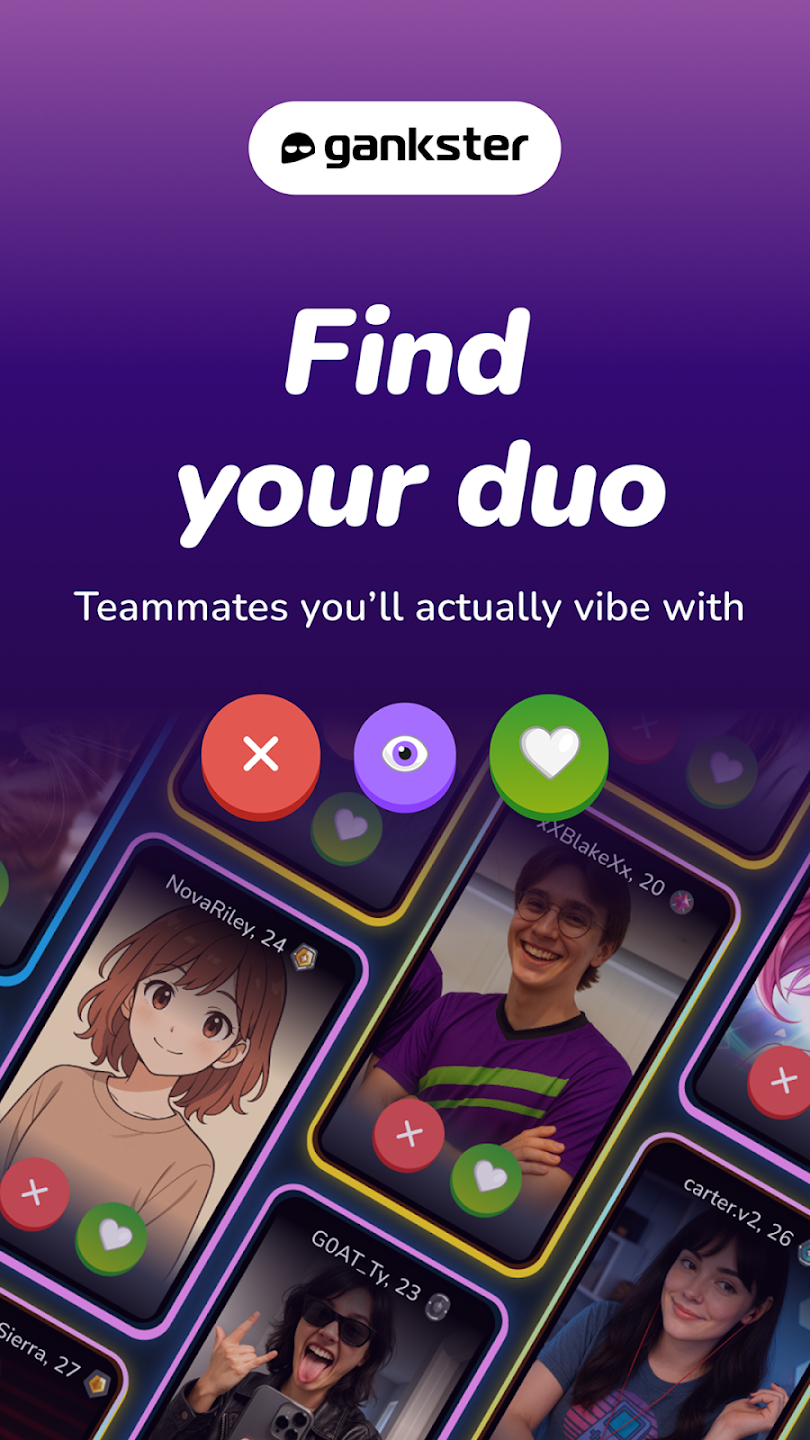
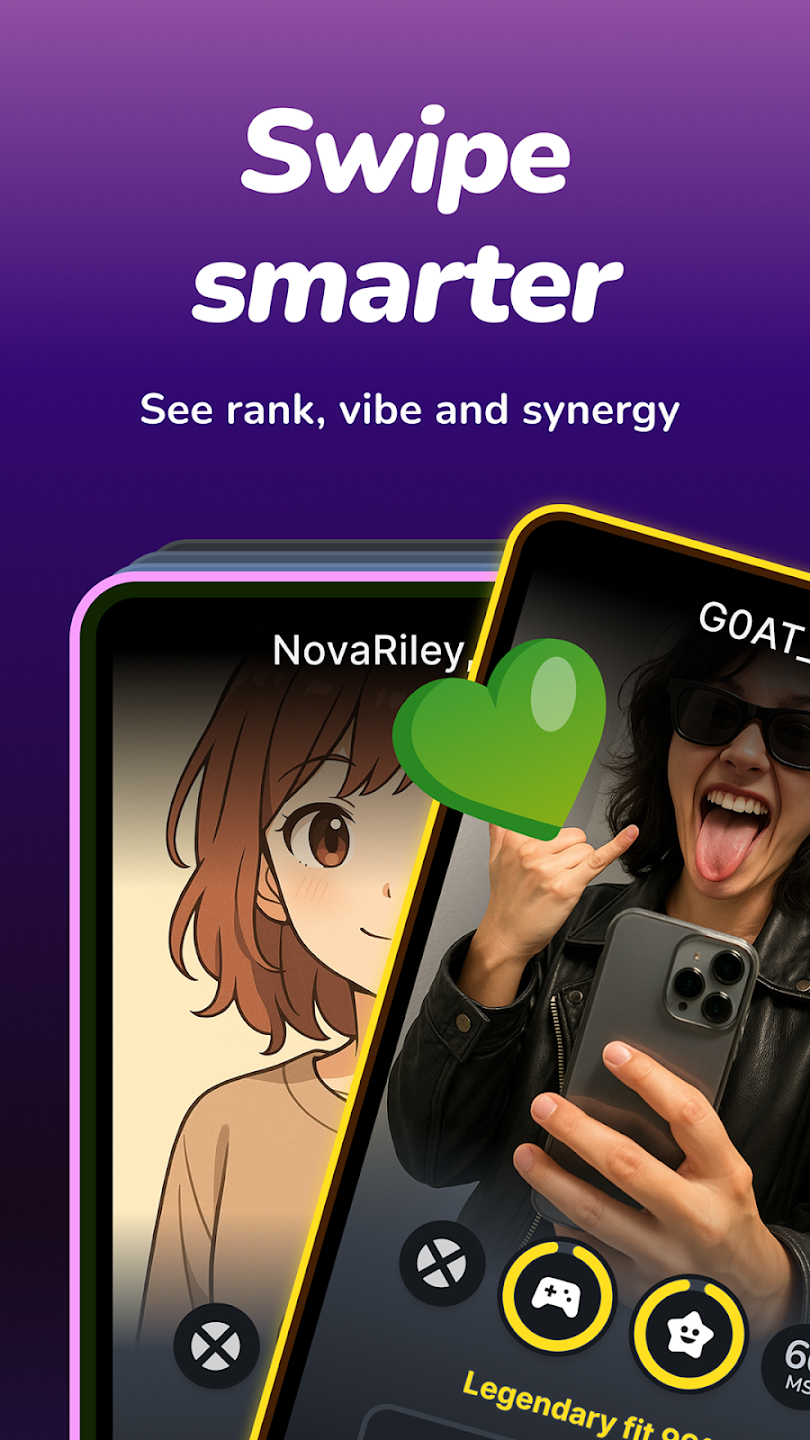
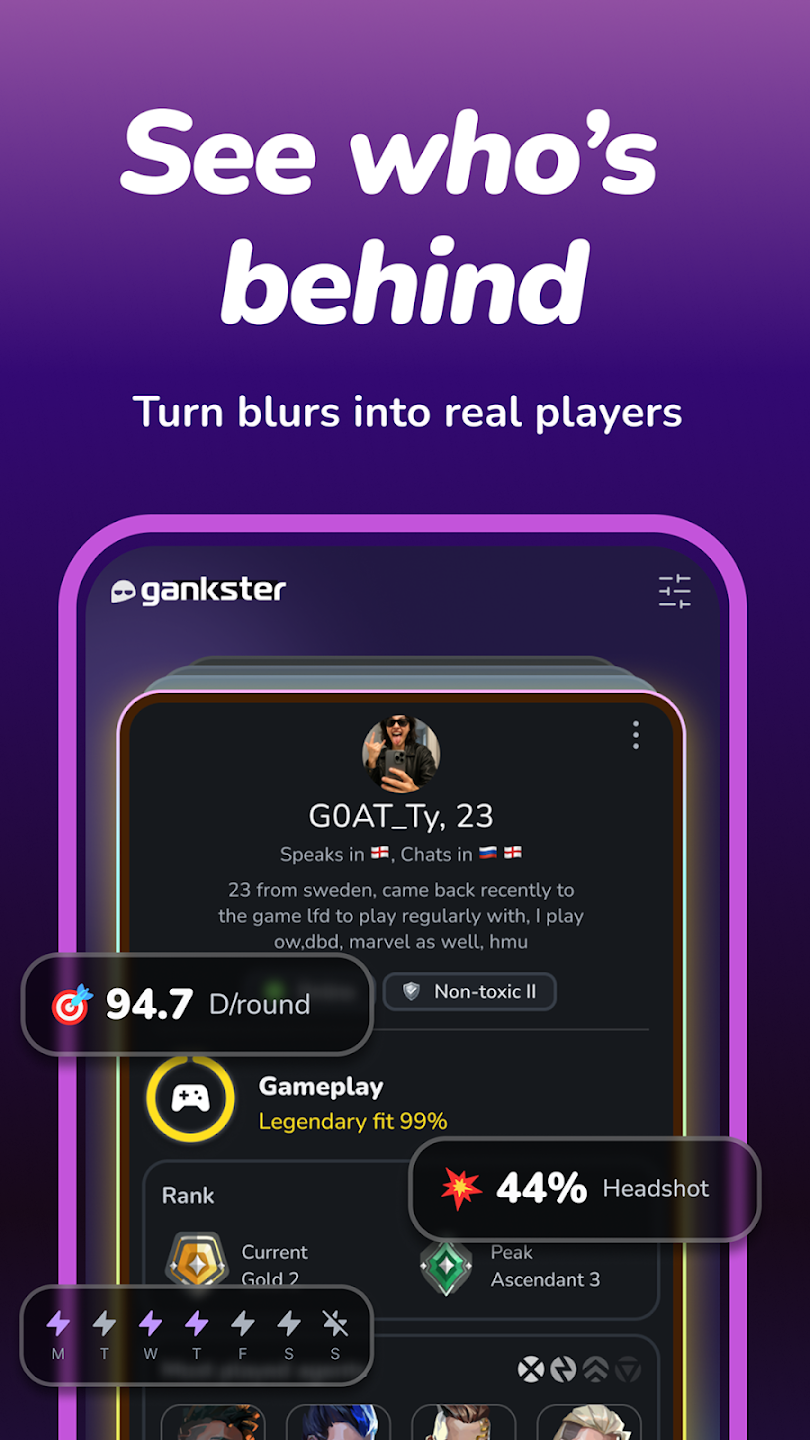
Gankster bypasses casual swiping entirely, positioning itself as a premium network tailored for competitive team formulation, amateur tournament preparation, and high-tier duo tracking.
-
Verified Rank and Stat Synchronization: Gankster interfaces directly with official publisher application programming interfaces (APIs). When a player claims they are a Diamond-ranked player in games like Valorant or League of Legends, Gankster automatically imports and verifies their real-time performance statistics, win rates, and character preferences to ensure absolute transparency.
-
Advanced Scrim and Team Scheduling: The platform serves as a central organizational hub for organized teams. Captains can easily post open slot listings for specific player positions (such as looking for a dedicated support or main tank player) and schedule practice matches (scrims) against other vetted competitive organizations.
-
The Match LFG Board: If you are a solo player looking for a temporary high-skill competitive group for an evening session, Gankster’s real-time LFG board allows you to sort active lobbies by strict regional server placement and average team rank metrics.
GamerLink LFG: The Original High-Efficiency Teammate Finder
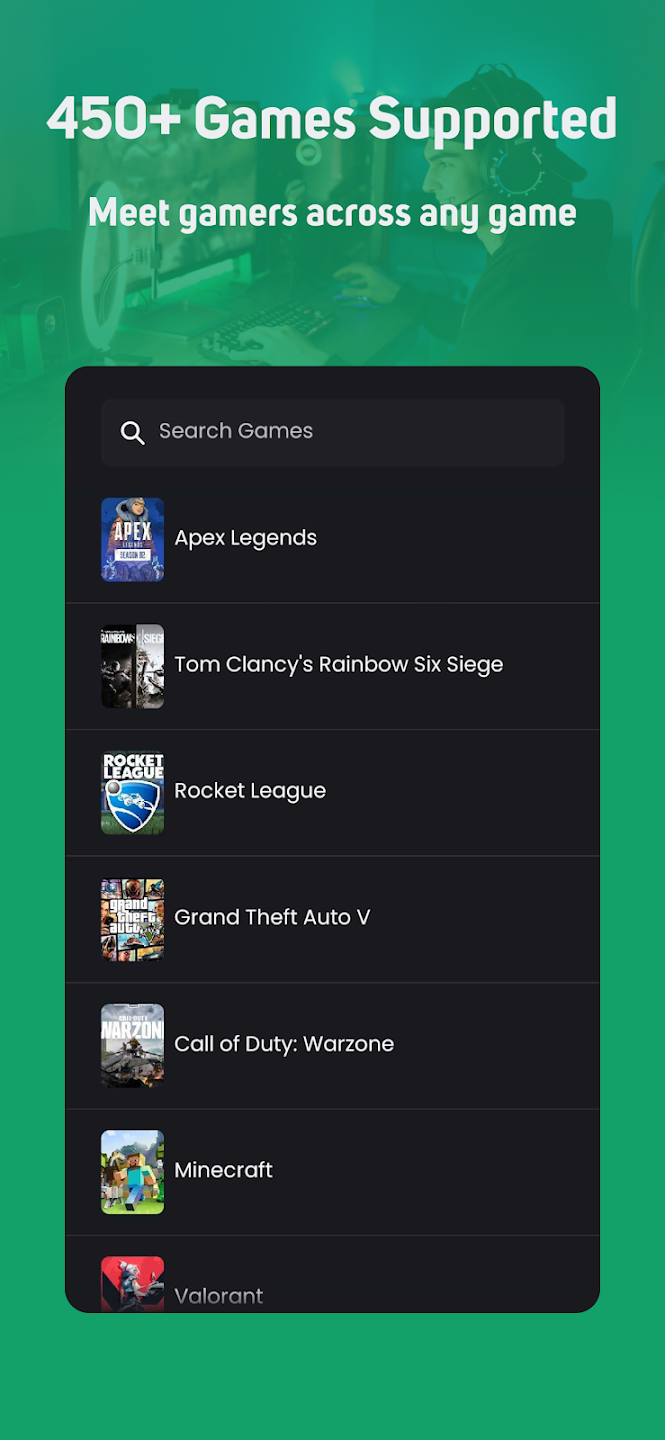
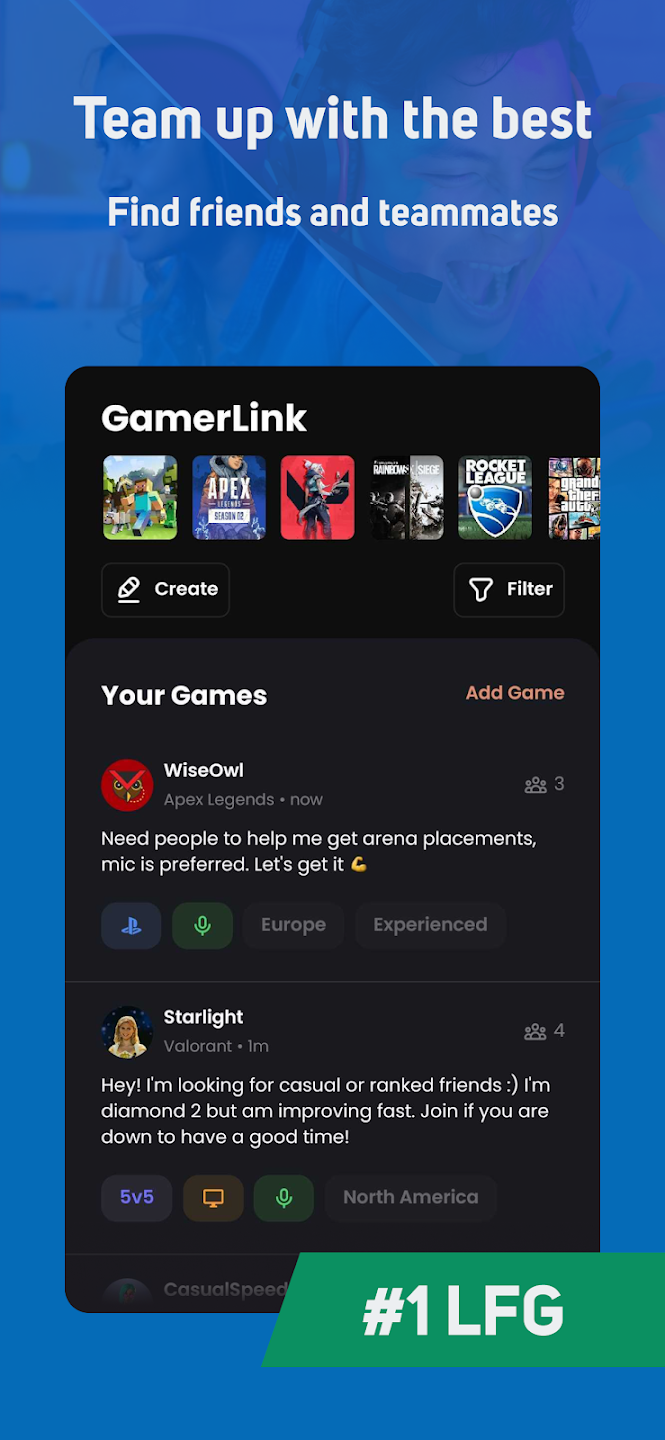
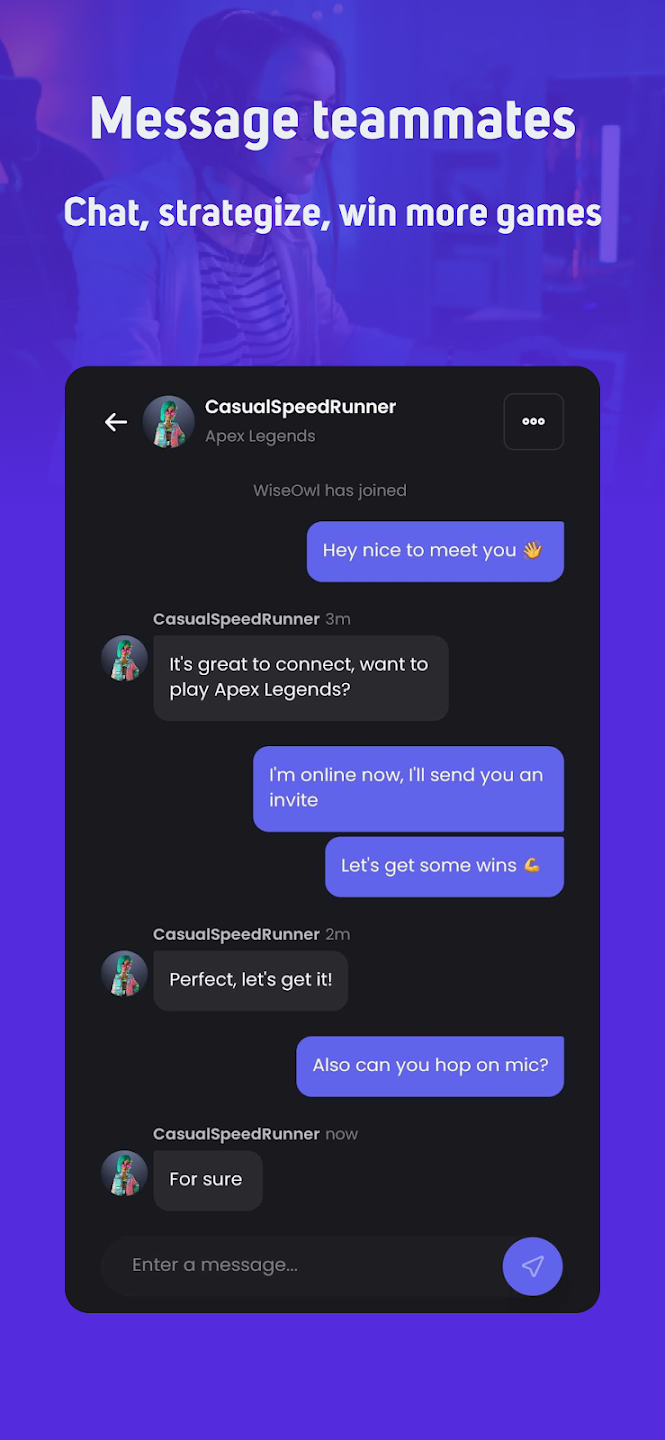
Refined over several years of active deployment, GamerLink is built for speed and tactical utility, helping players construct functional, communication-focused groups within seconds of opening the application.
-
Strict Microphone Preference Filtering: In team-based tactical shooters, real-time voice communication is often the difference between a decisive victory and a frustrating loss. GamerLink allows users to mandate microphone requirements inside their search lobbies, filtering out players who prefer to stay muted or rely solely on basic text chat.
-
Targeted Objective Tags: When you host a session on GamerLink, you can attach explicit contextual tags to your post, such as “Ranked Climb,” “Daily Challenge Grind,” “Casual Fun Only,” or “Helping New Players Learn.” This aligns expectations before anyone joins the group chat.
-
Multi-Platform Integration Ecosystem: GamerLink provides comprehensive, native integration across every modern gaming platform. Whether you are seeking a cross-play squad for modern titles or a platform-specific party for legacy console games, the interface manages the connections seamlessly.
Comparative Analysis: Which Gaming Friend App Fits Your Playstyle?
Choosing the right application depends entirely on what type of experience you want to have when you turn on your console or computer. The matrix below breaks down the key attributes of the market’s leading systems to help you choose the best tool for your personal style.
| Application Name | Primary Player Persona | Matchmaking Method | Best Suited Platforms | Key Unique Feature |
| Noobly | Casual, Cozy, & Social | Personality Badges & Swiping | Mobile, Switch, PC, Console | Availability Time Zone Ring |
| GameTree | Exploratory & Variety | AI Algorithm & MBTI Testing | All Platforms & Tabletop | Native Discord Bot Sync |
| Gankster | Competitive & Esports | Verified API Statistics | PC & Major Consoles | Scrim & Team Management Hub |
| GamerLink LFG | Tactical & Cooperative | Real-Time Filtered Feed | All Major Hardware | Microphone-Mandatory Filters |
| E-Pal | Casual Socializing | Companion Directory | PC & Mobile Ecosystems | Integrated Voice Party Rooms |
Step-by-Step Guide to Crafting an Optimized Gamer Profile That Attracts Great Teammates
Downloading an app is only the first step. To ensure you stand out from the crowd and attract the exact types of players you want to hang out with, you must treat your profile card with intentional care. Follow this structural sequence to maximize your matching potential.
Tactical Strategies to Avoid Toxic Players and Stay Safe Online
The primary reason to use a dedicated discovery application is to escape the unmoderated hostility found in public queues. However, no software ecosystem is completely immune to bad actors. Safeguarding your digital health requires maintaining proper boundaries and recognizing red flags early.
Spotting Red Flags During Initial App Chats
Before you share your in-game usernames (such as Steam Friend Codes, Discord handles, or console network IDs), assess your initial text conversations inside the app’s secure chat window:
-
Immediate Rage Over Minor Inconveniences: If a potential partner complains bitterly about their past teams, drops aggressive language when describing casual matches, or exhibits immediate impatience during text chat, they are highly likely to bring that same toxic energy into your voice lobby.
-
The “Boosting” and Selling Trap: Be wary of profiles that feel overly transactional. If a user immediately offers to “boost your rank” or requests money, gift cards, or premium in-game items in exchange for playing with you, block the account immediately. They are running commercial operations, not building authentic friendships.
-
Suspicious External Web Links: Never click on external links sent by newly matched profiles promising free digital currency, skin giveaways, or tournament registration portals. These links are frequently phishing schemes designed to compromise your personal gaming credentials.
Protecting Your Personal Digital Identity
When you decide to transition from the safety of the friend-finding application into an actual live multiplayer session, follow these fundamental digital privacy guidelines:
-
Utilize In-Game Voice Options First: Whenever possible, use the game’s internal voice chat engine before inviting someone to join your personal, long-term communication servers. This keeps your broader digital profile hidden until a solid baseline of trust has been established over multiple successful sessions.
-
Sanitize Your Public Usernames: Ensure your gaming tags do not feature your full real name, birth year, or localized geographic location markers. Keeping these identifiers separate prevents unauthorized cross-platform tracking.
Overcoming Social Anxiety When Joining New Squads in Voice Channels
For introverted individuals or those navigating social anxiety, joining a brand-new group of players in a live voice communication channel can feel incredibly intimidating. It is entirely natural to experience a brief wave of nervousness before unmuting your microphone.
Mindset Adjustment Tips:
1. Remember that everyone in the app downloaded it for the exact same reason—they are also lonely or tired of solo queuing.
2. Lean on low-pressure, in-game tactical callouts to break the initial ice.
3. If a group doesn't feel right, you have the absolute right to leave the lobby—no questions asked.
Transitioning Smoothly from Text to Voice Comms
You do not have to become an instant conversational entertainer the second you plug in your headset. When joining a new party, start with a simple, functional greeting focused entirely on the game layout:
“Hey everyone! Thanks for the invite. I’ll be running a supportive character role today, but I’ll make sure to keep a close eye on our map flanks and call out incoming movements.”
Focusing on the immediate mechanics of the video game shifts your cognitive energy away from social anxiety and directs it toward collaborative problem-solving. As the match progresses and the team shares a few successful plays or funny blunders, the conversational flow will naturally shift from cold tactical coordination into comfortable, friendly banter.
Frequently Asked Questions About Gamer Friend Discovery Utilities

Are these friend-finder applications completely free to use?
Yes. The vast majority of platforms highlighted in this guide offer fully functional, highly comprehensive free tiers that allow you to customize a detailed profile, search active listings, swipe on matching accounts, and chat without spending a dime. Premium tiers usually focus on vanity profile borders, removing non-intrusive advertisements, or boosting your card’s algorithmic visibility during peak hours.
What should I do if a match turns out to be toxic during an active game?
Do not engage in a prolonged argument or try to correct their behavior mid-match. Simply use the game’s internal menu interface to mute their audio stream immediately. Once the match finishes, leave the lobby group, open your friend-finding application, locate their profile, and utilize the built-in “Report and Block” utility. This flags their account for human moderators and ensures they can never view your profile or request a match with you again.
Can casual variety gamers find value on these platforms?
Absolutely. While competitive tactical shooters get a lot of attention, apps like Noobly and GameTree feature massive internal sub-communities dedicated entirely to cozy lifestyle simulators, retro console emulation, cooperative sandbox construction games, and niche indie survival titles.
Do these applications support console and mobile cross-play tracking?
Yes. Modern LFG software is designed to reflect the cross-platform nature of contemporary gaming. Profiles explicitly showcase which physical hardware systems a user owns (such as PC, PS5, Xbox Series X/S, Steam Deck, or Nintendo Switch), allowing you to easily locate partners who play on compatible networks.