Apps That Can Improve Your Online Security
Learn which security apps can help keep your devices and online accounts safer
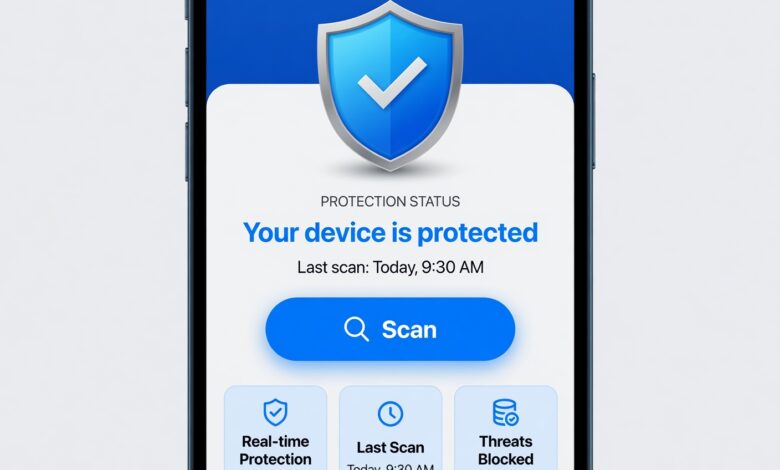
In today’s hyper-connected digital landscape, keeping your personal information safe can feel like a full-time job. From data breaches affecting major corporations to sophisticated phishing scams targeting everyday smartphone users, the threats are real, constant, and evolving. Fortunately, you don’t need a degree in cybersecurity to protect yourself. Your smartphone—the device you use for banking, shopping, and socializing—can also become your strongest shield.
By downloading and correctly configuring a few essential applications, you can dramatically reduce your digital footprint and block unauthorized access to your private data. This comprehensive guide explores the best apps available to enhance your online security, designed to be easily understood whether you are a tech novice or a seasoned digital native.
Why Mobile Security Matters More Than Ever Today
Before diving into the specific applications, it is vital to understand why mobile security is no longer optional. Smartphones hold the keys to our digital lives. They store our passwords, credit card numbers, private messages, and location history. Cybercriminals know this, which is why mobile-specific malware, malicious public Wi-Fi interception, and credential-stuffing attacks are on the rise.
Traditional computer antivirus programs are no longer enough. Because we spend the majority of our digital lives on mobile devices, securing your smartphone is the first and most crucial step toward comprehensive online safety.
1. Password Managers: Your First Line of Defense Against Data Breaches
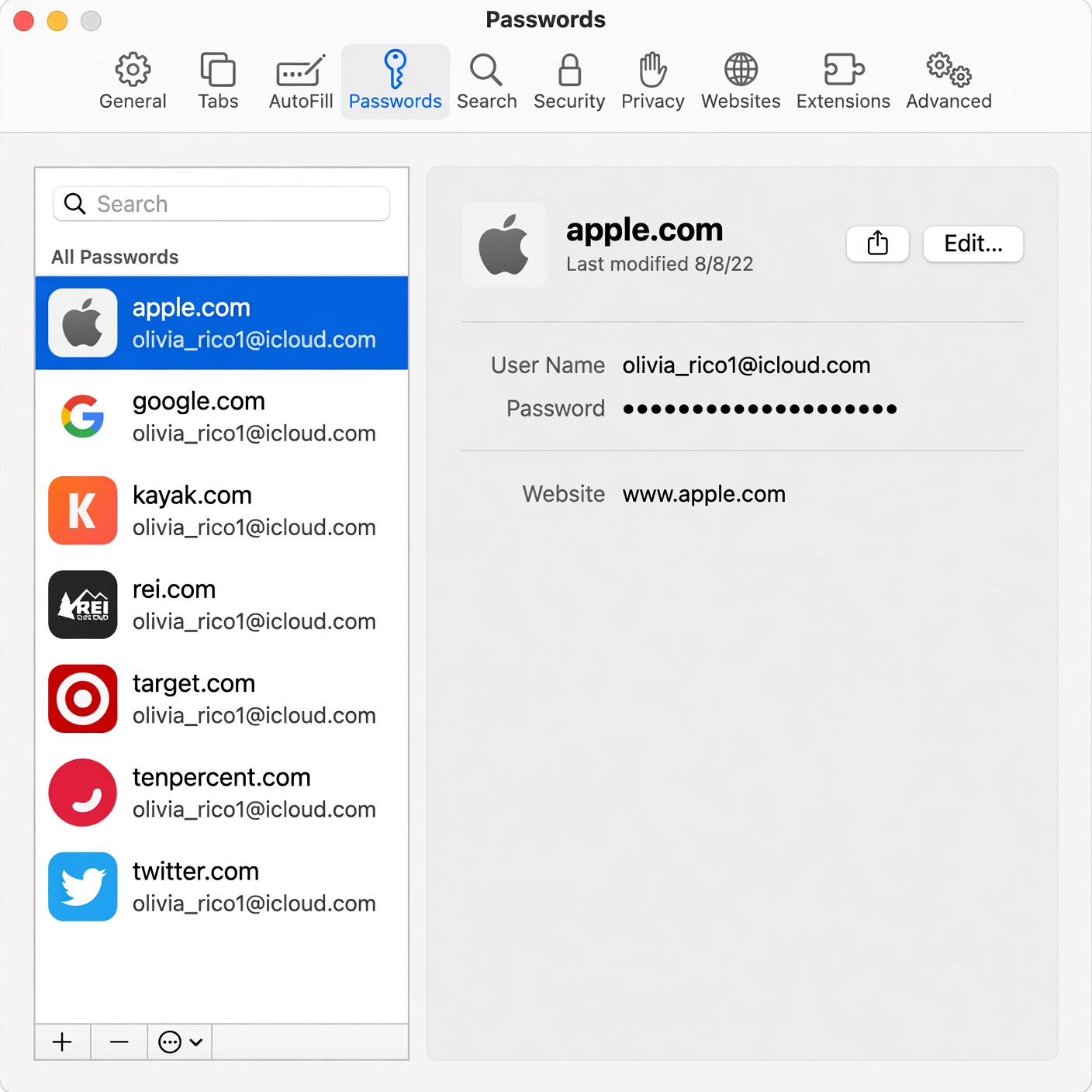
One of the weakest links in online security is human memory. Most people reuse the same two or three weak passwords across dozens of websites. If a hacker steals your password from a minor shopping site, they can often use that same combination to access your primary email, social media, and bank accounts.
How Password Managers Work
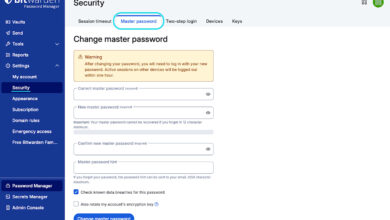
A password manager acts as a secure, encrypted digital vault. You only need to remember one strong master password to unlock the vault. The app generates, stores, and automatically fills complex, unique passwords for every single website and app you use.
Top App Recommendations
-
1Password: Renowned for its user-friendly interface, robust security architecture, and excellent family-sharing features.
-
Bitwarden: An open-source favorite that offers a generous free tier and exceptional cross-platform synchronization.
-
Dashlane: Features built-in dark web monitoring that alerts you immediately if your email or passwords appear in a data leak.
2. Virtual Private Networks (VPNs): Securing Your Connection on Public Wi-Fi
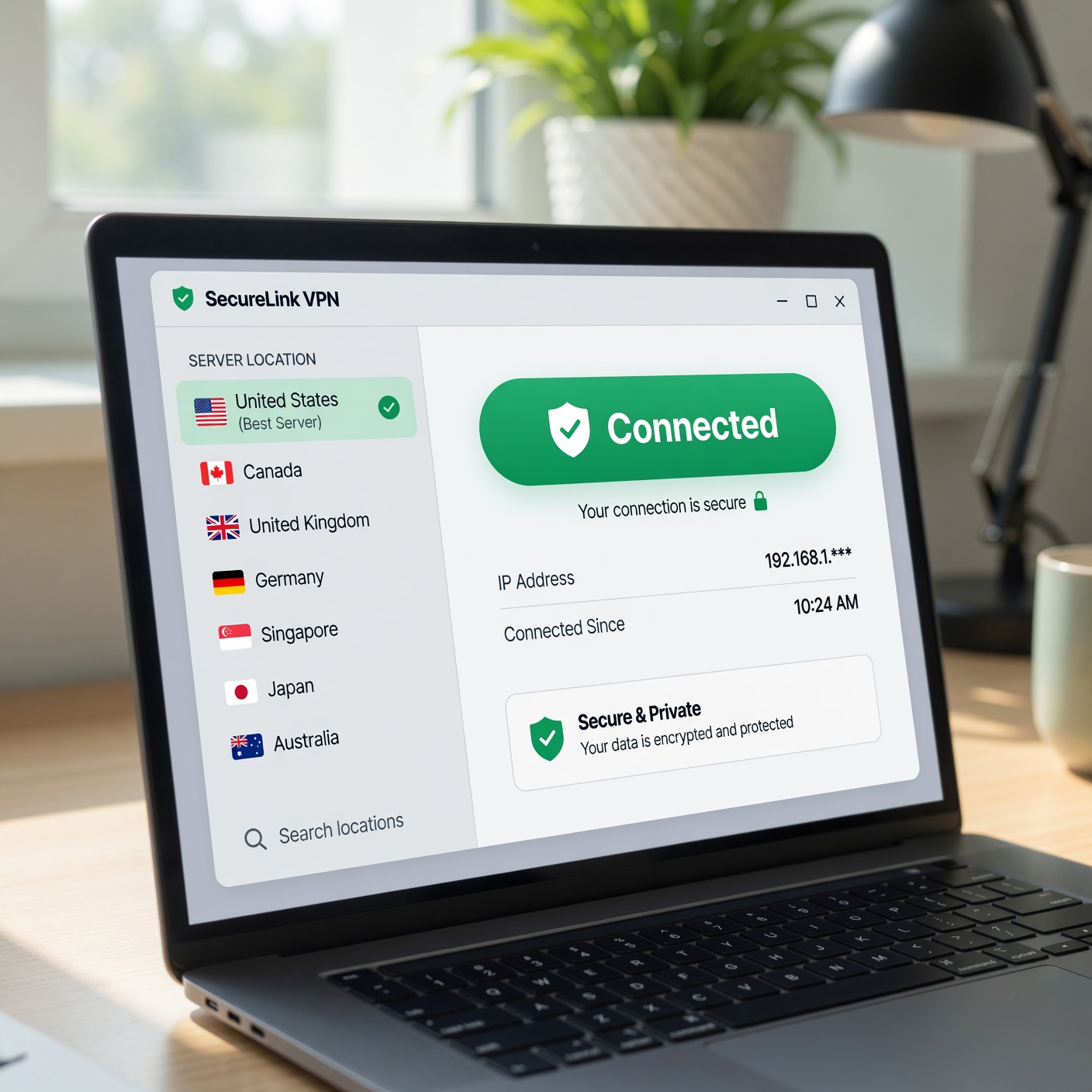
Have you ever logged into public Wi-Fi at a coffee shop, airport, or hotel? While convenient, these unsecured networks are breeding grounds for cybercriminals who can easily intercept data sent between your device and the router.
Understanding VPN Technology
A Virtual Private Network creates a secure, encrypted “tunnel” for your internet traffic. It hides your real IP address and encrypts all the data you send and receive, making it virtually impossible for hackers, internet service providers (ISPs), or snoops to monitor your online activity.
Best VPN Options for Everyday Users
-
NordVPN: Combines blazing-fast connection speeds with advanced security features like Threat Protection, which blocks malware and intrusive trackers automatically.
-
ExpressVPN: Famous for its intuitive apps across all major operating systems and a strict, independently audited no-logs policy.
-
Surfshark: A budget-friendly powerhouse that allows unlimited simultaneous device connections, protecting your entire household with a single subscription.
3. Two-Factor Authentication (2FA) and Authenticator Apps
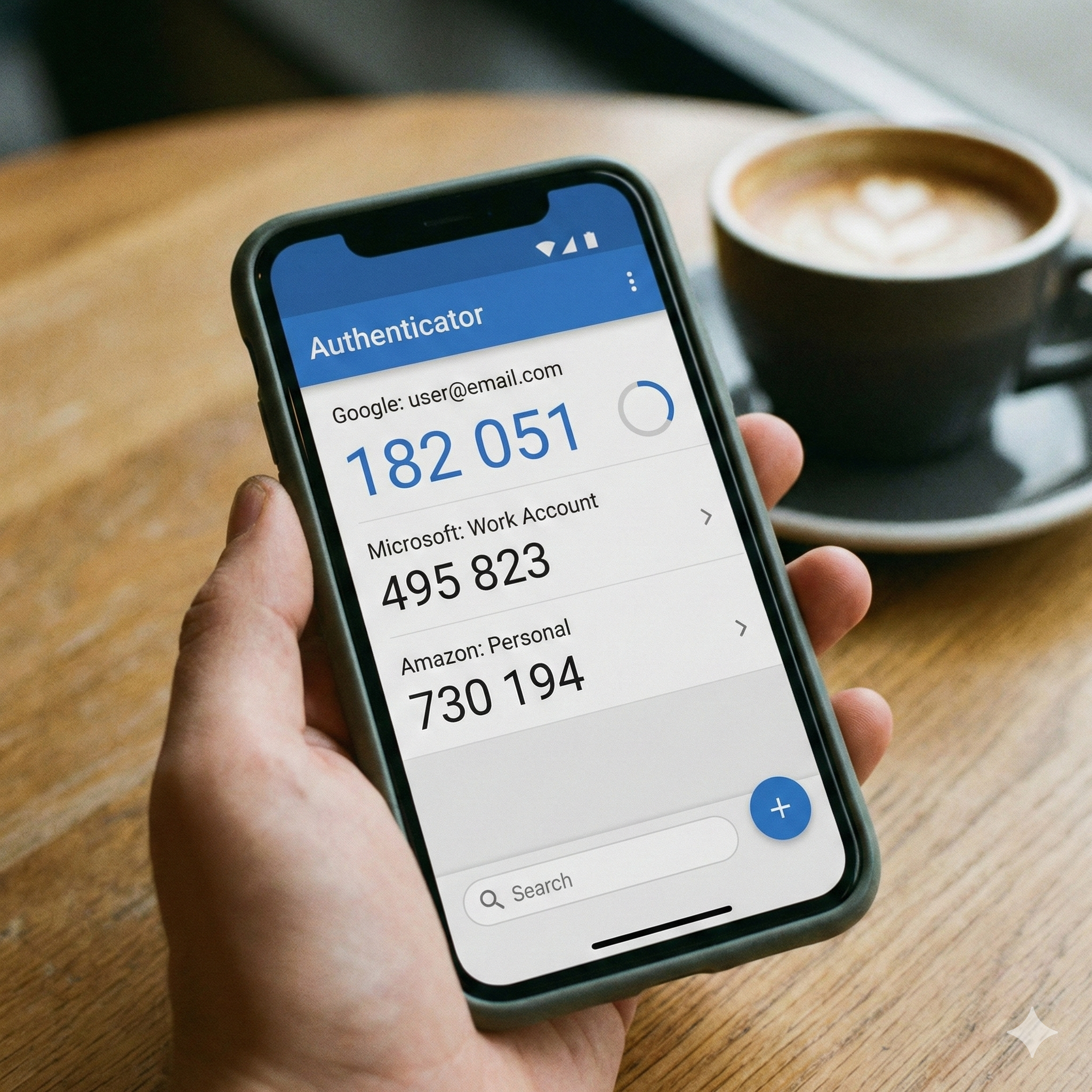
Passwords alone, even strong ones, can sometimes be compromised through sophisticated phishing campaigns or brute-force attacks. This is where Two-Factor Authentication (2FA) comes in.
Moving Beyond SMS Verification
While getting a text message with a verification code is better than nothing, SMS 2FA is vulnerable to SIM-swapping attacks. Dedicated authenticator apps generate time-based one-time passwords (TOTP) directly on your device, requiring no cellular signal and offering vastly superior security.
Leading Authenticator Apps
-
Google Authenticator: A straightforward, minimalist app that makes adding and managing 2FA tokens fast and seamless.
-
Authy: Offers multi-device synchronization and encrypted cloud backups, ensuring you never get locked out of your accounts if you lose your phone.
-
Duo Mobile: Trusted by enterprises and individuals alike for its secure push-notification authentication method.
4. Secure Encrypted Messaging Apps for Private Communication
Standard SMS text messages are completely unencrypted, meaning telecom providers, hackers, and government agencies can theoretically read your conversations. If you share sensitive personal, financial, or professional information via text, you are exposing yourself to unnecessary risk.
What Makes an App Secure?
Look for applications that utilize end-to-end encryption (E2EE). This means only you and the person you are communicating with can read the messages—not even the company that makes the app has the technical capability to decrypt them.
Top Private Messaging Choices
-
Signal: Widely regarded as the gold standard for secure messaging. It is open-source, non-profit, and funded entirely by grants and donations, ensuring your data is never monetized.
-
WhatsApp: While owned by Meta, WhatsApp uses the Signal protocol for end-to-end encryption by default, making it a familiar and secure option for everyday communication.
-
Telegram: Offers cloud-based messaging with optional end-to-end encrypted “Secret Chats” and self-destructing messages, though users should ensure they toggle on the correct privacy settings.
5. Mobile Antivirus and Anti-Malware Applications
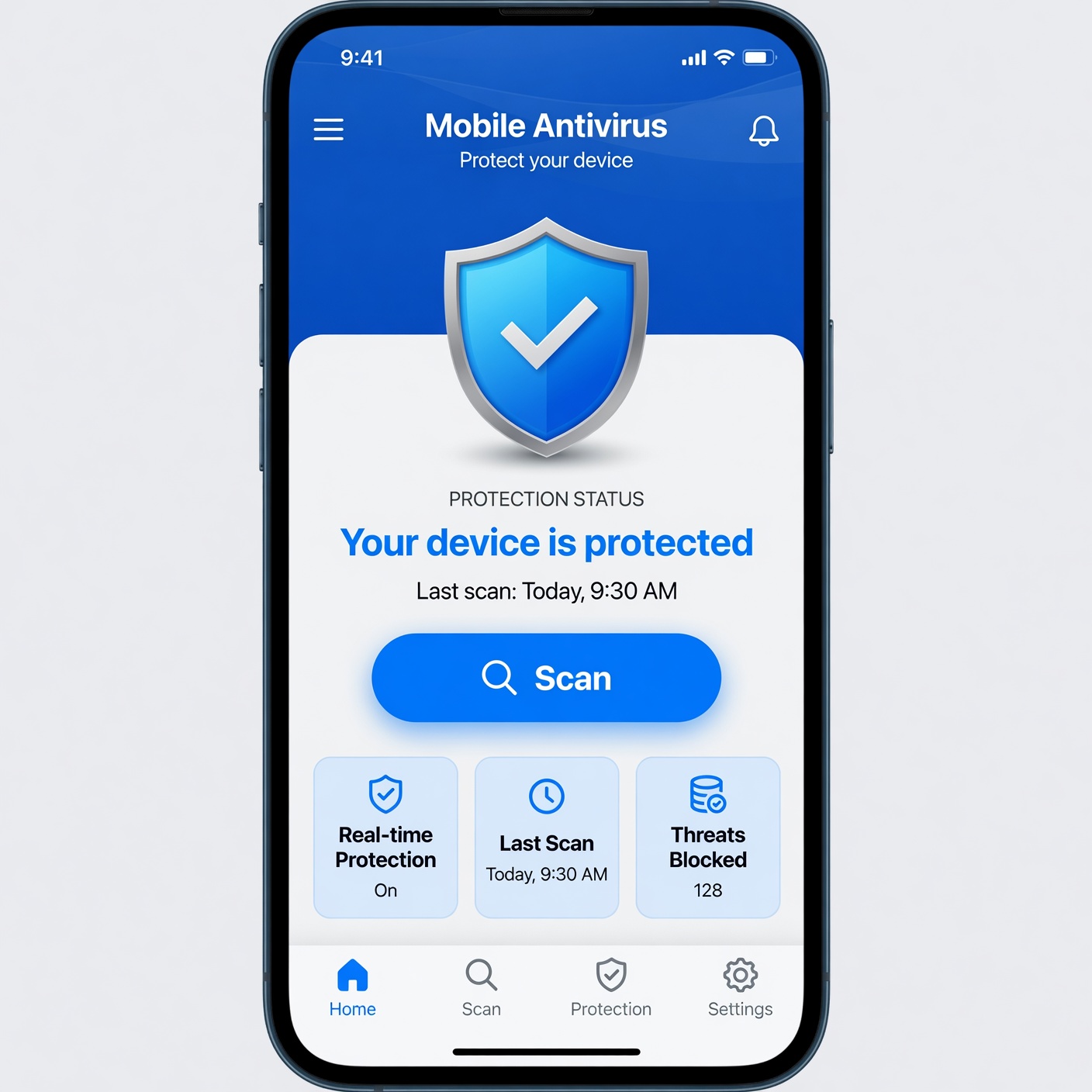
Many users believe that mobile operating systems like iOS and Android are completely immune to malware. While modern smartphones have built-in security sandboxes, sophisticated malicious apps, malicious links in text messages, and spyware still pose significant threats.
How Mobile Security Suites Help
Modern mobile security apps do much more than scan for viruses. They actively monitor app behavior, block malicious websites, scan incoming text messages for phishing links, and alert you if your operating system has vulnerabilities.
Recommended Security Suites
-
Bitdefender Mobile Security: Offers lightweight, powerful scanning with minimal battery drain and includes a built-in privacy web-scanner.
-
Malwarebytes Mobile Security: Excellent at identifying and blocking adware, ransomware, and malicious phishing links before they can compromise your phone.
-
Avast Security & Privacy: Combines antivirus protection with anti-theft tracking, Wi-Fi security checks, and photo vaults.
6. Secure Mobile Browsers: Keeping Your Web Activity Private
The browser you use to surf the internet plays a massive role in your overall online security. Standard web browsers often track your movements, collect your data for targeted advertising, and leave you vulnerable to malicious scripts.
Features of Privacy-First Browsers
Secure browsers typically feature built-in tracker blockers, anti-fingerprinting technology, automatic HTTPS upgrades, and cookie cleaners that wipe your session history clean when you close the app.
Best Browsers for Enhanced Privacy
-
Brave: Automatically blocks dangerous ads, trackers, and scripts out of the box, resulting in faster page load times and significantly improved privacy.
-
DuckDuckGo Privacy Browser: Features a handy “Fire Button” that instantly clears all your tabs and browsing data with a single tap, alongside a global privacy grade rating for every site you visit.
-
Mozilla Firefox (Mobile): Highly customizable with a robust open-source extension ecosystem that lets you tailor your security level to your exact preferences.
7. Secure Cloud Storage and File Encryption Apps
We store thousands of photos, financial documents, and personal notes on our devices. If your cloud account is compromised, all of that precious data is exposed to strangers.
Protecting Data in the Cloud
Standard cloud services often have access to your encryption keys. Zero-knowledge cloud storage providers ensure that files are encrypted on your device before they are ever uploaded to the cloud, meaning nobody else holds the key to decrypt them.
Top Recommendations for Secure Storage
-
Proton Drive: Backed by the privacy-focused company behind ProtonMail, offering end-to-end encrypted cloud storage and file sharing.
-
Tresorit: Delivers enterprise-grade end-to-end encryption with user-friendly mobile apps for seamless photo and document backup.
-
Mega: Offers generous free storage space with client-side encryption, allowing you to secure your personal media effortlessly.
Best Practices to Maximize Your Mobile Security
Downloading these security applications is a fantastic start, but apps alone cannot guarantee total safety. To truly fortify your digital life, combine these tools with smart, proactive online habits:
-
Keep Your Software Updated: Always install operating system updates and app patches immediately. These updates often contain critical security patches that close newly discovered vulnerabilities.
-
Be Skeptical of Unsolicited Links: Never click on links sent via text message or email from unknown senders, especially those claiming urgent bank issues or package delivery problems.
-
Audit App Permissions: Regularly check your smartphone settings to ensure apps aren’t accessing your location, microphone, or camera when they don’t need to.
-
Use Biometric Locks: Enable Face ID or fingerprint scanning alongside a strong alphanumeric passcode to prevent physical unauthorized access to your device.
Take Control of Your Digital Privacy Today
Online security can feel overwhelming, but you do not need to overhaul your entire digital life overnight. Start by taking one simple step: download a reputable password manager or set up a secure authenticator app for your most important accounts. From there, gradually integrate a VPN and secure browser into your daily routine.
By equipping your smartphone with these powerful security applications, you reclaim control over your digital footprint, protect your hard-earned finances, and ensure peace of mind every time you go online.