Online Safety
Best Browser Extensions for Online Safety
See which browser extensions can help protect your personal information from online threats
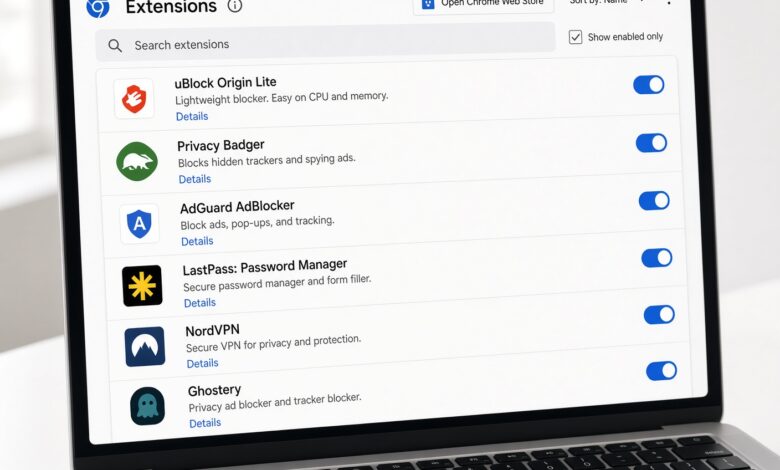
The internet has become an indispensable part of our daily lives, from managing our finances and working remotely to connecting with family and streaming our favorite media. However, as our reliance on the digital world grows, so do the threats lurking just beneath the surface. Cybercriminals, malicious trackers, invasive data collectors, and sophisticated phishing schemes are constantly evolving.
Fortunately, protecting yourself online does not require a degree in computer science. One of the most effective, lightweight, and accessible ways to fortify your digital footprint is by utilizing the right browser extensions. These small software add-ons integrate directly into your web browser—whether you use Google Chrome, Microsoft Edge, Mozilla Firefox, or Safari—to create an invisible shield around your browsing sessions.
In this comprehensive guide, we will explore the best browser extensions for online safety, breaking down complex cybersecurity concepts into simple, actionable steps. Whether you want to block malicious scripts, manage your passwords securely, or hide your digital identity, the right tools will make your web experience both seamless and secure.
Why Online Safety Starts Right Inside Your Web Browser
When most people think of cybersecurity, they picture heavy-duty antivirus software running in the background of their computer. While traditional antivirus programs are essential, they often react after a threat has already touched your device.
Your web browser, on the other hand, is the primary gateway through which you interact with the internet. Every time you click a link, download an attachment, or fill out an online form, your browser is on the front lines.
Relying solely on default browser settings is rarely enough. Modern web pages are packed with hidden third-party tracking scripts, invisible pixels, and malicious redirects designed to harvest your personal data or compromise your login credentials. Browser extensions act as a real-time defense layer. They intercept malicious code before it can execute, block scam websites before they load, and ensure your data remains encrypted.
Furthermore, optimizing your browser setup helps maintain a clean, distraction-free environment. By stopping unwanted background scripts, your browser will often load pages significantly faster while consuming less memory and CPU power.
Essential Categories of Web Safety Add-Ons
To build an impenetrable defense system for your browser, it helps to understand the different categories of safety extensions available. No single tool does everything perfectly, which is why cybersecurity experts recommend combining a few specialized extensions that complement each other.
The primary categories include:
-
Content and Ad Blockers: Stop malicious advertisements, pop-ups, and invisible tracking scripts from following you across the web.
-
Password Managers: Generate, store, and autofill complex, unique passwords to protect your online accounts from credential stuffing and data breaches.
-
Anti-Phishing and Threat Scanners: Warn you in real-time if a website is a known scam, malware distributor, or phishing trap.
-
Privacy and Tracking Protections: Mask your digital fingerprint and prevent companies from building psychological profiles based on your browsing habits.
Let us take a closer look at the top-performing extensions in each of these categories that you can install today.
Top Content and Ad Blockers for Clean and Secure Browsing
Malicious advertisements—often referred to as “malvertising”—are a favorite vector for cybercriminals. Hackers frequently inject malware into legitimate ad networks, meaning you can get infected simply by visiting a trusted news or entertainment site that displays a compromised ad.
uBlock Origin: The Gold Standard for Efficiency
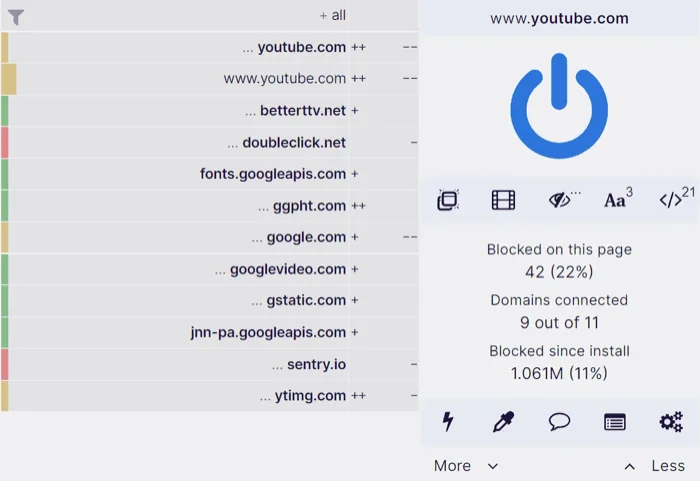
If you install only one extension, make it uBlock Origin. Widely praised by privacy advocates and tech experts alike, uBlock Origin is a completely free, open-source content blocker. Unlike commercial ad blockers that sometimes accept payments to let certain “acceptable ads” through, uBlock Origin is strictly community-driven.
What makes it exceptional is its remarkably low resource footprint. It blocks ads, trackers, and malware domains using a fraction of the memory and processing power required by alternative blockers. It operates transparently, allowing you to toggle blocking rules on or off for specific sites with a single click.
Ghostery and Privacy Badger: Stopping Invisible Trackers
Beyond traditional visible ads, hundreds of invisible trackers are embedded in modern websites, quietly recording what you click, how long you stay on a page, and what you type.
-
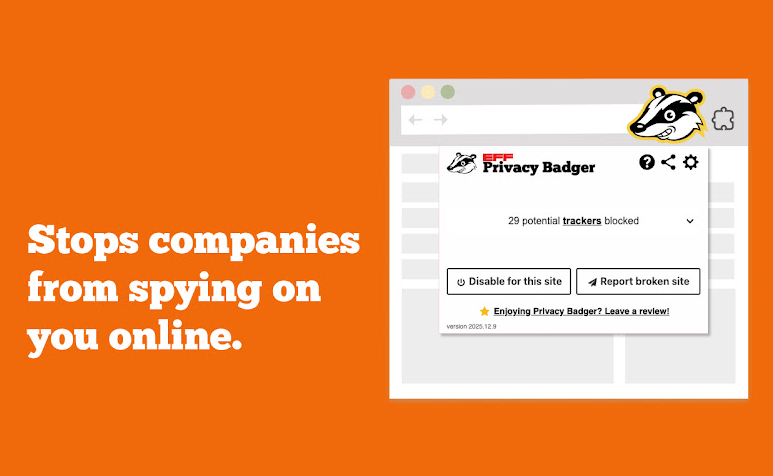
Privacy Badger: Developed by the Electronic Frontier Foundation (EFF), Privacy Badger automatically learns to block invisible trackers as you browse. If it notices a tracker following you across multiple unrelated websites without your consent, it blocks that tracker from loading entirely.
-
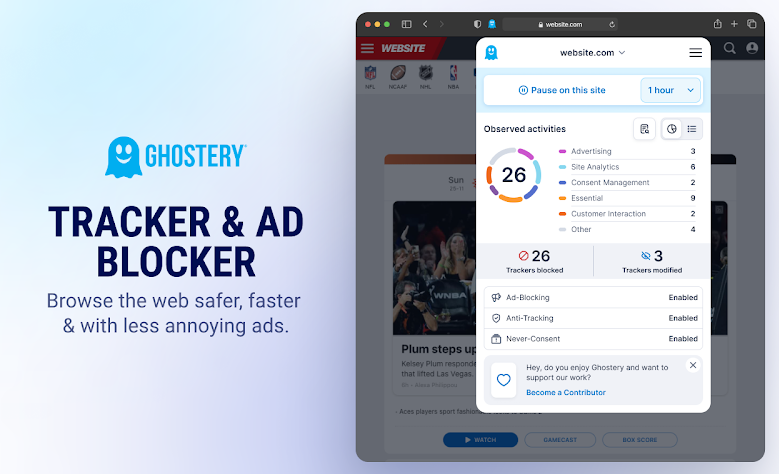
Ghostery: Ghostery offers a user-friendly dashboard that visualizes every tracker attempting to load on a page. Its smart blocking feature cleans up clutter, enhances page loading speeds, and protects your private data from data brokers.
Secure Your Accounts with Reliable Password Managers
Weak and reused passwords remain the single greatest vulnerability for everyday internet users. If a hacker steals your password from a minor website, they will immediately try that same combination on your email, banking, and social media accounts—a tactic known as credential stuffing.
Remembering dozens of complex, randomized passwords is virtually impossible for a human brain. This is where a dedicated browser-integrated password manager becomes mandatory for online safety.
Bitwarden: Open-Source Trust
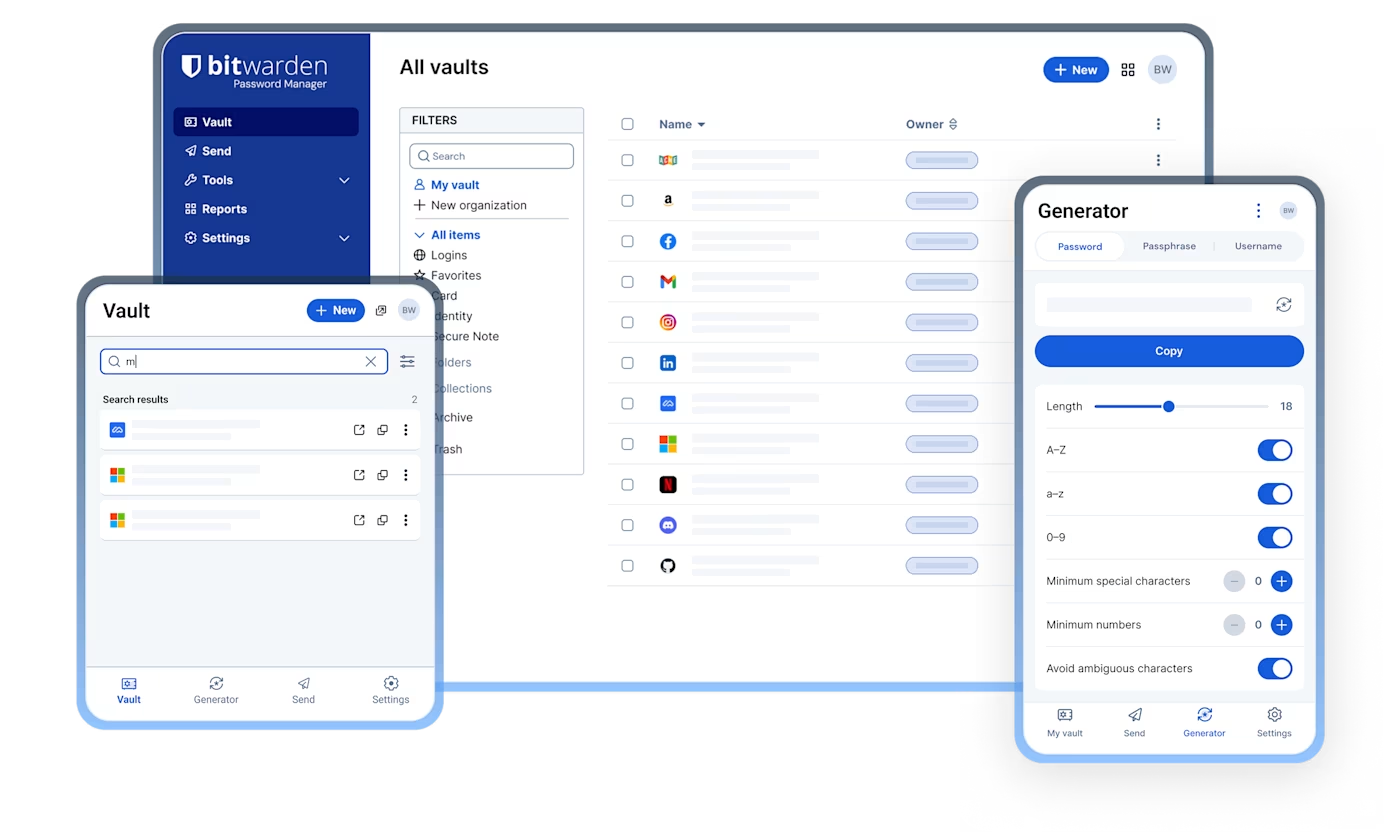
Bitwarden has rapidly become a favorite choice for users seeking robust security without a hefty price tag. It utilizes zero-knowledge encryption, meaning your password vault is encrypted locally on your device before it is ever sent to the cloud. Not even Bitwarden’s developers can read your master password or view your stored credentials.
The Bitwarden browser extension seamlessly integrates into your login fields, automatically filling in your credentials with a single keystroke or biometric prompt. It also features a built-in password generator that creates long, uncrackable strings of letters, numbers, and symbols whenever you sign up for a new service.
Dashlane and NordPass: Premium Conveniences

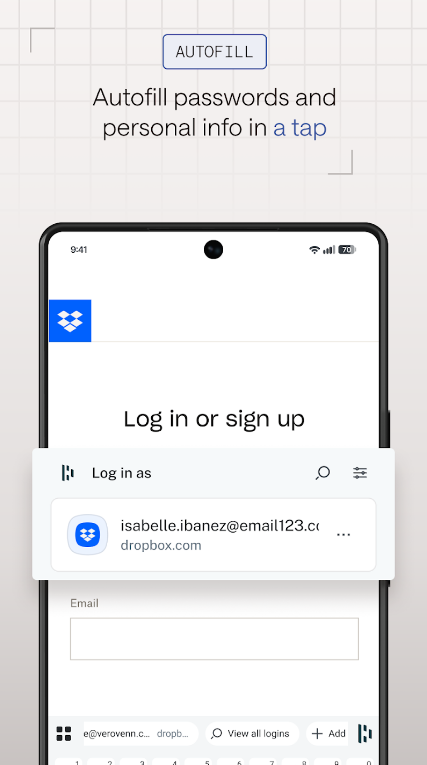
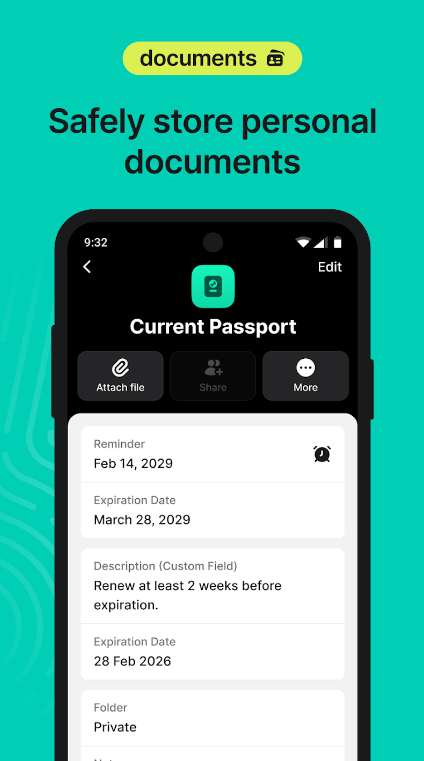
Other stellar alternatives include Dashlane and NordPass. These extensions offer polished user interfaces alongside helpful security auditing features. They will actively scan your vault to alert you if any of your saved accounts have been compromised in a known third-party data breach, prompting you to update your credentials immediately.
Real-Time Protection Against Phishing and Malware Scams
Phishing attacks—where scammers mimic legitimate organizations like banks, utility companies, or shipping services to steal your personal information—have grown alarmingly sophisticated. Often, these fake websites look identical to the real deal.
Malwarebytes Browser Guard and Bitdefender TrafficLight
To guard against these traps, adding a specialized threat scanner to your browser provides an essential safety net.
-
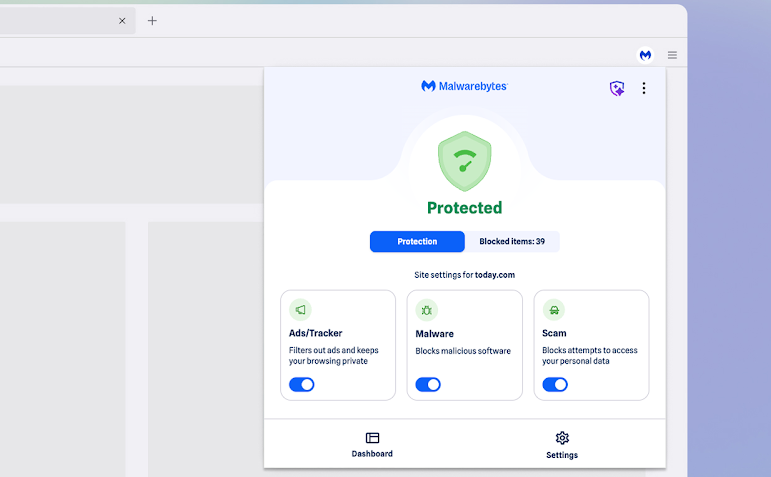
Malwarebytes Browser Guard: This extension blocks malicious websites, browser lockers, tech support scams, and adware before they can load. It aggressively filters out known scam URLs, keeping you safe even if you accidentally click a malicious link in an email or social media post.
-
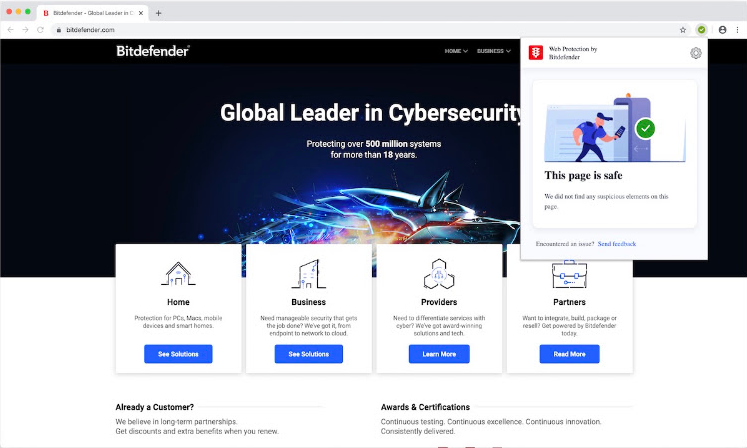
Bitdefender TrafficLight: Operating quietly in the background, TrafficLight intercepts web traffic and analyzes pages for malware and phishing signatures in real time. It injects safety ratings directly into your search engine results, warning you away from dangerous links before you even click them.
Best Practices for Managing Extensions Safely
While browser extensions are powerful allies in your quest for online safety, it is vital to practice good “extension hygiene.” Installing too many add-ons or downloading unverified tools can actually introduce new security risks.
To keep your browser secure, follow these core principles:
-
Audit Regularly: Periodically review the extensions installed in your browser. Remove any add-ons you no longer use or recognize.
-
Download from Official Stores: Only install extensions directly from official marketplaces, such as the Chrome Web Store or Firefox Add-ons repository. Always check user reviews and developer ratings.
-
Minimize Permissions: Pay attention to the permissions an extension requests during installation. A simple note-taking extension has no legitimate reason to request permission to “read and change all your data on all websites.”
By curating a lean, trusted toolkit of security extensions, you can drastically reduce your vulnerability to cyber threats and enjoy a safer, faster, and more private journey across the web.
What specific security challenge or online threat concerns you the most when browsing the internet?