Online Safety
Best Apps for Managing Passwords
Learn how password managers work and which features to look for when choosing one

In today’s hyper-connected world, we use online accounts for everything—from online banking and remote work to streaming our favorite shows and shopping. However, managing dozens of complex, unique login credentials can quickly become overwhelming. Many people fall into the dangerous habit of reusing the same password across multiple platforms or writing them down on sticky notes.
If one website suffers a data breach, hackers can easily gain access to your entire digital footprint. Fortunately, you don’t have to memorize a hundred different security keys to stay safe. Dedicated password manager applications do the heavy lifting for you, securely storing your information behind a single, unbreakable master key.
Why You Need a Dedicated Password Manager Today
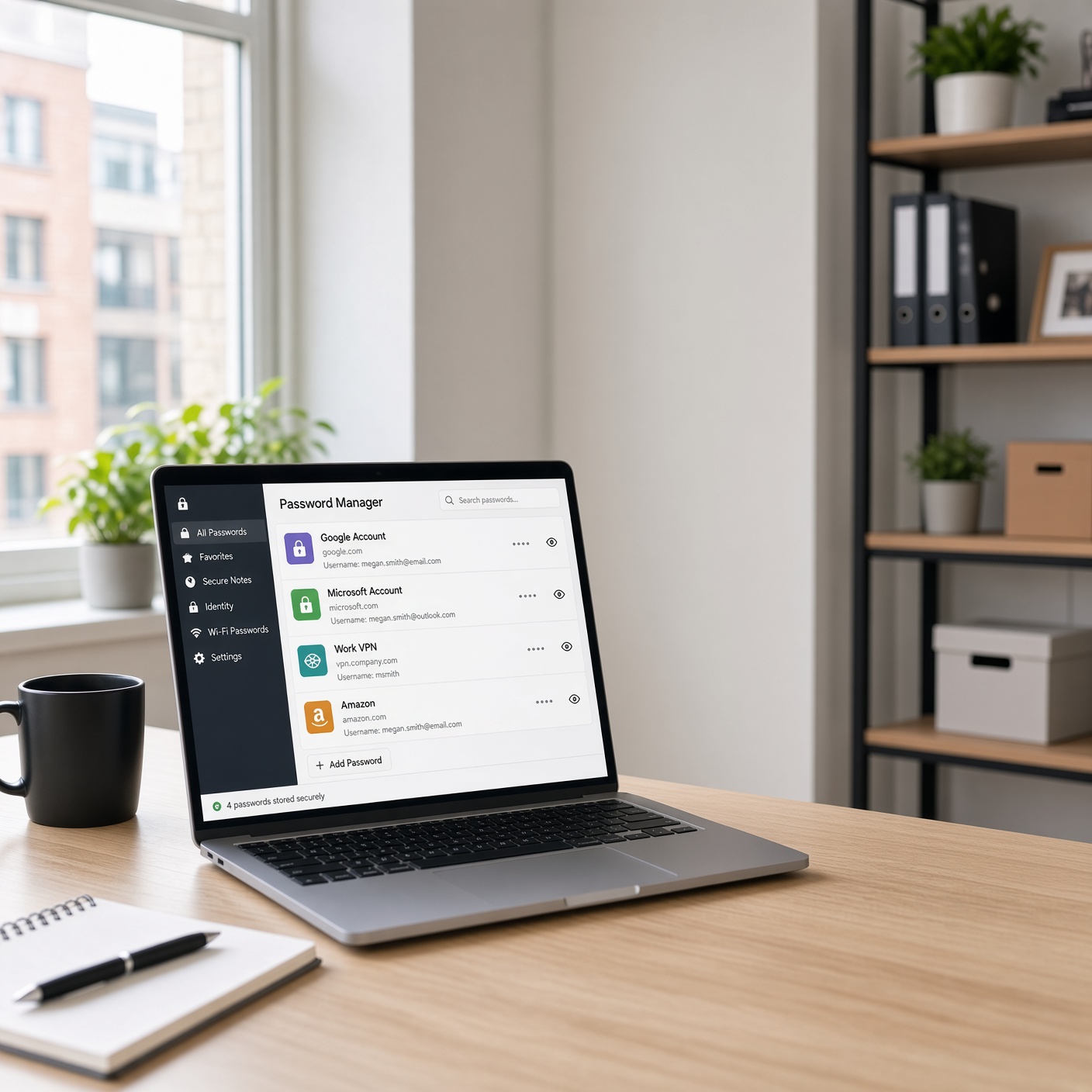
Online security threats have evolved significantly, making traditional memory-based habits obsolete. Cybercriminals now use automated tools capable of running millions of credential combinations per second—a technique known as a brute-force attack.
A trusted password manager eliminates these risks through high-grade encryption and automated generation. These apps generate complex, randomized strings of characters for every new account you create, ensuring that a security breach on one minor website never compromises your primary financial or email accounts.
Furthermore, modern solutions integrate seamlessly across smartphones, desktop browsers, and tablets, allowing you to log into your favorite services with a single tap or click.
Top Features to Look For in a Password Manager
Before choosing an application, it helps to understand what separates an average tool from an industry-leading security suite. The best options on the market share several critical characteristics:
-
Zero-Knowledge Architecture: This means the provider cannot see, track, or store your master password or vault data. Only you possess the decryption key.
-
Multi-Device Synchronization: Your encrypted vault should sync instantly and securely across your computer, phone, and tablet.
-
Automated Form Filling: Saving time is just as important as security; top-tier apps automatically fill in usernames, passwords, and payment details safely.
-
Data Breach Monitoring: Many apps actively scan the dark web and alert you immediately if your personal email or credentials appear in a public leak.
-
Passkey Support: As the web transitions away from traditional passwords, modern managers fully support next-generation passkeys for passwordless logins.
Comprehensive Breakdown of the Best Password Apps
1. NordPass: Best for Modern Simplicity and Value
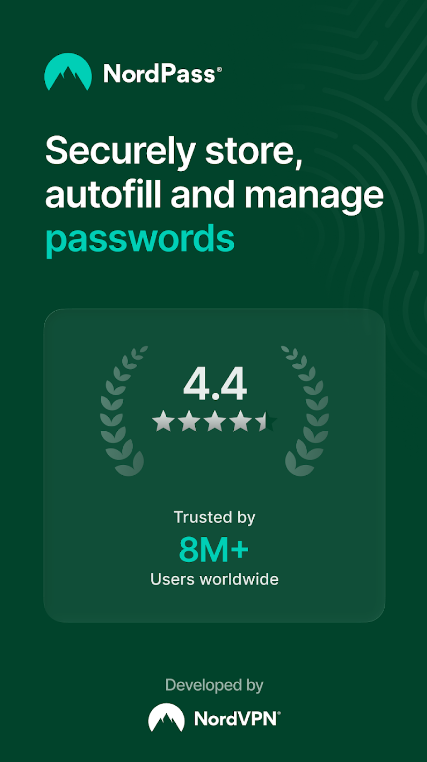
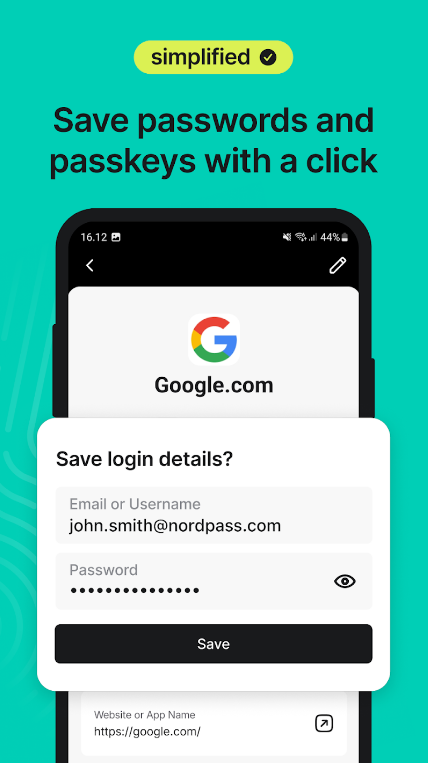
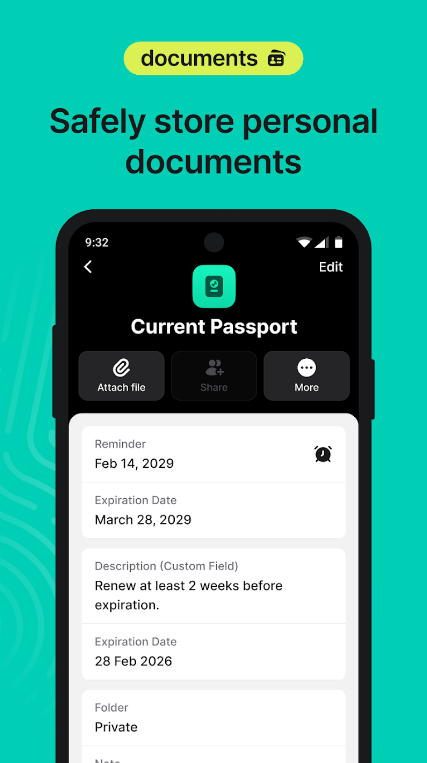
Developed by the creators of NordVPN, NordPass has quickly become a favorite for users seeking a sleek, modern interface paired with top-tier security.
NordPass utilizes advanced encryption algorithms (such as XChaCha20) and operates on a strict zero-knowledge model. Its clean, lightweight desktop and mobile apps make autofilling credentials effortless. It also features built-in data breach scanners that check whether your personal information has been compromised online. It represents an exceptional balance of high-end security and budget-friendly pricing plans.
2. 1Password: Best for Advanced Features and Polish
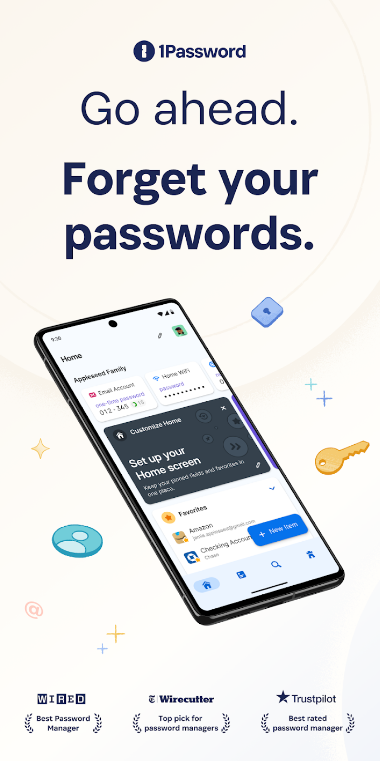
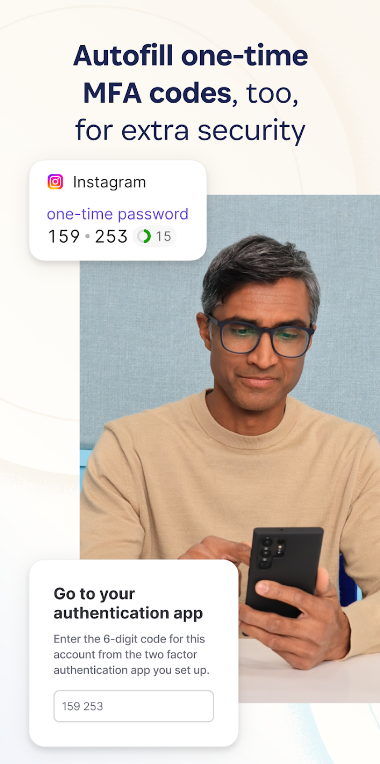
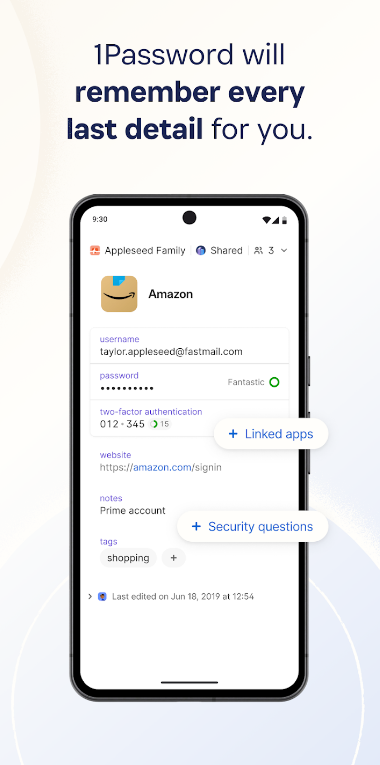
For users willing to invest a little more for a premium experience, 1Password is frequently cited as the gold standard of digital vault software.
Beyond standard AES-256 encryption, 1Password introduces an extra layer of security known as a “Secret Key,” which is generated locally on your device and required alongside your master password. It shines brightly for families and power users, offering detailed security audits, Travel Mode (which temporarily removes sensitive vaults from your devices when crossing borders), and secure document storage.
3. Proton Pass: Best for Privacy-Focused Users
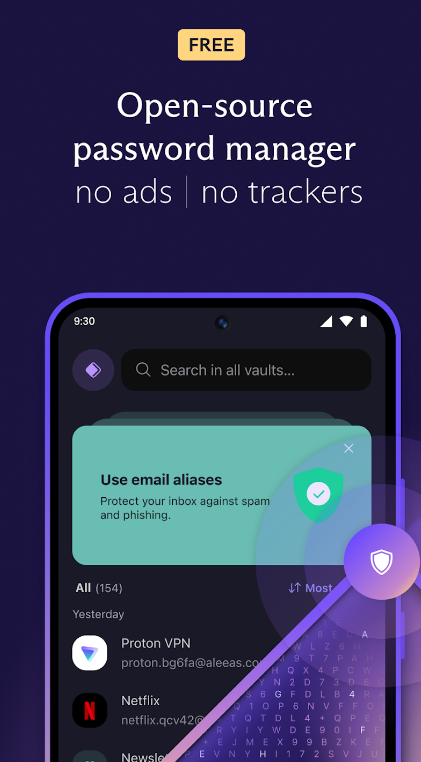
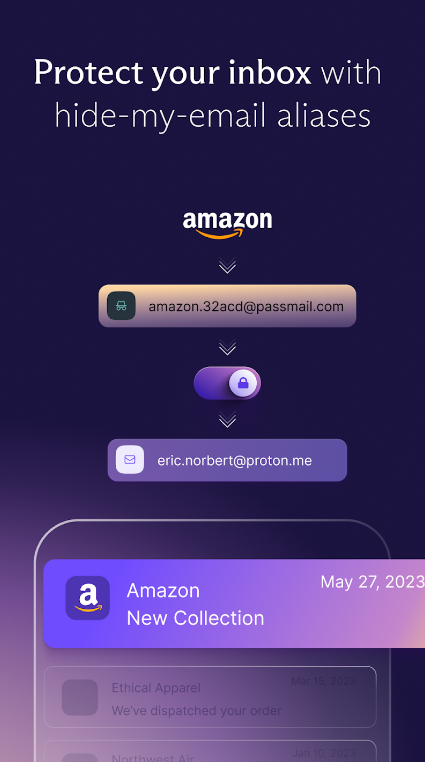
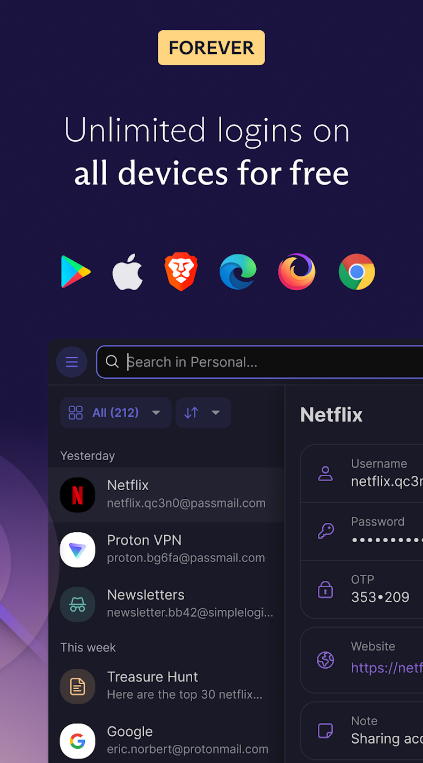
If your primary concern is digital privacy, Proton Pass—created by the team behind ProtonMail—is a phenomenal choice.
Proton Pass brings open-source transparency and end-to-end encryption to credential management. A standout feature included in its ecosystem is email aliasing (via integration with SimpleLogin), which allows you to generate burner email addresses so you never have to share your real inbox address with untrusted websites. Its free tier is remarkably generous, offering unlimited password storage and syncing across multiple devices.
4. Bitwarden: Best Open-Source Free Option
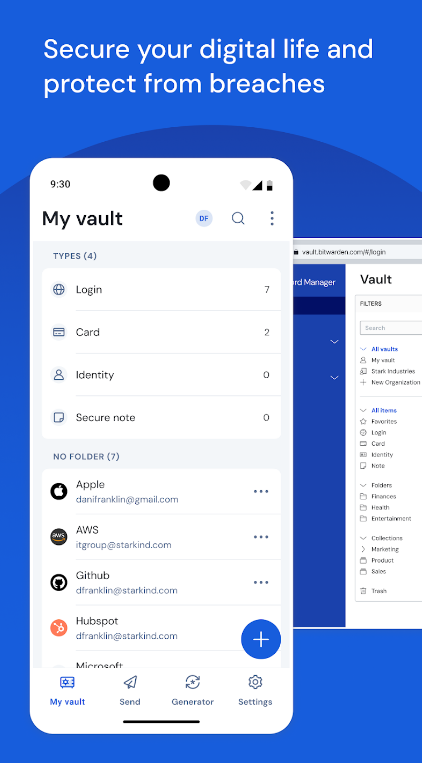

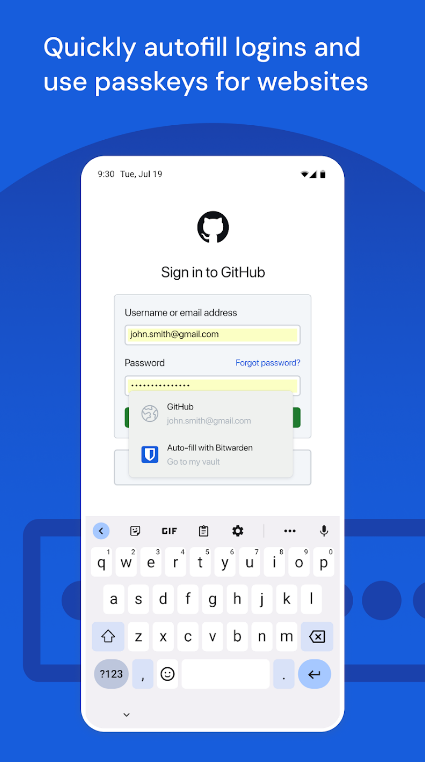
For budget-conscious individuals who refuse to compromise on security, Bitwarden stands out as the ultimate open-source champion.
Bitwarden’s core application is entirely free and includes features that competitors often lock behind paywalls—such as unlimited password storage across an unlimited number of devices and seamless browser integration. Because its code is fully open-source, security experts worldwide regularly audit it for vulnerabilities, making it one of the most trusted names in cybersecurity.
5. RoboForm: Best for Advanced Form Filling
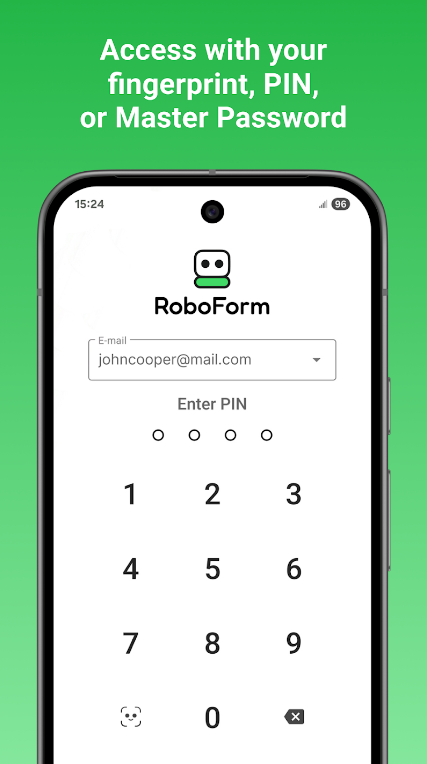
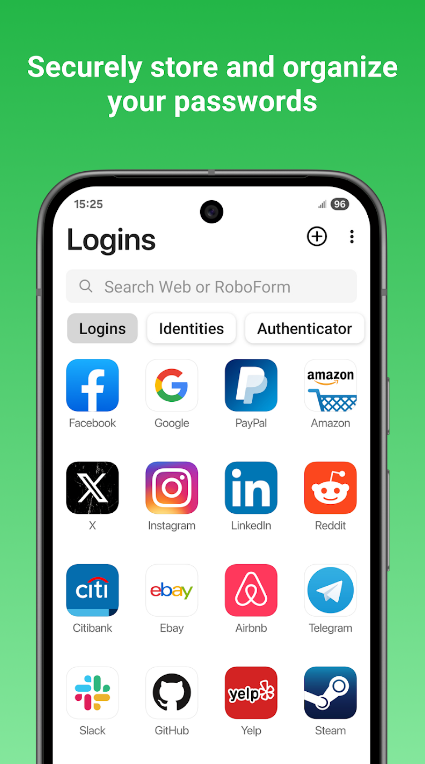
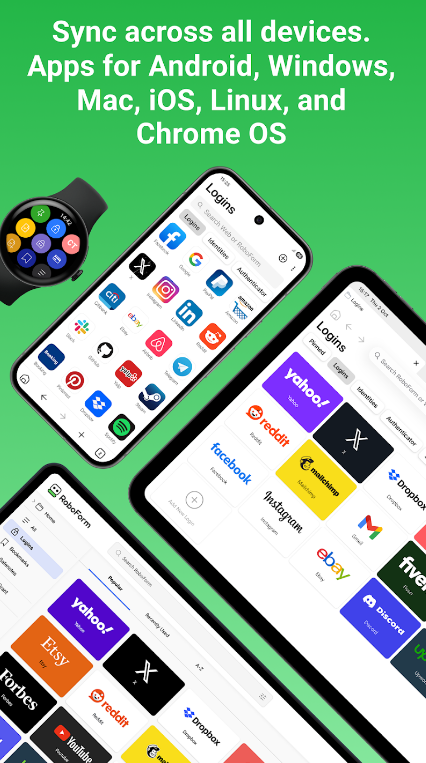
Operating for over two decades, RoboForm is a veteran in the security space that excels where others sometimes struggle: complex web forms.
If you frequently fill out long checkout pages, registration documents, or corporate paperwork, RoboForm’s automated identity management handles multi-step inputs with remarkable precision. It relies on robust AES-256 encryption with heavy PBKDF2 iterations, offers secure emergency access, and maintains highly affordable subscription rates.
Step-by-Step Guide: How to Get Started Safely
Transitioning to a password manager is straightforward if you follow a structured approach:
-
Choose Your Provider: Evaluate your needs based on budget, device ecosystem, and desired features (such as free tiers vs. family packages).
-
Install the Applications: Download the official app on your smartphone and add the browser extensions to your computer web browsers (Chrome, Safari, Firefox, or Edge).
-
Create a Strong Master Password: Craft a long, memorable passphrase that you will never use anywhere else. This is the only key you need to memorize.
-
Import Existing Passwords: If you currently store passwords in your web browser, export them and securely import them into your new vault, then wipe the browser cache.
-
Audit and Update: Use your manager’s built-in security dashboard to identify weak, old, or duplicate passwords, and update them one by one.
Best Practices for Maximizing Your Online Security
Installing an app is only the first step toward complete digital safety. To truly protect your online presence, combine your password manager with these additional security habits:
-
Enable Multi-Factor Authentication (MFA): Turn on two-factor authentication on your password manager vault itself, preferably using an authenticator app (like Aegis or Google Authenticator) rather than SMS text messages.
-
Regularly Check Security Reports: Make it a habit to check your password manager’s health dashboard quarterly to see if any of your accounts have appeared in newly reported data breaches.
-
Beware of Phishing Scams: Even with a secure vault, never type your master password into unexpected pop-up windows or suspicious links sent via email. Trusted extensions autofill credentials only on their verified domain names.
By taking control of your credentials today, you build a fortress around your digital identity, ensuring peace of mind across all your online interactions.