Warning Signs of an Online Shopping Scam
See how to verify whether an online store is legitimate before making a purchase
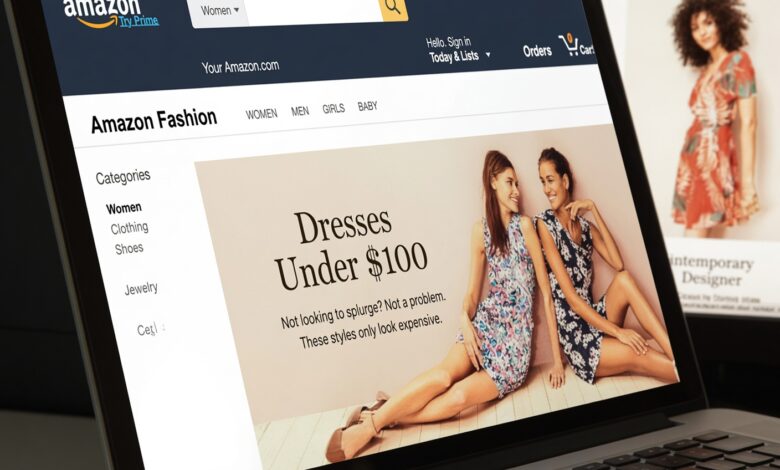
Shopping online has become one of the most convenient parts of modern life. With just a few taps on your smartphone or clicks on your computer, you can order groceries, find rare collectibles, buy holiday gifts, or upgrade your wardrobe—all without ever leaving your couch. E-commerce platforms, independent boutiques, and giant global marketplaces have revolutionized how we acquire goods.
However, this incredible convenience comes with a hidden downside. As online retail has grown, so has the sophistication of cybercriminals. Online shopping scams are no longer limited to obvious, poorly spelled phishing emails. Today’s digital fraudsters use advanced technology, polished website templates, stolen brand logos, and aggressive social media advertising to mimic legitimate online storefronts. They build entire ecosystems designed to trick everyday consumers into handing over their hard-earned money and sensitive personal information.
If you have ever wondered whether a deal you found online is too good to be true, or if you want to protect yourself and your family from becoming victims of cyber fraud, this comprehensive guide is for you. Below, we will explore the definitive warning signs of an online shopping scam, break down how these fraudulent operations work, and provide actionable, step-by-step strategies to keep your digital transactions secure.
Understanding the Landscape of E-Commerce Fraud

Before diving into the specific warning signs, it helps to understand what modern online shopping scams actually look like. Decades ago, online scams were easy to spot. They often featured broken English, grainy product photos, and suspicious payment methods like wire transfers.
Today, scammers leverage artificial intelligence, high-resolution stock photography, and rented or cloned web infrastructure to build storefronts that look identical to established, trusted brands. They might advertise heavily on popular social media networks like Instagram, Facebook, TikTok, or Pinterest, pushing trendy products at unbelievable discounts.
When an unsuspecting shopper places an order, one of three things typically happens:
-
The Ghost Package: Nothing ever arrives, and the tracking number provided is fake or belongs to an unrelated delivery in a different zip code.
-
The Counterfeit Swap: A cheap, low-quality, or completely different item arrives weeks later, bearing no resemblance to what was advertised.
-
The Data Harvest: The primary goal was never to sell a product at all, but rather to capture your credit card number, billing address, and Social Security information for future identity theft.
Recognizing the subtle red flags of these fraudulent operations is your best defense. Let’s examine the core warning signs you should never ignore.
1. Unrealistically Low Prices and “Too Good to Be True” Discounts
The oldest trick in the retail playbook is also one of the most effective: dangling a massive discount in front of a eager buyer.
Everyone loves a bargain. Finding a high-end designer handbag, the latest gaming console, or a viral piece of exercise equipment at 80% off retail price triggers an emotional response of excitement and urgency. Scammers know this and deliberately price items far below market value to bypass your rational skepticism.
Why This Sign Matters
Legitimate retailers operate on tight profit margins. While clearance sales, seasonal promotions, and outlet pricing exist, no legitimate business can sustainably sell brand-new, high-demand electronics or luxury goods at a fraction of their manufacturing cost.
What You Should Do Instead
-
Check baseline pricing: If a product retails everywhere else for $300, and a newly launched website is selling it brand-new for $45, treat it as an immediate red flag.
-
Understand liquidation vs. scam: Even liquidation stores and wholesale liquidators rarely sell popular current-gen electronics or luxury items for pennies on the dollar. If the math doesn’t make sense, walk away.
2. Suspicious Domain Names and Lack of Digital Pedigree
When you visit an online store, your browser’s address bar is your first line of defense. Scammers frequently rely on domains that look remarkably like real brands at a quick glance, but fall apart upon closer inspection.
Common Domain Red Flags
-
Weebly, Shopify, or WordPress free subdomains: While many legitimate small businesses use platforms like Shopify, they almost always purchase custom domains (e.g.,
brandname.com). If a store URL looks likebrandname.myshopify.comorcheap-shoes-2026.freehosting.net, exercise extreme caution. -
Typosquatting: Fraudsters will register domains with subtle misspellings of famous brands. For example, replacing an “l” with an “i”, an “rn” with an “m”, or adding extra hyphens (e.g.,
amaz-on-store.cominstead ofamazon.com). -
Unusual top-level domains (TLDs): While extensions like
.com,.org, and.eduare standard, scammers frequently use cheap or obscure country-code and generic TLDs (such as.xyz,.top,.buzz, or.cc) specifically for temporary scam operations that they plan to abandon once authorities or hosting providers shut them down.
How to Verify a Domain
You can use free online tools like WHOIS lookup registries to see when a domain was created. If a website claims to be a massive global retailer with millions of satisfied customers, but the domain registration record shows it was created just two weeks ago, you are looking at a fraud operation.
3. Unsecure Website Connections (Missing HTTPS)
In the early days of the internet, you had to manually check for security certificates. Today, web browsers like Google Chrome, Apple Safari, and Mozilla Firefox do much of the heavy lifting for you, warning you when a site lacks proper encryption.
Understanding HTTPS and SSL Certificates
-
HTTP vs. HTTPS: The “s” in HTTPS stands for “secure.” It means that any data transferred between your web browser and the website’s server is encrypted and protected from interception by hackers.
-
The Padlock Icon: Look for the small padlock icon next to the URL in your browser bar. Clicking it should reveal valid certificate details.
The Modern Evolution of This Red Flag
It is worth noting that obtaining a basic SSL certificate has become very easy and inexpensive. Therefore, just because a site has HTTPS does not automatically make it safe. However, if a website does not have HTTPS—meaning your browser displays a stark warning saying “Not Secure” or “Your connection is not private”—never enter your credit card information or personal details under any circumstances.
4. Professional Polish Mixed with Amateur Slip-Ups
Scammers invest significant effort into making their digital storefronts look convincing. They scrape high-resolution product photos from legitimate retail sites and copy marketing copy word-for-word. However, maintaining a massive fake retail operation requires cutting corners somewhere.
Look Closely at the Details
-
Inconsistent branding: Logos that look pixelated, blurry, or stretched out. Font families that change abruptly from page to page.
-
Generic or missing “About Us” and “Contact Us” pages: A legitimate business is proud of its history, location, and team. Scam sites often feature generic stock photos of corporate offices and vague, uninformative “About” sections.
-
Ghost Contact Information: If the only way to contact the company is through a generic web contact form or a free webmail address (like
@gmail.comor@yahoo.com), steer clear. Real businesses provide dedicated customer service email addresses matching their domain, physical addresses, and often phone numbers or live chat features. -
Broken or fake links: Click on the social media icons at the bottom of the website footer. On legitimate sites, clicking the Twitter, Instagram, or Facebook icon takes you directly to that brand’s active social media profile. On scam sites, these icons often lead nowhere, link back to the homepage, or point to generic placeholder pages.
5. Unsafe, Unusual, or Aggressive Payment Methods
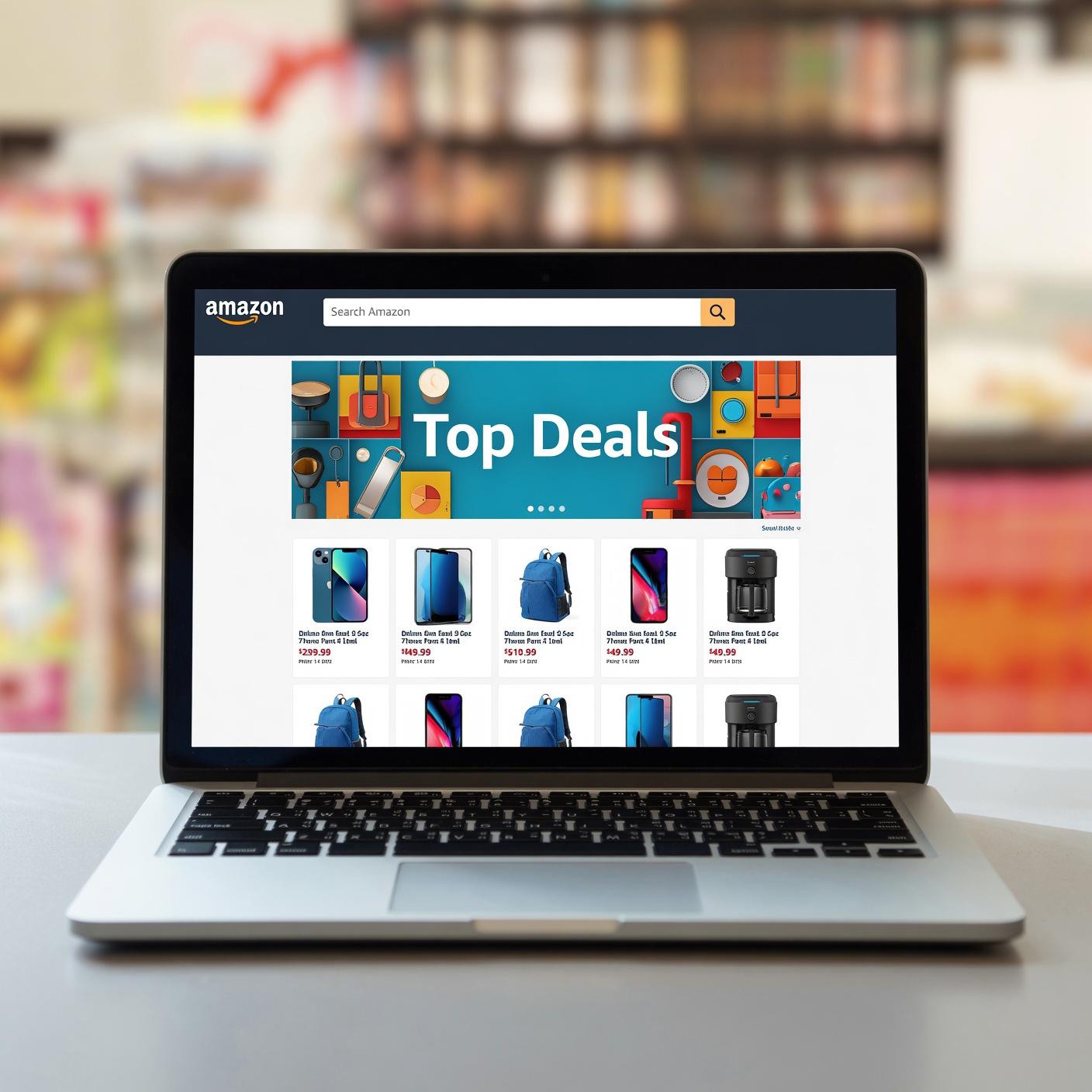
How a website asks you to pay is often the absolute clearest indicator of whether it is legitimate or fraudulent. Cybercriminals prefer payment methods that are difficult to trace, irreversible, and offer zero buyer protection.
Dangerous Payment Red Flags
-
Direct Bank Transfers (Wire Transfers): If a store insists on direct wire transfers through services like Western Union, MoneyGram, or direct bank account routing numbers, run away immediately. Once the money leaves your account, it is virtually impossible to recover.
-
Cryptocurrency: Bitcoin, Ethereum, USDT, and other digital currencies are decentralized and pseudonymous. Legitimate consumer retail stores rarely, if ever, demand crypto as the sole form of payment unless they are specialized tech-focused vendors. Scammers love crypto because transactions are entirely irreversible.
-
Peer-to-Peer (P2P) Payment Apps: Services like Zelle, Venmo, or Cash App are designed for sending money to friends, family, and people you personally know and trust. They do not offer the robust fraud protection, dispute resolution, or chargeback mechanisms built into standard credit cards. If a merchant asks you to pay via a personal P2P handle, they are bypassing merchant protection rules.
-
Gift Card Payments: No legitimate merchant will ever ask you to purchase gift cards (such as Apple, Google Play, Steam, or Amazon gift cards) and read the redemption codes over the phone or email to pay for an online order. This is a classic hallmark of financial fraud.
The Safest Payment Methods
Always use a major credit card (Visa, MasterCard, American Express, Discover) or a trusted secure digital wallet like PayPal when shopping on unfamiliar websites. Credit cards offer powerful federal consumer protections, most notably the right to dispute charges and request a chargeback if goods are never delivered or if you are the victim of outright fraud.
6. Absurd Shipping Times and Vague Fulfillment Policies
When ordering online, reading the shipping, return, and refund policies is rarely thrilling, but it can save you from a major financial headache. Scammers often hide their fraudulent intentions in plain sight within poorly written policy pages.
Shipping Red Flags
-
Excessive delivery windows: If a domestic US-based company lists standard shipping times of 30 to 60 days, it is often a sign of “dropshipping” low-quality goods from overseas fulfillment centers, or worse, a front for a scam operation stalling for time while your credit card dispute window closes.
-
Missing or contradictory return policies: Legitimate businesses outline clear, structured return windows (e.g., 30-day returns). Scam sites often have blank policy pages, or policies written in broken, nonsensical legal jargon copied from entirely different industries.
-
Exorbitant restocking fees: Some fraudulent operations trap buyers by charging astronomical restocking fees (sometimes 50% or more) or requiring you to pay international return shipping costs that exceed the value of the item itself, effectively making returns impossible.
7. High-Pressure Tactics and Fake Social Proof
Scammers understand human psychology. They know that if you have time to research, think, or second-guess a purchase, you might realize it’s a scam. Therefore, they manufacture artificial urgency and leverage fake social proof to force quick, impulsive decisions.
Psychological Manipulation Techniques
-
Fake countdown timers: Banners at the top of the page screaming things like “Flash Sale Ends in 04:12:35!” that reset every time you refresh the browser page.
-
Artificial scarcity notifications: Pop-ups constantly flashing across your screen saying things like “Sarah from Chicago just bought this item!” or “Only 2 items left in stock!” These notifications are almost always automated scripts designed to induce FOMO (Fear Of Missing Out).
-
Aggressive pop-ups: Intrusive chat windows that immediately badger you to enter your email address for an extra discount or pressure you to complete your checkout instantly.
The Danger of Fake Reviews
Scammers often populate their product pages with glowing, five-star reviews complete with photos stolen from legitimate buyers across the web. To spot fake reviews, look for:
-
Hundreds of reviews posted within the exact same week on a brand-new website.
-
Overly generic praise (“Great product, fast shipping, very happy!”) devoid of specific product details.
-
Stock photography used as customer review images.
8. Social Media Ads and the “Pop-Up Shop” Trap
A massive percentage of modern online shopping scams begin not on search engines, but on social media feeds. Platforms like Instagram, Facebook, and TikTok feature sophisticated advertising networks that allow anyone with a credit card and an ad account to target users based on their browsing habits and interests.
How Social Media Scams Operate
-
The Viral Video Ad: Scammers create or steal captivating video clips showing an innovative gadget, beautiful apparel, or a clever home organization tool.
-
The Fly-by-Night Store: They spin up a quick Shopify or WooCommerce store with a trendy, aesthetic brand name (e.g., “LuxeAura Living” or “UrbanTrendz”).
-
The Rapid Disappearance: After running ads and collecting thousands of orders over a few weeks, the store shuts down, deletes its social media accounts, and disappears before customers realize their packages aren’t arriving. The operators then launch a brand-new store under a different name and repeat the process.
Best Practices for Social Media Shopping
If you see an ad for a product on social media that catches your eye, do not buy directly through the ad link. Instead, open a separate browser tab, search for the brand independently, and research their reputation on trusted consumer review platforms like Trustpilot, the Better Business Bureau (BBB), or Reddit before entering your payment details.
The Comprehensive Pre-Purchase Safety Checklist
To make protecting yourself as seamless as possible, keep this quick reference checklist handy every time you encounter a new online store:
| Verification Step | What to Look For | Safe vs. Unsafe Indicator |
| URL & Domain Age | Check domain registration date and spelling |
Safe: Established domain (.com, older than 1 year).
Unsafe: Brand new domain name with unusual spelling or free hosting extensions. |
| Payment Options | Available checkout methods |
Safe: Major credit cards, PayPal, Apple Pay, Google Pay.
Unsafe: Direct wire transfer, crypto only, P2P personal apps, gift cards. |
| Contact Info | Methods to reach customer support |
Safe: Working phone number, physical address, professional company email.
Unsafe: Web form only, free webmail addresses (@gmail), no physical address. |
| Pricing | Item cost compared to market standard |
Safe: Competitive pricing with reasonable sales.
Unsafe: 80% to 90% off retail price on brand-new, high-demand items. |
| Policies | Return, shipping, and privacy terms |
Safe: Clear, transparent, realistic policies.
Unsafe: Vague, missing, or contradictory text with extreme delivery windows. |
What to Do If You Fall Victim to an Online Shopping Scam
Even cautious consumers can occasionally be fooled by highly sophisticated cybercriminal operations. If you suspect you have fallen victim to an online shopping scam, taking swift, decisive action can mitigate the damage, recover your funds, and prevent further financial harm.
Step 1: Contact Your Bank or Credit Card Issuer Immediately
If you paid with a credit card or debit card, call the customer service number on the back of your card right away. Report the transaction as fraudulent, explain that you purchased goods that were never delivered (or that you received counterfeit goods), and request a chargeback.
-
Under the Fair Credit Billing Act (FCBA) in the United States, credit card users have robust protections against unauthorized charges and billing errors.
-
If you used PayPal or another digital wallet, open an official dispute or claim through their resolution center immediately.
Step 2: Change Your Passwords and Secure Your Accounts
Many fraudulent e-commerce sites are designed primarily for credential stuffing—capturing the email addresses and passwords that unsuspecting users reuse across multiple websites.
-
If you created an account on the scam site using a password you use elsewhere (such as your email, banking portals, or social media), change those passwords immediately.
-
Enable Two-Factor Authentication (2FA) across all your important online accounts to add an extra layer of security.
Step 3: Monitor Your Credit Reports and Financial Statements
Keep a close eye on your bank statements and credit card activity for the next several months. Consider setting up transaction alerts so you are instantly notified of any new charges. If you suspect your sensitive personal data (like your Social Security number or full billing profile) was compromised, consider placing a free credit freeze on your credit reports with the three major credit bureaus (Equifax, Experian, and TransUnion).
Step 4: Report the Scam to Authorities
Reporting cyber fraud helps law enforcement agencies track international criminal rings and alerts consumer protection agencies. You can file complaints with:
-
The Internet Crime Complaint Center (IC3): Run by the FBI (
ic3.gov), this is the primary federal repository for cybercrime complaints in the United States. -
The Federal Trade Commission (FTC): Report fraud, scams, and bad business practices at
reportfraud.ftc.gov. -
The Better Business Bureau (BBB): File a complaint or check scam tracker reports via
bbb.org.
Building Lasting Digital Habits for Safe E-Commerce

Navigating the modern digital marketplace safely doesn’t mean you have to stop enjoying the incredible convenience of online shopping. Rather, it requires shifting your mindset from passive consumer to mindful digital citizen.
By keeping these core warning signs in mind—unrealistic discounts, suspicious domain names, unsafe payment demands, and high-pressure sales tactics—you can easily filter out the bad actors and shop with confidence. Remember: if a deal feels too good to be true, or if something simply feels off about a website, trust your instincts. A little bit of hesitation today can save you from major financial stress tomorrow. Stay alert, protect your personal information, and enjoy a safe, secure online shopping experience.