Online Safety Tips Everyone Should Know
See the essential cybersecurity tips every internet user should follow
In today’s hyper-connected world, the internet is woven into the fabric of our everyday lives. From managing our finances and working remotely to keeping up with family and shopping for essentials, we spend a massive portion of our day online. However, this convenience comes with hidden risks. Cybercriminals, identity thieves, and malicious software are constantly evolving, looking for vulnerabilities to exploit.
The good news is that you do not need to be an expert in cybersecurity to keep yourself safe. Just as you lock your front door before leaving the house or look both ways before crossing the street, adopting a few simple, everyday digital habits can dramatically reduce your risk. This comprehensive guide will walk you through everything you need to know to navigate the digital world safely, securely, and with total peace of mind.
Understanding the Digital Landscape: Why Online Safety Matters

Before diving into the specific steps you can take, it helps to understand why digital safety is so crucial. Many people fall into the trap of thinking, “I have nothing to hide,” or “Why would hackers target me?”
The reality is that modern cybercrime is largely automated. Hackers do not target individuals personally; instead, they cast wide digital nets to catch anyone who makes a mistake. A single compromised password can give a criminal access to your email, which can then be used to reset passwords for your bank accounts, social media, and shopping profiles.
Online safety is not about living in fear or avoiding technology; it is about empowerment. By taking proactive steps, you retain control over your digital identity, protect your hard-earned money, and safeguard your personal privacy.
Mastering Password Security: The First Line of Defense
Your passwords are the keys to your digital kingdom. If a criminal gets your password, they gain access to your accounts. Yet, millions of people still use weak passwords like “123456,” “password,” or their pet’s name, and worse, they use the same password across multiple websites.
Create Strong, Unique Passwords
A strong password is your best defense against unauthorized access. To make a password difficult for hackers to crack, it should be long and complex.
-
Aim for a minimum of 12 characters.
-
Combine uppercase and lowercase letters, numbers, and symbols.
-
Avoid using easily guessable information, such as your birthday, anniversary, or hometown.
The Danger of Password Reuse
If you use the same password for your email, your bank, and your favorite online store, you are taking a massive gamble. If one minor website suffers a data breach, hackers will immediately test that email and password combination on hundreds of other popular sites—a technique known as “credential stuffing.” Always use a completely unique password for every single account you own.
How Password Managers Make Life Easier
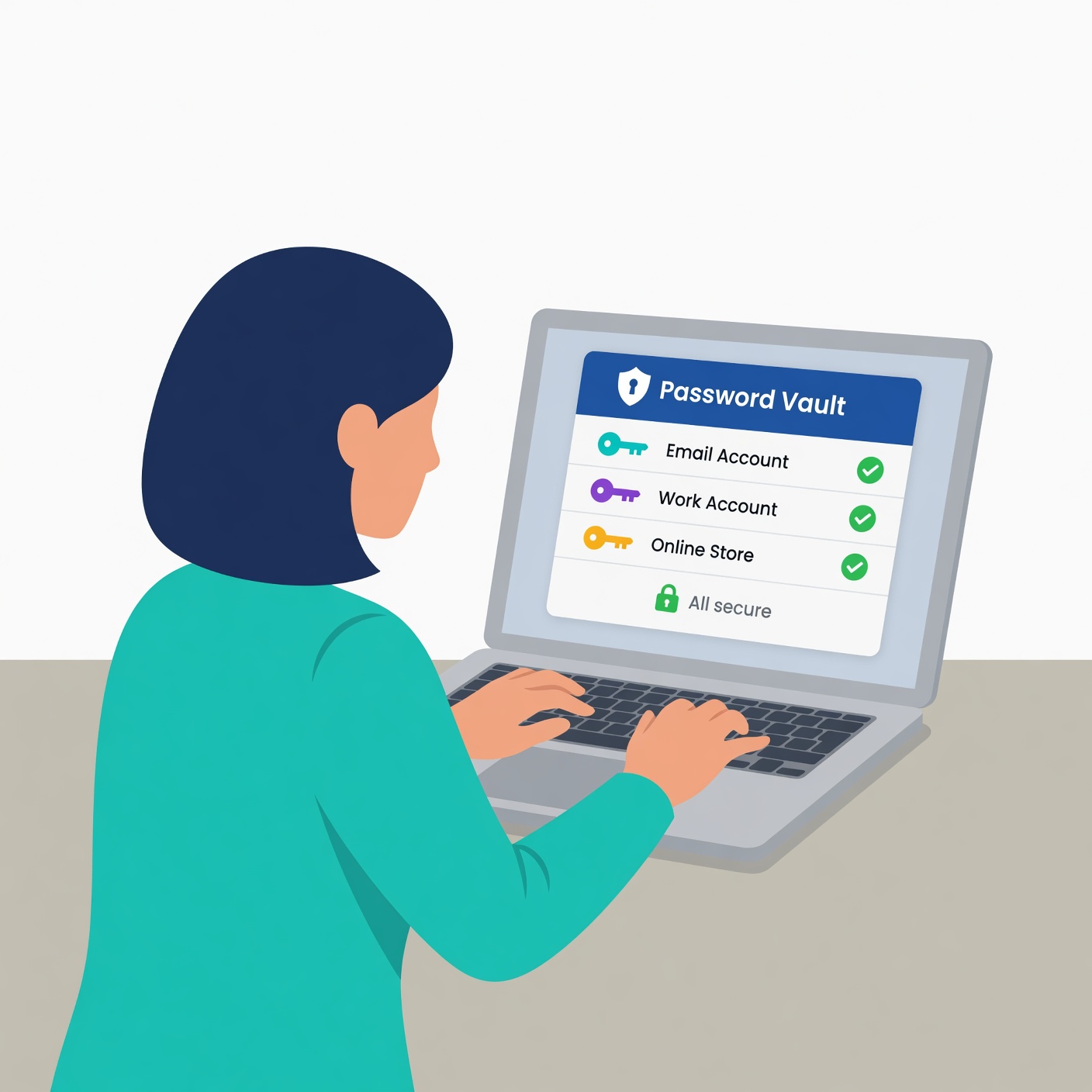
Memorizing dozens of complex, unique passwords is virtually impossible for the human brain. This is where modern password managers come in.
-
A password manager is a secure, encrypted digital vault that stores all your login credentials.
-
You only need to remember one strong “master password” to unlock the vault.
-
Password managers can also generate ultra-secure, random passwords for you automatically whenever you create a new account.
-
Popular, trusted options include 1Password, Bitwarden, and Dashlane.
Securing Your Accounts with Multi-Factor Authentication (MFA)
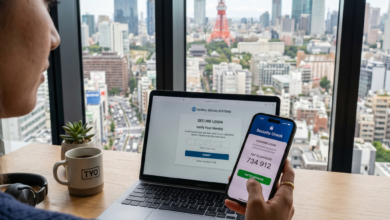
Even the strongest password can occasionally be compromised through sophisticated phishing attacks or data breaches. This is why Multi-Factor Authentication (MFA)—often referred to as Two-Factor Authentication (2FA)—is an absolute game-changer for your online security.
What is Multi-Factor Authentication?
MFA adds an extra layer of security by requiring you to provide two or more pieces of evidence to prove your identity before logging into an account. These factors typically fall into three categories:
-
Something you know: Your password or PIN.
-
Something you have: Your smartphone, a hardware security key (like a YubiKey), or an authenticator app.
-
Something you are: Your fingerprint or facial recognition (biometrics).
Why SMS Authentication Has Flaws
When setting up 2FA, many platforms offer the option to receive a code via text message (SMS). While SMS text codes are significantly better than having no second factor at all, they are not foolproof. Cybercriminals can execute a technique called SIM swapping, where they trick your mobile carrier into transferring your phone number to a SIM card they control, allowing them to intercept your text verification codes.
The Superior Choice: Authenticator Apps and Hardware Keys
For maximum security, avoid SMS-based codes whenever possible and use:
-
Authenticator Apps: Apps like Google Authenticator, Microsoft Authenticator, or Authy generate time-based one-time passwords (TOTP) directly on your device. These codes change every 30 seconds and do not rely on cellular service.
-
Hardware Security Keys: Physical USB or NFC security keys (such as a YubiKey) plug into your computer or tap your phone, offering the highest level of resistance against remote phishing attacks.
Spotting and Avoiding Phishing Scams
Phishing is one of the oldest and most common tactics used by cybercriminals, yet it remains wildly successful because it targets human psychology rather than technical flaws.
What is Phishing?
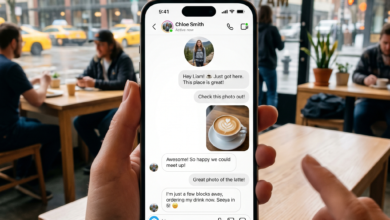
Phishing occurs when a scammer disguises themselves as a trustworthy entity—such as your bank, a streaming service, a delivery company, or even your employer—to trick you into revealing sensitive information like login credentials, credit card numbers, or Social Security numbers. These attacks typically arrive via email, text message (known as smishing), or phone calls (known as vishing).
Red Flags to Watch For
While cybercriminals are constantly refining their tactics, phishing messages almost always share common warning signs:
-
Urgency and Fear: The message tries to panic you by claiming your account will be suspended, a fraudulent charge has been made, or legal action will be taken unless you act immediately.
-
Generic Greetings: Instead of using your name, the email might start with “Dear Customer” or “Attention User.”
-
Suspicious Sender Addresses: Look closely at the email address, not just the display name. A message claiming to be from Netflix might actually be sent from an address like
[email protected]. -
Unexpected Attachments or Links: Never click links or download attachments from unfamiliar or unexpected sources.
Safe Habits to Counter Phishing
-
Verify Directly: If you receive an urgent message from your bank or a utility company, do not click the links inside the message. Instead, open a new browser tab, go to the official website manually by typing the URL, and log in to check your account status.
-
Hover Before Clicking: On a desktop computer, hover your mouse cursor over any link to preview the actual destination URL in the corner of your browser. If it looks strange or completely unrelated to the company, do not click it.
Keeping Software and Devices Updated
One of the easiest ways hackers break into computers and phones is by exploiting software vulnerabilities (also known as bugs or security flaws). Software developers are constantly patching these holes, but you must install the updates to stay protected.
Why Updates Matter
When a security flaw is discovered in an operating system, web browser, or app, the creators write a patch to fix it. Unfortunately, cybercriminals reverse-engineer these updates to discover what the flaw was and immediately target devices that have not yet been patched. This window of opportunity for hackers is why keeping your devices updated is so critical.
Enable Automatic Updates
The most effective way to stay secure is to take human error out of the equation.
-
Set your operating systems (Windows, macOS, iOS, Android) to update automatically.
-
Keep your web browsers (Chrome, Safari, Firefox, Edge) up to date, as browsers are frequent targets for attacks.
-
Enable automatic updates for all third-party apps on your phone and computer.
Safe Browsing Habits and Recognizing Secure Websites
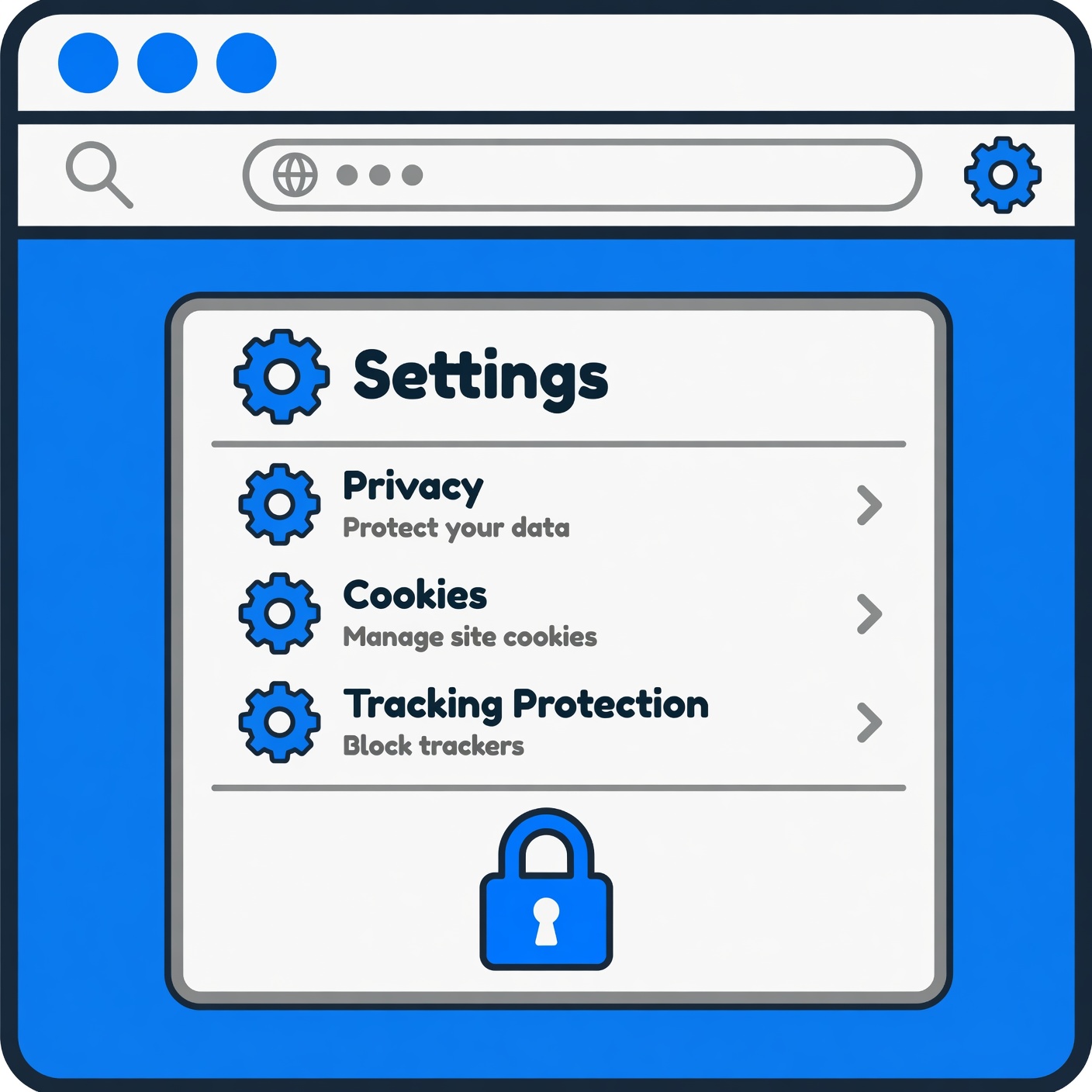
Navigating the web safely requires a healthy dose of digital skepticism. Knowing where you are clicking and understanding how your browser interacts with websites can save you from malware infections and data theft.
The Importance of HTTPS
When visiting a website, always check the address bar to ensure it begins with https:// rather than http://.
-
The “s” stands for secure. It means that any communication between your web browser and the website is encrypted, protecting your data from being intercepted by eavesdroppers on the same network.
-
Most modern browsers will display a padlock icon next to the URL to indicate a secure connection. However, keep in mind that a padlock simply means the connection is encrypted—it does not automatically mean the website is trustworthy or operated by a legitimate company.
Beware of Malicious Downloads
Never download software, movies, music, or documents from untrusted, shady, or peer-to-peer file-sharing networks. Cracked software and pirated media are prime distribution vectors for trojans, spyware, and ransomware that can cripple your device.
Protecting Your Privacy on Public Wi-Fi Networks
Free public Wi-Fi networks found in coffee shops, airports, hotels, and libraries are incredibly convenient, but they are also digital Wild Wests.
The Dangers of Unsecured Public Networks
Most public Wi-Fi networks are completely unencrypted. This means that anyone connected to the same network router can potentially monitor the web traffic passing through it using easily downloadable network packet-sniffing tools. If you log into an unencrypted website on public Wi-Fi, malicious actors nearby could capture your username and password.
Best Practices for Public Wi-Fi
-
Avoid Sensitive Transactions: Never log into your online banking, check sensitive medical records, or enter credit card information while connected to public Wi-Fi.
-
Turn Off Auto-Connect: Configure your smartphone and laptop so they do not automatically join open Wi-Fi networks without your permission.
-
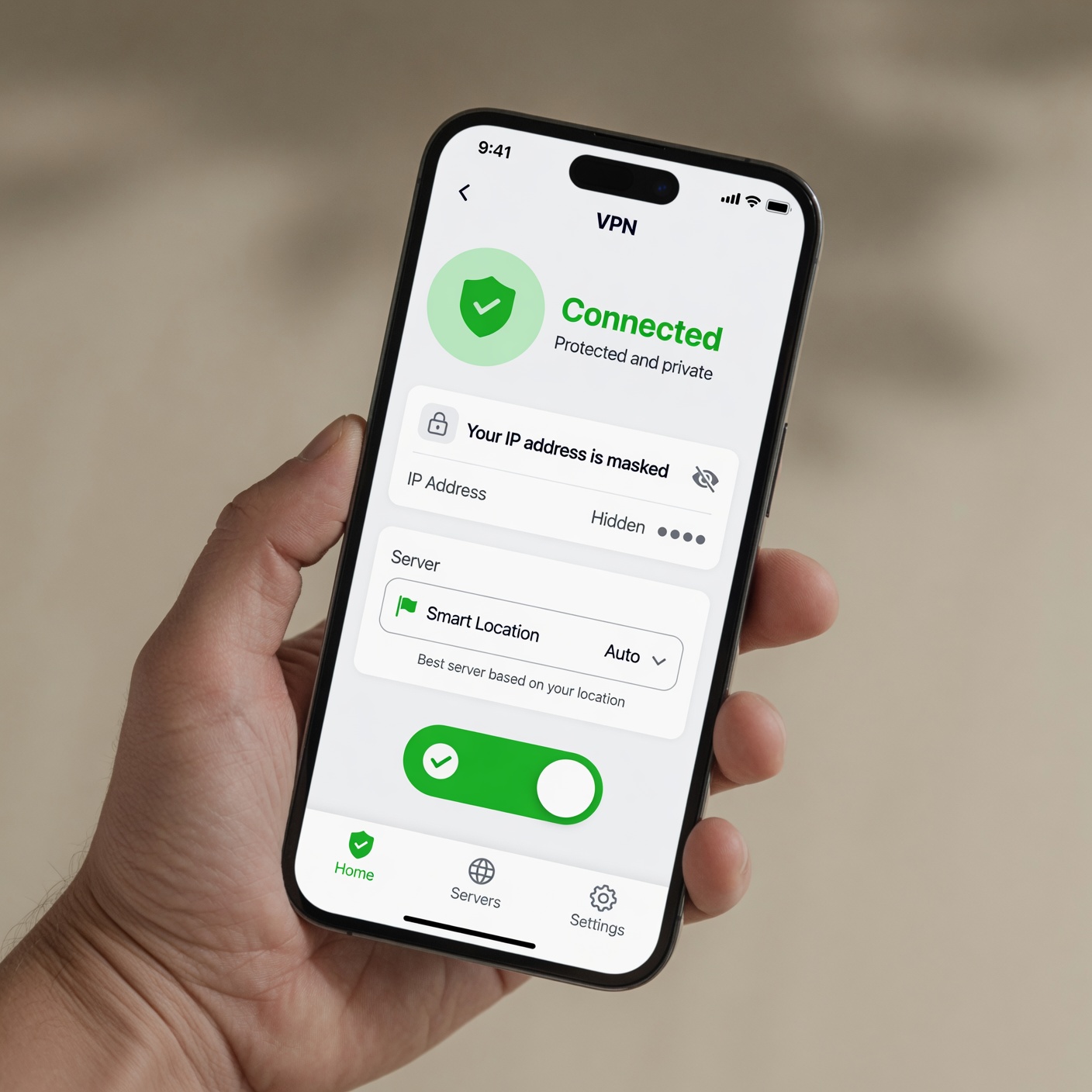
Use a VPN (Virtual Private Network): A VPN encrypts all the data traveling between your device and the internet, masking your browsing activity and shielding your data even when you are using an untrusted public network.
-
Use Your Cellular Data: When in doubt, turn off Wi-Fi entirely and use your phone’s cellular hotspot. Cellular data networks are significantly more secure than public hotspots.
Understanding and Managing Your Digital Footprint
Every post you share, comment you make, account you create, and website you visit contributes to your digital footprint. Managing this footprint is vital for both your personal privacy and long-term security.
Limit What You Share on Social Media
Oversharing on social media provides identity thieves with the exact puzzle pieces they need to commit fraud.
-
Avoid posting personal details such as your home address, phone number, vacation dates (which signal your home is empty), pet names, or schools attended—many of these are common security questions used to recover password accounts.
-
Adjust your privacy settings so that your posts and personal profile details are only visible to approved friends and family members, rather than the entire public internet.
Clean Up Old Accounts
Many of us have dozens of dormant online accounts created years ago for a single purchase or a game we no longer play. These forgotten accounts often sit on poorly secured company servers, waiting to be breached.
-
Take inventory of your online life and delete accounts you no longer use.
-
If a website does not offer a direct option to delete your account, reach out to their customer support team and request that your data be completely wiped under privacy regulations like GDPR or CCPA.
Recognizing and Responding to Malware
Malware (short for malicious software) is an umbrella term used to describe any harmful program designed to damage, disrupt, or gain unauthorized access to a computer system. This includes viruses, trojans, spyware, adware, and the dreaded ransomware.
Common Types of Malware
-
Spyware: Secretly monitors your activity, records your keystrokes, and steals your personal data without your knowledge.
-
Ransomware: Encrypts all the files on your computer and demands a hefty financial ransom (usually in cryptocurrency) in exchange for the decryption key.
-
Adware: Floods your screen with unwanted pop-up advertisements and redirects your browser searches.
Effective Antivirus and Anti-Malware Protection
While modern operating systems come with built-in security features (such as Windows Defender), adding a reputable, third-party antivirus and anti-malware suite provides an extra layer of real-time protection.
-
Choose a trusted security provider.
-
Ensure real-time scanning and firewall protections are always enabled.
-
Run regular full-system scans to catch and neutralize hidden threats.
Secure Financial Habits in a Digital Age
Financial fraud is one of the most common consequences of poor digital hygiene. Protecting your money requires constant vigilance and smart financial habits.
Safe Online Shopping Practices
-
Stick to Reputable Retailers: When shopping online, buy from well-known merchants or verified independent stores with clear return policies and secure payment processing.
-
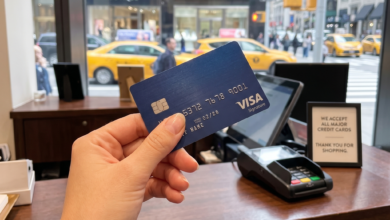
Use Credit Cards Over Debit Cards: Credit cards offer much stronger fraud protection under federal law than debit cards. If a thief steals your debit card number, they have direct access to the cash in your checking account. If they steal your credit card number, unauthorized charges can be disputed without instantly draining your liquid cash.
-
Use Virtual Credit Cards: Many credit card issuers and financial apps now offer temporary, single-use virtual card numbers for online shopping, ensuring your actual card number is never exposed to a merchant database.
Monitoring Your Statements
Make it a habit to review your bank and credit card statements at least once a month. Catching a small, unauthorized transaction early is often the best way to prevent a major financial disaster down the road.
Creating an Incident Response Plan
Even if you follow every best practice meticulously, things can still go wrong. Data breaches happen at major corporations, and sophisticated scams can catch anyone off guard on a tired day. Having a plan of action if something goes wrong is vital.
What to Do If Your Account is Compromised
-
Change Your Password Immediately: If you still have access, log in and change your password to a strong, unique one. If you cannot log in, use the account recovery tool right away.
-
Log Out All Active Sessions: Many services allow you to sign out of all devices remotely. Use this feature to kick hackers out of your account.
-
Check Account Settings: Look for unauthorized changes, such as a changed recovery email address, a new shipping address, or altered forwarding rules in your email settings.
-
Notify Your Bank: If financial information was exposed, contact your bank or credit card issuer immediately to freeze your cards and dispute fraudulent charges.
-
Place a Credit Freeze: If your Social Security number or primary identity documents were compromised, contact the major credit bureaus (Equifax, Experian, and TransUnion) to place a free credit freeze on your file, preventing criminals from opening new lines of credit in your name.
Building Sustainable Digital Habits
Online safety is not a one-time checklist item; it is an ongoing mindset. The digital world evolves quickly, but by mastering the fundamentals—using strong and unique passwords, enabling multi-factor authentication, spotting phishing attempts, keeping your software updated, and practicing cautious browsing habits—you build an impenetrable shield around your digital life.
Take things one step at a-time. Start by setting up a password manager today, then enable two-factor authentication on your most important accounts like email and banking. Before you know it, these smart practices will become second nature, allowing you to enjoy all the incredible benefits of the internet with total confidence and security.