Why Do Some Apps Ask for Contacts Permission?
Understand the privacy risks of granting contact permissions to mobile apps
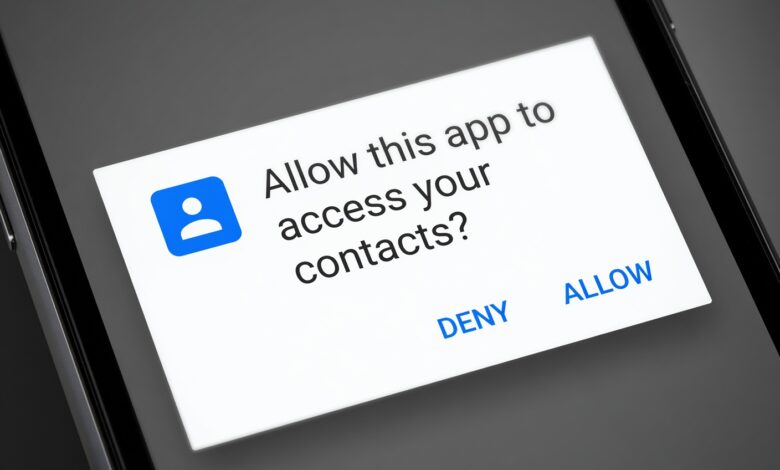
In today’s digital age, we download new apps almost daily. Whether it is a trendy photo editor, a food delivery service, a mobile game, or a messaging platform, almost every app we install prompts us for various permissions upon its first launch. Among these, one request appears more frequently than almost any other: “App Name would like to access your contacts.”
For many users, this prompt triggers an immediate moment of hesitation. Why would a flashlight app, a puzzle game, or a video editor possibly need to know who is in your phone’s address book? Is it safe to grant this access, or are your personal data and your friends’ private information at risk?
Understanding how and why mobile applications request access to your contact list is essential for maintaining your digital privacy. This comprehensive guide explores the mechanics behind contact permissions, evaluates legitimate business needs versus invasive data harvesting, examines Google AdSense and privacy compliance standards, and provides actionable steps to secure your personal information on both iOS and Android devices.
What Are Smartphone Contact Permissions and How Do They Work?

To understand why apps ask for your contacts, we first need to look at how modern operating systems—primarily Apple’s iOS and Google’s Android—manage app permissions.
Historically, older operating systems granted apps sweeping, blanket access to everything on the device the moment you downloaded them. If you installed an app, it could read your location, look at your photos, scan your texts, and access your contacts without restriction.
Modern mobile operating systems revolutionized this approach through a sandbox architecture and runtime permission models. Today, when an app wants to access sensitive data like your contacts, calendar, microphone, or camera, it cannot simply take it. Instead, the operating system pauses the app and displays a standardized system pop-up asking for your explicit consent.
The Technical Mechanism Behind the Request
When an app requests contact permission, it relies on system APIs (Application Programming Interfaces).
-
Read Contacts (
READ_CONTACTSon Android): Allows the app to look through your address book, reading names, phone numbers, email addresses, physical addresses, and notes associated with your contacts. -
Write Contacts (
WRITE_CONTACTSon Android): Allows the app to add new contacts to your phone, edit existing ones, or delete entries. -
Get Accounts (
GET_ACCOUNTSon Android): Allows the app to discover what user accounts (Google, WhatsApp, Facebook, corporate email, etc.) are registered on the device.
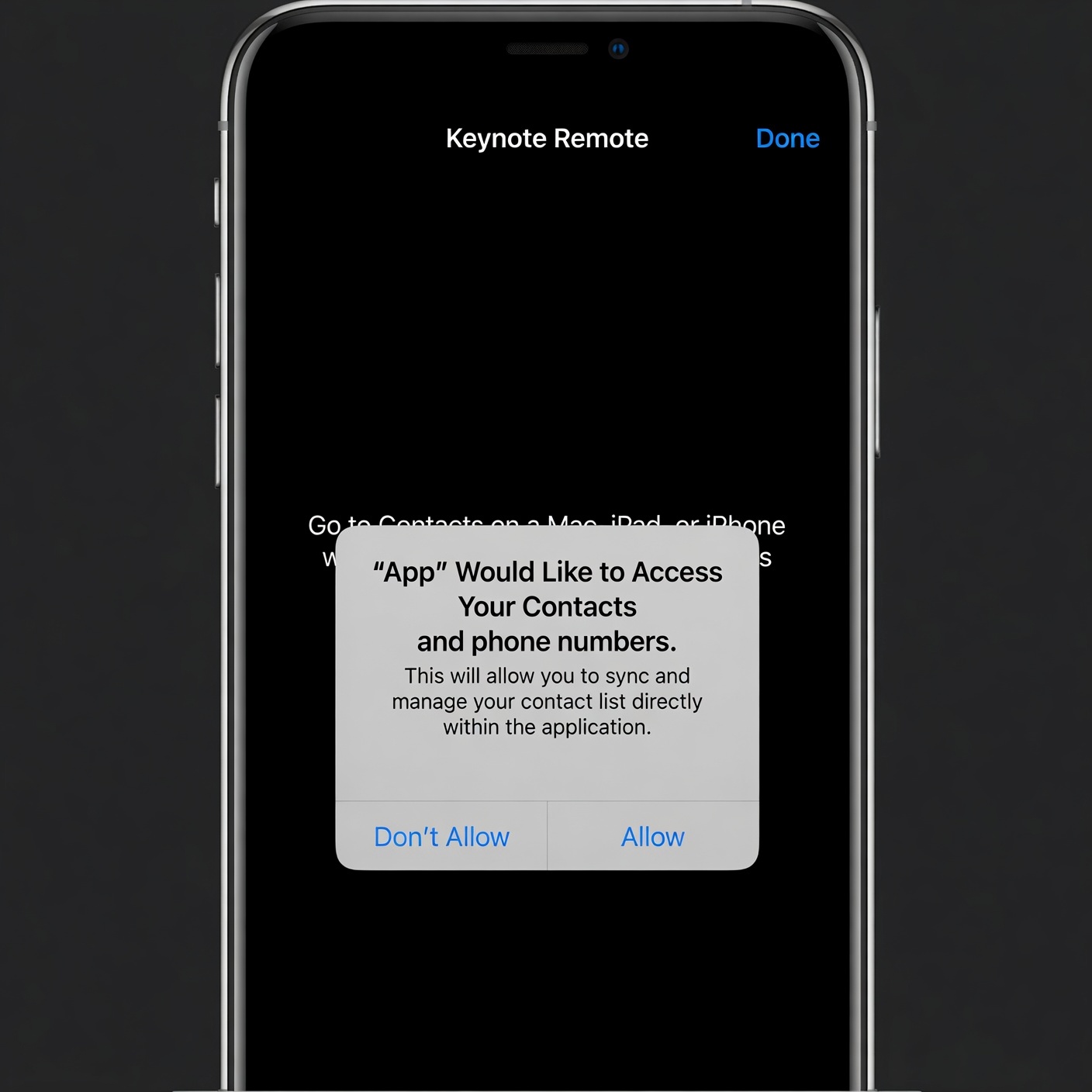
When you tap “Allow”, the operating system issues a cryptographic token or authorization grant that allows the app to query the device’s local database containing your address book. When you tap “Don’t Allow”, the system blocks access, often returning an empty list or an error code to the application.
Legitimate Reasons Why Apps Request Your Contact List
Not every app that asks for your contact list is trying to steal your data or sell your information to shady third-party brokers. Many legitimate applications rely on contact data to provide core features, enhance user experience, and connect you with friends.
Here are the primary, benign reasons why developers build contact-fetching capabilities into their software:
1. Social Networking and Friend Discovery
Platforms like Instagram, TikTok, Snapchat, LinkedIn, and Spotify frequently ask for your contacts under the guise of “Find Friends.”
-
How it works: The app uploads a hashed version of your contacts’ phone numbers and email addresses to its servers. It then compares these hashes against its database of registered users. If a match is found, the platform suggests that user to you: “People you may know.”
-
The Benefit: It eliminates the tedious process of manually searching for your friends’ usernames or handles, allowing you to build your social network on the platform instantly.
2. Peer-to-Peer Payments and Financial Apps
Peer-to-peer (P2P) payment apps like Venmo, PayPal, Cash App, and Zelle rely heavily on contact integration.
-
How it works: When you want to split a dinner bill or send money to a friend, typing in a long bank account number or email address is prone to error. By accessing your contacts, the app populates names and profile pictures directly into the payment interface.
-
The Benefit: It ensures you send money to the correct person quickly and safely, reducing the risk of financial transfer mistakes.
3. Messaging, Calling, and VoIP Services
Communication apps like WhatsApp, Telegram, Signal, and Zoom cannot function without knowing who you want to talk to.
-
How it works: Upon installation, these apps scan your local address book to automatically populate your in-app chat list with friends, family, and colleagues who also use the service.
-
The Benefit: You do not need to manually add every single person you know into a separate in-app directory; the app synchronizes seamlessly with your existing phone book.
The Dark Side: Why Invasive Apps Want Your Contacts
While many requests are benign, a significant dark side exists within the mobile app ecosystem. In an economy driven by data monetization, personal information is treated as a highly valuable commodity. Contact lists are particularly lucrative for data brokers, advertisers, and malicious actors.
1. Aggressive Marketing and Telemarketing Leads
Some unscrupulous app developers harvest contact lists explicitly to build marketing profiles.
-
The Threat: Once an app uploads your contacts to an external server, those phone numbers and email addresses can be sold or shared with telemarketers, spam callers, and phishing syndicates. Suddenly, you and your friends notice a sharp increase in spam text messages, robocalls, and unsolicited promotional emails.
2. Shadow Profiles and Surveillance Capitalism
Data brokers love contact books because they allow them to build “shadow profiles”—detailed dossiers on individuals who may not even use the app in question.
-
How it works: Imagine User A downloads a malicious free puzzle game and grants it contact access. The game harvests User A’s entire address book, which includes User B (who is extremely privacy-conscious and never downloads games or social media apps). The data broker now links User A and User B together, mapping relationships, social circles, and professional networks without User B’s knowledge or consent.
3. Account Hijacking and Social Engineering
In worst-case scenarios, malicious apps or compromised legitimate apps can use contact lists to facilitate targeted cyberattacks.
-
The Threat: Attackers can use harvested phone numbers and names to craft convincing spear-phishing attacks. For example, receiving a text message that appears to come from a friend in your contacts list asking for money or credentials is far more convincing than a random spam message.
Context Clues: How to Tell Safe Requests from Dangerous Ones
Because operating systems often present permission prompts in a standard, uniform format, it is up to the user to apply context and critical thinking. Evaluating whether an app needs your contacts requires looking at the app’s core purpose.
The Principle of Least Privilege
In cybersecurity and data privacy, the Principle of Least Privilege dictates that a user or application should only have access to the bare minimum amount of data and resources necessary to complete its specific job—nothing more.
-
Makes Sense (Proportional Request): A messaging app asking for contacts. (Core functionality depends on it).
-
Makes No Sense (Disproportionate Request): A flashlight app, a scientific calculator, an offline offline photo editor, or a basic file manager asking for contacts.
If an app’s primary function has nothing to do with communication, networking, or financial transfers, a request for your contact list should immediately raise a red flag.
What Happens When You Press “Allow”? A Technical Breakdown
Many users assume that when they tap “Allow,” the app simply reads the contacts locally on the phone screen to display them. While some apps do process data strictly on-device, many others engage in cloud syncing.
-
Local Extraction: The application queries the operating system’s database.
-
Serialization and Bundling: The contact names, phone numbers, and emails are bundled into a data payload (often in JSON or XML format).
-
Transmission: The payload is transmitted via HTTPS over the internet to the developer’s remote servers or a third-party analytics SDK (Software Development Kit).
-
Storage and Cross-Referencing: The data is stored in massive databases, often stripped of direct identifiers or permanently linked to your device ID and user profile, where it can be monetized.
Once your contacts leave your device, you completely lose control over how that data is stored, who has access to it, and whether it is securely encrypted.
Evaluating Apps Through Google AdSense and Privacy Compliance Standards
For website owners, publishers, and content creators, discussing mobile privacy requires strict adherence to industry standards, particularly regarding monetization policies like Google AdSense.
When writing about software, cybersecurity, and data privacy, content must remain transparent, accurate, and helpful to users while complying with major ad network policies regarding data collection and user safety.
Google AdSense Policies on Data Privacy
Google AdSense maintains rigorous policies to ensure that web publishers do not promote malicious software, deceptive apps, or privacy-violating practices. To remain fully compliant with AdSense guidelines while educating users:
-
Promote Transparency: Always encourage readers to read app privacy policies before granting permissions.
-
Avoid Alarmism: Frame cybersecurity advice objectively. Do not claim every app is malicious; instead, empower users with technical knowledge to make informed decisions.
-
Provide Actionable Value: Offer clear, step-by-step instructions on how users can audit and revoke permissions on their own devices.
How to Audit and Manage Contact Permissions on iOS and Android
Fortunately, modern operating systems give you total control over your privacy settings. You are never permanently locked into a choice you made in the past. If you previously tapped “Allow” on an app and now regret it, you can revoke that permission in seconds.
Managing Permissions on Apple iOS (iPhone & iPad)
-
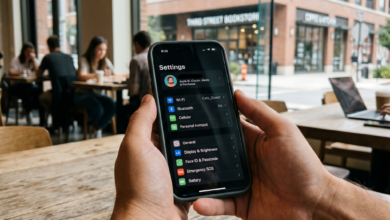
Open the Settings app on your iPhone.
-
Scroll down and tap on Privacy & Security.
-
Tap on Contacts.
-
You will see a list of every app that has requested access to your contacts.
-
Toggle the switch OFF next to any app you no longer want accessing your address book.
Managing Permissions on Android (Google Pixel, Samsung Galaxy, etc.)
-
Open the Settings app on your Android device.
-
Tap on Apps (or Apps & Notifications, depending on your device manufacturer).
-
Tap on Permission Manager (often found under the three-dot menu in the top right or within privacy settings).
-
Select Contacts.
-
Review the apps listed under “Allowed” and “Don’t Allowed”.
-
Tap on any app under the “Allowed” list and change the setting to “Don’t allow”.
Pro Tip: On modern versions of Android and iOS, you can also select “Ask every time” or utilize temporary permissions for certain features, ensuring apps cannot continuously background-harvest your data.
Best Practices for Protecting Your Digital Privacy
Securing your personal data goes beyond simply toggling off a few switches. Cultivating strong digital hygiene habits protects both you and the people in your address book.
1. Read the “App Privacy” Label Before Downloading
Both the Apple App Store and the Google Play Store feature mandatory privacy labels or “Data Safety” sections. Before downloading an app, scroll down to see:
-
What data the app collects.
-
Whether that data is linked to your identity.
-
Whether the data is shared with third parties for tracking or advertising purposes.
2. Regularly Clean Up Your App Inventory
Most people have dozens of apps installed that they haven’t opened in months—sometimes years. These “forgotten” apps still retain whatever permissions you originally granted them.
-
Make it a habit every three to six months to audit your smartphone. Delete apps you no longer use. Not only does this free up storage space and improve battery life, but it also reduces your digital attack surface.
3. Use Alternative Workarounds When Possible
If an app requires contact access for a specific feature, but you prefer not to share your entire address book, look for workarounds:
-
Many modern apps allow you to manually type in a single email address or phone number without granting the app permission to read your entire contact database.
-
Utilize restricted contact access features (available on recent iOS and Android versions) where you can manually select only specific contacts that an app is allowed to see, shielding the rest of your address book.
Take Control of Your Digital Footprint
The prompt asking for access to your contacts is one of the most common friction points in mobile user experience. While developers often have legitimate reasons for requesting this data—such as connecting you with friends on a social network or facilitating a secure financial transfer—the risks of over-sharing are real and well-documented.
By applying the Principle of Least Privilege, evaluating whether an app’s request makes logical sense, regularly auditing your device’s permission settings, and reading app privacy disclosures, you can enjoy the full convenience of modern mobile technology without sacrificing your personal privacy or compromising the security of your friends and family.
Your smartphone is an extension of your personal life; keeping its digital gates locked is the first and most crucial step toward maintaining absolute control over your digital footprint.