Should You Trust Browser Password Managers?
Discover how browser password managers work and whether they're secure enough

In today’s digital landscape, keeping track of dozens—or even hundreds—of online accounts is a daunting task. From online banking and social media to work portals and e-commerce stores, unique credentials are required everywhere. To cope with this cognitive overload, millions of people rely on the built-in password management tools integrated directly into web browsers like Google Chrome, Microsoft Edge, Apple Safari, and Mozilla Firefox.
Offering instant pop-ups, seamless autofill capabilities, and effortless cross-device synchronization, these tools are undeniably convenient. But convenience often comes at a security cost.
As cyber threats grow increasingly sophisticated, a pressing question emerges: Should you truly trust browser password managers with your most sensitive digital credentials?
This in-depth guide explores the mechanics of browser-based password storage, evaluating the inherent risks, comparing them to standalone alternatives, and offering actionable advice to protect your digital identity.
The Convenience Factor: Why Millions Rely on Built-In Browser Storage

When a web browser asks, “Do you want to save this password?”, clicking “Yes” feels like a harmless shortcut. For the average internet user, browser password managers eliminate the friction of modern web browsing.
Rather than memorizing complex, randomized character strings or manually typing out credentials every time you log in, the browser handles the heavy lifting behind the scenes.
Key Benefits of Browser Password Managers
-
Zero Additional Installation: They are pre-installed and ready to use out of the box. There are no extra applications to download, accounts to register, or master passwords to remember other than your device or account login.
-
Seamless Multi-Device Syncing: By linking your browser to your ecosystem account (such as a Google, Apple, or Microsoft account), your saved logins instantly synchronize across your desktop, laptop, smartphone, and tablet.
-
Effortless Form Filling: Beyond simple usernames and passwords, modern browsers can auto-populate credit card details, addresses, and phone numbers in seconds, speeding up online checkout processes.
Given these advantages, it is easy to see why browser-based tools are the default choice for the masses. However, ease of use does not automatically equal robust cybersecurity.
How Browser Password Managers Actually Work Under the Hood
To understand whether browser password managers are trustworthy, it helps to examine how they store and protect your data. Unlike dedicated third-party tools that rely on zero-knowledge encryption architectures, browser managers are tightly coupled with your operating system and your browser profile.
When you save a password in a browser, it is typically encrypted and stored in a local database file on your hard drive (such as a SQLite or LevelDB file). The encryption keys used to lock this data are often tied directly to your operating system user account or your browser profile sync password.
While this sounds secure, it introduces a fundamental architectural flaw: if an unauthorized actor gains access to your unlocked computer or profile, your entire digital vault becomes vulnerable.
The Hidden Security Risks of Storing Passwords in Your Web Browser
While browsers utilize encryption to protect data at rest, cybersecurity researchers consistently point out vulnerabilities inherent to browser-based storage models.
1. The “Unlocked Session” Vulnerability
Unlike dedicated password managers that lock themselves automatically after a short period of inactivity or require a strict master password/biometric prompt every time you access sensitive data, browsers generally remain unlocked as long as your computer or browser session is active. If you walk away from your desk or leave your device unattended, anyone with physical access can easily open your settings menu and view your plain-text passwords.
2. Malicious Software and Info-Stealers
A growing threat vector in modern cybersecurity involves malicious software known as “infostealers.” These are specialized trojans designed specifically to infiltrate a user’s machine, bypass basic defenses, and harvest data stored inside web browsers. Infostealers can silently extract cookies, session tokens, autofill records, and decrypted browser passwords, exfiltrating them to command-and-control servers in a matter of seconds.
3. Broad Attack Surfaces
Web browsers are complex software applications running thousands of lines of code, making them frequent targets for zero-day exploits and security patches. Because your browser is your primary gateway to the open internet, it interacts with countless scripts, extensions, and websites daily. Bundling your most sensitive credentials inside the same application you use to surf untrusted web pages increases your overall risk profile.
Browser Password Managers vs. Dedicated Password Managers
When evaluating security options, security experts often draw a sharp line between native browser storage and standalone, dedicated password managers (such as 1Password, Bitwarden, or Proton Pass).
| Feature | Browser Password Managers (Chrome, Edge, Safari) | Dedicated Password Managers (1Password, Bitwarden, etc.) |
| Primary Focus | General web browsing and user experience | Dedicated, end-to-end encrypted security |
| Master Protection | Tied to OS login or browser sync account | Requires a unique, highly secure Master Password |
| Encryption Architecture | Standard OS/Cloud encryption with browser oversight | Zero-knowledge architecture (the provider cannot see your data) |
| Advanced Features | Basic autofill and sync | Breach monitoring, secure sharing, TOTP generators, encrypted notes |
| Target for Malware | Extremely common target for generic infostealers | Isolated vault structure requiring targeted compromise |
While dedicated password managers are not entirely immune to sophisticated server-side attacks or targeted vulnerabilities, their use of strict zero-knowledge encryption ensures that even if a provider’s cloud servers are breached, your individual vault remains unreadable without your master key.
Best Practices to Harden Your Browser Security If You Use Built-In Tools
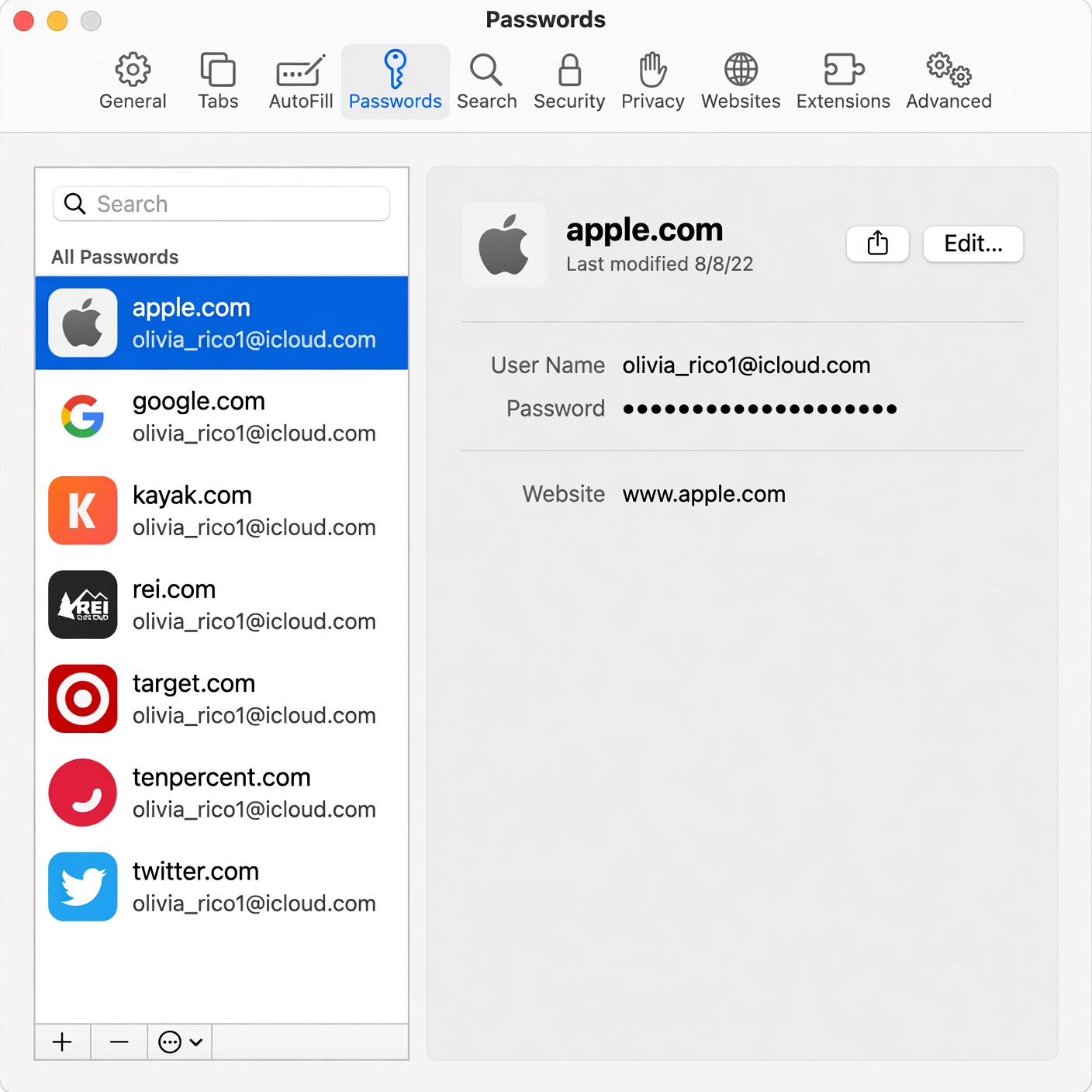
If you choose to continue using a browser password manager for the sake of convenience, you should never rely on defaults alone. Implementing strict defense-in-depth measures can significantly minimize your exposure to risk.
-
Enable Two-Factor Authentication (2FA): Secure the email account and ecosystem profile tied to your browser with robust 2FA—preferably using hardware security keys or authenticator apps rather than SMS.
-
Set Up a Browser Profile Lock: Configure your browser or operating system to require a PIN, password, or biometric verification (like Windows Hello or Touch ID) before autofilling sensitive fields or revealing stored passwords.
-
Regularly Audit Saved Credentials: Periodically review your stored credentials, delete old accounts you no longer use, and ensure you aren’t reusing weak passwords across multiple platforms.
-
Maintain Aggressive Endpoint Protection: Use reputable, up-to-date antivirus and anti-malware software to detect and block infostealer trojans before they can target your local browser profile data.
Can You Truly Trust Them?
So, should you trust browser password managers? The short answer is: They are infinitely better than reusing the same weak password across all your accounts, but they are far from the safest option available.
For casual users with low-risk digital footprints who prioritize friction-free browsing above all else, browser password managers provide an adequate baseline defense. However, if you manage sensitive financial accounts, corporate data, or high-value digital assets, transitioning to a dedicated, zero-knowledge password manager is a wise and necessary security upgrade.
Balancing convenience with security is the ultimate key to surviving the modern threat landscape. Evaluate your digital habits today, lock down your credentials, and take control of your online privacy before a breach occurs.