Online Safety
Best VPNs for Public Wi-Fi
Find out how a VPN can make public Wi-Fi connections safer and which features to look for
We have all been there: you are sitting in a bustling coffee shop, waiting for a flight at an airport terminal, or checking emails at a hotel lobby, and you urgently need to get online. You pull out your phone or laptop, scan for available wireless networks, and instantly connect to the nearest open Wi-Fi hotspot. It is fast, convenient, and completely free.
However, that quick convenience comes with a hidden catch. Public wireless networks are notoriously insecure playgrounds for cybercriminals, identity thieves, and malicious snoopers. Without the right protective measures, connecting to an unsecured network can expose your most sensitive personal information to total strangers.
This comprehensive guide explores why public networks pose such a massive risk to your digital privacy and breaks down the absolute best tools to keep your data secure while you are on the move.
Why Public Wi-Fi Networks Are a Cybercriminal’s Playground

When you connect to your home internet router, your traffic flows through a password-protected, encrypted environment that is generally difficult for outsiders to intercept. Public Wi-Fi hotspots operate entirely differently. Most public networks do not require a secure authentication key, meaning anyone within range can join the same digital space.
When a network lacks encryption, it creates an open highway for several common cyber threats:
-
Packet Sniffing: Hackers use specialized software tools to “sniff” or monitor the data packets moving back and forth between your device and the wireless router. If you are browsing a website that uses standard HTTP instead of secure HTTPS, attackers can literally read your login credentials, personal messages, and browsing history in plain text.
-
Evil Twin Attacks: Cybercriminals frequently set up rogue wireless access points that mimic legitimate public networks—such as “CoffeeShop_Free_WiFi” or airport guest networks. Once your device automatically connects to their fake hotspot, the attacker controls all your internet traffic, giving them free rein to harvest passwords or inject malware.
-
Man-in-the-Middle (MitM) Attacks: In this scenario, a malicious actor secretly positions themselves between your device and the connection point. You believe you are communicating directly with a website or server, but the hacker is actively intercepting, reading, and potentially altering everything you send and receive.
These risks sound alarming, but you do not have to avoid public hotspots entirely. The single most effective tool to neutralize these threats and transform any public network into a private, secure tunnel is a Virtual Private Network (VPN).
What Exactly Is a VPN and How Does It Protect You?
Think of a Virtual Private Network as a secure, armored pipeline for your internet traffic. Normally, when you visit a website on public Wi-Fi, your data travels directly from your device through the local router to the broader internet, completely exposed to anyone else on that network.
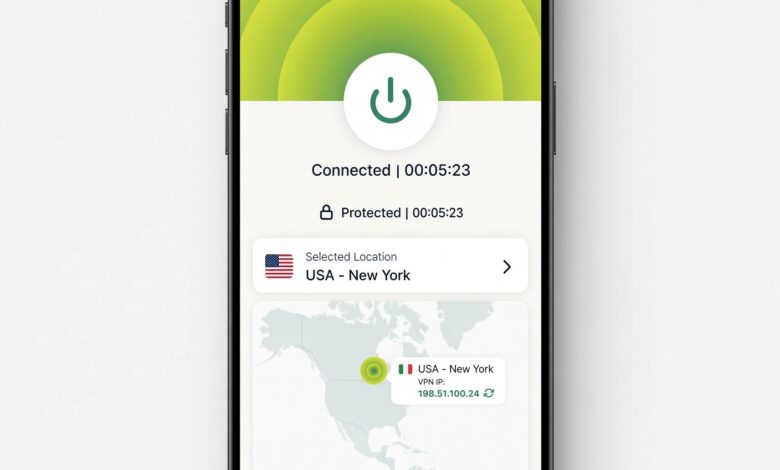
When you turn on a reliable VPN, your device establishes an encrypted connection to a remote server managed by the VPN provider.
-
End-to-End Encryption: All the data leaving your device is scrambled using advanced cryptographic protocols. Even if a hacker intercepts your data packets on a public network, they will only see a meaningless string of encrypted code.
-
IP Address Masking: A VPN hides your true internet protocol address and replaces it with the IP address of the VPN server. This prevents snoopers and local network administrators from tracking your physical location or monitoring your specific online activities.
-
Secure DNS Protection: Quality VPNs route your domain name system requests through secure encrypted channels, stopping local networks from logging the exact web pages and services you try to visit.
Key Features to Look for in a Public Wi-Fi VPN
Not all security software is built equally. When evaluating options specifically for protecting yourself on public hotspots, several critical features separate average services from industry-leading solutions:
-
Strict No-Logs Policy: The provider must have a verifiable policy stating they do not track, record, or store your browsing habits, connection timestamps, or traffic data.
-
Automatic Kill Switch: If your VPN connection drops unexpectedly for even a split second, a kill switch instantly blocks all internet traffic on your device, preventing your unencrypted data from leaking onto the public network.
-
Blazing-Fast Connection Speeds: Encryption inherently adds a tiny layer of overhead to your data transfer. The top providers utilize modern protocols like WireGuard to ensure your web browsing, video calls, and streaming remain lightning-fast without noticeable lag.
-
Ease of Use: Security tools should never feel confusing. Look for clean, intuitive applications that allow you to secure your connection with a single tap across all your devices, whether you are using Windows, Mac, iOS, or Android.
Top VPN Recommendations for Ultimate Security
Navigating the crowded cybersecurity market can feel overwhelming, but a few standout services consistently lead the industry in security audits, speed tests, and everyday usability.
NordVPN: The Gold Standard for Speed and Reliability

NordVPN stands out as a powerhouse for general internet users who want maximum protection without sacrificing performance. Built on a custom protocol called NordLynx (derived from WireGuard), it consistently ranks among the fastest options available.
When you hop onto a public hotspot at a cafe or hotel, turning on NordVPN takes a single click. It features robust threat-protection tools that actively block malicious websites, intrusive trackers, and infected downloads before they ever reach your screen. Its massive global network ensures you can always find a nearby server to maintain optimal connection speeds.
Proton VPN: Maximum Privacy and Transparency
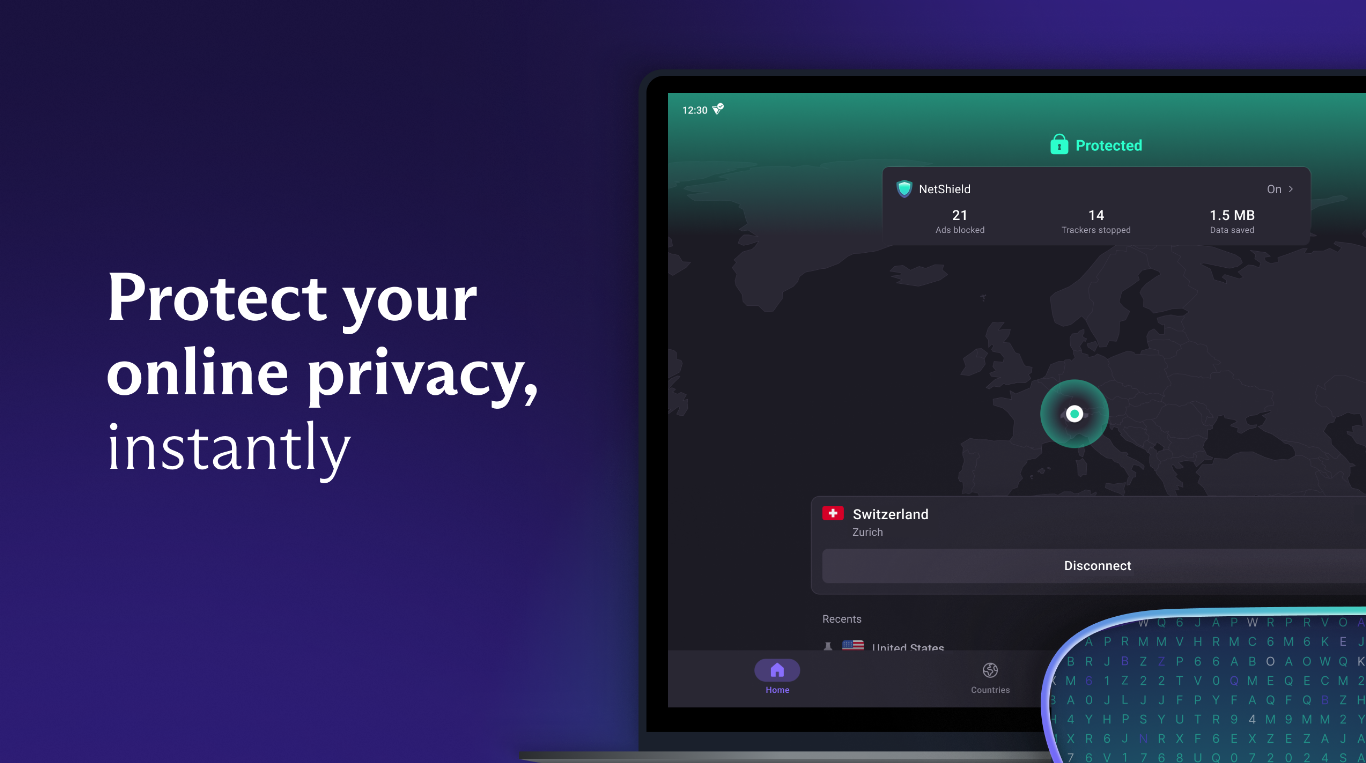
If your primary concern is absolute data privacy, Proton VPN is a stellar choice. Based in Switzerland—a jurisdiction renowned for strict privacy laws—this provider emphasizes open-source, independently audited applications.
Proton VPN offers a unique feature set designed to keep your digital footprint completely invisible. It includes advanced options like Secure Core architecture, which routes your traffic through multiple servers across privacy-friendly countries before it leaves the network, adding an extra layer of defense against sophisticated local surveillance on public Wi-Fi.
Surfshark: Excellent Value for Multiple Devices

Many travelers carry more than one device—typically a smartphone, a laptop, and perhaps a tablet. Surfshark is a favorite for users who want comprehensive public Wi-Fi security across an entire digital ecosystem because it permits unlimited simultaneous device connections under a single subscription.
Beyond connection sharing, Surfshark includes a built-in clean web feature that aggressively blocks advertisements, malware, and phishing attempts at the network level. Its lightweight applications make it exceptionally easy to set up on mobile devices where battery life and background performance matter most.
Best Practices for Safe Browsing on Public Networks
While running a trusted VPN is the single most important step you can take, pairing it with smart digital habits creates an impenetrable defense against cyber threats. Follow these simple guidelines whenever you step away from your private network:
-
Always Verify the Network Name: Before connecting in a public space like a restaurant or store, ask an employee for the exact name of their official wireless network to avoid falling victim to malicious “Evil Twin” hotspots.
-
Look for HTTPS: Ensure the websites you visit display the padlock icon and
https://in the address bar. While a VPN encrypts your connection from your device to the VPN server, HTTPS adds an extra layer of end-to-end encryption directly between you and the specific website. -
Disable Auto-Connect: Turn off settings on your phone or laptop that automatically join open wireless networks. This ensures you maintain conscious control over exactly when and where your device transmits data.
-
Turn Off File Sharing: When connecting to public networks, make sure network discovery and file sharing are disabled in your operating system settings so nearby strangers cannot access shared folders on your device.
-
Enable Two-Factor Authentication (2FA): Protect your critical online accounts—such as email, banking, and social media—with two-factor authentication. Even if a persistent attacker somehow intercepts your password, they cannot access your account without the secondary verification code sent to your personal device.
Conclusion
Public Wi-Fi is an undeniable convenience of modern life, allowing us to stay productive, entertained, and connected wherever we go. However, treating public networks with casual indifference is an open invitation for data theft and privacy invasion.
By understanding the risks of unsecured hotspots, adopting smart browsing habits, and equipping your devices with a top-tier VPN like NordVPN, Proton VPN, or Surfshark, you can browse with absolute confidence. Protecting your digital life does not have to be complicated—a few simple precautions ensure your personal information stays right where it belongs: private.
What is your biggest concern when connecting to public Wi-Fi networks while traveling or working away from home?