Online Safety
Best Apps for Two-Factor Authentication
Learn how two-factor authentication apps work and why they can make your accounts safer
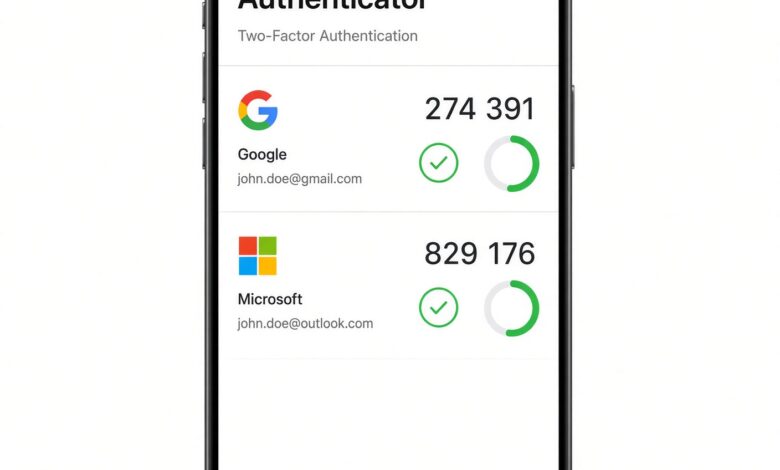
Passwords alone are no longer enough to keep your digital accounts safe. With data breaches, automated credential stuffing, and sophisticated phishing attacks on the rise, adding a layer of extra defense is essential. This is where Two-Factor Authentication (2FA) and Multi-Factor Authentication (MFA) come in.
Instead of relying solely on a password—which can be guessed, stolen, or leaked—2FA requires a second piece of verification, usually a time-based one-time password (TOTP) generated by an app on your smartphone.
Finding the right tool to manage your codes can feel overwhelming with so many options available. This comprehensive guide explores the best apps for two-factor authentication, breaking down their features, pros, and cons so you can choose the ideal fit for your security routine.
Why You Need a Dedicated 2FA App Today
Before diving into the top software choices, it helps to understand why SMS text messages are no longer a secure form of secondary verification. SMS codes can be intercepted through a technique called SIM swapping, where attackers trick your mobile carrier into transferring your phone number to their device.
Dedicated authenticator apps generate secure, offline codes directly on your device using cryptographic algorithms. These codes change every 30 seconds and never travel over cellular networks, making them vastly superior to text messages.
When evaluating authenticator apps, look for key features such as:
-
Encrypted Backups: Ensures you don’t lose access to your accounts if your phone breaks or gets lost.
-
Cross-Device Sync: Allows you to access your tokens seamlessly across a smartphone, tablet, or desktop.
-
Ease of Use: A clean, intuitive interface that makes scanning QR codes and retrieving numbers friction-free.
-
Privacy and Open Source: Transparent codebases or minimal data collection policies for privacy-conscious users.
Google Authenticator: Best for Simplicity and Universal Compatibility
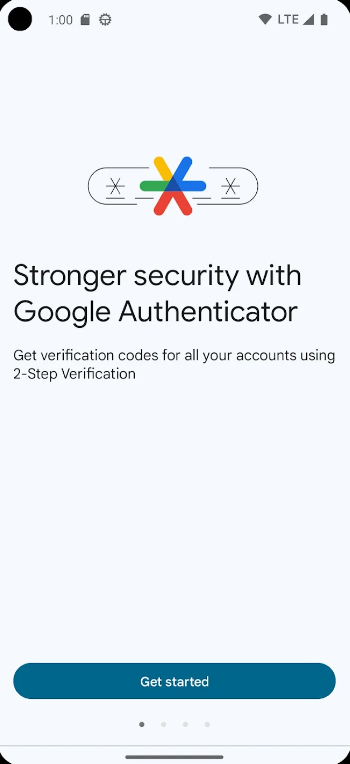
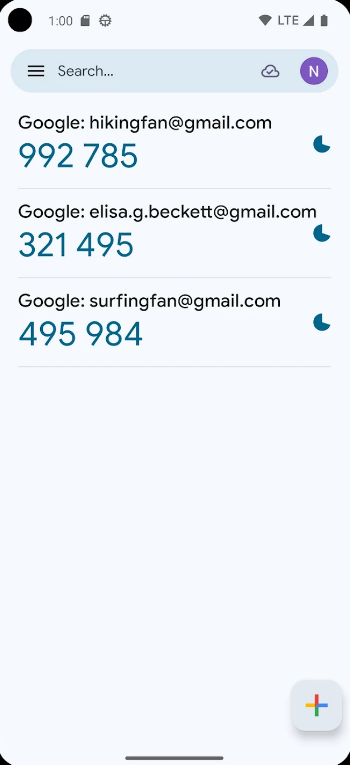
Google Authenticator is arguably the most widely recognized name in the authentication space. It is the default choice recommended by countless online services when you turn on 2FA.
Key Features
-
Zero Learning Curve: The app has a minimalist interface with virtually no setup process required beyond downloading it.
-
Cloud Sync Integration: Modern iterations allow users to sync tokens safely to a Google account, preventing the old nightmare of losing all your codes if your phone dies.
-
Offline Reliability: Codes generate locally and reliably even when your phone is in airplane mode.
Pros & Cons
-
Pros: Extremely fast and lightweight; universally accepted by virtually every platform supporting TOTP.
-
Cons: Lacks advanced features like app-level biometric locks (Face ID or fingerprint protection) and deep customization.
Microsoft Authenticator: Best for Ecosystem Users and Push Approvals
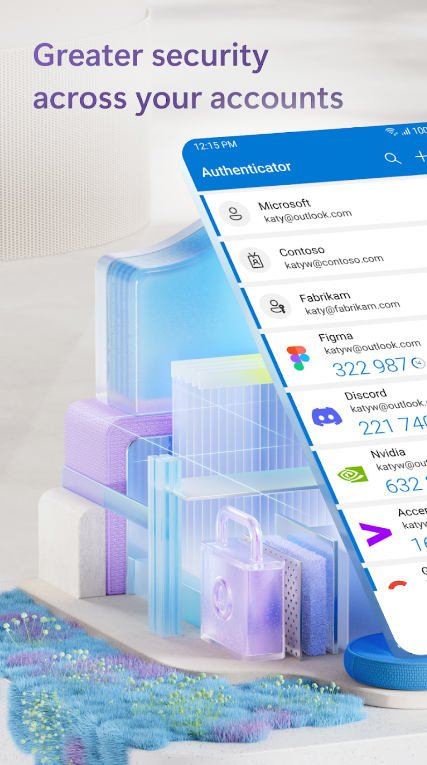
While designed to support standard TOTP codes for any website (like Amazon, Facebook, or GitHub), Microsoft Authenticator shines brightest for individuals embedded in the Microsoft ecosystem or corporate environments.
Key Features
-
One-Tap Push Notifications: For supported accounts, instead of typing a six-digit code, you receive a prompt asking “Is this you?” allowing you to approve or deny logins with a single tap.
-
Number Matching Security: To combat push-bombing attacks, Microsoft utilizes number matching, requiring you to type the matching digits displayed on your computer screen into your app.
-
Built-In Passwords and Autofill: It handles basic credential management and autofills addresses or passwords on mobile devices.
Pros & Cons
-
Pros: Excellent biometric protection, cloud-backed security, and incredibly fast login flows via push notifications.
-
Cons: The app can feel heavier and occasionally pushes other Microsoft products within the interface.
2FAS: Best for Privacy-Focused Users and Clean Design
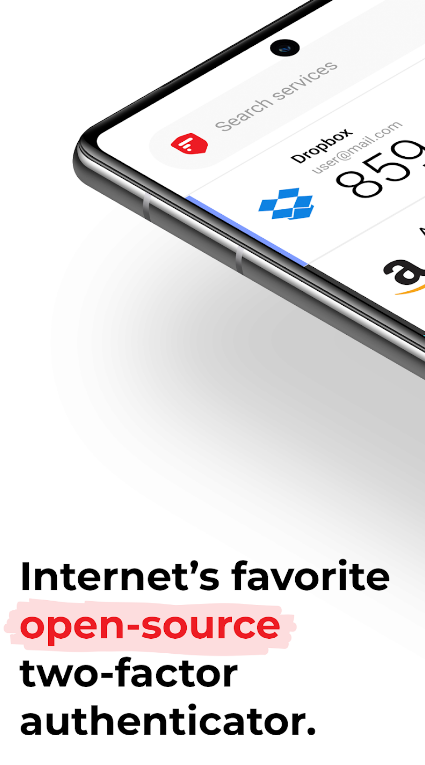
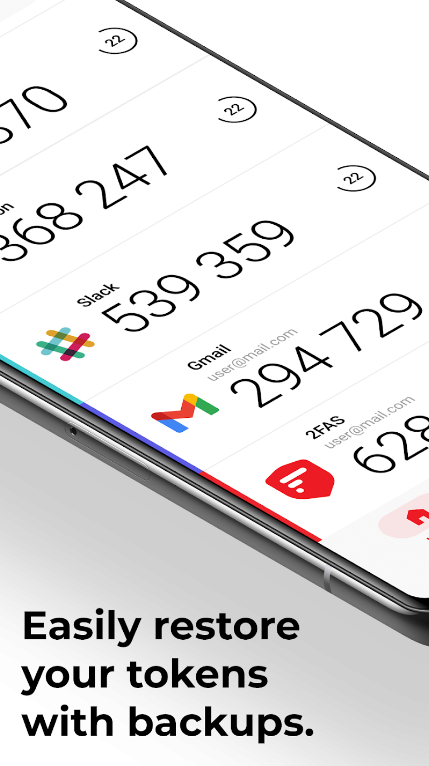
If you prefer an application that respects your privacy and doesn’t force you into corporate cloud ecosystems, 2FAS (Two-Factor Authentication Service) stands out as a top-tier choice.
Key Features
-
No Account Required: You can use 2FAS entirely locally without creating a user profile or handing over personal details.
-
Flexible Backups: Allows you to back up your encrypted vault directly to your personal cloud storage (like iCloud or Google Drive) without the developer seeing your data.
-
Browser Extension Support: Includes helpful browser companion tools to streamline code entry on desktop computers.
Pros & Cons
-
Pros: Open-source project focus, highly customizable interface, minimal data collection, and smooth importing tools from competing apps.
-
Cons: Advanced features require thoughtful configuration compared to out-of-the-box big tech alternatives.
Aegis Authenticator: The Gold Standard for Android Power Users
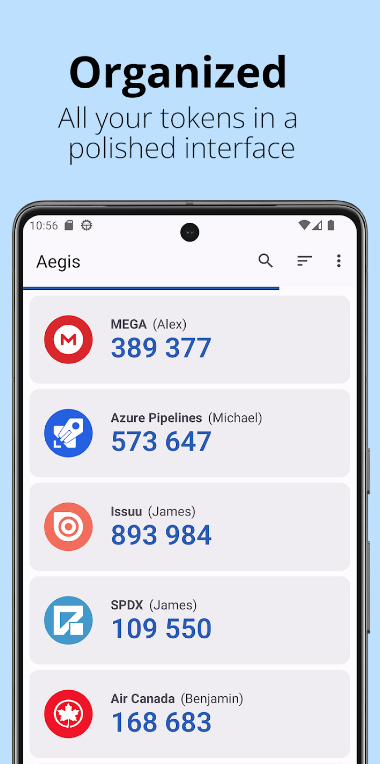
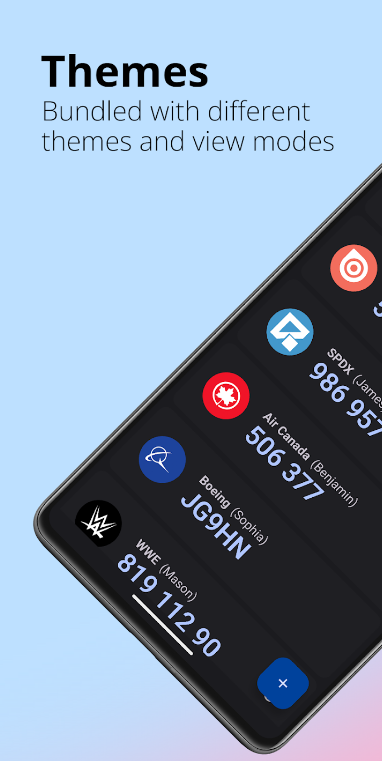

For users operating within the Android ecosystem who value absolute transparency and control, Aegis Authenticator is frequently crowned the favorite.
Key Features
-
Fully Open-Source: The source code is entirely public, allowing security researchers worldwide to audit its integrity.
-
Robust Local Encryption: Your token vault is encrypted using strong industry standards (AES-256) and stored locally on your device.
-
Advanced Organization: Supports custom icons, categorization tags, and search filters, making it easy to manage dozens or even hundreds of corporate and personal accounts.
Pros & Cons
-
Pros: Incredible customization, thorough export/import options, and complete independence from cloud surveillance.
-
Cons: Android-only availability (no official iOS app) and no native cloud sync by design.
Password Managers with Built-In 2FA: Bitwarden and 1Password
Another efficient route to managing your security tokens is using a comprehensive password manager that natively handles TOTP generation, such as Bitwarden or 1Password.
Why Choose a Password Manager for 2FA?
When you log into a website using a password manager, the software automatically inputs both your complex password and the matching 2FA code simultaneously. This drastically reduces friction and completely neutralizes phishing sites that try to trick you into typing your code into a fake portal, because the manager won’t recognize the fraudulent URL.
Pros & Cons
-
Pros: Ultimate convenience; streamlines logins into a single automated step; cross-platform synchronization built-in.
-
Cons: Puts “all your eggs in one basket.” If someone compromises your master password database, they gain access to both your passwords and your 2FA tokens (though strong master keys and hardware security keys mitigate this risk).
How to Choose the Right App for Your Workflow
Selecting the best app depends entirely on your personal preferences and digital habits:
-
Choose Google Authenticator if you want a zero-fuss, reliable app that just works without extra learning curves.
-
Choose Microsoft Authenticator if you use Microsoft 365 services heavily and love push-notification prompts.
-
Choose 2FAS if privacy, open-source principles, and avoiding forced corporate accounts matter most to you.
-
Choose Aegis if you are on Android and want deep customization paired with local control.
-
Choose a Password Manager if you prioritize maximum convenience and want your credentials and codes unified.
Best Practices for Managing Your 2FA Setup Safely
Installing a secure app is only half the battle. To ensure you never get locked out of your vital accounts, follow these golden rules:
-
Save Your Backup Recovery Codes: When you enable 2FA on any website (like Google, Apple, or your bank), the platform will generate a list of one-time emergency backup codes. Print these out or store them physically in a secure place. If you lose your phone, these codes are your ultimate lifeline.
-
Test Your Backups: Before deleting an old authenticator app or switching devices, ensure your new app successfully generates identical codes side-by-side with the old one.
-
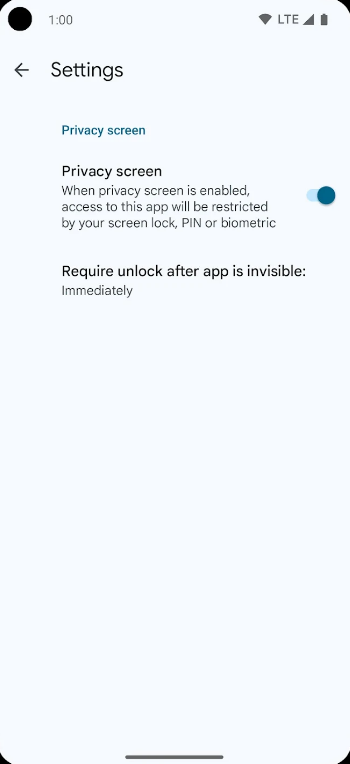
Enable App Biometrics: Lock your authenticator app behind Face ID, Touch ID, or a secure device passcode so that anyone who physically holds your unlocked phone cannot view your codes.
Taking 10 minutes today to migrate your accounts to a reliable authenticator app dramatically reduces your vulnerability online, giving you peace of mind in an increasingly connected world.