Online Safety
Best Private Browsers for Everyday Use
Find out which private browsers offer the best combination of privacy, security, and usability
Every time you open a standard web browser and search for a product, read a news article, or check the weather, an invisible army of trackers goes to work. Advertisers, data brokers, and tech giants log your clicks, map your habits, and build a detailed digital profile of who you are.
For most people, the default web browser feels safe simply because it is familiar. However, standard browsers are designed to monetize your attention.
Switching to a private browser does not mean you have to deal with broken websites, slow page loads, or complicated technical settings. Today’s privacy-first browsers are fast, user-friendly, and built to handle daily tasks like streaming, banking, and shopping while keeping your personal data out of corporate hands.
This comprehensive guide explores the best private browsers for everyday use, breaking down how they work in plain English and helping you choose the right option for your digital routine.
Why Standard Web Browsers Fail Your Privacy
Before looking at the best solutions, it helps to understand why everyday browsing leaks so much data. When you use mainstream browsers, several things happen behind the scenes:
-
Third-Party Trackers: Tiny scripts embedded in websites follow you from page to page, recording what you buy, what you read, and how long you stay.
-
Browser Fingerprinting: Companies can identify your device based on your screen resolution, installed fonts, and operating system—even if you clear your cookies.
-
Data Harvesting: Telemetry data about how you use the browser is often sent back to developers to improve targeted advertising algorithms.
“Incognito Mode” or “Private Windows” only stop people who share your computer from seeing your history. They do not block internet service providers, website owners, or advertisers from tracking you online. To truly protect your data, you need a browser built from the ground up to block these intrusive practices by default.
Brave Browser: The Best Overall Choice for Daily Use
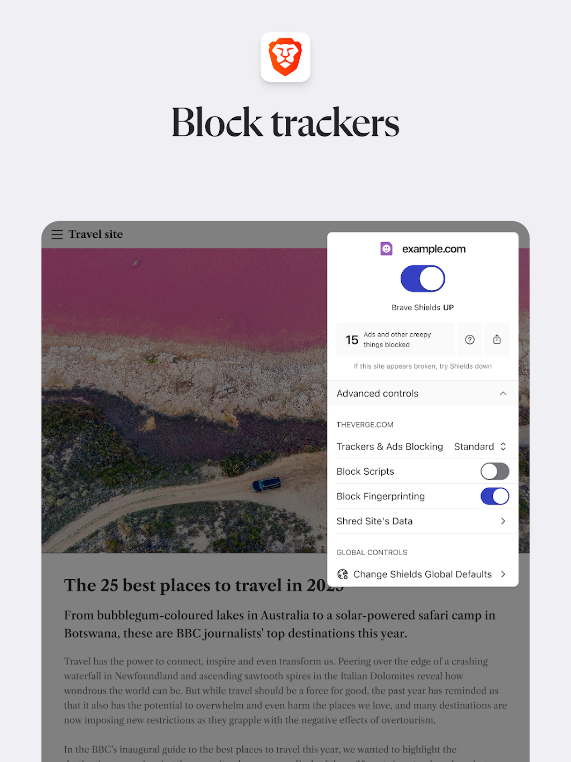
If you want a seamless transition from traditional browsers without dealing with a learning curve, Brave is widely considered the top all-around pick.
Brave is built on Chromium—the same underlying open-source core that powers Google Chrome—meaning it supports all your favorite Chrome extensions and looks and feels instantly familiar.
Key Features That Make Brave Great for Beginners
-
Brave Shields: Automatically blocks intrusive ads, background trackers, and autoplay videos the moment you install it.
-
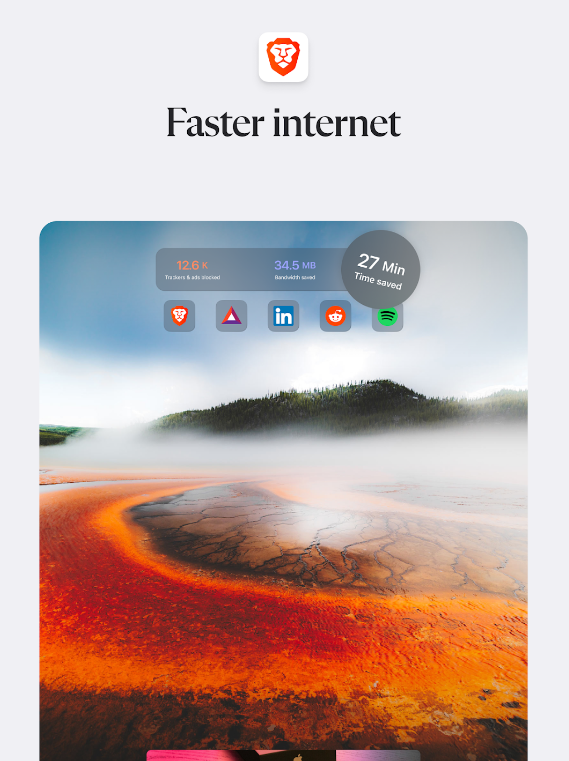
Speed Boost: Because it blocks heavy ad scripts before they load, web pages load significantly faster and use less mobile data and battery life.
-
Fingerprint Protection: It actively scrambles elements of your device profile to prevent companies from tracking you across different websites.
Who it is for: Anyone looking for a fast, hassle-free upgrade that blocks ads and trackers automatically without requiring extra extensions or technical setup.
Mozilla Firefox: The Best Non-Chromium Browser for Customization
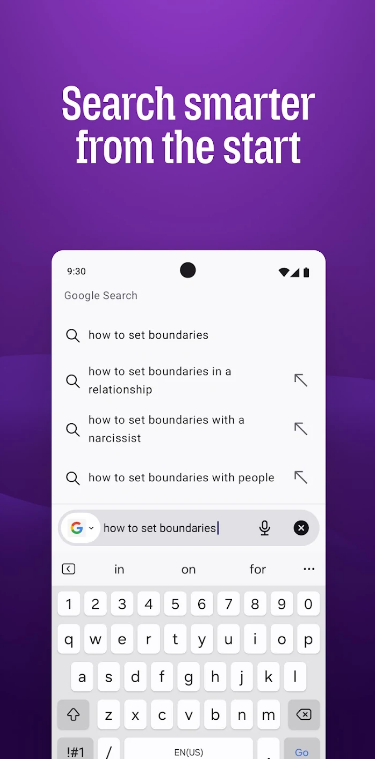
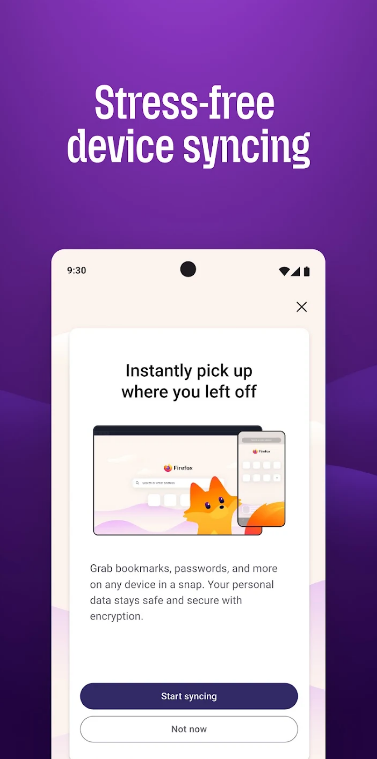
For users who want an independent alternative to tech giant ecosystems, Mozilla Firefox remains the leading mainstream choice. Unlike most competitors, Firefox runs on its own engine (Gecko), meaning it does not rely on Google’s underlying technology.
Firefox has evolved heavily over the years, introducing robust privacy protections that rival dedicated privacy browsers while giving users deep control over their settings.
Why Firefox Stands Out
-
Enhanced Tracking Protection: Automatically blocks known cross-site trackers, social media trackers, and cryptominers by default in standard mode.
-
Total Cookie Protection: Keeps cookies confined to the website that created them, preventing companies from using cookies to follow you across unrelated sites.
-
Multi-Account Containers: A unique feature that lets you separate your digital lives (such as work, shopping, and personal social media) into isolated tabs within the same window so they cannot share data.
Who it is for: Privacy-conscious users who value open-source software, appreciate deep customization, and want to support a truly independent web ecosystem.
DuckDuckGo Browser: The Best Privacy Option for Mobile and Simplicity
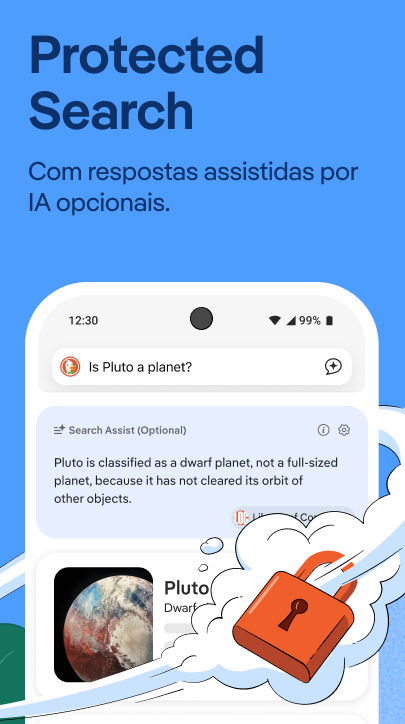
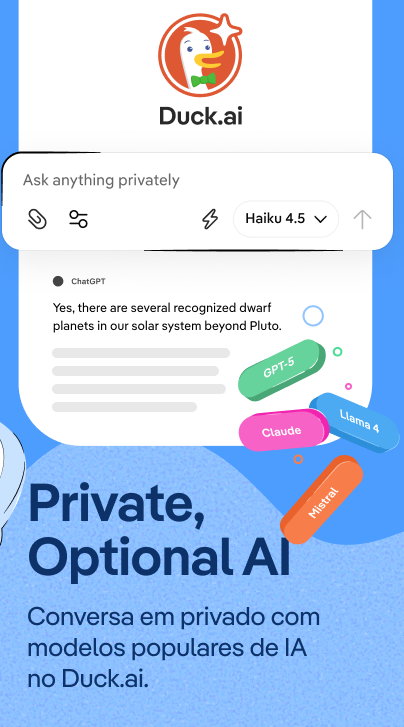

Famous for its privacy-first search engine, DuckDuckGo also offers a dedicated web browser for desktop and mobile devices. It strips away complex configurations, offering a clean, minimalist layout designed for everyday web navigation.
Standout Privacy Perks
-
The Fire Button: A memorable feature located right at the top of the browser. Tapping it instantly burns your open tabs and wipes all your browsing data with a satisfying animation.
-
Automatic Cookie Pop-up Control: The browser automatically selects the most private option on annoying cookie consent banners, saving you from clicking “Reject All” on every single site.
-
Duck Player: Allows you to watch YouTube videos inside a clean, private player that blocks targeted ads and prevents Google from tracking your viewing habits.
Who it is for: Mobile users or desktop minimalists who want straightforward, out-of-the-box privacy features without having to tweak menus or settings.
Mullvad Browser: The Best Tool for Anti-Fingerprinting Defense
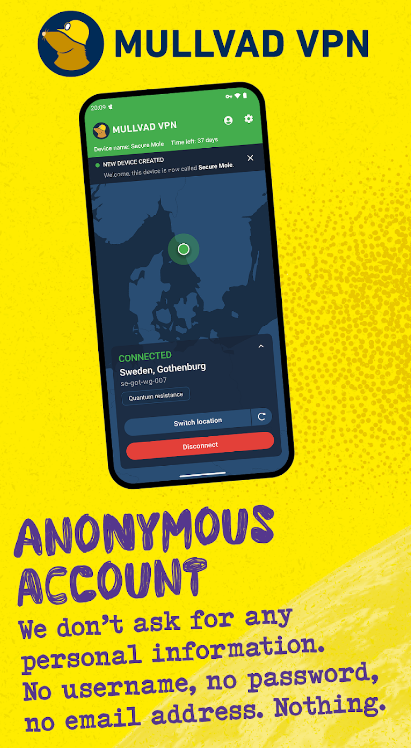
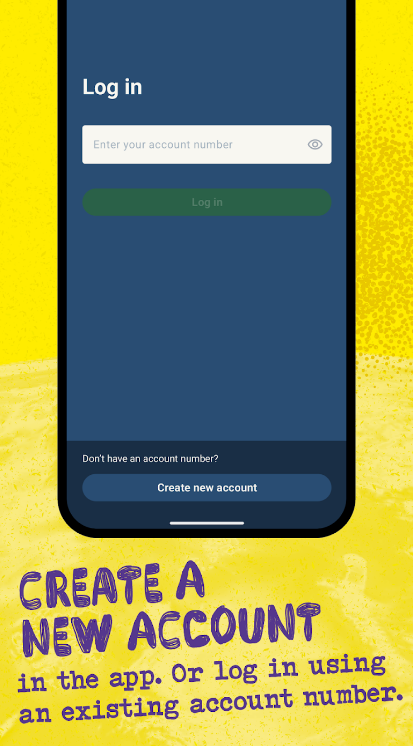
Developed in collaboration with the privacy experts behind the Tor Project and the VPN provider Mullvad, the Mullvad Browser is designed for a very specific mission: stopping browser fingerprinting dead in its tracks.
Unlike the Tor Browser, which routes your traffic through a slow multi-hop network, Mullvad Browser works on your normal internet connection. However, it forces every user to share an identical digital “fingerprint”.
What Makes It Unique
-
Crowd Anonymity: Because every Mullvad Browser instance looks identical to tracking scripts, websites cannot tell individual users apart.
-
No Telemetry or Accounts: The browser collects zero data about how you use it and requires no registration.
-
Pre-Installed Protection: It comes bundled with trusted tools like uBlock Origin to ensure rigorous ad and script blocking from second one.
Who it is for: Intermediate to advanced users who want maximum protection against advanced tracking and device profiling without enduring slower page speeds.
Practical Tips for Maintaining Better Privacy Online
Switching to a private browser is a massive step in the right direction, but true digital hygiene involves a few extra habits. Use these quick tips to lock down your online footprint further:
-
Use a Private Search Engine: Pair your browser with a search engine like Brave Search or DuckDuckGo that does not build profiles based on what you look up.
-
Review Extension Permissions: If you install extra browser extensions, check what data they are allowed to read. Only keep extensions from trusted developers.
-
Keep Your Browser Updated: Security vulnerabilities are discovered constantly. Ensure your browser is set to update automatically so your defenses stay current against evolving threats.
-
Consider a Trusted VPN: For ultimate encryption—especially when using public Wi-Fi at coffee shops or airports—combine your private browser with a reputable Virtual Private Network.
Making Your Final Choice
You do not need to be a cybersecurity expert to take control of your personal data online. Protecting your digital footprint can be as simple as downloading a browser that does the heavy lifting for you in the background.
-
If you want something fast, familiar, and packed with built-in ad blocking, download Brave.
-
If you prefer deep customization and an independent tech foundation, choose Firefox.
-
If you want a clean, minimalist tool that makes mobile browsing effortless, try DuckDuckGo.
By making this single change today, you can enjoy a faster, cleaner internet experience while keeping your private life private.