Can Public USB Chargers Steal Your Data?
Discover the truth about public USB chargers and data theft risks
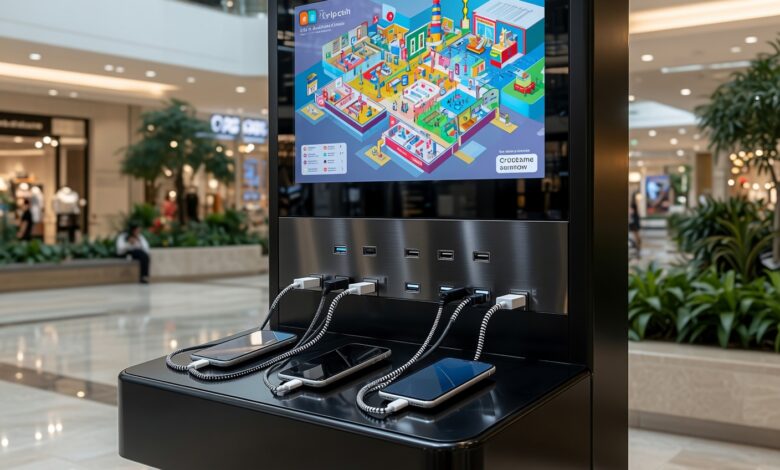
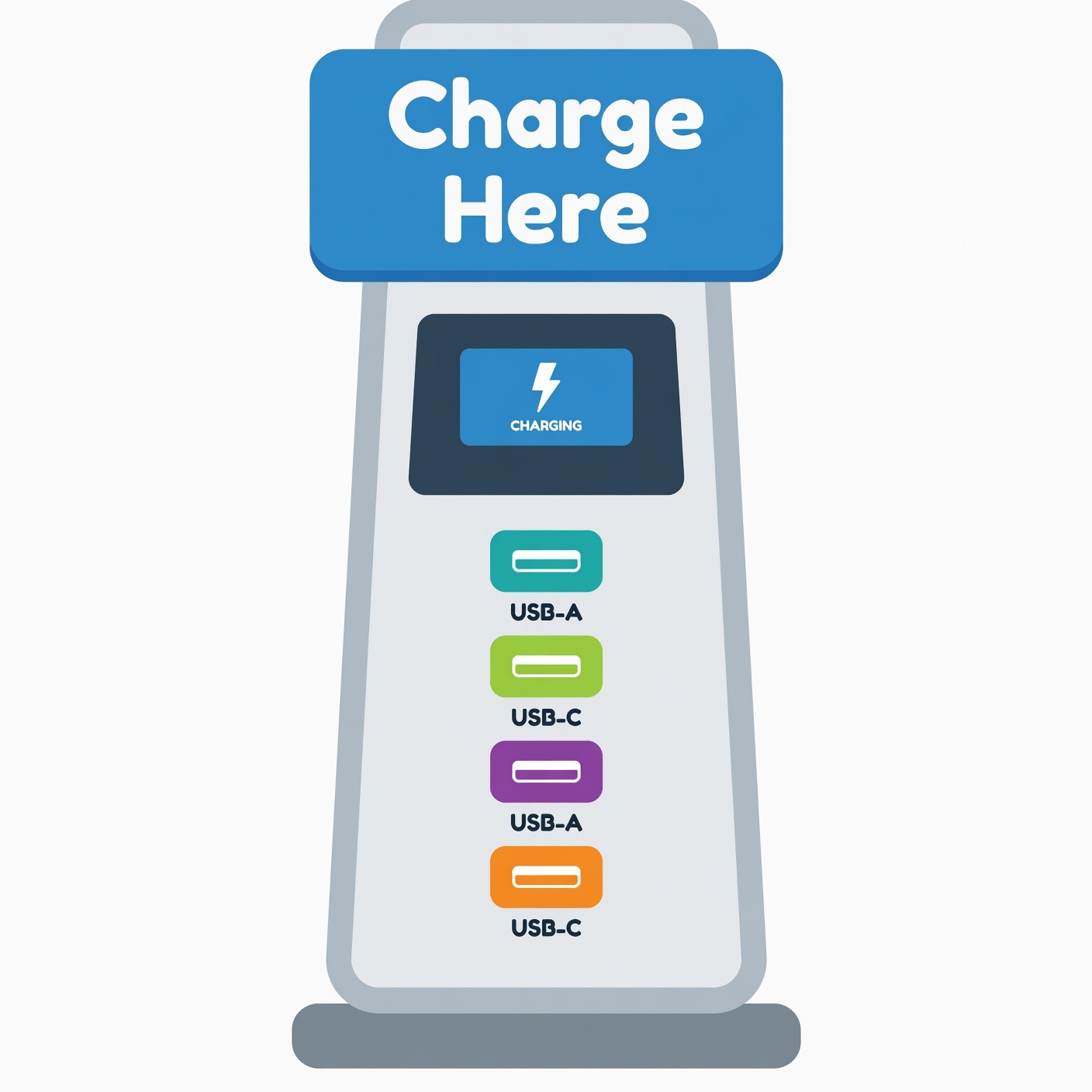
Picture this: You are walking through a bustling airport terminal, your smartphone battery drops to a critical 3%, and your flight is delayed for hours. Desperate to stay connected, you spot a gleaming public USB charging station conveniently mounted near your gate. It feels like an absolute lifesaver.
You pull out your cable, plug your phone into the port, and watch the battery icon light up. But while your phone is happily drinking up power, a silent, invisible process could potentially be taking place beneath the surface. Could that innocent-looking charging port be stealing your private photos, reading your emails, or installing hidden malware onto your device?
This sneaky security threat has a name: juice jacking.
Over the last few years, high-profile warnings from government agencies like the Federal Bureau of Investigation (FBI), the Federal Communications Commission (FCC), and the Transportation Security Administration (TSA) have thrust this topic into the spotlight. Headlines warn travelers to steer clear of public kiosks, leaving everyday users confused, anxious, and wondering how they can safely power up on the go.
In this comprehensive guide, we will break down everything you need to know in plain, easy-to-understand English. We will explore what juice jacking really is, separate tech-world myths from everyday realities, examine advanced modern variations of the threat, and provide you with foolproof, practical steps to keep your personal data completely secure.
What Is Juice Jacking and How Does It Work?
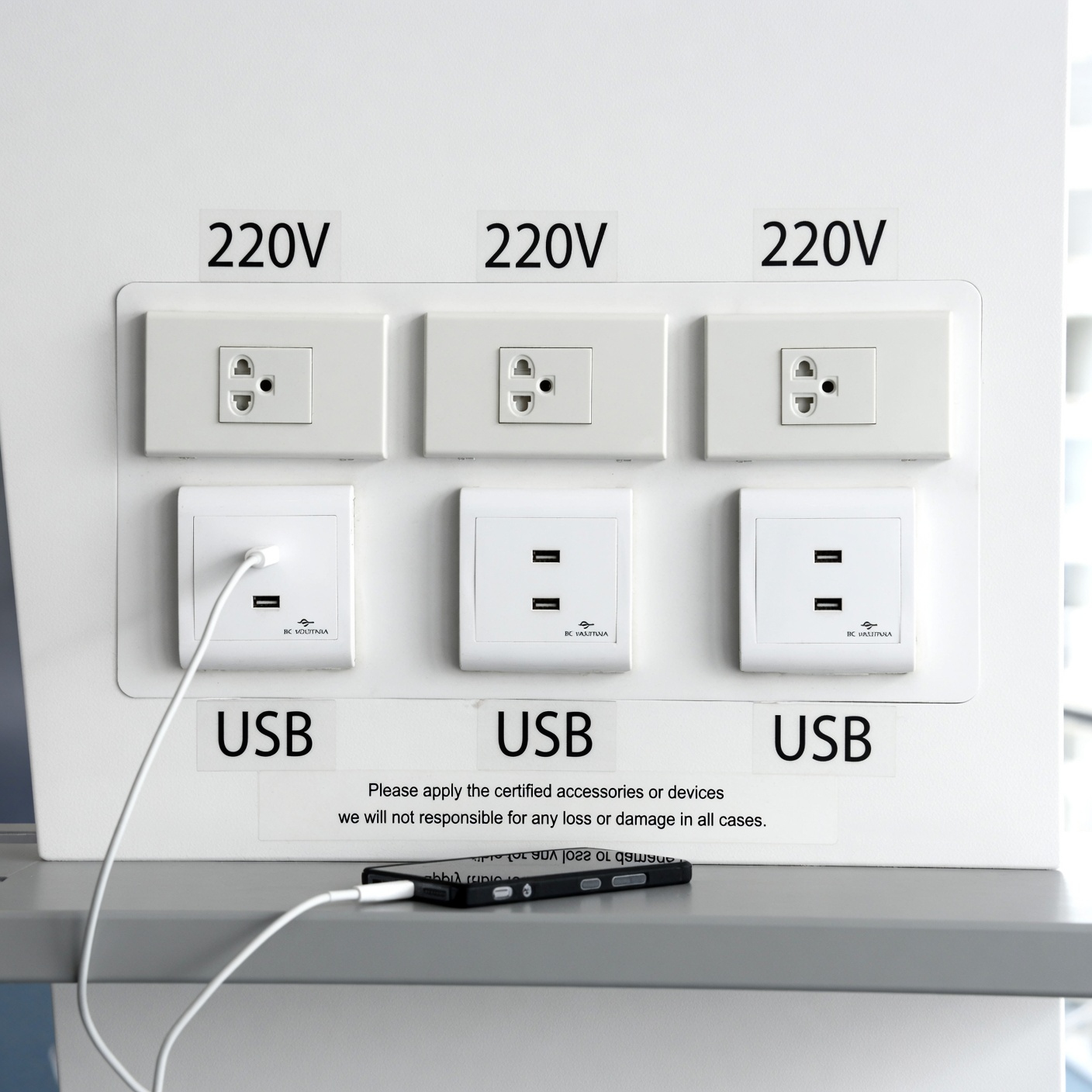
To understand juice jacking, you first need to understand a fundamental design feature of modern technology: Universal Serial Bus (USB) cables do double duty.
When you plug your smartphone, tablet, or digital camera into a computer or a wall adapter, that single cable is not just carrying electrical current to fill your battery. It is also carrying data lines. This dual-purpose architecture is why your computer can recognize your phone as soon as you plug it in, allowing you to transfer music, back up photos, or sync files while simultaneously charging.
Cybercriminals realized that this technical crossover opens up a potential backdoor.
Juice jacking occurs when a malicious actor tampers with a public USB charging station—such as those found in airports, hotels, shopping malls, coffee shops, or public transit hubs. Instead of wiring the port strictly to a safe electrical power source, the attacker modifies the internal hardware or data pins of the USB port.
When an unsuspecting user plugs their device into this compromised port, two primary malicious activities can theoretically happen:
-
Data Theft: The hidden hardware interface covertly interacts with your phone’s operating system, attempting to copy sensitive personal files, contact lists, photos, text messages, or cached credentials.
-
Malware Injection: The port attempts to push malicious software or spyware directly onto your device, giving hackers persistent background access to monitor your activity or control the phone.
The term itself is a clever blend of “juicing up” a battery and “hijacking” a system. But how common is this threat, and should it keep you awake at night when you travel? Let’s look closer at the reality behind the headlines.
The Origin Story: From Cybersecurity Conference Demo to Global Headline
Like many cybersecurity concepts that sound straight out of a Hollywood spy thriller, juice jacking started as a conceptual demonstration rather than an organic crime wave.
The term was officially coined back in August 2011 by well-known security journalist Brian Krebs. He was attending DEF CON 19, one of the world’s largest annual hacker conventions, where a team of security researchers from Aries Security set up a creative social experiment.
The researchers built custom, eye-catching charging kiosks and placed them around the conference venue. Whenever an attendee plugged their smartphone into the kiosk to juice up their battery, the screen flashed a bold warning message:
“You should not trust public kiosks with your smart phone. Information can be retrieved or downloaded without your consent. Luckily for you, this station has taken the ethical route and your data is safe. Enjoy the free charge!”
Despite the warning message appearing immediately upon connection—and despite the fact that the attendees were professional hackers and tech enthusiasts who should have known better—hundreds of people continued using the kiosks anyway. Some stressed participants even muttered that they did not care if their data was accessed because they desperately needed a working phone.
The demonstration proved a powerful point: humans will gladly trade physical or digital security for immediate convenience when their device battery hits single digits. Over the following years, security researchers created various “proof-of-concept” attacks in controlled laboratory environments, showing that modified kiosks could theoretically push apps, mirror screens, or harvest data. These lab experiments eventually caught the attention of mainstream media and law enforcement agencies, cementing juice jacking as a recognized entry in the digital threat lexicon.
Theory Versus Reality: Are People Actually Getting Their Data Stolen?
When government bodies like the FBI or the TSA issue warnings, people naturally assume that victims are losing data every single day. However, security analysts and investigators look at the world through a lens of empirical data.
So, what does the real-world track record look like?
Surprisingly, there are virtually zero verified, documented cases of everyday travelers falling victim to wild juice jacking attacks.
Major tech companies like Apple and Google have been aware of these theoretical vectors for years. Both iOS and Android operating systems feature robust, built-in security architecture explicitly designed to thwart unauthorized data transfers.
When you plug a modern smartphone into an unknown computer or USB port, your device does not automatically open its digital doors. Instead, it defaults strictly to charging mode. To initiate any data exchange, the operating system requires explicit user interaction—such as unlocking your phone screen with a secure passcode, facial recognition, or fingerprint, and then manually tapping a prompt that explicitly says “Trust This Computer?” or “Allow Data Transfer.”
Without unlocking the device and authorizing the handshake, a public charging port remains just a clumsy power source. Because of these modern software defenses, real-world cybercriminals have largely ignored public USB ports. For a hacker, setting up a physical kiosk in an airport terminal requires heavy physical tampering, high risk of getting caught on camera, and a very low success rate compared to digital phishing scams, malicious web links, or rogue Wi-Fi networks that can be executed globally from a laptop screen thousands of miles away.
The Evolutionary Twist: Enter “ChoiceJacking” and Advanced Exploits
Cybersecurity is a constant cat-and-mouse game. Just because mass exploitation has been rare does not mean innovators and bad actors have stopped looking for loopholes.
In recent years, academic researchers have demonstrated advanced techniques that push past traditional safeguards. One notable breakthrough introduced by European university researchers is a technique called ChoiceJacking.
Instead of passively asking your phone for permission to transfer data, specialized malicious hardware can rapidly simulate automated button-pressing inputs. By spoofing human interactions at lightning speed, the hardware attempts to trick the operating system into granting permissions before the user realizes what is happening.
Furthermore, criminals can deploy malicious cables—often called “omg cables”—that look identical to standard charging cords but contain tiny, hidden microchips capable of executing keystrokes or data harvesting routines the moment power flows through them.
These sophisticated advancements remind us why staying vigilant matters. Technology evolves, and threats that were once purely theoretical can eventually become practical if hardware security fails to keep pace.
Essential Best Practices: How to Charge Safely Anywhere in the World
You do not need to live in fear or avoid charging your devices while traveling. You simply need to adopt smart habits that eliminate risks entirely. By following these practical safety steps, you can keep your battery full and your data locked down tight:
1. Stick to Traditional AC Wall Outlets
The easiest and most reliable way to avoid any risk of data exposure is to completely bypass public USB ports. Instead of plugging your USB cable directly into a wall-mounted USB slot or airport kiosk, plug a standard AC wall adapter (charging brick) into a traditional electrical socket, then connect your cable to your own brick. Traditional power outlets transfer electrical current only—they have no data lines capable of communicating with your phone’s operating system.
2. Carry a Portable Power Bank
Investing in a reliable, high-capacity external power bank (portable battery charger) is one of the best travel decisions you can make. Charge your power bank fully before leaving your home or hotel room, and use it to top up your phone throughout the day. This completely eliminates your reliance on public infrastructure, ensuring you always have power no matter where you are sitting.
3. Use a USB Data Blocker (A “USB Condom”)
If you find yourself in a situation where a public USB port is your absolute last resort, use a USB data blocker (often playfully referred to in the tech community as a “USB condom”).
-
What it is: A tiny, inexpensive adapter that you place between your USB cable and the public port.
-
How it works: It physically blocks or removes the internal data transfer pins while leaving the power pins completely intact. It allows electricity to flow into your battery while making it physically impossible for any data signals to pass back and forth between your phone and the kiosk.
4. Keep Your Device Locked and Updated
Never unlock your phone or tap “Trust” prompts while connected to an unfamiliar public charging source. Additionally, always keep your operating system updated to the latest version released by Apple or Google. Software updates frequently include patched security vulnerabilities and tighter restrictions on peripheral hardware connections.
Broader Travel Cyber Safety: Beyond the Charging Port
While worrying about public USB chargers is natural, seasoned security experts remind us that travelers often overlook much more common and dangerous digital pitfalls. If you want to maintain airtight cybersecurity while traveling, keep these additional threat vectors in mind:
-
Beware of Rogue Public Wi-Fi Networks: Open, unencrypted Wi-Fi networks at airports, hotels, and cafes are prime hunting grounds for malicious actors looking to intercept unencrypted web traffic. Avoid conducting sensitive tasks like online banking or logging into corporate accounts on public Wi-Fi unless you are actively routing your connection through a trusted Virtual Private Network (VPN). Whenever possible, rely on your mobile carrier’s cellular data or use your phone’s secure personal hotspot feature.
-
Disable Bluetooth and AirDrop When Not in Use: Leaving Bluetooth or device-discovery features like Apple AirDrop permanently turned on in crowded public spaces invites unwanted connection requests, digital spam, or proximity-based scanning. Turn these features off when you are walking through crowds and only enable them when actively pairing devices.
-
Never Leave Devices Unattended: Physical theft remains the single most common threat to travelers. Never leave your smartphone, tablet, or laptop sitting unattended on a coffee shop table or charging unattended across a room.
Convenience Meets Caution
So, can public USB chargers steal your data? Technically speaking, yes, the underlying vulnerability is real. Under specialized laboratory conditions with modified hardware, unauthorized data transfer and malware injection are entirely possible.
However, in the real world, the threat is often overhyped. Thanks to robust modern operating system defenses and user confirmation prompts, millions of people use public charging ports every day without incident.
Ultimately, cybersecurity is not about living in paranoia—it is about managing risk with smart, frictionless habits. By packing your own portable power bank, carrying a traditional wall adapter, or slipping a cheap USB data blocker into your travel bag, you can enjoy absolute peace of mind. Stay powered up, stay aware, and keep your personal data safely under your own control wherever your travels take you.