Is It Safe to Save Your Credit Card on Websites?
Understand when it’s safe to store your credit card on websites
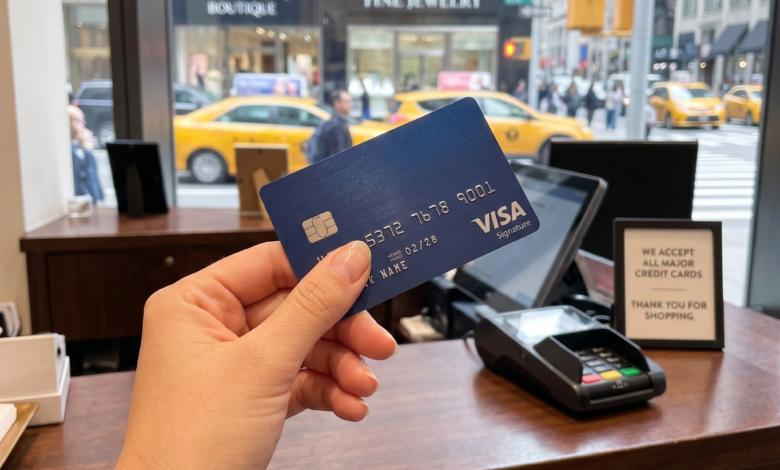
In the era of one-click checkouts and subscription-based living, the prompt “Would you like to save this card for future purchases?” has become a staple of our online existence. It is the ultimate convenience. With a single click, that new pair of shoes or the monthly grocery haul is on its way to your doorstep without the tedious task of digging through your wallet for a piece of plastic.
However, this convenience often comes with a nagging sense of hesitation. Every time we click “Save,” we are essentially entrusting a third party with the keys to our financial house. With headlines frequently dominated by massive data breaches and sophisticated phishing schemes, the question remains: Is it actually safe to save your credit card on websites?
The answer isn’t a simple “yes” or “no.” It’s a nuanced look at modern encryption, corporate responsibility, and personal digital hygiene. This guide will break down everything you need to know about how your data is stored, the risks involved, and how you can shop with peace of mind.
How Do Websites Actually Store Your Credit Card Information?
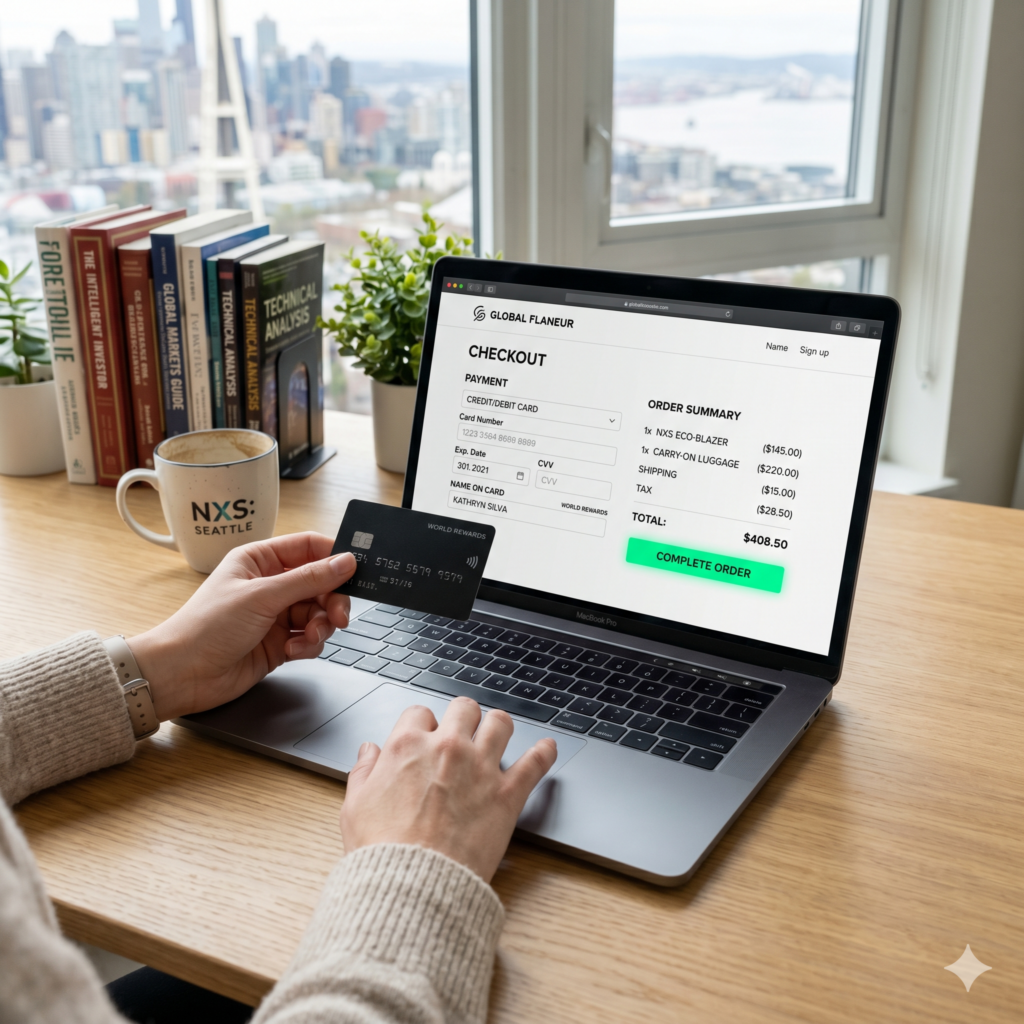
To understand the safety of saved cards, we first need to pull back the curtain on how modern e-commerce works. Reputable websites do not simply store your 16-digit card number and CVV in a plain text file. If they did, they would be out of business within a week.
The Role of Encryption
Encryption is the first line of defense. When you enter your card details, the data is scrambled into an unreadable string of characters using complex algorithms. Even if a hacker were to intercept the data during transmission, they would see nothing but gibberish. Most secure sites use SSL (Secure Sockets Layer) or TLS (Transport Layer Security), indicated by the padlock icon in your browser’s address bar.
Understanding Tokenization
This is perhaps the most critical advancement in payment security. Instead of storing your actual card number, many modern payment processors use a method called tokenization.
When you save your card, the payment gateway replaces your sensitive data with a unique “token”—a random string of characters. This token is what the merchant stores. The actual card data lives in a highly secure, digital vault managed by a specialized payment processor (like Stripe, PayPal, or Square). If the merchant’s website is hacked, the thieves only get the tokens, which are useless outside of that specific transaction environment.
PCI-DSS Compliance
Any business that handles credit card information must adhere to the Payment Card Industry Data Security Standard (PCI-DSS). These are a set of rigorous security requirements designed to ensure that all companies that process, store, or transmit credit card information maintain a secure environment.
The Benefits of Saving Your Card: Beyond Just Speed
While security is the primary concern, it is worth acknowledging why we choose to save our information in the first place.
-
Seamless Transactions: For recurring bills—like Netflix, insurance premiums, or utility bills—saving a card is almost a necessity to avoid service interruptions.
-
Reduced Manual Entry: Entering card details manually on a mobile device is cumbersome and prone to errors.
-
Fraud Detection: Many large retailers have sophisticated AI systems that learn your shopping habits. When your card is “on file,” it’s often easier for these systems to flag a purchase that doesn’t fit your usual profile.
The Real Risks: What Could Go Wrong?
No system is 100% impenetrable. While the technology behind payment processing is robust, several vulnerabilities still exist.
1. Large-Scale Data Breaches
Even tech giants aren’t immune to attacks. When a major retailer suffers a data breach, millions of user profiles can be exposed. While tokenization limits the damage, hackers can still gain access to your name, address, and email, which can be used for identity theft or targeted phishing attacks.
2. Device Security and Shared Computers
The risk often isn’t with the website, but with the device you are using. If your laptop or phone is infected with keylogging malware, a hacker can record every keystroke you make, including your card details as you type them. Furthermore, saving cards on a shared or public computer is a massive security “no-no,” as subsequent users could potentially access your saved accounts.
3. Account Takeover (ATO)
If a hacker guesses your password for a specific retail site where your card is saved, they don’t need your card number to go on a shopping spree. They simply log in as you and ship items to a different address (though many sites now require you to re-enter the CVV or use 2FA for new addresses).
Browser Autofill vs. Merchant Storage: Which is Safer?
When you go to pay, your browser (Chrome, Safari, Firefox) might offer to save your card. This is different from saving your card directly on a website like Amazon or Target.
-
Browser Autofill: Your card details are stored locally on your device (or synced to your cloud account). The merchant never sees the card until you click “Pay.” This gives you more control but puts the security burden on your device and your browser account’s password.
-
Merchant Storage: You are trusting the specific store to keep your data safe. If you shop at that store frequently, it’s convenient, but you are creating “digital footprints” across dozens of different websites.
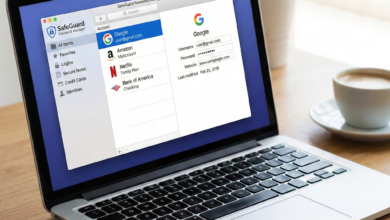
The Verdict: Using a dedicated password manager (like Bitwarden or 1Password) to store your credit card info is generally safer than both browser autofill and merchant storage.
Advanced Tactics to Keep Your Financial Data Safe
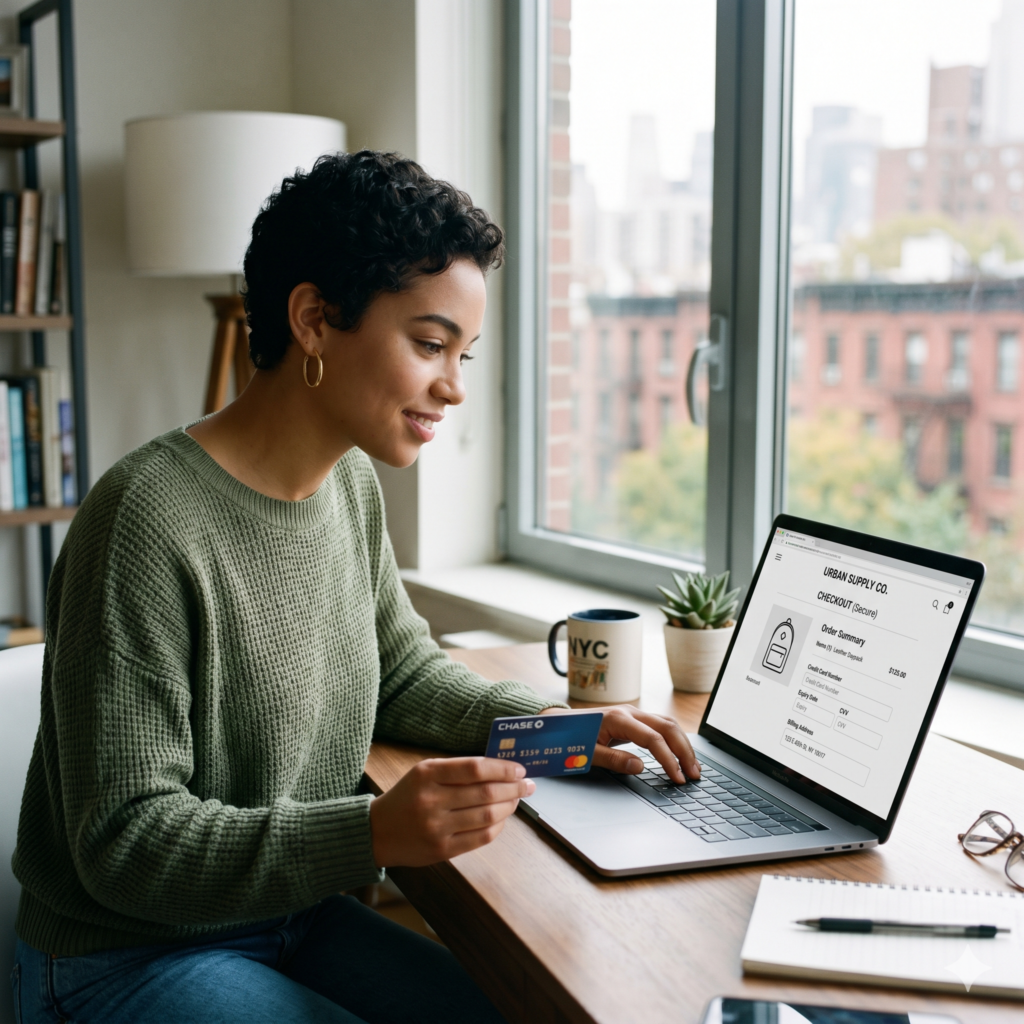
If you want to enjoy the convenience of online shopping without the anxiety, consider implementing these advanced security layers.
Use Virtual Credit Cards
Many banks (and services like Privacy.com) allow you to create “virtual” cards. These are temporary card numbers linked to your actual account. You can set a spending limit on a virtual card or make it “merchant-locked” so it only works at one specific store. If that store is hacked, the card number is useless elsewhere.
Enable Multi-Factor Authentication (MFA)
Always enable MFA on any site that stores your financial information. This ensures that even if a hacker gets your password, they can’t access your account without a code sent to your phone or generated by an app.
Monitor Your Statements Regularly
The most effective tool against fraud is your own eyes. Check your banking app once a week. Most credit card issuers offer “Instant Transaction Alerts.” Enable these so you get a push notification the second a purchase is made.
Use Credit, Not Debit
Whenever possible, shop online with a credit card rather than a debit card. In the United States, the Fair Credit Billing Act limits your liability for unauthorized charges to $50, and most major issuers offer zero-liability policies. With a debit card, the money is gone from your bank account immediately, and it can take weeks to get it back during a fraud investigation.
Best Practices for “Occasional” Shoppers
If you are buying a one-off gift from a website you don’t plan to visit again, do not save your card. Most sites offer a “Guest Checkout” option. While it takes an extra 60 seconds to type in your details, it significantly reduces your “attack surface”—the number of places your data lives online.
What to Do If You Suspect Your Card Info Was Stolen
If you receive a notification about a data breach or see a charge you don’t recognize, act fast:
-
Lock the Card: Most modern banking apps have a “Freeze” or “Lock” button. Use it immediately.
-
Contact the Issuer: Report the fraud to your bank. They will cancel the card and send you a new one with a different number.
-
Update Your Passwords: If your card was stored on a site that was breached, change your password for that site and any other site where you use the same password.
Convenience with Caution

So, is it safe? For the vast majority of users shopping on reputable, well-known websites, saving a credit card is a low-risk activity thanks to encryption and tokenization. However, the “set it and forget it” mentality is the enemy of security.
The safest approach is a hybrid one: Save your card only on the few sites you use weekly, use virtual cards for everything else, and always protect your accounts with strong, unique passwords and multi-factor authentication. In the digital world, a little bit of paranoia goes a long way in protecting your hard-earned money.
Frequently Asked Questions (FAQ)
Is it safer to use PayPal than to save my card on a site?
Generally, yes. When you use PayPal, the merchant never sees your credit card information; they only see your PayPal ID. This centralizes your data in one highly secure location rather than spreading it across multiple stores.
Does “Remember Me” save my credit card?
No. “Remember Me” usually just saves your login credentials (username and sometimes password) via a browser cookie. Saving your payment information is a separate, explicit action.
Can hackers see my CVV if I save my card?
Most reputable sites and PCI-compliant processors are prohibited from storing your CVV (the 3 or 4-digit code on the back). This is why even if your card is saved, you are often asked to re-enter the CVV during checkout.