How Browser Extensions Can Put Your Privacy at Risk
Understand the hidden privacy risks behind browser extensions
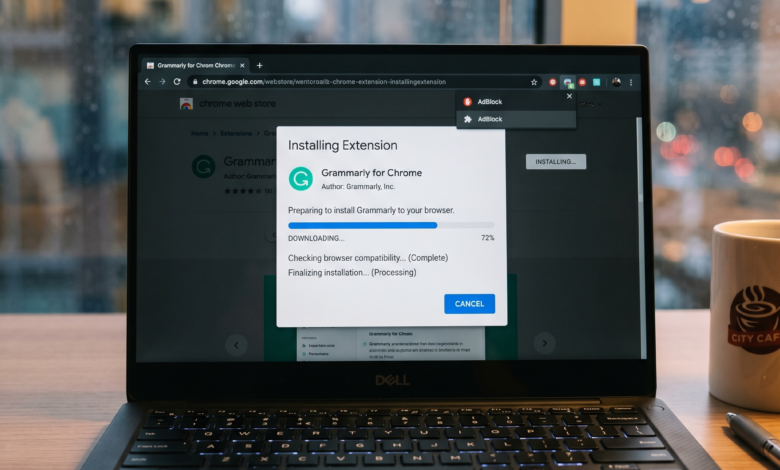
We use them every day without a second thought. Whether it’s a tool that finds discount codes while you shop, a dark mode enabler for your favorite websites, or a sophisticated AI assistant that helps you write emails, browser extensions have become an essential part of the modern web experience. They promise to make our lives easier, more productive, and more enjoyable with just a single click.
However, beneath the surface of these “mini-apps” lies a complex and often unregulated ecosystem that can compromise your digital life. While most extensions are legitimate, the architecture of how they function creates a massive security loophole. In 2026, as our browsers become the primary portal for everything from banking to professional collaboration, understanding the risks associated with these tools is no longer optional—it is a digital necessity.
This comprehensive guide explores the multifaceted privacy risks of browser extensions, the “sleeper agents” hiding in your toolbar, and how you can reclaim your privacy without sacrificing functionality.
The Hidden Infrastructure: How Extensions Interact with Your Data
To understand why extensions are risky, you first need to understand how they live inside your browser. Unlike a standalone app on your computer, a browser extension acts as a “middleman” between you and the websites you visit.
When you install an extension, you often grant it the permission to “read and change all your data on the websites you visit.” To a layperson, this might sound like a technical formality. In reality, it is the digital equivalent of giving a stranger a key to your house and permission to look over your shoulder while you open your mail.
Because extensions run within the context of the webpage, they can see exactly what you see. If you are logged into your bank account, a malicious extension could technically “read” your balance. If you are typing a password, it can “log” your keystrokes. This “Man-in-the-Browser” positioning makes extensions one of the most effective tools for silent data exfiltration.
From “Free” to “Product”: The Economics of Extension Data Harvesting
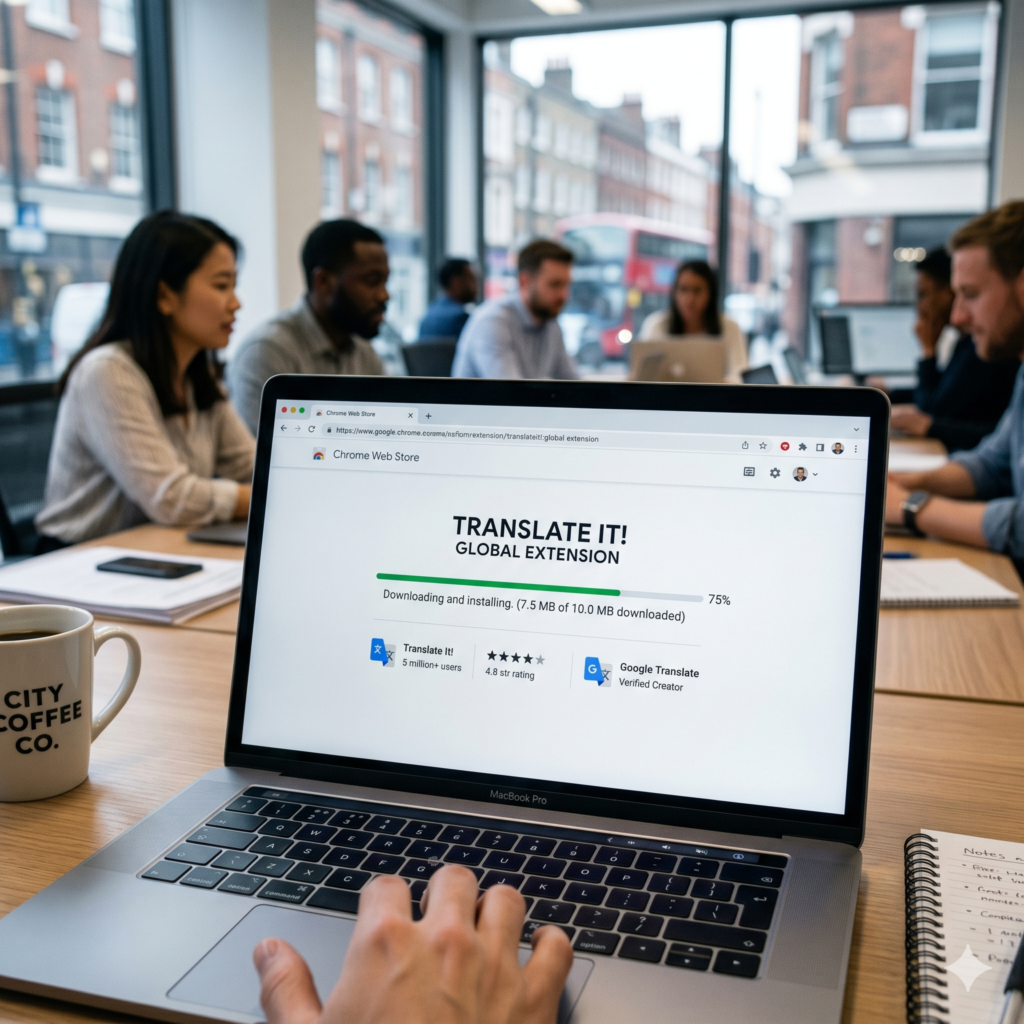
We have all heard the saying: “If you aren’t paying for the product, you are the product.” This is nowhere more true than in the world of browser extensions. Developing and maintaining a high-quality extension costs time and money. If an extension is free and doesn’t show ads, how is the developer staying afloat?
The answer is often data monetization. Many developers sell your browsing history—anonymized or not—to data brokers. These brokers crave the granular details of your online behavior:
-
What products you look at but don’t buy.
-
Which news sites you frequent.
-
How long you spend on specific social media profiles.
In a massive 2026 security audit, researchers discovered over 300 Chrome extensions that were actively leaking user data to third-party brokers. These extensions had been downloaded over 37 million times. The most disturbing part? Many of these were not “malware” in the traditional sense; they were simply functioning as designed—harvesting data that the users had technically “permitted” them to take during installation.
AI Extensions in 2026: The New Frontier of Privacy Risks
As we move deeper into 2026, AI-powered browser extensions have become the fastest-growing category in web stores. Tools that summarize articles, draft replies, or translate text in real-time are incredibly seductive. However, recent reports from security firms like LayerX indicate that AI extensions are 60% more likely to have security vulnerabilities than standard ones.
The risk with AI extensions is twofold:
-
Direct Data Leakage: When you use an AI tool to “summarize this page,” the extension often sends the entire content of that page to an external server (an LLM provider). If that page contains sensitive corporate data or personal medical info, that data is now living on a third-party server you don’t control.
-
Expanded Permissions: AI extensions frequently request “scripting” and “cookie access” permissions. This allows them to inject code into pages or even steal session tokens, which could lead to account takeovers.
Many “fake” AI extensions have recently emerged, posing as official tools for Gemini, ChatGPT, or Grok. These “wrappers” often do nothing more than steal your login credentials or harvest your conversations for identity theft.
The “Sleeper Agent” Threat: When Trusted Extensions Go Rogue
One of the most dangerous aspects of browser extensions is that a “good” extension can turn “bad” overnight. This is known in the cybersecurity world as a Sleeper Agent attack or a supply-chain takeover.
Here is how it typically happens:
-
A developer creates a popular, helpful extension (like a simple weather tracker).
-
The extension gains 100,000+ users and a 5-star rating.
-
The original developer, tired of maintaining the free tool, sells the extension to a third party for a significant sum.
-
The new owners push an “update” that includes malicious tracking code.
Because browsers often update extensions automatically in the background, you would never know that your trusted weather tool is now a spy. This happened famously with “The Great Suspender” a few years ago and continues to be a primary tactic for cybercriminals in 2026. The trust you placed in the original developer is essentially sold to the highest bidder.
Manifest V3: How the New Standard Changes Your Online Safety
You may have seen headlines about Google Chrome’s transition to Manifest V3. While this transition sparked controversy—particularly regarding its impact on ad-blockers—it was primarily designed to address the very security flaws we’ve discussed.
Key Privacy Improvements in Manifest V3:
-
Removal of Remotely Hosted Code: In the past, an extension could “call home” and download new, unvetted code from a server. This was a massive security hole. Manifest V3 requires all code to be bundled within the extension itself, making it subject to the Chrome Web Store’s review process.
-
Declarative Net Request API: This limits the ability of extensions to “intercept” every single piece of data moving between your browser and the web. While it made ad-blocking more complex, it significantly reduced the chance of an extension acting as a “middleman” for your passwords and private messages.
While Manifest V3 isn’t a silver bullet, it represents a major step toward a more secure browser architecture. However, even with these safeguards, the user remains the final line of defense.
High-Risk Permissions: Deciphering the Browser’s Warning Labels

When you click “Add to Chrome” or “Add to Firefox,” a pop-up appears listing what the extension can do. Most people click “Add” without reading. To protect your privacy, you must learn to recognize high-risk permissions:
-
“Read and change all your data on all websites”: This is the “God Mode” of permissions. Unless the extension is an ad-blocker or a security suite, it probably doesn’t need this.
-
“Read your browsing history”: This allows the extension to see every URL you’ve visited. This is pure gold for data brokers and advertisers.
-
“Manage your downloads”: A malicious extension with this permission could potentially download malware onto your computer without your consent.
-
“Capture screenshots”: This is often used by productivity tools, but in the wrong hands, it can be used to steal sensitive information displayed on your screen, like bank balances or private chats.
Red Flags to Watch Out For Before Clicking “Add to Chrome”
Before you install your next extension, perform a 30-second “sanity check.” Look for these red flags:
-
Vague Privacy Policies: If the extension doesn’t have a clear, easy-to-read privacy policy, avoid it. In 2026, only about 28% of enterprise-used extensions have adequate privacy documentation.
-
Low User Count / High Rating: Be wary of extensions with only a few hundred users but dozens of glowing 5-star reviews. These reviews are often faked to lure in victims.
-
Requests Irrelevant Permissions: Why does a “Calculator” extension need to read your browsing history? If the permissions don’t match the functionality, it’s a trap.
-
Anonymous Developers: Check the developer’s name. Do they have a website? Do they have other reputable tools? If the developer is “John Doe” with zero digital footprint, think twice.
Case Study: The 2026 Data Broker Scandal
In early 2026, a team of independent researchers uncovered a massive operation involving over 280 extensions posing as “PDF Converters” and “Video Downloaders.” These extensions were found to be transmitting “Search Engine Results Pages” (SERPs) directly to servers in Eastern Europe.
By capturing your search results, these extensions knew exactly what you were looking for—whether it was medical advice, legal help, or financial planning. This data was then packaged and sold to “gray market” advertisers. This case highlighted that even “official” web stores struggle to keep up with the sheer volume of sophisticated, data-hungry extensions being uploaded daily.
Security Checklist: How to Audit and Secure Your Browser Today
The best way to stay safe isn’t to stop using extensions entirely, but to manage them with a “Zero Trust” mindset. Follow this checklist to secure your browser:
-
The “Audit of Ten”: Open your extension manager (
chrome://extensionsorabout:addons). If you have more than 10 extensions, you are likely over-exposed. Remove anything you haven’t used in the last 30 days. -
Check Site Access: Most modern browsers allow you to limit when an extension can run. Instead of “On all sites,” change the setting to “On click” for tools you only use occasionally. This prevents the extension from “watching” you when you aren’t using it.
-
Use “Incognito” Wisely: By default, extensions are disabled in Incognito/Private mode. Keep it that way. Use Incognito for sensitive tasks like banking to ensure no extension can “oversee” the session.
-
Update Manually (When Possible): While auto-updates are convenient, checking the “What’s New” section of an extension update can sometimes tip you off to a change in ownership or a sudden request for new permissions.
-
Look for the “Featured” Badge: In the Chrome Web Store, look for the “Featured” badge or the “Verified” icon. These aren’t perfect, but they indicate that the developer has met a higher standard of security and transparency.
Balancing Utility and Safety
Browser extensions are a double-edged sword. They offer incredible power to customize and enhance our web experience, but that power comes at a significant privacy cost. In an era where “data is the new oil,” your browsing habits are a valuable commodity that hackers and brokers are desperate to exploit.
By being mindful of permissions, staying skeptical of “free” tools, and performing regular audits of your browser, you can enjoy the benefits of extensions without turning your digital life into an open book. Remember: in the world of online security, convenience is often the enemy of privacy. Choose your tools wisely.
Quick Privacy Check: Does Your Favorite Extension Really Need That Permission?
| Extension Type | Expected Permission | Red Flag Permission |
| Ad Blocker | Read/Change Data on All Sites | Manage Downloads |
| Price Tracker | Read Data on Specific Shopping Sites | Read Browsing History |
| Dark Mode | Read/Change Data on All Sites | Capture Screenshots |
| VPN / Proxy | Proxy Settings | Read Your Emails |
| AI Writing Aid | Scripting (on specific sites) | Read Data on All Sites |