TickTick: The All-In-One Productivity App That Helps You Take Control of Your Day
Discover the smart task manager that combines to-do lists, calendars, habits, and focus tools into one powerful system
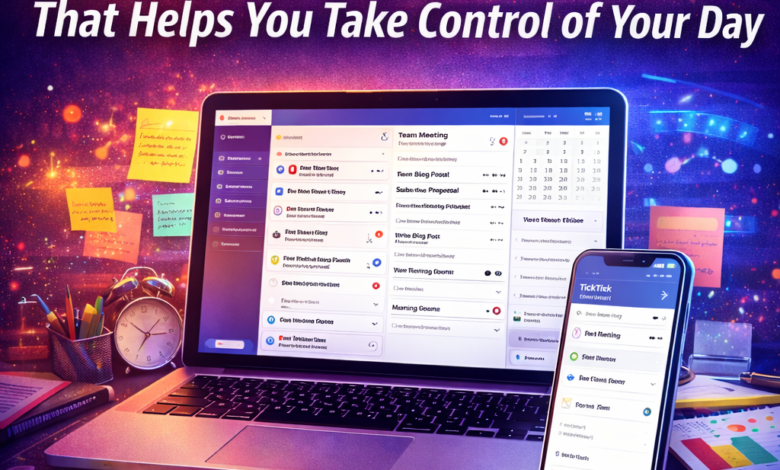
Staying organized can feel overwhelming — especially when your responsibilities are scattered across notes, calendars, reminders, and multiple apps.
That’s exactly why productivity tools have become essential, and TickTick is quickly gaining attention as one of the most complete task-management apps available today.
Designed to help users capture ideas, plan schedules, and build routines, TickTick goes far beyond a simple to-do list. It brings your tasks, habits, and deadlines together in one place so you can focus on execution instead of remembering everything.
Let’s explore why this app is becoming a favorite among productivity enthusiasts.

What Is TickTick?

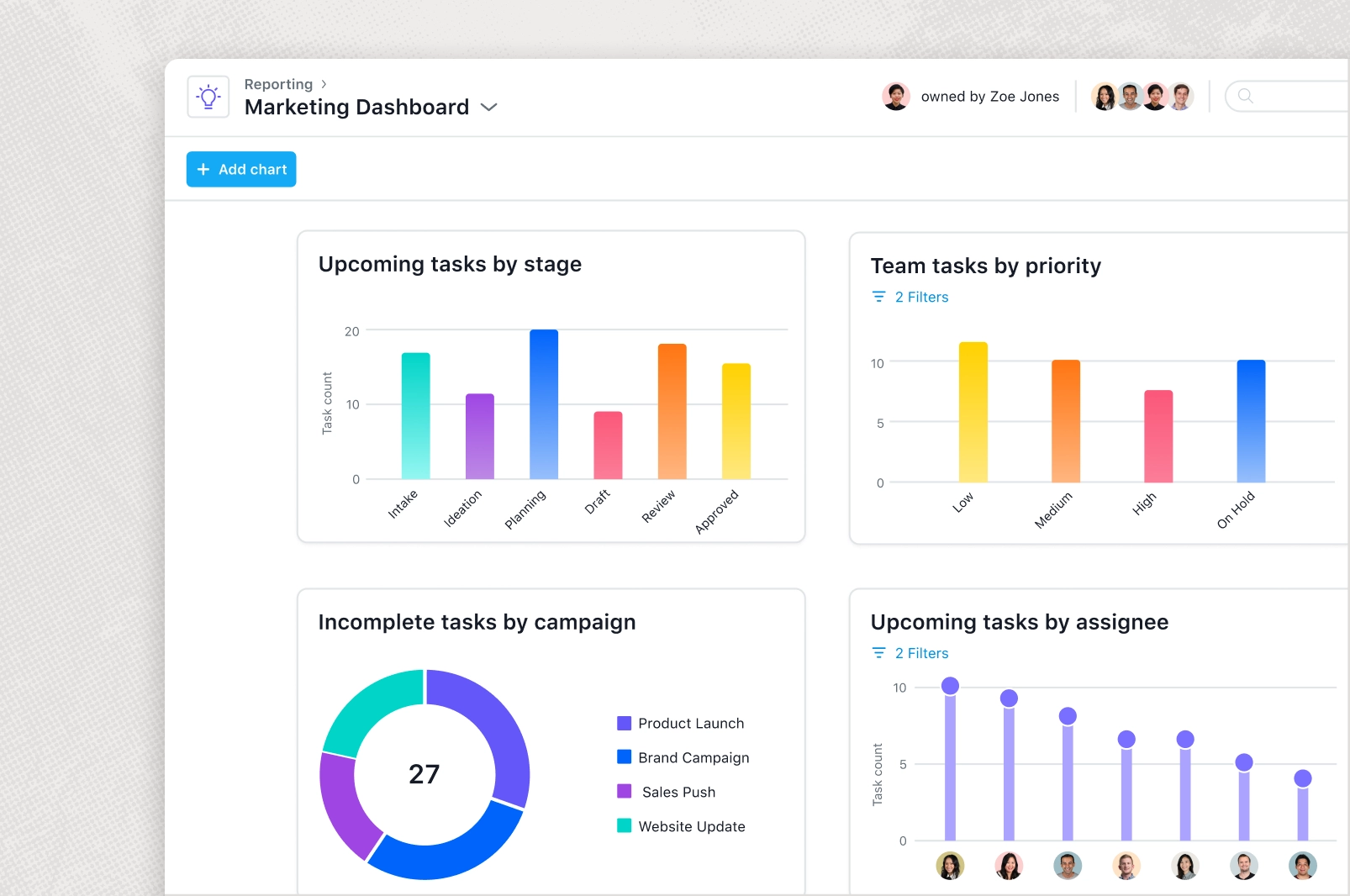
TickTick is an all-in-one productivity app that lets you manage tasks, calendars, habits, and more while syncing across devices.
It helps users capture ideas, organize schedules, share lists, and collaborate with others — all within a centralized system designed to keep life well organized.
Think of it as a digital control center for your daily responsibilities.
Why Is TickTick Becoming So Popular?
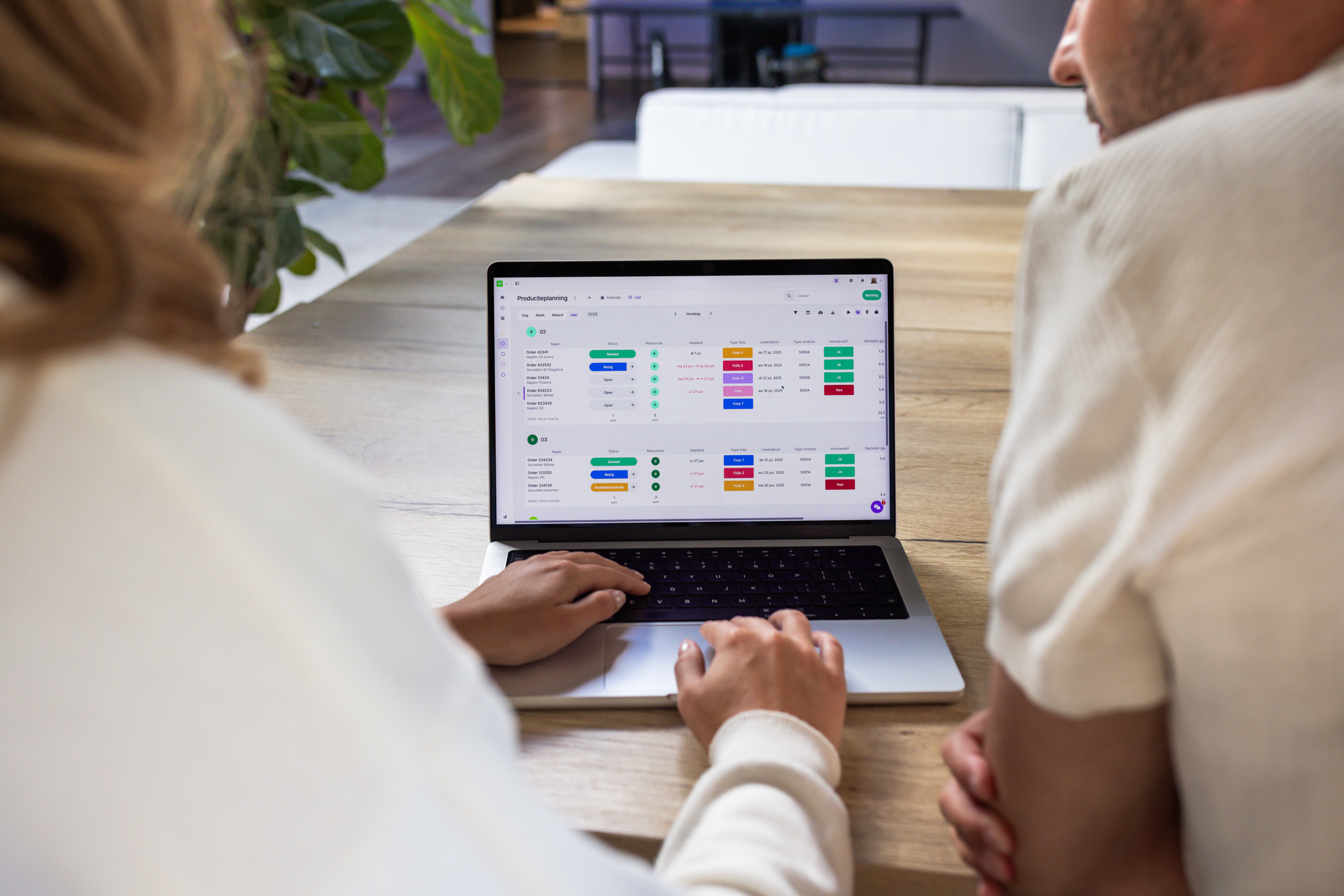

TickTick excels at organizing, prioritizing, and managing tasks effectively, offering features that go beyond basic to-do lists.
Its clean layout and intuitive design make it easy to create lists for different areas of your life and categorize them with tags for quick access.
Many users appreciate that it streamlines task management while helping them stay focused and productive.
👉 In short: less chaos, more clarity.
Core Features That Make TickTick Stand Out
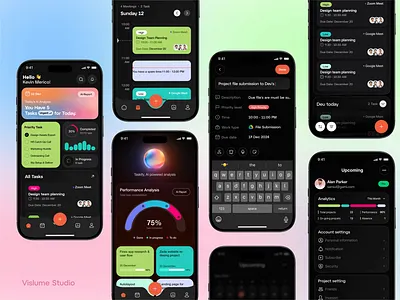

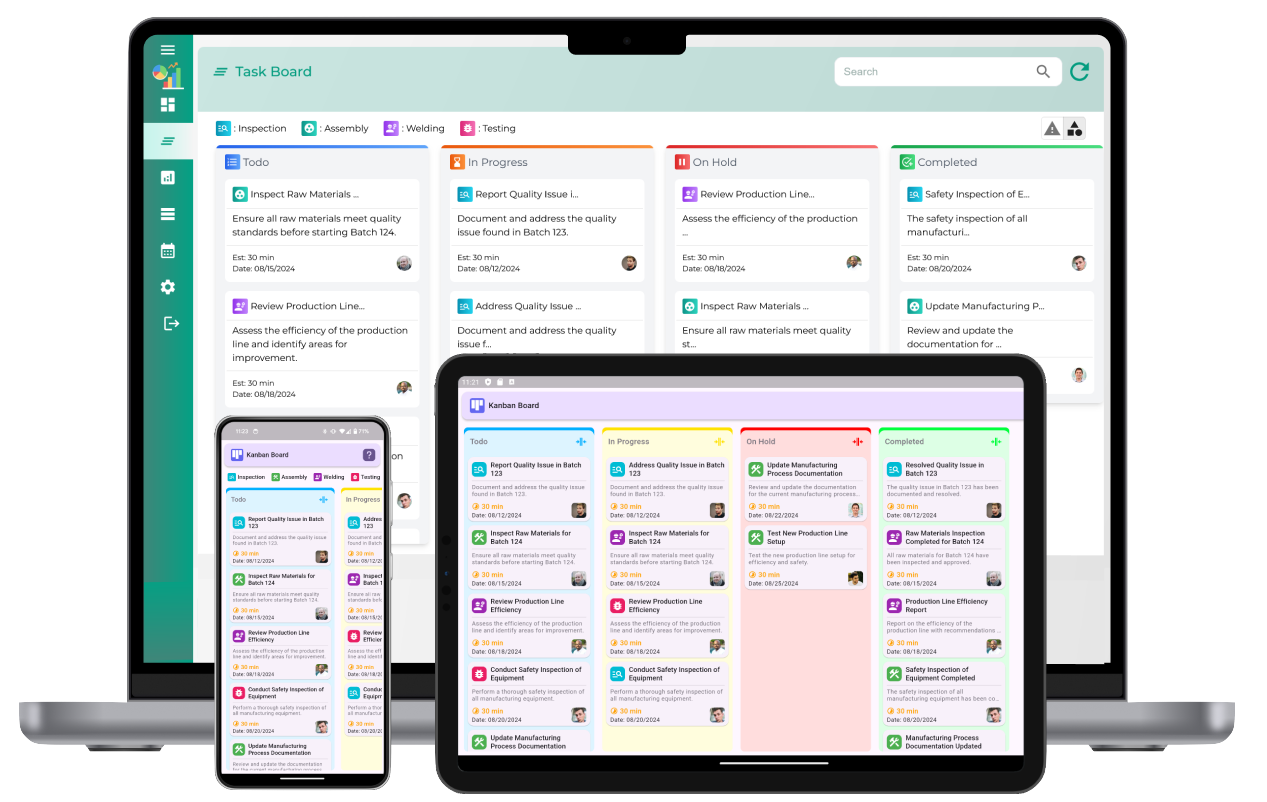
Here are some of the capabilities that make TickTick powerful:
-
Smart task creation: Quickly add tasks or notes by typing or voice, with automatic due dates and alarms from natural input.
-
Recurring reminders and priorities: Stay alert to deadlines with multiple alerts and structured priority levels.
-
Calendar integration: Visualize your schedule weeks or months ahead and integrate with other calendars.
-
Habit tracker & Pomodoro timer: Build routines and maintain focus during work sessions.
Together, these tools create a complete productivity ecosystem.
Built to Work Anywhere
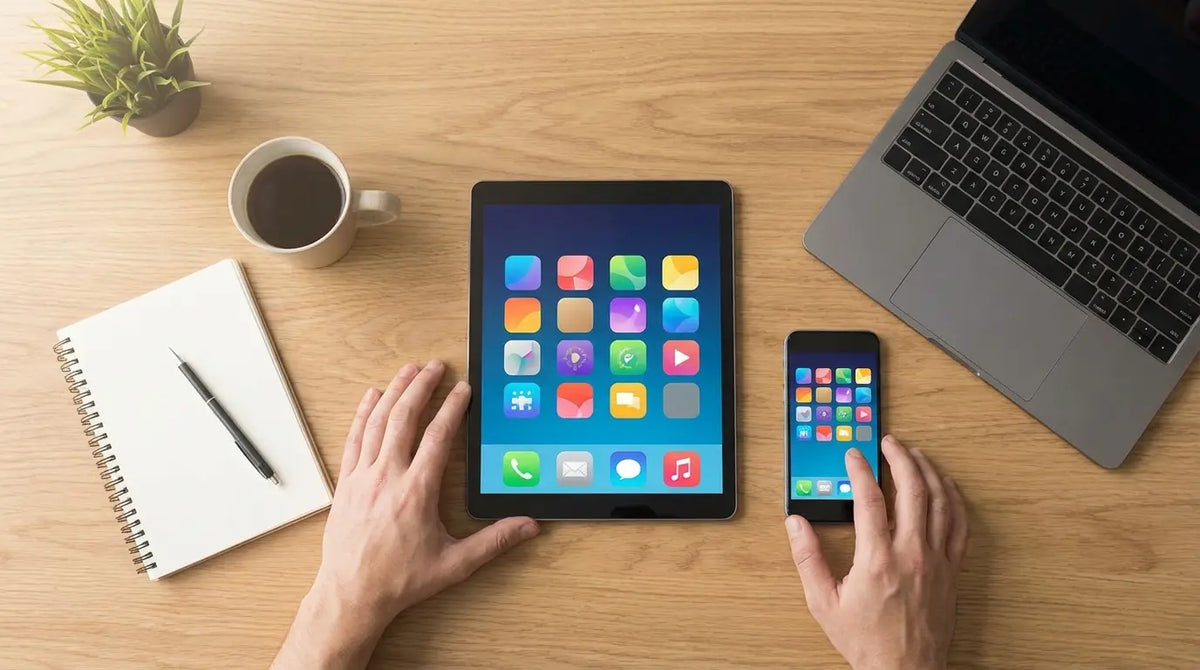
TickTick supports multiple platforms — including mobile devices, desktops, and web apps — allowing you to access your tasks wherever you are.
Seamless cloud synchronization keeps everything updated across devices, so nothing slips through the cracks.
👉 Start a task on your phone, finish it on your laptop.
Who Should Use TickTick?
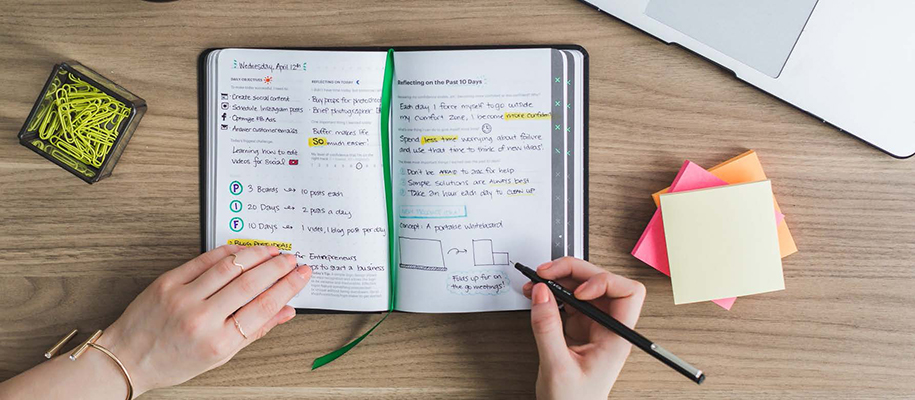

TickTick is ideal for freelancers, small businesses, creative teams, and anyone who needs a simple yet powerful system to manage projects.
It’s also designed for everyday users who want to schedule agendas, track habits, and collaborate with colleagues or family members.
Whether personal or professional, the app adapts to different workflows.
Free or Paid?
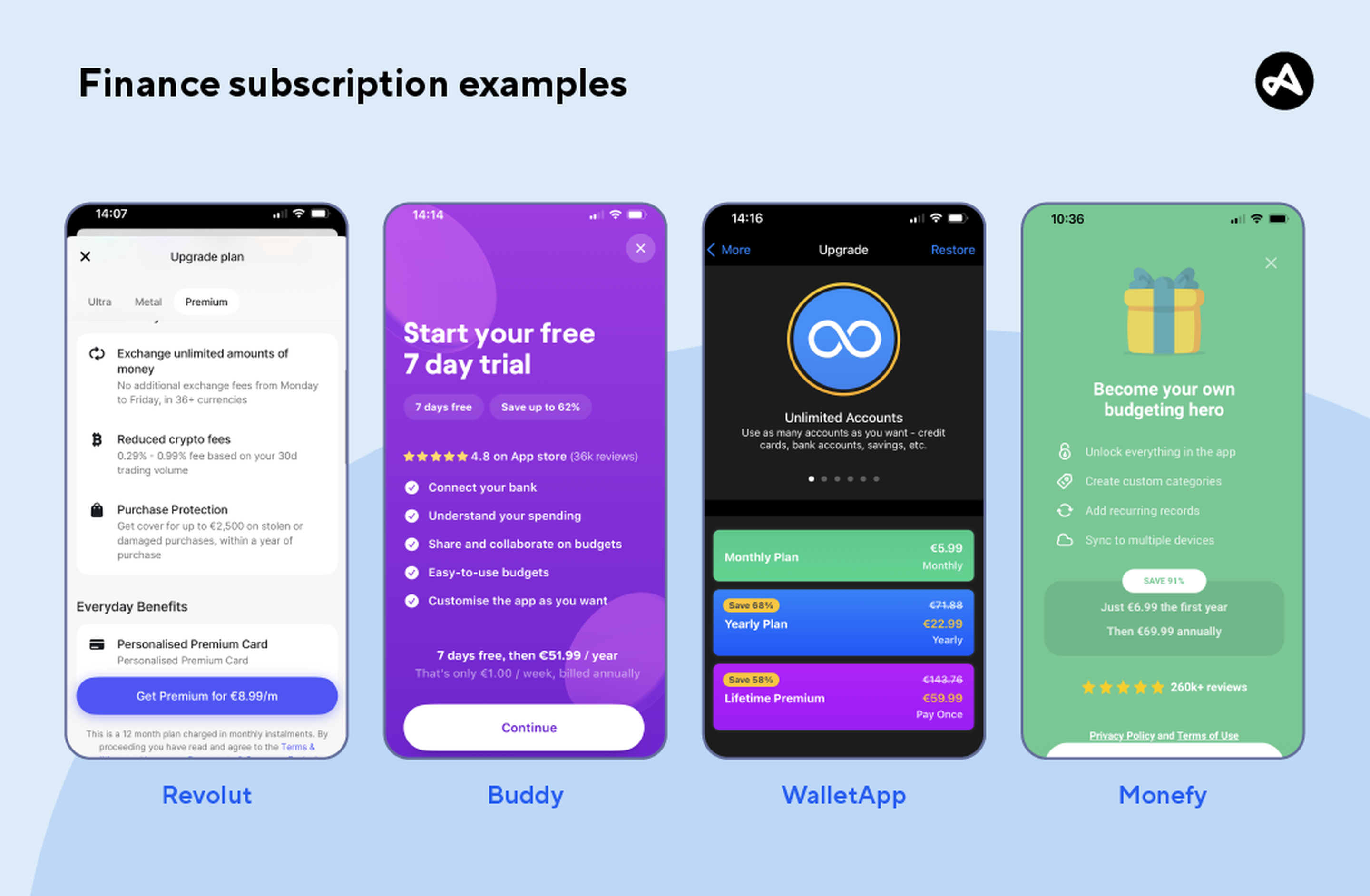
TickTick operates on a freemium model — offering basic features for free, while advanced tools like custom filters, templates, and location-based reminders are included in the premium version.
This makes it accessible for beginners but scalable for users who want deeper functionality.
A Powerful Tip for Beginners
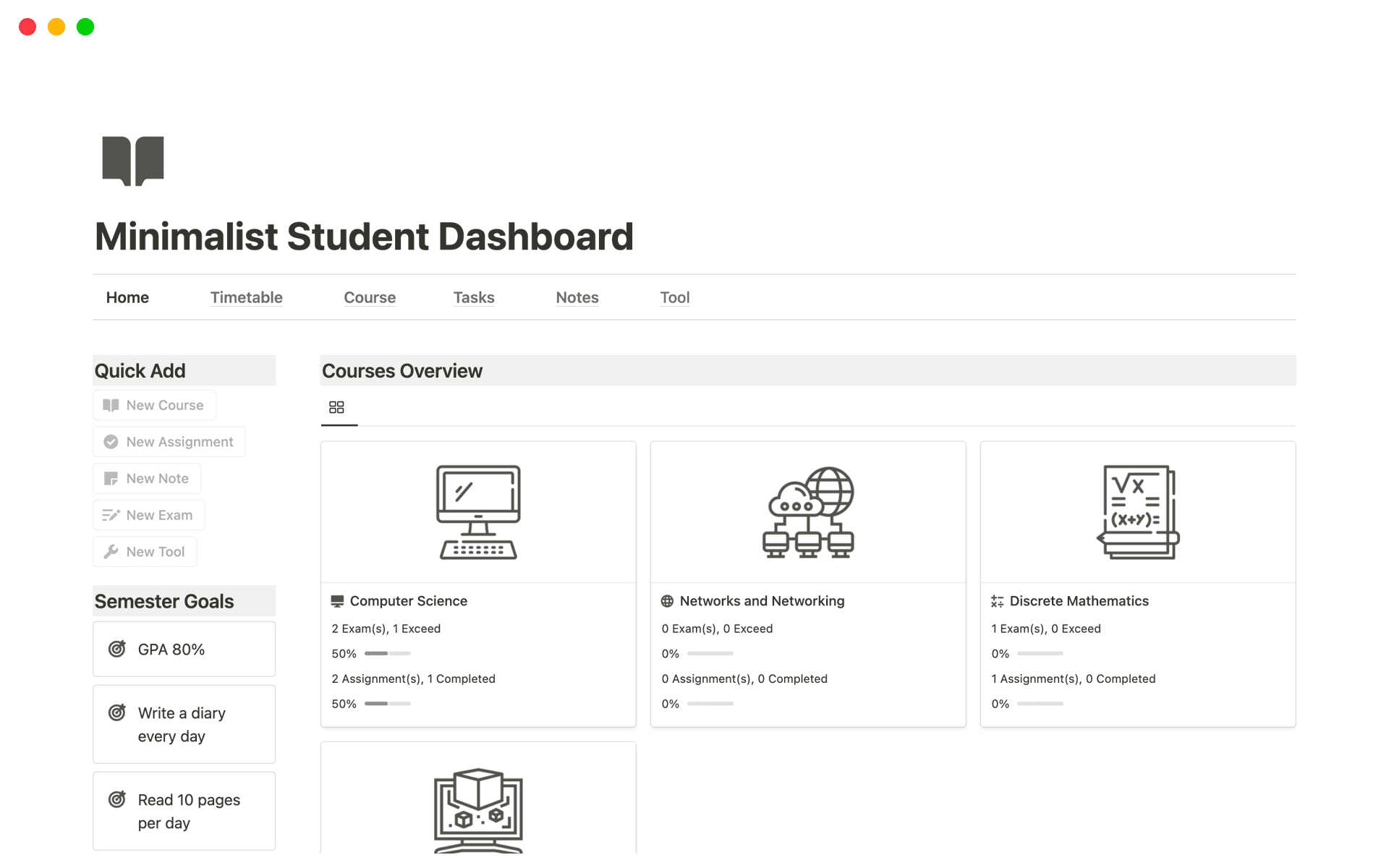
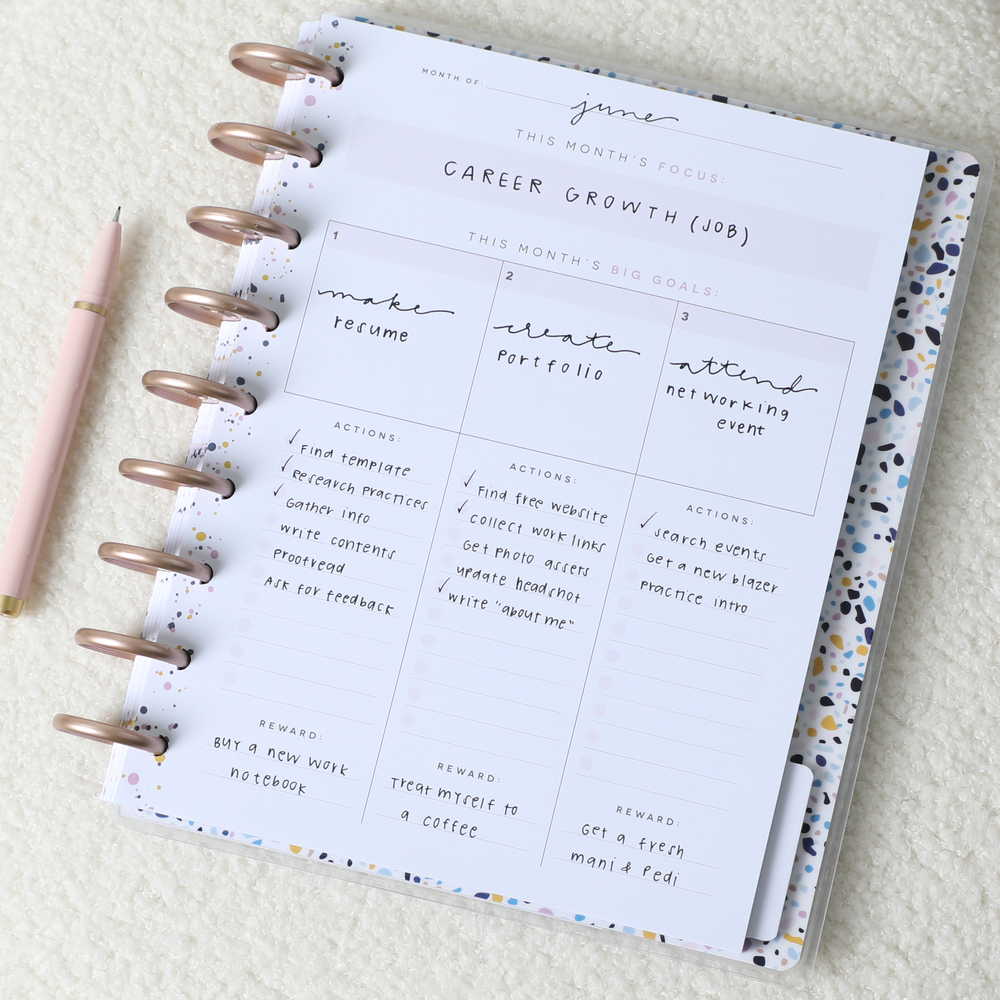

If you decide to try TickTick, start simple.
Experts recommend capturing tasks and ideas quickly and using features like subtasks, recurring reminders, and lists to stay on track without overcomplicating your setup.
Remember: productivity tools should simplify your life — not overwhelm it.
Final Thoughts
TickTick proves that productivity doesn’t have to mean juggling multiple apps.
By combining task management, scheduling, habit tracking, and focus tools in one platform, it helps reduce mental clutter and improves daily organization.
In a world full of distractions, having a reliable system can be a game-changer.
So here’s a question worth considering:
👉 What could you accomplish if every task had a clear place — and nothing important was forgotten?