Digital Privacy: How to Protect Your Personal
Smart habits and tools to keep your information safe in a connected world

Every click, search, and download leaves a digital footprint. In 2026, protecting personal data is more important than ever, as apps and websites collect huge amounts of information about users. Without proper care, this data can be misused, sold, or sto
The good news? With a few simple habits and the right tools, you can significantly improve your digit an

🔍 What Is Digital Privacy?


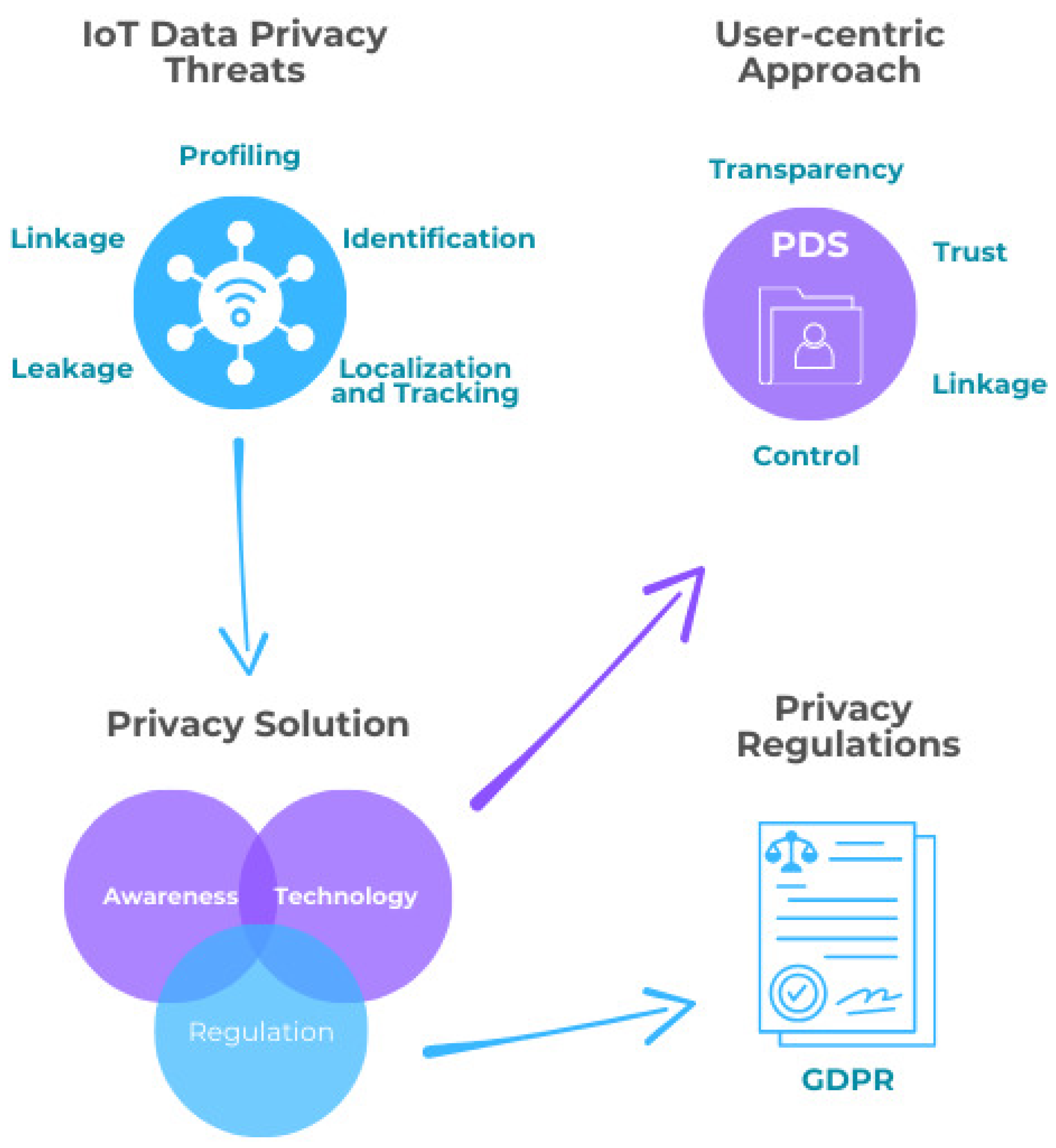
Digital privacy means controlling how your personal information is collected, stored, and shared on
-
Messages and emails
-
Browsing his
-
Location data
-
Photos and contacts
Protecting privacy helps prevent identity t
🔐 Tip 1: Review App Permissions R

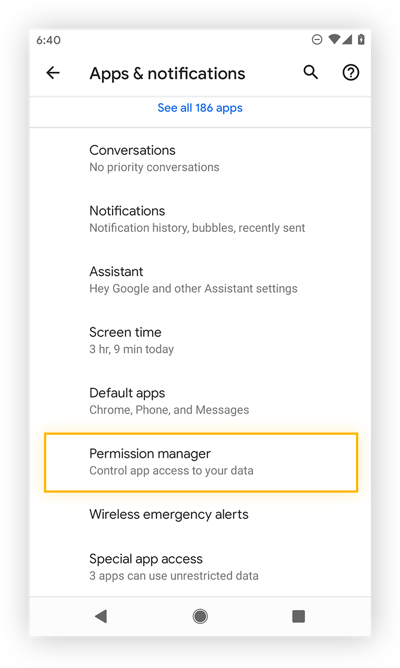
Many apps request access to your camera, microphone, contacts, and location — often without real necessity.
👉 What you should do:
-
Allow only essential permissions
-
Deny access to location when not needed
-
Remove apps you no longer use
Less access means less data exposure.
💬 Tip 2: Use Secure Messaging Apps


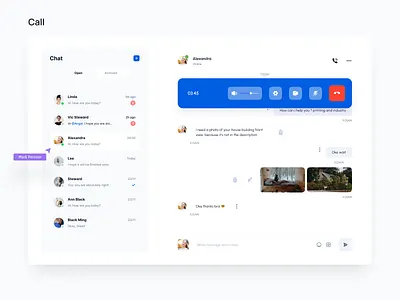
Standard messaging apps may store messages or metadata. Privacy-focused apps like Signal use end-to-end encryption, meaning only you and the recipient can read the messages.
Benefits include:
-
No message storage on servers
-
Strong encryption
-
Minimal data collection
This is ideal for private conversations.
🌍 Tip 3: Limit Tracking on Websites
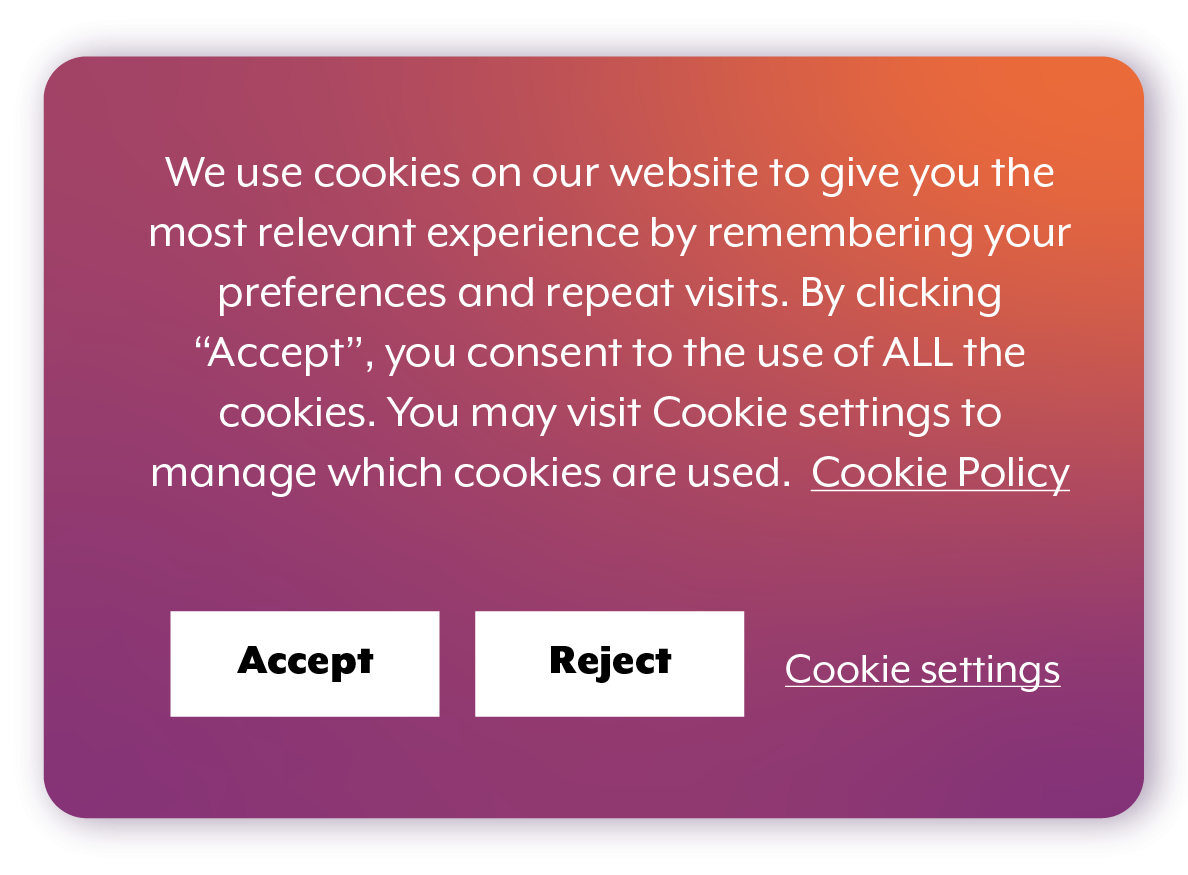

Websites often track users through cookies and scripts. To reduce tracking:
-
Reject non-essential cookies
-
Use privacy-focused browsers
-
Enable “Do Not Track” options
Small choices make a big difference over time.
🧭 Tip 4: Control What You Share on Social Media

Oversharing can expose sensitive information. Avoid posting:
-
Phone numbers
-
Home addresses
-
Real-time locations
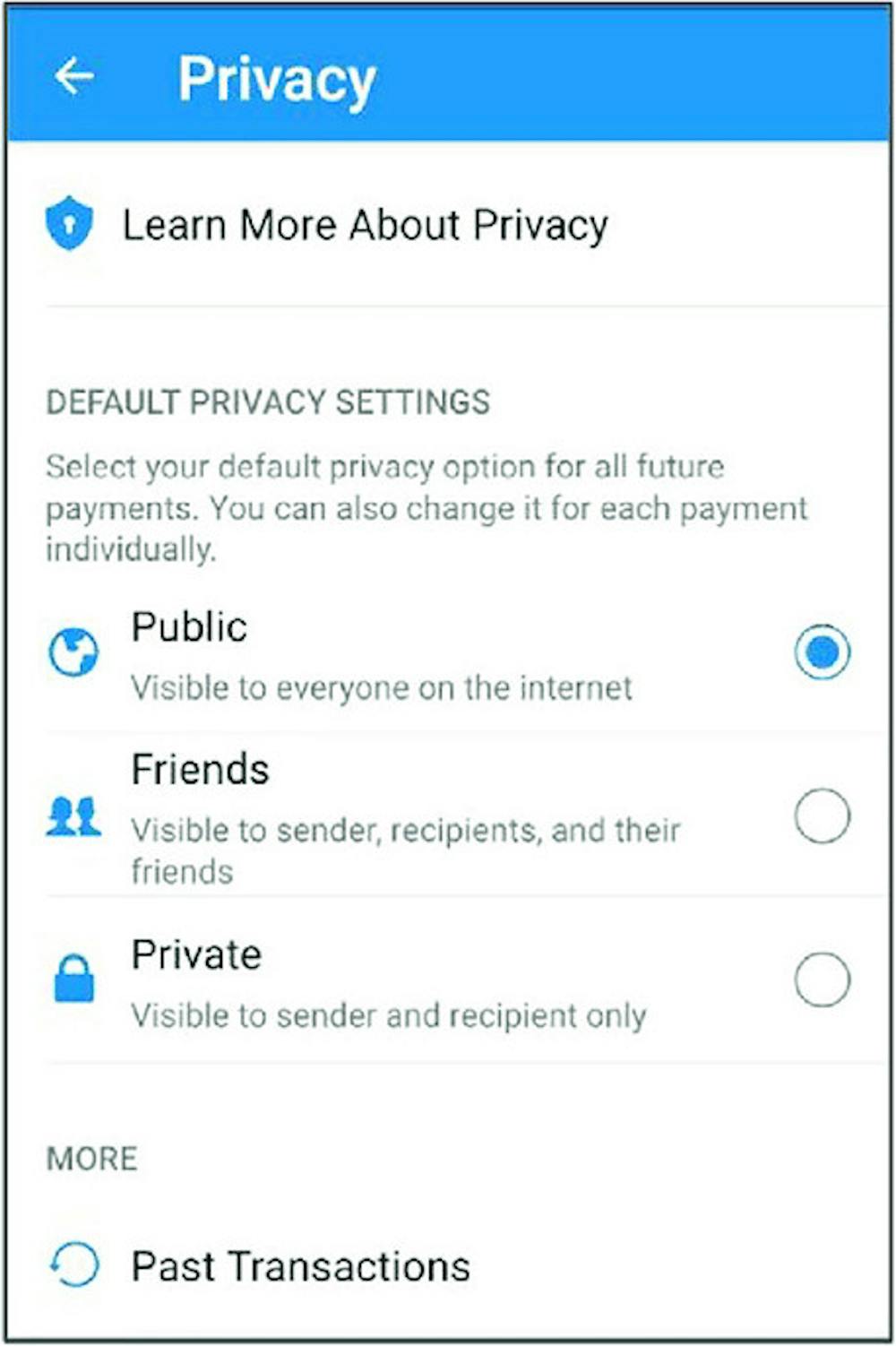
Adjust privacy settings so only trusted people can see your content.
Tip 5: Use Privacy Tools and Extensions
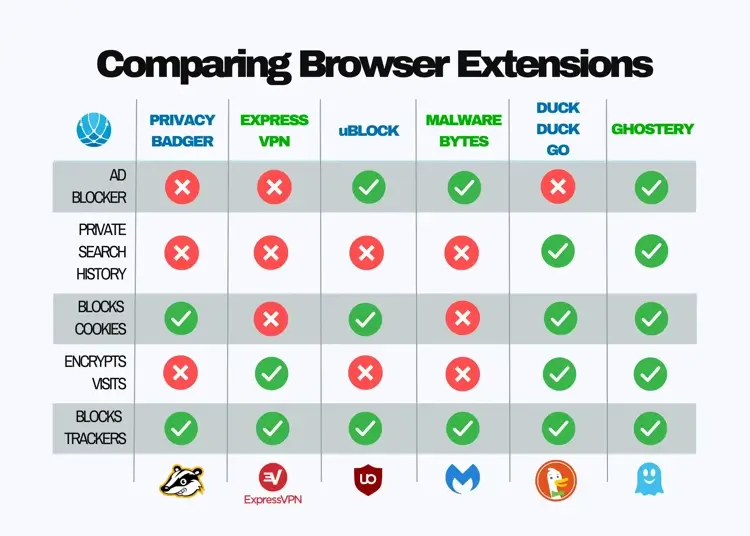
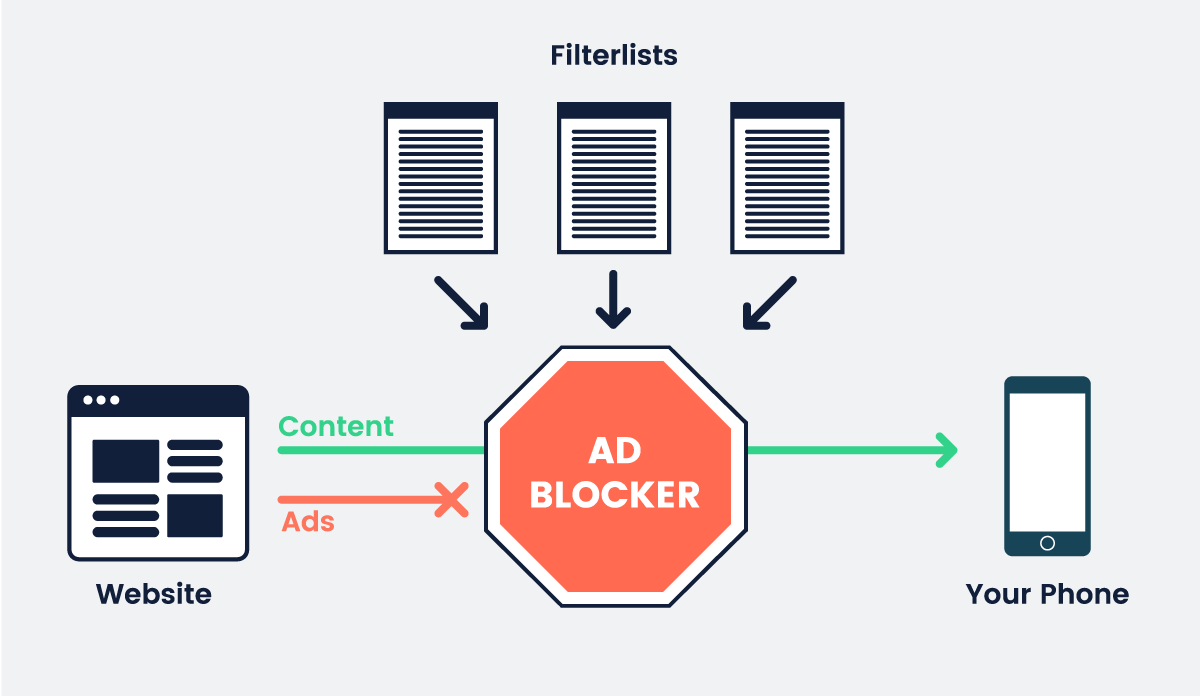
Helpful tools include:
-
Ad blockers
-
Tracker blockers
-
Secure browsers
These tools reduce ads, prevent tracking, and improve browsing speed.
✅ Final Thoughts
Digital privacy is about awareness and choice. You don’t need to disappear from the internet — just be intentional about what you share and which tools you use.
By managing permissions, choosing secure apps, and adjusting privacy settings, you protect not only your data but your freedom online.