Learn how to create strong and secure passwords
A complete guide to creating your most secure passwords
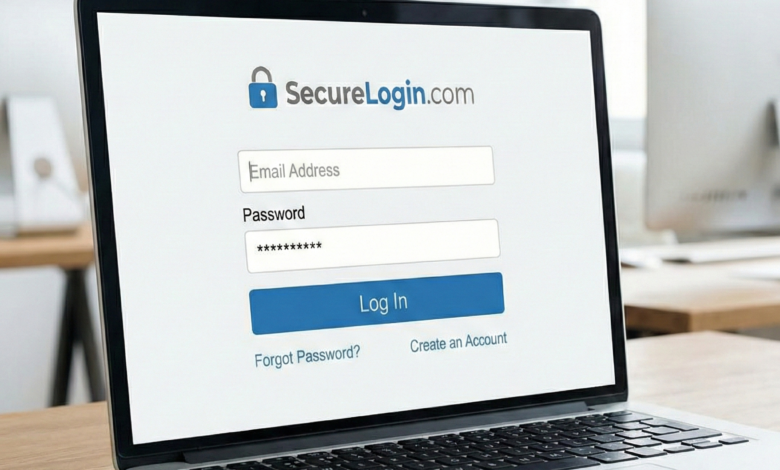
In the early days of the internet, a password like “password123” or your pet’s name might have been enough to keep your digital accounts safe. But times have changed. As we move through 2026, the tools available to cybercriminals—including AI-powered brute-force scripts and sophisticated phishing bots—have made the traditional password a weak line of defense.
Your passwords are the keys to your digital kingdom. They protect your bank accounts, your private conversations, your family photos, and your professional identity. When these keys are weak, you are essentially leaving your front door wide open. In this comprehensive guide, we will walk you through everything you need to know about creating, managing, and maintaining passwords that are virtually unhackable.
Why Password Security is More Critical Than Ever in 2026
The threat landscape has evolved. We are no longer just worried about a lucky guesser. Modern hackers use massive databases of leaked credentials from previous data breaches to attack other websites—a technique known as credential stuffing. If you reuse a password on multiple sites, a single leak at a minor online store could lead to a total takeover of your primary email and bank accounts.
Furthermore, artificial intelligence now allows hackers to generate billions of password combinations per second, specifically targeting common human patterns. To stay safe, you need to move away from human-predictable patterns and toward machine-resistant entropy.
Understanding the Common Pitfalls of Weak Passwords
Most people create weak passwords not out of laziness, but because of how the human brain works. We prefer patterns that are easy to visualize or recall. Unfortunately, these are the exact patterns hackers exploit first.
1. Personal Information
Using your birth year, your spouse’s name, or your hometown is a major risk. With the amount of data available on social media, a hacker can easily compile a list of “likely” words to use in a dictionary attack against your accounts.
2. Keyboard Patterns
Patterns like “qwerty,” “asdfgh,” or “12345678” are the first ones tried by automated hacking tools. Even more complex-looking patterns like “1q2w3e” are well-known to cybercriminals.
3. Simple Substitutions
Replacing an “a” with an “@” or an “s” with a “$” (e.g., “P@$$w0rd”) no longer fools modern cracking software. These substitutions are standard in every hacking dictionary.
4. Password Reuse
This is perhaps the most dangerous habit. If you use the same password for 50 different sites, you aren’t 50 times more secure—you are 50 times more vulnerable.
The Science of Password Strength: Entropy and Length
When security experts talk about password strength, they often use the word entropy. In simple terms, entropy is a measure of how unpredictable a password is. The higher the entropy, the longer it takes a computer to guess it.
Length vs. Complexity
There is a common misconception that a short, complex password (like J9#k!) is stronger than a long, simple one (like blue-mountain-river-run).
In reality, length is king. Each character you add to a password increases the number of possible combinations exponentially. A 20-character password made of simple lowercase letters is significantly harder to crack than an 8-character password filled with symbols and numbers. This is because computers have to work much harder to cycle through the trillions of possibilities that come with added length.
Passwords vs. Passphrases: Which is More Secure?
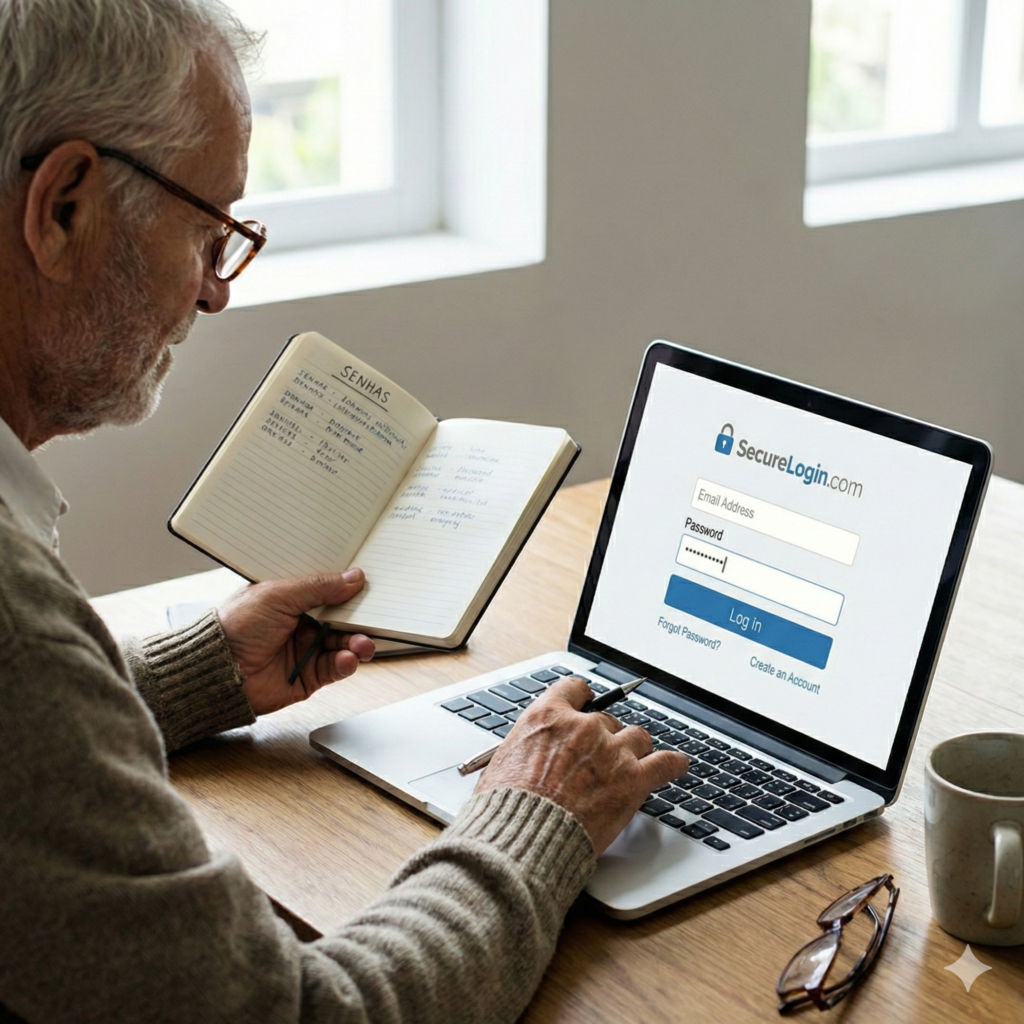
If length is the most important factor, how can we create 20-character passwords that we can actually remember? The answer is the Passphrase.
A passphrase is a series of random words joined together. Instead of a single word with numbers, you use a sequence.
-
Weak Password:
MyDog2024!(10 characters, very predictable) -
Strong Passphrase:
correct-battery-staple-horse(28 characters, extremely high entropy, easy to visualize)
Passphrases are superior because they are easier for humans to remember (you can visualize a story or a scene) but nearly impossible for computers to guess through brute force.
Practical Techniques for Generating Secure Passwords
If you aren’t using a password manager yet, you can use these techniques to create strong, memorable credentials.
The Sentence Method (Mnemonics)
Think of a sentence that is meaningful to you but not easily guessable. Take the first letter of each word and transform it.
-
Sentence: “I bought my first blue car in 2012 for five thousand dollars.”
-
Base:
Ibmfbc i2012 f5td -
Final Password:
Ibmfbc!2012_f5td
The “Spice” Method
Take a long passphrase and add “spice”—numbers or special characters—in unexpected places (not just at the beginning or end).
-
Base:
forest-running-shoes -
Spiced:
for3st-Runn1ng-sh0es!
How Hackers Break Your Passwords: The Attacker’s Perspective
Understanding how you are attacked helps you build better defenses. Hackers rarely sit at a keyboard typing in guesses; they use automated tools.
| Attack Method | Description | How to Defend |
| Brute Force | A computer tries every possible combination of characters. | Use long passwords (16+ characters). |
| Dictionary Attack | A computer tries common words, names, and leaked passwords. | Avoid dictionary words; use passphrases. |
| Credential Stuffing | Hackers use passwords leaked from other sites to try your email. | Use a unique password for every single site. |
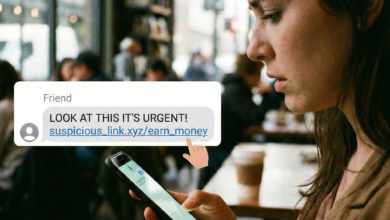
| Phishing | A fake website or email tricks you into typing your password. | Always check the URL; use 2FA. |
Leveraging Password Managers for Maximum Security
Let’s be honest: no human can remember 100 unique, 20-character passwords. This is why Password Managers are no longer optional—they are essential.
A password manager is an encrypted vault that stores all your credentials. You only need to remember one “Master Password.” The manager then generates and types in complex passwords for every other site you visit.
Why You Should Use One:
-
True Randomness: Managers generate passwords like
zK9#fL2@pQ1*mN8, which have no human patterns. -
Phishing Protection: Most managers won’t auto-fill your password if you are on a fake or “look-alike” website.
-
Security Audits: They can tell you which of your old passwords are weak or have been leaked in a data breach.
The Essential Role of Two-Factor Authentication (2FA)
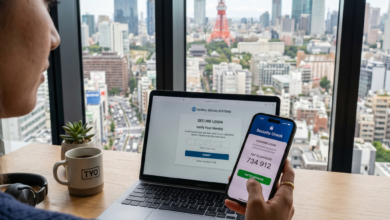
Even with the strongest password in the world, your account is still at risk if that password is stolen (e.g., via phishing). This is why you must use Two-Factor Authentication (2FA).
2FA requires a second “factor” to prove it’s you. This is usually:
-
Something you know: Your password.
-
Something you have: A code from an app (Google Authenticator) or a physical security key.
Think of 2FA as the “deadbolt” on your door. Even if the thief steals your key (password), they still can’t get past the deadbolt.
Password Hygiene: When and How to Update Your Credentials
There is a common myth that you should change your password every 90 days. Most security experts (including the NIST) now say this is actually bad advice. When forced to change passwords frequently, people usually just make a small, predictable change (like changing Summer2025 to Autumn2025).
When should you actually change your password?
-
After a Breach: If a service you use announces they were hacked, change your password immediately.
-
Evidence of Suspicious Activity: If you get a login notification from a location you don’t recognize.
-
If You’ve Shared It: If you gave your password to a friend or used it on a public computer.
Common Password Myths Debunked
Myth: “My password is secure because I use a ‘$’ instead of an ‘s’.”
Fact: Hackers’ software is programmed to try every common substitution. Pa$$w0rd is one of the most commonly cracked passwords.
Myth: “Hackers only target important people.”
Fact: Hackers use automated bots to scan the entire internet. They don’t care who you are; they want your data to sell it or to use your account to send spam.
Myth: “Browsers like Chrome are safe enough for storing passwords.”
Fact: While better than nothing, dedicated password managers (like Bitwarden or 1Password) offer much stronger encryption and better security features than a web browser.
Best Practices for Keeping Your Passwords Safe Physically and Digitally
-
No Sticky Notes: Never write your passwords on a piece of paper near your computer.
-
Never Share via Email/Text: If you must share a password, use a “one-time secret” link tool that deletes the message after it’s read.
-
Be Careful with “Sign in with…”: While “Sign in with Google” is convenient, it means if your Google account is hacked, every linked account is also compromised. Ensure your primary accounts (Google, Apple, Microsoft) have the strongest possible protection.
Take Control of Your Digital Security Today
Creating strong and secure passwords is not about being a tech expert; it’s about breaking bad habits and using the right tools. By moving to long passphrases, using a unique password for every site, and enabling 2FA, you effectively remove 99% of the risk associated with online browsing.
Don’t wait for a data breach to take action. Start today by securing your “Big Three”: your primary email, your online bank, and your social media. Once those are safe, the rest of your digital life becomes much easier to manage.